Tech
3 reasons you should buy an energy-efficient ARM NAS (and 1 reason you shouldn’t)

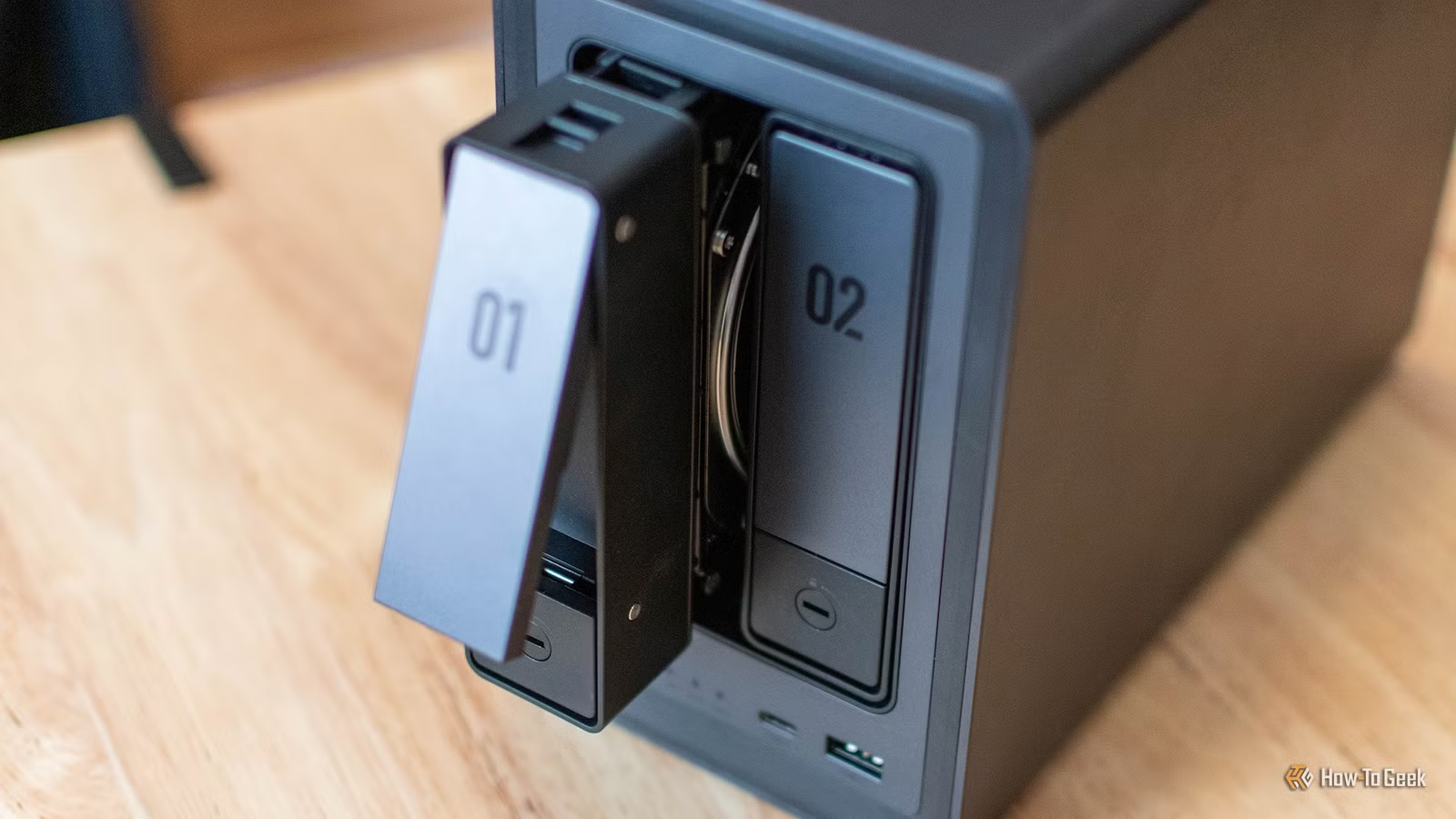
Are you in the market for a new NAS, but can’t decide between ARM and Intel/AMD? There are several reasons why you should go with ARM—most notably, it’s way more power efficient. But traditional x86 does have one advantage you’ll want to consider.

- Brand
-
QNAP
- CPU
-
ARM Cortex A55
The QNAP TS-433-4G-US 4-bay NAS is a great entry-level 4-bay NAS for your home storage setup. With four 3.5-inch hard drive bays, an ARM Cortex-A55 quad-core 2.0GHz processor, and 4GB of DDR4 RAM, there’s plenty of power to handle everyday storage needs and more. Plus, with 2.5Gb Ethernet on the back, you can move files 2.5 times faster than normal gigabit networking.
Low power consumption

It’s well-known that ARM processors sip power compared to traditional x86 CPUs—which is one of the reasons Apple embraced ARM for its in-house Apple Silicon SoCs. As such, that makes ARM the ideal candidate for your NAS.
The lower power usage of ARM is actually something that has me contemplating some of the systems in my homelab. I already retired two power-hungry rack-mount servers that drew 200W each, costing me nearly $60 combined (or more) per month to run.
Conversely, ARM is extremely power efficient. The hard drives in your NAS will utilize far more power than the processor when using an ARM-based system, meaning the system will cost less money per month to run.

You might not be thinking of monthly operating cost when it comes to a NAS, but let me tell you, the extra costs add up far faster than you’d expect. At one point, my homelab made up 1/3 my house’s power bill, and that wasn’t cheap. An ARM-powered NAS would help cut down on the power usage drastically, which is why I’m definitely considering one.
Near-silent operation
Because an ARM-powered NAS is so low-power, there’s little heat generated by the processor itself. In fact, some ARM processors, like Apple’s M-series chips, can run without any type of active cooling, relying on passive cooling to keep things running. An ARM NAS is very similar.
Because an ARM-powered NAS can get by with so little cooling, that means the only thing your server has to worry about is keeping your drives cool—and that’s easier than keeping a CPU cool most of the time. This allows for near-silent operating. The all-SSD NAS on my desk? Even when putting my ear up to it, I can’t hear it.
If silent operation is important to your setup, an ARM-based NAS could be the best choice.
Still plenty of performance for most NAS uses

In the past, ARM was seen as the low-end cop out for companies who didn’t want to spring for more powerful x86 chips. These days, ARM is wildly powerful—sometimes more powerful than Intel or AMD’s flagship processors.
While Intel might still be the best option for transcoding, an ARM SoC can still deliver plenty of power for normal NAS tasks. You can easily run a Plex server on an ARM NAS—just don’t expect it to transcode well.
Other homelab tasks can easily be done on an ARM NAS, too, including running Docker containers, handling your file transfers and backups, and anything else you throw at it. Most ARM NAS systems still have less power than Intel or AMD-powered storage servers, but there’s plenty of power available for normal NAS use cases.
More restrictive upgrade paths

While there are plenty of upsides to an ARM-powered NAS, there are definitely some downsides. Really, the main reason to not pick up an ARM NAS is upgradability. While Intel and AMD NAS systems typically allow you to upgrade the RAM at the very least, it’s pretty rare to find an ARM NAS that supports user-swappable RAM.
Some Intel and AMD NAS systems even offer PCIe expansion slots to add extra NVMe drives, better networking, or graphics cards for better transcoding performance. Sadly, this type of expandability just isn’t popular among ARM-powered NAS units.
So, if you’re wanting to possibly upgrade your NAS specs in the future, then don’t go with an ARM system—you’ll definitely be let down.
Not sure what you’d use a NAS for? Well, network attached storage servers are quite useful around your home. For starters, you can back up your computers to them automatically. A NAS can even replace your Google Photos subscription.
A NAS is also at the heart of every homelab. While you can run a homelab without a NAS, I think it’s the place everyone should start. With a NAS, you not only get a storage server, but also the ability to start running Docker containers and a whole slew of services that now power every aspect of my home.