
Tech
Wall-mounted Home Assistant displays are cool, but you don’t need one

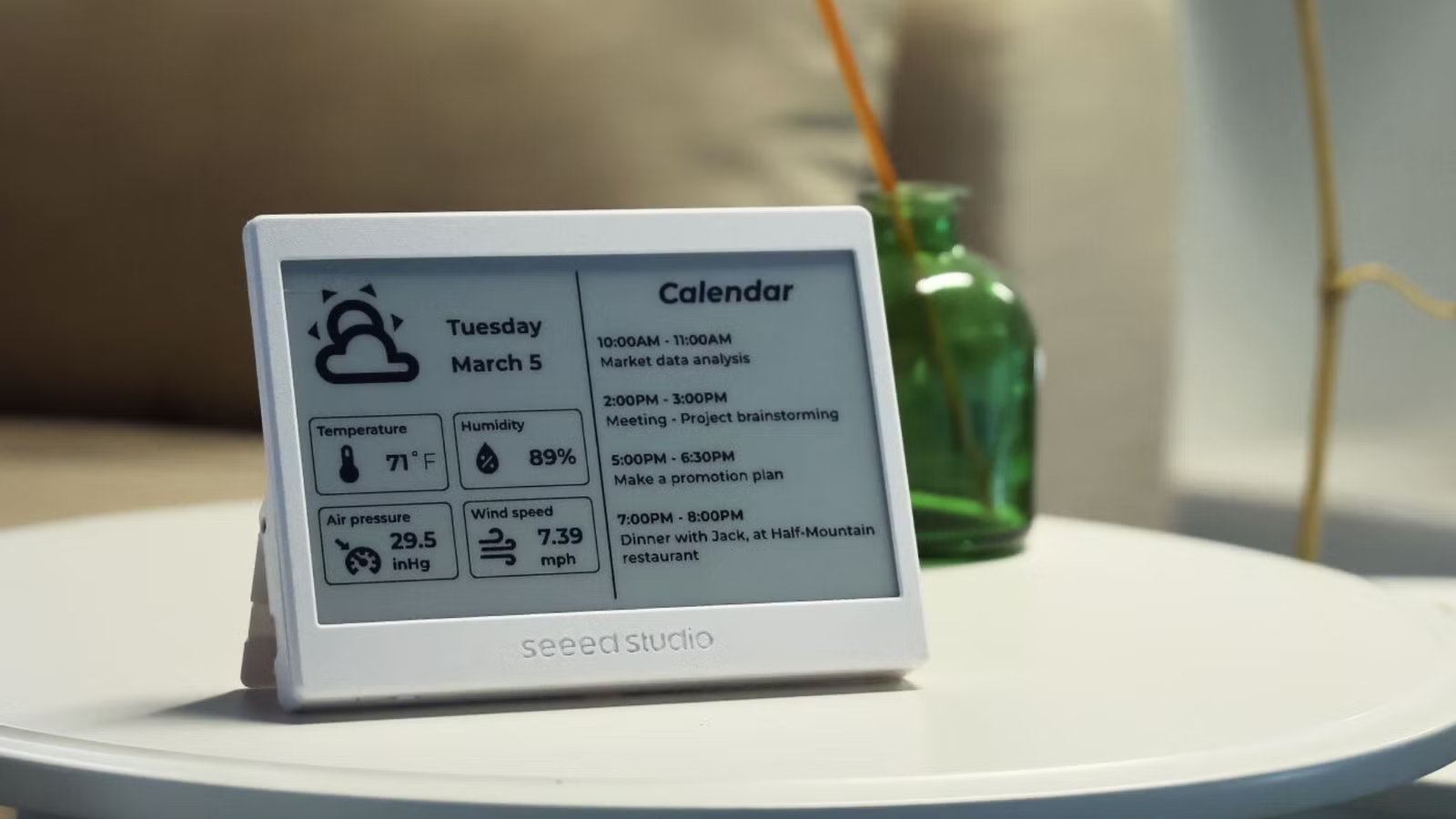
Why is everyone suddenly obsessed with wall-mounted dashboards and control panels in their smart homes? These displays can take the form of touchscreens with controls or E-Ink panels that just display information about your home. For most, the usefulness of such a project is severely limited.
At worst, a smart home display could interfere with a truly functional smart home design.
Wall-mounted displays are so hot right now
I can’t be alone in noticing a huge influx of Home Assistant users posting wall-mounted dashboards and smart home control panels on Reddit and the Home Assistant community forums. Even How-To Geek’s own Adam Davidson has turned his Echo Show into something similar (though in his defense, that project technically qualifies as upcycling).

I have a few theories about the sudden popularity of these devices, beyond the obvious “monkey see, monkey do” nature of hobbyist smart home owners. First, wall-mounted displays look cool. They let us add a dash of Star Trek into an otherwise dull hallway.
Wall-mounted displays are also fairly accessible projects. All you need is a means of display, a modern-ish web browser, or the Home Assistant Android app. You could also use an iPad for this, paired with the iPadOS app. The hardware has never been so accessible. You probably have an old tablet you barely use, or you could easily get your hands on one for cheap.
There’s also the DIY factor. Smart home enthusiasts eventually run out of things to automate, so moving on to a new project like a dashboard is one way of keeping idle hands busy. Small, cheap LCD touchscreens pair perfectly with single-board computers like the Raspberry Pi, which means you can probably get in and out for less than $50 and an afternoon’s work.
E-Ink displays are also having a moment. The technology has never been so affordable, and the arrival of color E-Ink takes things to the next level. These displays also make for great projects, especially when paired with equally low-power microcontrollers like the ESP32.

Lastly, there’s Home Assistant itself. You can spend hours, days, or more designing beautiful dashboards that display all sorts of information. A mounted dashboard gives you somewhere to show off your hard work. You can add your most useful controls to a panel that’s always in one place, perfect for guests. Or you can turn Home Assistant into a core tracker for your kids.
Your smart home shouldn’t depend on a wall panel
Despite the appeal, I’m not ready to jump into the world of wall-mounted control panels just yet. This could be because there are so many other smart home-related tasks I’ve got to tick off my list first. Maybe I’ll eventually get bored and cave too.
But it’s also worth being aware of the potential pitfalls of depending on such a control panel. Microsoft’s 1999 vision of the smart home is suitably dated, involves a chunky Windows PC in every room, and frequent visits to the wall-mounted control panel. But this isn’t how a modern smart home should operate.

A smart home that nails automations is so much better than one that trades physical buttons for digital ones. We should all be striving to design homes that make life easier, predict our next moves, and don’t sacrifice the basic functionality of a dumb home in the process.
Walking to the control panel to turn on the lights or trigger a scene feels antithetical to how a smart home should work. Asking your voice assistant a quick question or taking your phone out of your pocket to check the status of your home—which doors and windows are open, the temperature upstairs, whether the humidity is too high—is the more convenient option.
Control panels have their uses
I’m not going to pretend like there aren’t valid uses for control panels and mounted dashboards. Giving guests control over devices like lights and climate without adding them to your home as permanent participants is a good idea. Others have much larger houses than I do, where leaving your smartphone on the ground floor would more than justify a nearby control panel.
Maybe you’re trying to cut down on your doomscrolling and putting your smartphone away at night. Perhaps having security camera feeds always visible on a mounted tablet you can glance at in a common location, like the kitchen or living room wall, while you’re cooking or watching TV, is super helpful.
Before you go as far as sourcing a tablet or building something for this purpose, have a think about exactly how you’re going to use it before and design something that’s truly useful (or maybe give it a miss).



