
Tech
Why I stopped using my keyboard and started voice typing

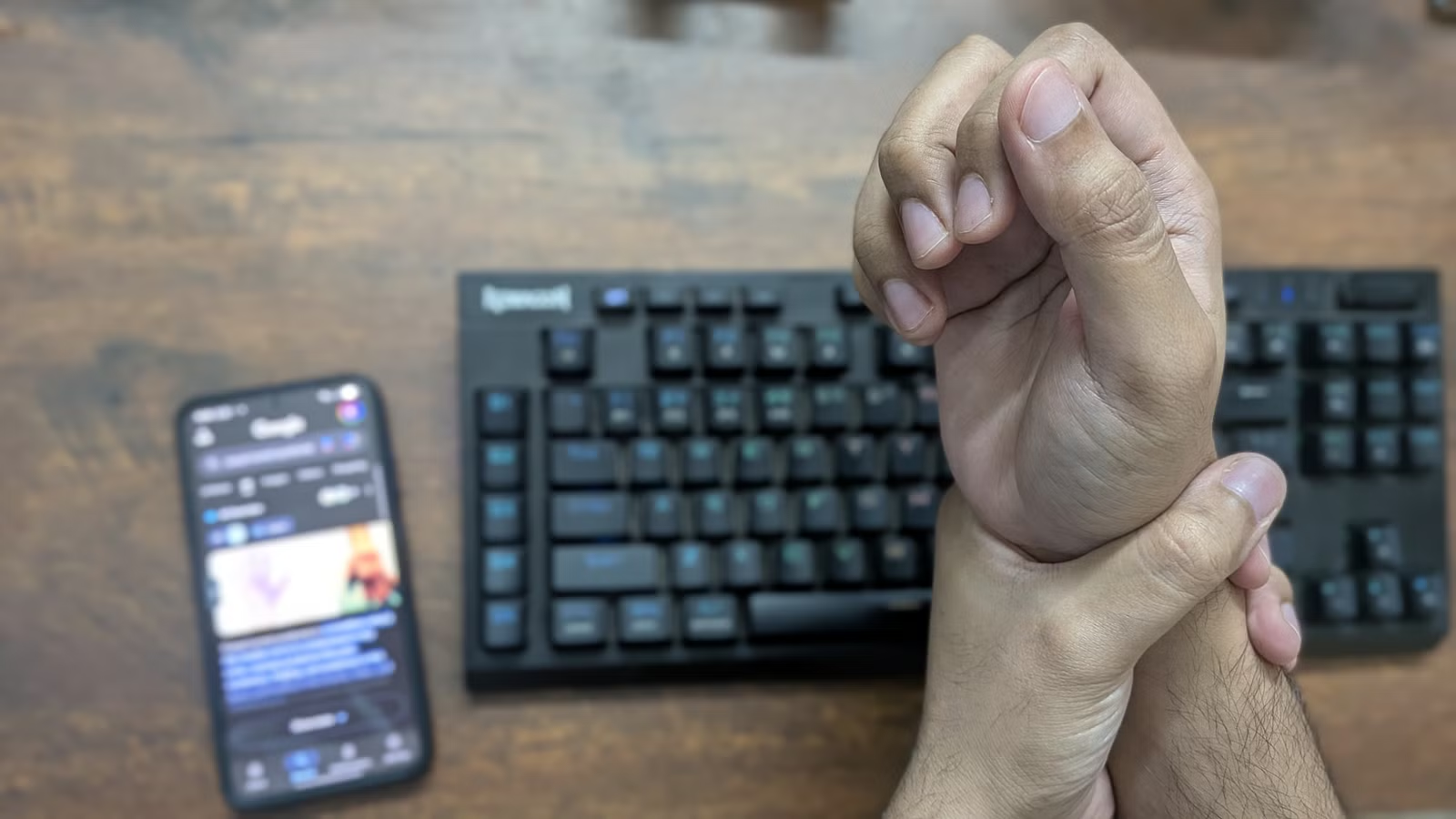
We evolved from chisels on stone to typewriters and keyboards—but every step still tethered us to a place. Will the next evolution in writing technology finally set us free? I’m a professional writer, and here’s how I walk and talk to write entire articles.
Why my keyboard had to go
I never learned touch typing. I can type around 70 words per minute, but my technique is terrible—a mix of hunting, pecking, and whatever finger happens to be closest to the key I need. Because of that poor form, paired with 8–10-hour writing sessions, I often ended the day with aching wrists, sore fingers, tight shoulders, and a stiff neck. It’s especially bad on those 10,000-plus-word days—my body feels so beaten up that I have to take the next day off just to recover. That pattern became completely unproductive and unsustainable.

What makes it worse is that writing a 1,000-word piece—whether a professional article or a college essay—is never actually just 1,000 words of typing. You draft, delete sections, rewrite entire paragraphs, then communicate with editors (or professors) over email or messaging apps—and all of that is also typing! By the time you finish a 1,000-word piece, you’ve effectively typed 3,000–4,000 words on your keyboard. All that extra work compounds the physical strain and makes the whole process even more exhausting.

Voice typing is finally viable for professional work
The simplest solution to my predicament is to just learn touch typing. While I’ve definitely considered it, I’ve also been exploring alternatives, especially voice typing. I like the idea of walking around and talking through an article. It not only saves me from typing all day but also helps me get my steps in.
The challenges with voice typing
A few years ago, the biggest issue with voice typing was transcription errors. But that’s been largely solved thanks to recent advancements in AI and machine learning. I’ve tested Gboard’s voice typing on the Pixel 10 and Samsung Galaxy S24 and found it pretty accurate. However, for the best experience, I recommend Whisper—a free, open-source speech recognition tool. Here’s a helpful YouTube video on how to set it up on Windows:
Currently, the real challenge with voice typing comes from the fundamental differences between how we speak and how we write. Speaking is usually more chaotic and unstructured—I tend to ramble, and my thoughts come out in whatever order they show up in my head. Writing, on the other hand, is more deliberate and concise because I’m choosing each word carefully.
There’s also the fact that I can easily restructure and edit my writing. If you try to edit in real time while voice typing, you’ll end up with a messy transcription that’s hard to make sense of. So while I could talk for hours and dump all my thoughts into a document, the editing required to clean up that chaotic voice dump just isn’t worth the trouble.
How I turn a voice transcription into a viable draft
The main problem you’re trying to solve is to sculpt out a refined article from an unstructured thought dump. To do that, I decided to use LLMs, which excel at structuring unstructured data. I simply share my voice dump with it along with this prompt:
You are an AI assistant specializing in processing and refining speech-to-text transcriptions from voice recordings. Your goal is to read through the entire transcription and extract all the core arguments and ideas. Then, concisely present them in a numbered list. Make sure all arguments and ideas follow the same sequential order as in the transcription.
Here’s the transcription:
paste your transcription here
I use a local LLM—Qwen3—for privacy reasons. However, you can use ChatGPT or Gemini if you’re comfortable. The free tiers are more than sufficient because this is a relatively simple task.
This process gives me a numbered list containing all the main points from the voice transcript. Now I can read it and reorganize the points to create a smoother flow. I can ask the LLM to move point five to point two, shift point six to point nine, and so on. I can also have it group related points under specific headings. And just like that, I have a clean outline for my article.

At this stage, I start a second voice-typing session—but this time, I’m intentional and structured because I know exactly what points to cover and in what order. With about 10 minutes of freeform voice dumping and another five minutes of structured recording, I end up with a solid first draft of a 1,000-word piece. The entire writing process—from scattered thoughts to a coherent draft—takes roughly 15 minutes. And I didn’t have to type a single word!
The keyboard comes in for the final touchups
The first draft I get from my voice-typing workflow isn’t ready for publication. I still need to break the text into sections with proper headers, add links, and fix the few transcription errors that inevitably creep in.
This is where I need to sit with my keyboard—but it’s a completely different experience. Now I’m doing 15–20 minutes of detail-oriented editing—not racing to type out an article. It’s far less physically demanding, and my wrist pain has almost disappeared since adopting this workflow.
That said, you can skip this refinement step entirely if you’re using this voice-typing method for social media posts. Most posts are only 100–200 words and don’t require a high level of polish.
Why not just ask an LLM for the final touchups?
Some of you might wonder why I don’t just let an LLM handle the final edits and produce the finished draft. The simple reason is that they’re not very good at it. When I give an LLM a refined voice transcription and ask it to break the text into sections based on a specific outline or add hyperlinks, it should be able to do that—but in practice, it almost always gets something wrong.
Sometimes it ends a section too abruptly, or it becomes overly verbose by trying to add unnecessary transitions. It often struggles to choose relevant anchor text for hyperlinks. Overall, the process turns into an annoying back-and-forth that ends up being slower than just doing it myself. Who knows, maybe AGI will eventually solve this problem for me!

I’m not saying every writer should ditch their keyboards. My point is that we finally have another powerful tool to help us materialize our ideas. On days when your wrists hurt, you can still write using your voice. Whereas if your throat feels scratchy, you can switch back to your keyboard. We’re no longer stuck with just one way to type—we finally have viable options.



