
Tech
This is the only Linux distro I recommend for self-hosting

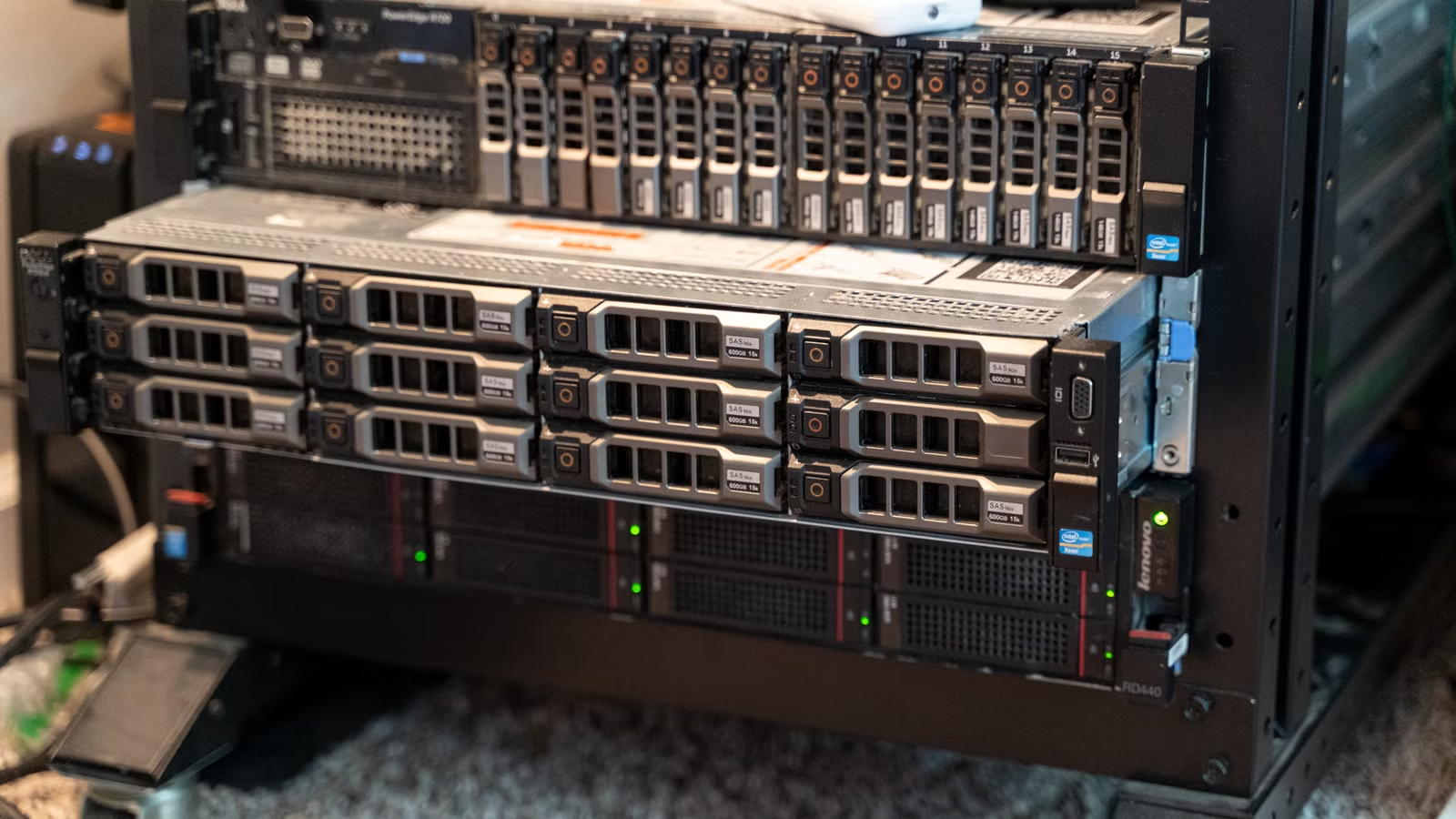
Self-hosting is a great way to save money on subscriptions and take control of your data, but getting everything running smoothly on one system can be difficult, especially if you have incompatible dependencies.
Proxmox simplifies the entire process and makes getting started with self-hosting and homelabbing much easier.
What makes Proxmox different from other distros?
Most Linux distros are designed as replacements for desktop operating systems like Windows or macOS, or as alternatives for server software like Windows Server.
Proxmox isn’t really like that. Proxmox is a hypervisor, which is a special kind of software designed to create, manage, and run virtual machines and containers (which are similar to VMs).

Instead of running a program directly in Proxmox, you can create a container running Ubuntu, then install your app and run it on that instead.
If you’re self-hosting, that is pretty much ideal.
Why use Proxmox for self-hosting?
Proxmox supports two different kinds of installs: virtual machines and a few different kinds of containers.
Virtual machines are fully emulated PCs, and they tend to be more resource-heavy.
I’m partial to LXC containers, which share a kernel with the host operating system but are isolated from each other. They’re way less resource intensive than a full virtual machine and are what I use 90% of the time instead of virtual machines.
Proxmox has a short setup wizard that steps you through creating a container or a virtual machine so that you don’t need to manually edit text files to configure anything—click through a few screens, and you’re good.
As an added bonus, you don’t even need to manually configure distros each time. Proxmox has turnkey linux distros built in, which streamline self-hosting services.

Don’t set up Linux from scratch, these Turnkey distros do it for you
You don’t need to set up Linux manually every time.
I usually have a half-dozen things running on my Proxmox server at any given time, plus a few temporary containers for whatever new program I’m testing out.
The best part of virtualization is that I don’t need to worry about an experiment in one container or VM breaking a stable, important service I’m running in another. I can mess with a new application all day long, try weird experiments, and attempt hamfisted fixes without a worry in the world. I can’t imagine self-hosting as many things as I do without
Turnkey distros make self-hosting easy
Each distro comes with a different set of programs and libraries. Sometimes there are larger differences, like the difference between Ubuntu and Fedora.
Proxmox comes with a large library of Turnkey Linux distros, which are distros that have been specifically tweaked to be optimal for certain jobs. For example, there is a Turnkey distro for hosting a Minecraft server. If that isn’t what you need, there’s a Turnkey distro for hosting media servers, like Jellyfin.
There are more than 100 different Turnkey distros, so regardless of what you’re doing, there is goo chance that one of them will make it easier for you to get up and running.
Built-in Backups
One of the worst, and certainly the most stressful, parts of self-hosting and homelabbing are handling backups. If you’re going to self-host an alternative to Google Photos, you’d better be very sure that it is robust and reliable.
Proxmox makes that process much easier, since it allows you to instantly create copies of your virtual machines and containers that you can move to a safe place in the event of a failure. If you wanted
Above and beyond its technical benefits, which are pretty compelling on its own, Proxmox has something else going for it: a huge and active community. That makes sorting out any issues you may have, or getting support in advance so you do things right the first time, much easier than it would be if you had to go it alone.
I’ve only once had a Proxmox error that wasn’t well-documented by the community, and that was only because it was a relatively new bug.
That makes it ideal for the beginning homelabber. You don’t have to break the bank to get started either—Proxmox is light and efficient enough that even a low-power to mid-power Mini PC can run a dozen LXC containers as long as you don’t try and run too many demanding things simultaneously.

- Brand
-
GEEKOM
- Storage
-
1TB NVMe PCIe x4 Gen 4
- CPU
-
AMD Ryzen 6800H
- Memory
-
DDR5 4800MHz SODIMM (64GB Max)
- Ports
-
1 x rear USB 3.2 Gen 2 Type-A, 1 x rear USB 2.0 Type-A
1 x front USB 3.2 Gen 2 Type-A support Power Delivery, 1 x front USB 3.2 Gen 2 Type-A
1 x USB 3.2 Gen 2 Type-C support Power Delivery (back panel)
1 x USB 4 Gen 3 Type-C support Power Delivery (back panel)
1 x 3.5mm front stereo headset jack
1 x RJ45 (back panel)
2 x HDMI 2.0 (back panel)
The GEEKOM A6 Mini PC is an entry to mid-level mini PC designed for light work.
It has Wi-Fi 6E, Bluetooth 5.2, and every kind of USB port you might need. It won’t run AAA games at max settings, but if you need a mini PC to play older games, it is up for the job.



