
Tech
I 3D printed these four PC mods to take my setup to the next level

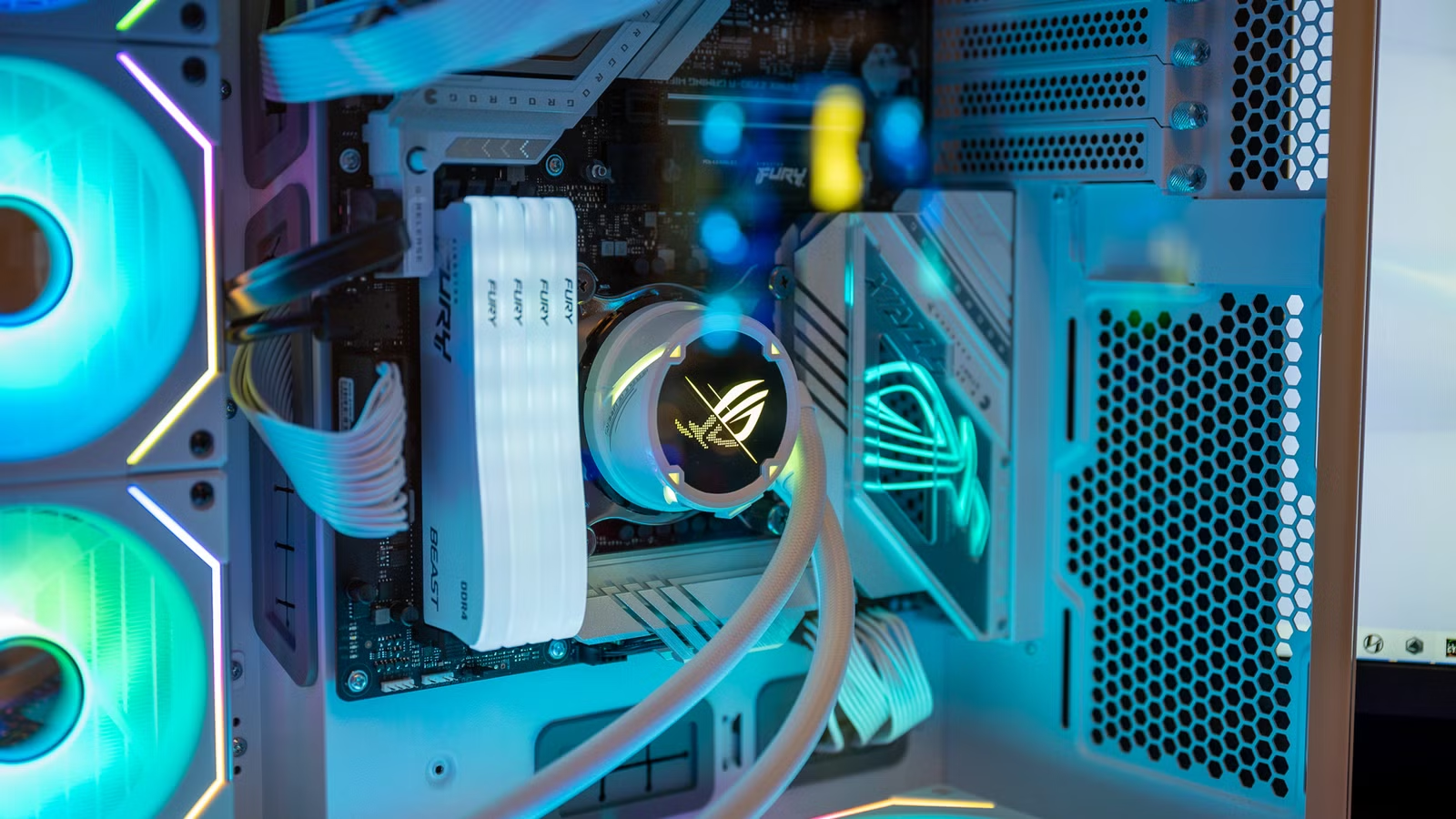
I love organizing my workstation, and my PC gaming setup isn’t immune to getting 3D printed upgrades. From keeping my graphics card from sagging to organizing my USB drives and even holding my controller, here are my top four 3D prints that took my setup to the next level.
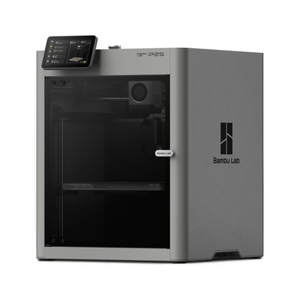
- Build Volume
-
256x256x256mm
- Printing Speed
-
600mm/s
- Brand
-
Bambu Lab
- Max Hot End Temp
-
300C
- Max Bed Temp
-
110C
- Nozzle
-
Hardened 0.4mm
The Bambu Labs P2S 3D printer is ready to go out of the box and can have you printing within 15 minutes. It features up to 20-color printing with the AMS unit, has an upgraded built-in camera for remote monitoring and time lapses, and has an enclosed body for printing even high-temperature filament.
GPU anti-sag bracket

As the years go on, GPUs continue to get bigger and bigger. At this point, if you have a higher-tier graphics card, it’s likely sagging down toward the end unless you have some reinforcement already installed in the system.
My RTX 3080 12GB came with an anti-sag bracket from the factory, but since I bought my graphics card second-hand, I did’t have one. So, I turned to 3D printing to solve the problem. The great part about printing your own GPU support is that it can look however you want.
You can find 3D print files for all sorts of GPU supports, from brand-specific screw-style stands to ones that look like a bottle jack. For the Minecraft fans out there, there’s even a Minecraft sword support to show your block-breaking love.
The anti-sag bracket I’ve got in my PC is pretty understated. The design is simple with three components—a top screw, a lock nut, and the base. It works well to hold up my chunky RTX 3080, so I have no complaints with it.
USB organizer

I don’t know about you, but I have far too many USB drives and connectors lying around my desk. I already love Gridfinity, so I went looking for a USB organizer that worked with it and found the perfect model.
The Gridfinity USB holder, which is aptly named, can house Micro USB, USB-C, and USB-A cables. While I don’t have any use for the Micro USB plugs, the USB-A and USB-C are still quite useful. Right now, I have my USB-C headset dongle, multiple flash drives, a Logitech USB-A receiver, and the USB-A flash drive that will be plugged into my soon-to-arrive Bambu Labs P2S.
The best part about this USB organizer is simply that it works with the Gridfinity platform. I don’t have Gridfinity at my desk yet, as my A1 mini wasn’t large enough to do the prints that I wanted for it—but that will change soon.
Having all of my USB devices neat and organized on my desk allows me to know where my headset, mouse, or keyboard dongles are at a moment’s notice. It’s nice to know where they are, especially because I used to hunt all over the place for them, as my USB drives would be in a drawer, pocket, computer, or who knows where else before this.
Headphone stand

Your PC gaming setup likely has some form of gaming headset—I have multiple at this point. While my headphones normally hang off my desk, I’ve had a number of 3D printed headphone stands or hangers over the years. I need to print a new one for my new setup, actually.
There are quite a few models out there that you can choose for this. Some are simple clamps that hold your headphones under the desk, and others are a full-on Batman head. Really, the sky’s the limit when it comes to the headphone stand you could have at your desk.
For my setup, though, I chose this simple clamp that has a really cool minimal to it. While mine is printed in black PLA (because that’s all the filament I keep on hand for some reason), I still love the way it looks.
Controller stand

While I don’t use a controller at my PC nearly as much anymore, I do like to have one on hand for firing up specific games. To keep my desk neat, tidy, and ready-to-game, I try to have a controller on a stand. Sometimes the stand is on my Wall Control panel, sometimes it’s on my desk. Either way, though, I like having a controller within arm’s reach at all time when PC gaming.
As I have game controllers for Xbox, PlayStation, and even Google Stadia (RIP), I have various controller stands printed for the different platforms. My primary controller, however, is Xbox, so that’s the stand I printed first—and it’s still my favorite.
The minimal design of the Xbox stand lets the controller stand out, especially if you have a special edition model. The Google Stadia controller mount I printed is equally simple, but with its own flair.
3D printing isn’t only for your gaming PC, though. I spent some time 3D printing various MagSafe charger mounts for my iPhone, and found one that actually helped me discover StandBy mode.



