Minecraft is a game about breaking and placing blocks. At first, players built simple structures to protect themselves from nocturnal monsters. But as the game grew, players began working together to create wonderful, imaginative things.
It can also be about adventuring with friends or watching the sunrise over a blocky ocean. It’s pretty. Brave players battle terrible creatures in The Nether, which is more scary than pretty. Or, if you’d prefer something calmer, you can visit a land of giant mushrooms – if that’s more your cup of tea.
How do I update Minecraft?
Open the Minecraft Launcher. Click on “Options,” next to the username text box, then press “Force update!” and login with your Minecraft credentials afterwards. Minecraft will start updating itself. This can also be used to get a fresh Minecraft installation, which will keep your saved games and texture packs, but not your mods.
Which version of Minecraft should I download (Java or Bedrock)?
Java Edition is popular for PC players who want mods and custom servers, while Bedrock Edition supports cross-platform play across consoles, mobile, and Windows.
Java is the more powerful and feature-rich version of Minecraft. PC gamers on the Java Edition have access to numerous communities and endless mods, which makes the multiplayer experience a lot more malleable. Java Edition also requires higher spec machines to run smoothly.
Advertisement
Bedrock Edition is multi-platform, which means Bedrock players can interact with each other be it console, mobile or PC. It comes packaged with microtransactions, RTX support, and a handful of other exclusive functions. Mainly its marketplace, where you can acquire skins and add-ons, and the option to use controllers. Parental controls via Xbox services can also provide peace of mind to parents.
How do I find other Minecraft players online?
To play Minecraft with others, you’ll need to join a server. Servers offer different gameplay styles – some focus on building, others mimic MMORPGs, mini-games, or survival challenges.
The easiest way to find servers is to use a search engine or browse popular Minecraft server lists like Minecraft Server List, Planet Minecraft, or MinecraftServers.org. If you’re after a specific experience (for example, GTA-style gameplay), just search something like “Grand Theft Auto Minecraft servers.” Once you’ve found a server you like, open Minecraft, go to Multiplayer, and select Add Server to enter the server’s address.
Do I need to download and install Java to play Minecraft?
Since Minecraft 1.18, the Java Edition installer includes its own bundled Java runtime (Java 17 for versions 1.19 and later), so most players don’t need to manually install Java anymore. However, if you’re using custom launchers, mods, or older versions, you might still need to install the correct Java version yourself.
Advertisement
Why can’t I install or run Minecraft after downloading?
Common issues include outdated Java versions (for Java Edition – see above), insufficient system requirements, or missing game updates – make sure your software and drivers are up to date.
Can I transfer my Minecraft worlds or progress to another device?
Yes, but the method depends on the edition. Java Edition worlds can be manually copied between devices, while Bedrock Edition worlds can often be synced through cloud saves or manually transferred.
Do I need a Microsoft account to play Minecraft?
Yes, new players need a Microsoft account to purchase and access Minecraft. Older Mojang accounts have been migrated to Microsoft accounts.
What’s New
Minecraft Java Edition 26.2
Advertisement
Chaos Cubed has landed in Minecraft Java Edition! Explore a striking cave biome filled with bubbling sulfur pools, build with sulfur and cinnabar, and discover the sulfur cube’s curious appetite for blocks! From bouncing and sliding to explosive surprises, this unpredictable mob unlocks exciting new ways to build, compete, and survive. Play Chaos Cubed today in Minecraft!
Happy mining!
New Features
Added the Sulfur Cube mob
Added the Sulfur Caves biome
Added the Cinnabar and Sulfur block sets
Added the Sulfur Spike and Potent Sulfur block
Added a new Music Disc with the track “Bounce” by fingerspit
Added 5 new music tracks by fingerspit
Added the Friends List
Added new settings for Friends List in Online Options
Added experimental support for rendering the game through Vulkan
Added new option “Graphics API” in Video Settings
Added Swiss French, Chuvash, Gallo, Uzbek, and Võro language support to the game
Sulfur Cube
Steve is riding a Pig in a Boat leashed to a Blue Ice absorbed Sulfur Cube, holding a Diamond Spear.
Advertisement
Added the Sulfur Cube mob
Spawns in the new Sulfur Caves biome
When a Player interacts with it while holding a block:
The Sulfur Cube absorbs the block
Its AI is disabled
While a block is absorbed:
The Sulfur Cube becomes a physical object:
It does not take fall or Player damage
Players can punch and push it
It assumes one of the archetypes (listed below), changing its physical properties to match the absorbed block
The Player can interact with it using Shears:
This removes the absorbed block
The Sulfur Cube’s AI is re-enabled
The Sulfur Cube will follow a Player holding a block it can absorb
The Sulfur Cube can look for nearby block items and move towards them to absorb them
When killed, the Sulfur Cube splits into two smaller Sulfur Cubes
Small Sulfur Cubes can be fed Slime Balls to grow into large Sulfur Cubes
A large Sulfur Cube can be picked up using an empty Bucket
Sulfur Cubes cannot enter Boats, but can ride Minecarts
Dispensers can:
Insert and swap blocks inside a Sulfur Cube
Use Shears to remove the held block
Spawn a Sulfur Cube from a Bucket of Sulfur Cube
Pufferfish are not scared by Sulfur Cubes
Sulfur Cube Archetypes
Noor and Sunny are playing football, using the birch absorbed Sulfur Cube as a ball in a stadium. Steve is goalkeeping.
Each archetype is characterized by the speed of the Sulfur Cube when hit, how bouncy it is when colliding with blocks and collidable entities, as well as its ground friction, air drag, and if it floats in liquids
There are the following archetypes:
Regular: medium speed, medium bounciness, medium ground friction, and low air drag
It is buoyant
Used when absorbing loose mineral and soil blocks
Bouncy: fast speed, high bounciness, medium ground friction, and low air drag
It is buoyant
Used when absorbing wooden blocks
Slow Bouncy: slow speed, high bounciness, medium friction, and medium air drag
Used when absorbing stone-like blocks
Slow Flat: slow speed, low bounciness, medium ground friction, and medium air drag
Used when absorbing metal blocks
Fast Flat: fast speed, low bounciness, medium ground friction, and low air drag
Used when absorbing organic blocks
Light: slow speed, high bounciness, medium ground friction, and high air drag
It is buoyant
Used when absorbing wool blocks
Fast Sliding: fast speed, no bounciness, low ground friction, and low air drag
Used when absorbing icy blocks
Slow Sliding: slow speed, no bounciness, low ground friction, and low air drag
Used when absorbing shroom blocks
There are also the following special archetypes:
High Resistance: very slow, low drag with low bounce with high friction
Used when absorbing Soul Sand and Soul Soil
Sticky: same properties as the Fast Flat archetype, but sticks with extremely high ground friction and no bounce to simulate stickiness
Used when absorbing a Honeycomb Block
Explosive: similar properties to the Regular archetype with a slightly higher air drag
Used when absorbing a TNT block
Absorbed TNT can be primed by Redstone, fire sources (including a Dispenser with a Flint and Steel), or nearby explosions
When primed by fire or Redstone, absorbed TNT uses a fuse time of 6 seconds
When primed by an explosion, absorbed TNT uses a randomized fuse time between 0.75 and 3 seconds
Sulfur Cubes with an absorbed, primed TNT block cannot be picked up with a Bucket
Absorbed, primed TNT blocks cannot be sheared out
On explosion, no small Sulfur Cubes are spawned
Hot: same properties as the Regular archetype, but damages entities on contact
Used when absorbing a Magma Block
Sulfur Caves Biome
Added Sulfur Caves biome
Generates naturally underground
The Sulfur Caves biome has bands of Sulfur and Cinnabar
Spawns the new Sulfur Cube mob as well as Cave Spiders
Generates with Sulfur Pools which contain Potent Sulfur
Sulfur Spring
Advertisement
Is a new feature which generates naturally above the Sulfur Caves biome
Consists of Sulfur, Potent Sulfur, and Magma Blocks
Sulfur Springs come in 4 different size variants:
Small
Medium
Large
Extra Large
Cinnabar and Sulfur Block Sets
A cute chimney made of Polished Cinnabar blocks and Cinnabar Bricks in a Forest Biome.
Added Cinnabar and Sulfur stone block sets
Each of them has Polished and Bricks variants
Each variant has its Slabs, Stairs and Walls blocks
Added Chiseled Cinnabar and Chiseled Sulfur blocks
Potent Sulfur
Is a new block that generates naturally in Water Pools inside the Sulfur Caves biome
Produces bubbles which rise up to 4 Water source blocks above it
When placed underneath up to 4 Water source blocks, it generates a cloud of nausea-causing gas on the water surface
This cloud spreads across adjacent water with a maximum radius of 3 blocks
Can be crafted from 9 Sulfur blocks
When placed above a Magma Block or a Lava Block, and under 1-4 Water source blocks, it creates a geyser
With Magma underneath, the geyser will erupt at random intervals, shooting a plume of water particles upwards and applying an upward impulse to entities above it
With Lava underneath, the geyser eruption is continuous, but with slightly muted sounds compared to the eruption from a Magma Block
Geyser eruptions emit game events at the beginning and at the end of the eruption that can be detected by Sculk Sensors
Sulfur Spike
Efe standing next to a cozy Cinnabar house, looking up to a Glowstone absorbed Sulfur Cube.
Is a new block that generates naturally on Sulfur blocks inside the Sulfur Caves biome
Forms a stalactite if placed on the ceiling or a stalagmite if placed on the floor
Can be combined to form longer stalactites & stalagmites
Stalactites and stalagmites merge if the tips are next to each other, unless you sneak while placing
Sulfur Spike stalactites can grow when placed under a Sulfur block
Stalagmites will break if they’re not attached to something below
Stalactites fall down if not attached to something above
Being hit by a falling stalactite hurts because they are sharp!
Stalagmites are not sharp and do not hurt more to land on
Thrown Tridents break Sulfur Spikes
Four Sulfur Spikes can be crafted into one Sulfur
Music and Sound
Added a new music disc:
“Bounce” by fingerspit
Has a chance of being found in Mineshaft Chest Minecarts that are located in a Sulfur Caves biome
Has a comparator output of 8 when played in a Jukebox
Added 5 new background music tracks by fingerspit:
“Shores”
“Memories”
“Nightly”
“Home”
“Ebb”
Added block sounds for Sulfur, Potent Sulfur, and Cinnabar
Added mob sounds for Sulfur Cube and small Sulfur Cube
Added sounds for when using a bucket on a Sulfur Cube
Added sounds for geyser eruptions
Advancements
Added new “Uh Oh” Husbandry advancement for having a Sulfur Cube absorb a TNT block
Friends List
Advertisement
Added a Friends List, accessible from a new Friends button on the Title Screen and the Pause Menu
The Friends List can be opened with a new key bind (default: “O”)
The Friends button shows a notification badge with the number of incoming friend requests, up to 5 (a “more” indicator is shown beyond that)
The Friends List is presented as an overlay with two tabs:
Friends: shows your current friends, lets you remove them, and lets you send a new friend request by Profile Name
Pending: shows incoming friend requests (which can be accepted or declined) and outgoing friend requests (which can be canceled)
The presence of your friends is shown under their name in the Friends List as one of the following:
“Offline”
“Online”
“Online (LAN)”
“Online (World)”
“Online (Realm)”
“Online (Server)”
Sending, accepting, declining, cancelling, and removing actions are confirmed in the UI and show a clear error message when the service is unreachable, rate limited, or the requested Profile Name does not exist
Friend changes that happen while the game is running are shown through toast notifications:
When a friend request is sent
When a friend request is received
When an outgoing friend request is accepted by the other player
Toasts show the other player’s face when the skin is available
The Friends List checks for updates once per minute while the Friends List is open, or every 5 minutes otherwise
The first time the Friends button is shown on the Title Screen, a confirmation dialog is presented to opt in to the Friends List
The Friends List, friend request privacy, and the Microsoft account safety settings link are managed from the new “Friends List” section in Online Options
Players that have their chat settings set to “Friends Only” on their Xbox profile will only see chat messages from other players if they are friends
Friends List Settings in Online Options
Added a setting to control the availability of the Friends List and its features in Online Options
Added an “In-Game Notification” toggle in Online Options to control whether Friends List toasts appear while in a world
Added an “Allow Requests” toggle in Online Options to control whether other players can send you friend requests
Added a “Visibility” option in Online Options screen to control how much activity is shared with friends (default: “All”)
“Full”: shares in-game activity
“Hidden”: no activity shared, appearing as “Offline” to friends
“Limited”: activity sharing limited to “Online” & “Offline”
Added an “Xbox Settings…” button in Online Options that opens the Microsoft account privacy and online safety settings
Vulkan Support
As previously announced, we intend to switch the game from OpenGL to Vulkan
Vulkan is not supported by older hardware or drivers – OpenGL will be used as a fallback on those cases
The current requirement is Vulkan 1.2 with dynamic rendering and push descriptors, but this requirement may increase or decrease over time
This is currently an experimental rendering backend, and may not be as performant or stable
Please report any bugs you find with it to our bug tracker
Under Vulkan, we will prefer your dedicated graphics card over any integrated graphics, which is a change from OpenGL
You can see which backend is being used in your F3 debug overlay (in the system_specs section)
On macOS, we use MoltenVK to translate Vulkan to Metal
“Graphics API” Video Setting
This is a new option available in the “Video Settings”
There are three values: Default, Prefer Vulkan (Experimental) and Prefer OpenGL
“Default” may be changed at our discretion, and we recommend this for all users unless you experience issues and need to change
Currently, it is the same as “Prefer OpenGL”
“Prefer Vulkan (Experimental)” will attempt to render using Vulkan, but fall back to OpenGL if it doesn’t work
Vulkan support is experimental for now, and using it might reduce performance or cause instability on some systems
“Prefer OpenGL” will attempt to render using OpenGL, but fall back to Vulkan if it doesn’t work
Startup and Fallback Behavior
If the game crashes at startup with “Prefer Vulkan (Experimental)” set, the setting will automatically be changed to “Default”
When set to “Default”, the game will still attempt to gather systems information about Vulkan at startup
If the game crashes at startup with “Default” set, the setting will automatically be changed to “Prefer OpenGL”
With “Prefer OpenGL” set, no interaction will be made with Vulkan in case that causes crashes
Changes
Tweaked various mobs hitbox, eye height, and rider positions
Hoglins are now considered hostile and do not spawn on Peaceful difficulty
Fixed baby Hoglin’s and Zoglin’s left ear texture so it’s properly mirrored
Updated the Main Menu background panorama
When the game is overwhelmed with particles, instead of removing existing particles in flight, it will now randomly select for particles to render or not render to stay under the particle limit
This change is especially visible with a large number of new geyser eruptions
As the host of a world, changing the game mode with F3 + F4 or with commands changes the default game mode of the world
Upgrading certain worlds from before 26.1 can now be faster
Respawning (as a spectator) in a hardcore world no longer turns off the spectators_generate_chunks game rule
Removed Touchscreen Mode
Minecraft Bedrock Edition 26.23 Hotfix
A new hotfix for Android and Realms is rolling out to address issues found in the latest update. It will become available on each platform as it’s approved, so please allow a little time for it to reach you.
Fixes:
Fixed an issue that caused black squares to appear on the screen when Vibrant Visuals was enabled on certain Android devices (MCPE-238627)
Fixed several crashes that could occur during gameplay
Minecraft Bedrock Edition 26.21 Hotfix
Gameplay
Advertisement
Various bug fixes and improvements
User Interface
Fixed a freeze when opening a furnace without recipes
Stability and Performance
Fixed Several crashes that could occur during gameplay
Fixed a crash that could occur on launch
Fixed a crash when clicking the ‘Search for people’ button while not signed in (MCPE-235488)
Minecraft Bedrock Edition 26.20
We’ve got an exciting release for you today – because alongside chaos and cubes in testing, we have Closed Captions coming in this release! Closed Captions have been a hotly requested feature – and now you can try it out for yourself alongside customisable positioning of the captions, duration, and sounds. Alongside this we’ve made some sound fixes and tweaks to the baby mobs after our Tiny Takeover drop, some texture and geometry fixes, and more. And don’t forget there’s plenty to test from our upcoming Chaos Cubed drop – including its hero mob, the sulfur cube, the home of said curious cube, the sulfur caves, plus sulfur springs and potent sulfur! With so much to talk about, we’d better dive in.
Chaos Cubed – Experimental Features
Please note: These features are still in development and may change. The physics for the Sulfur Cube is still a work in progress, and the directional knockback behavior is not fully implemented yet. Please keep sending us your feedback and bug reports!
Sulfur Cubes
Advertisement
Sulfur Cubes are a new mob coming to Minecraft with a curious appetite for… blocks! Found in Sulfur caves, this curious mob transforms depending on which block the player feeds it. Experiment and discover how to send Sulfur Cubes bouncing, sliding, and more!
When the Sulfur Cube is hit by a Player its knockback is now affected by the attacker’s hit angle, position and damage
When it is hit on the left it moves to the right and vice versa
When it is hit on the top it moves along the ground
When it is hit on the bottom it moves higher upwards
When it is hit with a greater damage it is knocked back more
When the attacker is positioned higher it moves downwards
When the attacker is positioned lower it moves upwards
Sulfur Springs
Found across the Overworld, you’ll know if you’ve spotted a Sulfur pool thanks to its Sulfur and Cinnabar blocks – and the noxious gas coming from it! But dig beneath these and you’ll discover a Sulfur cave, filled with new blocks to mine and a new mob to meet!
Potent Sulfur
Potent Sulfur is a new block you can use to create bubbling hot pools! Place potent Sulfur beneath water and you’ll soon spy bubble columns, as well as puffs of noxious gas. Build with caution – noxious gas will trigger nausea in players and nearby mobs!
Sulfur Caves
Discover this new cave type, with shallow pools of water and glow lichen. Sulfur caves are filled with yellow blocks of Sulfur, red blocks of Cinnabar, and a curious mob called the Sulfur Cube!
New Block Sets
You’ll find two new block sets in Sulfur caves – Cinnabar and Sulfur! These new blocks allow you to add rich reds and yellows into your builds, and each comes with its own full block set. Cobble them, craft with them, turn them into stairs or bricks – the choice is yours.
Features and Bug Fixes
Accessibility Features
Added closed captions with customisable sound, position and duration options
To provide feedback on the closed captions feature, please do so over at http://aka.ms/mcclosedcaptionsfeedback
Fixed incorrect UI scales when changing resolution
Damage tilt slider now affects rotation of player’s hands (MCPE-229437)
Accounts
Fixed issue where large values for player profile stats are incorrectly displayed (MCPE-185186)
Achievements
Fixed the Time Played stat briefly showing “-1 hours” on the Achievements screen while loading (MCPE-230285)
Blocks
Grass Blocks can now spawn Tall Grass when bone mealed
Tall Seagrass no longer breaks when generated using Bonemeal (MCPE-112509)
Bone Meal no longer produces Seagrass’s upper half above other plants (MCPE-224063)
Fixed issue placing leaves on top of leaves after decay (MCPE-237327)
Using Bone Meal on a Moss Block connected to Polished Diorite, Polished Andesite, or Polished Granite no longer replaces them with a Moss Block , (MCPE-129262) (MCPE-189928)
Blocks can now only be placed above a Flowerpot when sneaking (MCPE-237222)
Fixed interacting with a Jukebox or Composter while holding armor creating a ghost item (MCPE-227535)
Gameplay
Fixed knockback effect to behave more like Java edition (MCPE-190868, MCPE-170242)
Fixed an issue that caused players camera to rotate while interacting with blocks when using Full Keyboard Mode (MCPE-235656)
Fixed mouse camera sensitivity being higher than expected on Windows (MCPE-235748)
Fixed a bug to maintain aiming stick capabilities while the small emote screen is visible
Fixed a bug where Minecarts on the same track would not properly transfer momentum when colliding with each other
Smelting damaged armor now outputs nuggets (MCPE-237404)
General
Fall damage visual effects now trigger when the entity hits the ground
Fixed most cases where offline multiplayer would load infinitely (MCPE-173418)
Fall damage audio effects now trigger when the entity hits the ground
Fall damage visual and audio effects for non-player entities are no longer delayed past hitting the ground (MCPE-237211)
Graphical
Fixed an issue where Spyglass and Carved Pumpkin overlay were not being hidden while taking a screenshot in Vibrant Visuals. (MCPE-219934)
Fixed a bug where MERS textures were visible on the front of shields with banner patterns in Vibrant Visuals. (MCPE-235081)
Fixed a bug where emissive, metalness, and roughness values would not be loaded properly when switching to the Ray Traced graphics mode while in a world.
Added Vibrant Visuals support for all Shelf blocks
The baby Bees’ textures have been updated to match the adult Bees’ textures (MCPE-236685)
Fixed an issue where Static Colored Lighting wouldn’t propagate in chunks that were completely empty in Vibrant Visuals mode.
Fixed broken or incorrect textures after loading a world (MCPE-202009)
Fixed an issue that caused mushrooms on the back of mooshrooms to have incorrect illumination . (MCPE-225482)
Adding vibrant visual support for the following:
Shelf blocks
Nautilus Armors
Happy Ghast Ropes
Music Disc: Lava Chicken
Music Disc: Tears
Updated MERS texture for Baby Lazy Panda (MCPE-236812)
Fixed a bug where Bows and Crossbows used by players disappear with Texture Streaming enabled (MCPE-235735)
Fixed an issue where some devices would get artifacts on pixelated shadows in Vibrant Visuals
Fixed incorrect variation in block lighting during the slime jump animation in Vibrant Visuals
Fixed an issue causing cobweb blocks to not dither when player camera is nearby. (MCPE-235972)
Input
Fixed changing from handheld to docked Joy-Cons preventing input
Items
Baby Mobs no longer show green growth particles when being fed while their growth is stopped by a Golden Dandelion
The Torch recipe is now unlocked by acquiring a Stick, Coal, Charcoal, or a Pickaxe of any type
Golden Dandelion growth particles now emit from above Baby Mobs instead of from inside them
Marketplace
Fixed an issue where free trials were incorrectly being advertised for Marketplace Pass and Realms Plus on Nintendo Switch and Nintendo Switch 2 platforms
Mobs
Added Vibrant Visual support for Nautilus Armors
Baby Squid hitbox correctly bounds the mob
Baby Turtle now has swimming animations
Baby Glow Squid hitbox correctly bounds the mob
Baby Striders are no longer floating above ground (MCPE-236393)
Villagers move at correct speed when moving to workstations (MCPE-236656)
Fixed Baby Zombie Piglin snout texture to be front facing
Fixed adult Rabbit textures which had a line under their head
Got rid of extra pixels in Warm Baby Pig texture
Fixed Baby Hoglin’s crest texture so its on both sides
Updates the Brown Baby Panda texture to be more consistant with the other’s
Got rid of the dark stripe on the back of the Baby Panda’s heads
Fixed underside texture of Baby Goat and Baby Snifflet to be consistant with the adults. Fixed back of Baby Dolphin’s head which had inconsistent pixels
Updated the top of the Chainmail Baby Armor Helmet to match the adult’s
Mobs now correctly bounce after making contact with Slime Blocks and Beds, instead of bouncing mid-air before impact
Mobs now emit a vibration of frequency 2 when bouncing on Beds and Slime Blocks
Updated the Snow Fox baby’s sleeping texture; eyes are now dark blue to match adult’s sleeping texture (MCPE-236972)
Baby Zombies are no longer levitating when riding baby mobs
The rabbits’ idle animation has been disabled while they are leashed
The baby Wolves’ hind legs are now rotated correctly while sitting
Fixed a bug where Slime family mobs’ bounce animations would snap abruptly
Baby Camel hitbox size increased to match model geometry (MCPE-236077)
The baby humanoid Chestplate Armor is now centered on the mob
Baby Hoglin hitbox size increased to match model geometry
Baby Zoglin hitbox size increased to match model geometry
Adjusted the hitboxes for the following mobs, to better match Java:
Baby Villager
Baby Zombie Villager
Baby Zombie
Gurgle
Baby Husk
Baby Piglin
Baby Zombie Piglin
Baby Squid
Baby Glow Squid
Baby Fox
Adult Chicken
Librarians no longer offer Name Tags, and instead offer Red Candles or Yellow Candles on Master Level (MCPE-237281)
Party System (Beta)
The Party System is now available! Create a party, chat with your friends, and follow the party leader seamlessly from world to world – including into Realms and featured servers.
Available on Xbox, Windows, Android, PlayStation, and Nintendo Switch. iOS support is coming soon
Party Text Chat lets you stay connected with your party across worlds – separate from in-game world chat
The Party System is launching as a Beta as we continue to improve the experience – please give us your feedback at aka.ms/MinecraftPartyFeedback
Realms
Introducing Realm Hub, your new home base for all things Realms, accessible from the Realms Play screen.
Key features:
Administrator Role – Realm owners can promote trusted players to help manage the world, members, and settings.
Admin Log – Track actions administrators take, for full accountability.
Edit World Screen – A redesigned screen for world changes, add-ons, and pack management.
Story Feed – A social hub for sharing screenshots and auto-celebrating major Minecraft milestones.
Timeline – See who’s been playing on your Realm over the last month.
Subscription management – view and change your subscription to Minecraft Realms.
Note: Some screens like Member management are still to be updated. Stay tuned for more!
Other Realms changes:
Advertisement
Support added to join Realms with a Party.
Migrated pack management in the Realm edit world screen to OreUI.
Removed subscriptions tabs from in-game Realms settings
Fixed an issue where the save world modal would remain active after use.
Fixed issue where player can be softlocked trying to join a Realm they’re not a member of.
Fixed crash in Realms Stories for high member count Realms
Sounds
Adult Pigs and Baby Pig now have eating sounds
Trumpet note block instrument is now added to all Copper variants
Baby spawn sounds now play with the correct pitch for the following baby mobs:
Baby Pig
Baby Cat
Baby Chicken
Baby Horse
Baby Wolf
Fixed placement sound not playing when placing waterloggable blocks in water (MCPE-236601)
User Interface
Fixed PS4/5 store logo not appearing after navigating to the sidebar pages
Fixed caret movement acting twice and backspace deleting too many characters when using a physical keyboard on iOS
Improved how scrollable screen content is displayed in Ore UI menu screens on devices with notches, rounded corners or safe zones applied. Content now smoothly scrolls beneath the safe area instead of being cut off.
Furnace recipes will now unlock when you collect the corresponding material. The feature is available under “Experimental”
Fixed empty space appearing on screens with text input when using a physical keyboard on iOS
Fixed several issues with text input on iOS when using a physical keyboard
Updated the text on the beta feedback popup. (MCPE-236391)
Add missing closed captions for some baby mobs (MCPE-237205)
Added two missing strings that are only shown for a brief moment.
Fixed a bug where emojis were not rendering at the small text tooltip when selecting an item in the HUD’s hotbar
Fixed the Delayed Breaking Blocks setting visibility for the “Joystick & tap to interact” and “D-Pad & tap to interact” control modes of the Touch Tab of the New Settings Screen. (MCPE-236872)
Minecraft Java Edition 26.1.2 Hotfix
A new hotfix that addresses a couple of critical issues found in the release.
Minecraft Bedrock Edition 26.13 Hotfix
A new hotfix is rolling out to address issues discovered in the latest update. This update will be rolling out to various platforms as it becomes available, so please allow time for the update to reach you.
Fixes:
Advertisement
Fixed several bugs that could affect gameplay
Fixed an issue with custom entity components locked behind runtime IDs (MCPE-237713)
Selected emotes no longer revert to defaults when relaunching the title (MCPE-188449)
Minecraft Java Edition 26.1.1 Hotfix
It’s a sunny Wednesday in the shipping room and we’re starting the day off with releasing 26.1.1, a hotfix release that addresses an important issue reported in the 26.1 release. Happy mining!
Fixed bugs in 26.1.1
MC-307140 – Chat messages can no longer be reported if the chat is enabled
Minecraft: Bedrock Edition 26.11 Hotfix
A new hotfix has been released (only Windows only) to address issues discovered in the latest update. This update will be rolling out to the various platforms as they become available, so please allow time for the update to reach you.
Gameplay
Advertisement
Fixed mouse camera sensitivity being higher than expected on Windows (MCPE-235748)
Minecraft Java Edition 26.1
Ready or not, here comes the Tiny Takeover drop! New versions of baby mobs have stormed Minecraft, causing cuteness overload across biomes and builds. Listen out for heart-melting sounds, craft name tags for your pets, and keep babies forever young with the golden dandelion. The babies are officially on the loose, so get ready to collect, coo over, and create chaos with these tiny rascals!
New Features
Added new baby sounds for Wolf, Cat, Pig, Horse, and Chicken
Added Golden Dandelion
Added adult sound variants for the following animals:
Cats have one new sound variant
Pigs have two new sound variants
Cows have one new sound variant
Chickens have one new sound variant
The original sounds of each animal are used for the variant called classic
Every one of these animals will have a random sound variant assigned to it from the new variants and the original one
Added a trumpet instrument for when using a Note Block that is placed on a Copper Block
The sound is different based on the oxidation level of the Copper Block
Golden Dandelion
The Golden Dandelion is a new type of flower that can be used to stop baby mobs from agingInteracting with a baby mob while holding a Golden Dandelion will stop the mob from aging
When aging is stopped, green particles moving downwards will be shown
Interacting with a baby mob that has been stopped from aging while holding a Golden Dandelion will cause it to start aging again
When aging is started again, green particles moving upwards will be shown
It cannot be used on undead baby mobs and baby Villagers
Can be crafted using a Dandelion and Gold Nuggets
Changes
Revamped the visuals of most baby mobs
Name Tags are now craftable and can be crafted with 1 Paper and 1 of any Metal Nugget
Removed Name Tags from loot chests in Ancient Cities and Woodland Mansions
Deepslate can now be directly crafted into its cobbled, polished, brick, and tile variants in the Stonecutter
Stone can now be directly crafted into cobbled variants in the Stonecutter
Updated the Main Menu background panorama
Tweaked default JVM options
The algorithm that maps block and sky light levels to how bright things appear on screen has been fully rewritten
Removed baby Herobrine
Baby Mobs
Updated the models and textures of the following baby mobs:
Cow
Mooshroom
Sheep
Pig
Cat
Ocelot
Wolf
Chicken
Tweaked the bounding box to align with the new model
Rabbit
Both adult and baby Rabbits also received new animations
Tweaked the bounding box to align with the new model
The programmer art Rabbit textures have been removed following the remodeling of the Rabbit
Horse
Increased the bounding box of baby Horses to better fit the new model
Donkey
Mule
Zombie Horse
Increased the bounding box of baby Zombie Horses to better fit the new model
Skeleton Horse
Increased the bounding box of baby Skeleton Horses to better fit the new model
Camel
Llama
Bee
Fox
Goat
Armadillo
Polar Bear
Panda
Snifflet
Dolphin
Squid
Increased the bounding box of baby Squid to better fit the new model
Glow Squid
Increased the bounding box of baby Glow Squid to better fit the new model
Turtle
Axolotl
Increased the bounding box of baby Axolotls to better fit the new model
Strider
Hoglin
Zoglin
Zombie
Increased the bounding box of baby Zombies to better fit the new model
Husk
Increased the bounding box of baby Husks to better fit the new model
Drowned
Increased the bounding box of baby Drowned to better fit the new model
Piglin
Increased the bounding box of baby Piglins to better fit the new model
Zombified Piglin
Increased the bounding box of baby Zombified Piglins to better fit the new model
Villager
Increased the bounding box of baby Villagers to better fit the new model
Zombie Villager
Increased the bounding box of baby Zombie Villagers to better fit the new model
Baby Cats are now scaled up to be the same size as baby Ocelots
Baby Horses are now scaled up slightly
Baby Polar Bears no longer attack Foxes
Adult Horses’ Blackdot markings were updated to be visually closer to the new baby Horse markings
Small Armor Stands now display correctly by using the adult armor and scaling it down
Armor on baby Wolves will no longer render
Saddles on baby Pigs and baby Camels will no longer render
Camel Husks no longer have a baby model
Trades
Advertisement
The trades that are unlocked by Villager professions are now generated using deterministic random sequences, like loot drops and barter loot
Re-rolling a Villager’s trades still produces a randomized sequence of trades, but that sequence is now determined by the world seed
Master Librarians no longer offer Name Tags
Master Librarians now offer Red Candles and Yellow Candles for the price of three Emeralds
Master Librarians now have three available trades to ensure that an Enchanted Book trade is always offered when using the Rebalance experiment
The Wandering Trader will now offer Name Tags for the price of one Emerald
Minor Tweaks to Blocks, Items and Entities
Striders now correctly inherit the warmth of the Strider they are standing on, matching Bedrock
Zombie Horses no longer panic when hurt
Updated the dismount speed thresholds for Spears to match Bedrock
The Tripwire texture is now rendered as alpha cutout instead of transparent
Lightmap Algorithm Changes
The new algorithm mostly provides the same overall results as before, but:
It is simpler and more straightforward, and fixes multiple issues of the previous one, as listed in the Fixed Bugs section below
The Darkness effect and world darkening effect of the Wither fight now work the same way in all dimensions
The Night Vision effect now simply adds ambient light instead of scaling the resulting colors. This means that fully dark areas no longer look brighter than areas lit by block or sky light
More aspects of the algorithm such as block light tint, ambient light color and night vision color are now data-driven through environment attributes, as described in the Data Pack section below
UI
Along with large changes to the world data format in this release, worlds that need to be upgraded will now show Upgrade and Play instead of Play Selected World and the Edit World and Re-Create World buttons are disabled until the world has been upgraded
A new screen has been added to show upgrading progress
Changes were made to how the chat screen is handled when it’s restricted by settings
Input Method Editor (IME) candidates will now be shown in-game (on supported platforms, currently Windows and macOS) above the currently edited text field
The game will try to restore the last IME status when any text field is selected
If no text input is selected, IME input will be canceled and the status will not be updated
Added a new display option called “Exclusive Fullscreen” which controls if fullscreen mode should take full control of a monitor
Defaults to false (i.e. non-exclusive mode)
Any change will be applied only after the game restarts
Warning: exclusive fullscreen mode might prevent use of input methods (IME)
Fixed bugs in 26.1
MC-13187 – Water in water cauldrons is not transparent
MC-64087 – Revengeful zombies / Zombie reinforcements try to attack players in Creative mode
MC-91132 – No cross-platform CJK IME support
MC-98631 – The heights of shields in first person are different depending on what hand you have them held in
MC-99647 – The “below_name” scoreboard display slot doesn’t work with non-player entities
MC-102774 – You can respawn the ender dragon with only two end crystals
MC-129886 – Trying to place a block below the bottom of the world does not give an error message
MC-131745 – Shipwrecks sometimes generate split into different variants at chunk boundaries
MC-134573 – The game freezes while doing a world backup
MC-153831 – Trader llamas spawned from breeding can despawn
MC-163978 – Mobs can spawn on moving blocks
MC-178713 – Bone meal can be used on certain plants at build height, but they don’t grow
MC-179949 – You cannot edit the inventories of piglins by using ‘/item replace’
MC-181169 – Skeleton trapped horses with PersistenceRequired still despawn
MC-184432 – There is no warning when using bone meal on plants that try to grow above or below the world height limits
MC-184433 – When applying bone meal to grass / ferns / nether fungi at the upper build limit, there is no warning, and the taller part of the plant is cut off
MC-195237 – End portals and end gateways held by endermen or as block display entities are not rendered, but nether portals are
MC-197497 – The block light transition from level 1 to 0 is not smooth when there is no sky light and Smooth Lighting is enabled
MC-199559 – Light appears darker and orange when Night Vision is active
MC-199975 – Endermen holding bells or bell block display entities only render the bell frame
MC-219981 – Leader zombie-type mobs spawn with 20 health despite having an increased maximum health
MC-221510 – Dolphin would rather drown than get air when chasing items
MC-222949 – You can use tridents enchanted with Riptide while riding entities
MC-230139 – Typos in stonecutter recipe names
MC-230746 – Pointed dripstone does not grow with a waterlogged block 2 blocks above it but does fill cauldrons
MC-231663 – Dragon eggs do not check whether there is a block under their destination when teleporting
MC-233911 – Sleeping in a bed and waking up no longer instantly sets the daytime sky
MC-248092 – Untamed cats on lead despawn when attached to fence post
MC-254785 – Bone meal is consumed when used on a bamboo stalk with a block above it
MC-257362 – Particles from breaking frogspawn are transparent
MC-259032 – /data produces a positive result for low negative numbers
MC-260148 – show_notification only works for shaped crafting recipes
MC-263488 – The item texture of pink petals has a misplaced transparent pixel
MC-264155 – Bone meal doesn’t work on grass blocks beneath cave air or void air
MC-264187 – Spawners with their light limits set to ranges that don’t include 15 don’t spawn mobs under the night sky
MC-273228 – Crash when generating water lakes using a custom worldgen datapack
MC-274238 – Persistent trader llamas can despawn when leashed to wandering traders
MC-275014 – Weathered and oxidized copper bulbs cast stronger shadows on themselves when lit with smooth lighting enabled
MC-279187 – The “selectWorld.backupWarning.snapshot” string incorrectly pluralizes the word “corruption”
MC-297536 – Z-fighting occurs on the debug crosshair
MC-298136 – The aura of beacon beams now always renders behind block entities
MC-298745 – Unlocking new recipes or changing dimensions replaces the locator bar with the experience bar temporarily
MC-299730 – Dumping textures while using a TTF font crashes the game
MC-299992 – Unexpected behavior when giving or testing for an item with certain components manually specified as their default values
MC-300380 – Copper golems do not pathfind down blocks that are in between half a block and a block tall to a chest
MC-300465 – Maps with the maximum number of markers cannot be placed in item frames
MC-301003 – The bell part of bells worn on copper golems’ “saddle” slot is not visible
MC-301245 – Copper golem statues are displayed upside down in block displays
MC-302186 – Ambient lighting in the Nether appears discolored compared to previous versions
MC-302408 – Inconsistent underwater lighting with the Conduit Power effect applied
MC-302528 – Low sky & block light look outright broken when cast on the same area
MC-302635 – Semi-transparent blocks render in front of solid blocks when viewed through semi-transparent blocks being pushed by a piston
MC-302734 – Zombie horses constantly move in and out of water and burn to death
MC-303119 – Feeding a cat or wolf in Survival mode with only one item in the selected item slot does not restore as much health as it should
MC-303125 – Creepers can blow up after the player dies
MC-303344 – Tooltips for selected items in dialogs are displayed even when the item isn’t being hovered over
MC-303389 – The ender dragon’s velocity can be affected by attacks while perched
MC-303403 – Hanging sign block displays render dark and above other blocks and mobs
MC-303684 – Hoglins can despawn when attached to leads
MC-303685 – Zoglins can despawn when attached to leads
MC-303692 – The debug overlay text has an indent when “Improved Transparency” is disabled
MC-303749 – Dolphins can despawn when attached to leads
MC-303750 – Squids & glow squids can despawn when attached to leads
MC-304023 – Redundant level data fixer files are saved in worlds’ “data” folder
MC-304217 – Lunge’s hunger requirement applies to post_piercing_attack effects of custom enchantments
MC-304361 – The heads of zombie nautiluses have a massive empty gap on the back
MC-304446 – Activating a stasis chamber with a sponge deletes the ender pearl
MC-304599 – Dolphins don’t follow players riding nautiluses like in Bedrock Edition
MC-304631 – Anisotropic filtering set to 8x causes opaque translucent textures to become transparent in the distance when there are odd-sized block textures
MC-304683 – Wandering traders don’t spawn in single biome snowy plains worlds
MC-304705 – The E value in entity_render_stats in the debug overlay doesn’t work
MC-304725 – Zombie villagers summoned with default spawn eggs always spawn as their plains variant
MC-304761 – Spears’ charge animation takes too long to rotate sideways for slower spears
MC-304796 – Hovering over a disabled slider shows the pointing hand cursor instead of the forbidden cursor
MC-304991 – Clicking on a chest with loot that hasn’t been generated in Spectator mode makes the “block.chest.locked” sound
MC-305012 – The description of the “Universal anger” game rule still uses the old ID of the “Forgive dead players” game rule
MC-305040 – Nautili spawned as a result of a player breeding two other nautili can despawn
MC-305123 – Curse of Vanishing doesn’t work when the item is equipped on an armor stand
MC-305196 – Witches always miss their shots when close to their target
MC-305292 – Copper chests use the Christmas present texture
MC-305369 – Trying to attach a leash to a fence outside its reach places a ghost leash knot and plays a sound
MC-305388 – Bees never cease to be angry
MC-305451 – Tripwire is invisible through translucent blocks if “Improved Transparency” is disabled
MC-305471 – Cacti appear with seams on the edges and corners when using higher resolution texture packs with mipmaps enabled
MC-305580 – Baby zombie horses and baby skeleton horses grow into adults, unlike other baby undead mobs
MC-305699 – Piglins in groups fail to initiate hoglin hunting behavior
MC-305857 – Entity hitboxes now move jaggedly when the game is frozen
MC-305888 – Turtle eggs no longer hatch in the Nether or the End
MC-306123 – Wolves still try to attack players even in Peaceful difficulty
MC-306427 – Certain mobs holding items with empty “kinetic_weapon” components crash the game whenever target acquisition succeeds
MC-306566 – The totem of undying screen effect now jitters while the game is frozen
MC-306658 – Dolphins let themselves drown even with ample access to air
MC-306798 – Ender dragons with a DragonDeathTime of 200 or greater never disappear
Minecraft: Bedrock Edition 26.0
I’m not sure what to start with today – the baby mob redesigns and craftable name tags coming into testing? Or the fact that this release is the first that follows our new numbering system? Actually, why choose! In this release we’re entering 26.0, and thanks to the weeks we’ve spent teaching the nautilus some new moves, you’ll find some new swimming animations for this underwater mount. We’ve also fixed a bug with Nether Portals so you can light them with lava again. In testing, you’ll be able to try out crafting name tags, and meet new redesigns for baby mobs! And that’s not all, either. Let’s dive in!
Experimental Features
Advertisement
General
Added experimental toggle for Drop 1 of 2026
Items
Name Tags are now craftable, using paper and any metal nugget
Baby Mobs
Updated the models and textures of the following Baby Mobs:
Cow
Tweaked the bounding box of both adult and baby to align with Java Edition and the new model
Mooshroom
Tweaked the bounding box of both adult and baby to align with Java Edition and the new model
Pig
Wolf
Tweaked the bounding box of both adult and baby to align with Java Edition and the new model
Known Issue: The MERS texture of the tamed Wolf is currently a placeholder, and will be updated in a future Preview update
Rabbit
Both adult and baby Rabbits also received new animations
Tweaked the bounding box to align with the new model
Cat
Tweaked the baby’s bounding box to align with the new model
Ocelot
Chicken
Tweaked the bounding box to align with the new model
Sheep
Using a Spawn Egg on the corresponding Mob will now spawn the Baby form of that Mob
Sounds
Baby Pigs, Cats, and Wolves, now have a unique set of sounds
Known Issue: Adult Wolf sound variants are currently not working as expected, and will be fixed in a future release
Features and Bug Fixes
New Version Numbering System
Going forward, we’ll be numbering our versions based on the year. So, for both Bedrock and Java Edition, version numbers in the year 2026 will begin with ’26’
For a deeper look into the changes, check out aka.ms/MinecraftVersionUpdate
Accounts
Fixed player data becoming disconnected from account for Xbox players in split-screen mode (MCPE-233088)
Accessibility
The new Gameplay subtitles (closed captions) will remain in the Beta and Preview versions only for a while longer, while we work on polishing and bug fixing
Blocks
Bamboo Stalks no longer pop in as obviously, from a distance they have no transparency instead (like Sugar Cane and Cactus) unless on Simple graphics
Rotated Y axis orientation of blocks in hand rendered in third person to match Java (MCPE-231979)
Creator
Added command macro support
Adds toggle to the Creator Settings screen, which when enabled adds 10 new key mappings to the keyboard/mouse controls settings screen which each have a text input for what command to run when the input is pressed
Commands can only be run while in game
All re-mappable keys are coordinates of Alt plus the chosen key
Added guard to prevent mapping a command macro key to Alt, as Alt is the coordinates key already
Dressing Room and Character Creator
Fixed upgrade from UWP to GDK causing corrupt skin states
Updated Android Photo Picker instead of requesting media permissions.
While in a world, classic skins equipped within the marketplace will now be reflected in game after exiting the marketplace and unpausing
Loading cached appearances works while offline
Prefer loading cached appearance over random skin
Gameplay
Vindicator now correctly attacks all non-illager mobs when the nametag “Johnny” is applied (REALMS-13166)
Fixed an issue that caused Nether Portals to not get ignited by lava (MCPE-232906)
Fixed the End gateway portal that teleported the player to the void area (MCPE-228267)
General
The Adventuring Time achievement no longer unlocks after visiting fewer than 17 biomes on PC (MCPE-156784)
Fixed an issue on Windows where the window reset to a smaller size on reopening, even when a single monitor had sufficient space (MCPE-228875)
Graphical
Fixed a bug where screenshots taken with Ray Traced graphics mode selected did not render accurately
Fixed an issue where block highlight was not visible when the Outline Selection toggle was turned off in Vibrant Visuals (MCPE-222491)
Fixed an issue where the graphics mode options were changing after game updates (MCPE-226682)
Fixed water extinction being drawn over fog when the chunk behind it is missing in Vibrant Visuals
Fixed an issue that caused darker colors in some skins to appear washed out in Vibrant Visuals (MCPE-206669)
Fixed a bug with the ‘Hide Sky Flashes’ option causing The End entrance sound to loop
Fixed note effects on Note Blocks not displaying the correct color in darkness
Fixed an issue that caused lighting on End Portals to render incorrectly if a resource pack defined a Portal block as a point light in Vibrant Visuals
Made the fire effect on burning mobs and players dither when the player-camera is nearby
Fixed the Snow Golem’s pumpkin head not being dithered when the toggle is enabled (MCPE-228082)
Fixed dithered objects flickering when resolution is set to 50% in Vibrant Visuals (MCPE-231582)
Fixed a bug that would sometimes allow sunlight to shine through walls, e.g. near cave entrances, in Vibrant Visuals mode
The textures of Stripped Spruce Logs and Stripped Spruce Wood are now in parity with Java (MCPE-137379)
Fixed an issue where textures would not be correctly reloaded when changing between graphics modes in the main menu
Mobs no longer randomly flicker every few seconds (MCPE-220557)
Fixed shadow stripes appearing on the ground during sunset and sunrise with high FoV on low quality settings in Vibrant Visuals mode.
Fixed an issue that caused all player markers on locator maps to have the same color in Vibrant Visuals mode.
Fixed an issue which was causing textured items held-in-hand to be double-tinted in Vibrant Visuals mode.
Fixed an issue in the Editor that would cause the viewport to become distorted in Vibrant Visuals mode when using the Paste or Repeater tool
Fixed an issue where the screen would be completely black when the camera was inside of a block in Vibrant Visuals mode. (MCPE-221667)
Fixed an issue that caused banner poles to appear darker in Vibrant Visuals.
Fixed shields with banner designs rendering incorrectly when equipped in first person. (MCPE-232638)
Dithering
Added dithering to items held by Players and Mobs if dithering is enabled in Accessibility menu.
Added dithering to skulls, heads, chests, shulker boxes, banners, conduits, decorated pots and copper colem statues held by Players and Mobs if dithering is enabled in the Accessibility menu.
Added Cobweb block to the list of ditherable blocks.
Fixed dithering for equipped shields with banner designs when held by entities.
Data-driving
Added the ability to specify ambient light colors according to the time of day in the Vibrant Visual lighting configuration files.
Added the ability to specify ambient light illuminances according to the time of day in the Vibrant Visual lighting configuration files.
Added the ability to specify sky light intensity according to the time of day in the Vibrant Visual lighting configuration files.
Input
Fixed an issue where pressing the Alt key would cause the game to freeze display (MCPE-230294)
The on-screen keyboard will now close when typing with a physical keyboard (MCPE-228584)
Fixed not being able to type into a text box when hovered (MCPE-229178)
Fixed an issue on Windows where the camera would shift slightly after closing the pause menu (MCPE-227945)
Fixed a bug on Windows where scrolling could cause the camera to move (MCPE-230921)
Items
Spears now rotate in the same direction when charging in first and third person view
Fixed an issue where adding items to a Bundle in a Chest would sometimes not save after leaving the game (MCPE-187058)
Diamond and Netherite Horse Armor now provide toughness values of 2 and 3, respectively
Diamond and Netherite Nautilus Armor now provide toughness values of 2 and 3, respectively
Horse Armor, Nautilus Armor, and Wolf Armor now display their toughness, armor, and knockback resistance values when greater than 0
Piglin Spawn Egg and Piglin Brute Spawn Egg are now correctly sorted in alphabetical order (MCPE-231580)
Fixed an issue where the map marker was stuck when a Locator Map in an Item Frame was deleted (MCPE-185362)
Diamond Horse Armor now provides 2 points of toughness, while Golden Horse Armor provides none (MCPE-232700)
Carried item models will no longer be larger when using a HD texture pack (MCPE-169754)
Equipping an item with a storage item component in an armor or hand slot will no longer delete storage contents.
Fixed an issue where trimmed armor would not appear correctly after suspending and resuming the game. (MCPE-234122)
Items now flow properly in water again (MCPE-234749)
Mobs
Wolf shadow and model are now centered (MCPE-176018)
The baby variants of Zombies, Zombie Villagers, Drowned, and Husks now drop items when killed (MCPE-93172)
The baby variants of Squid and Glow Squid no longer drop items when killed (MCPE-189551)
Fixed an issue where Polar Bears recalculated their path to the target twice as often during the stomp attack
Improved movement logic for Nautili and other underwater mobs
They are now less likely to get stuck on block edges
When tempted, they navigate around obstacles instead of moving in a straight line toward the player
They no longer spin while moving vertically
They no longer move excessively slowly when moving vertically
Mob effect particles can now appear slightly outside of the mob’s bounding box
Tweaked the chance of Zombie Riders spawning with Copper Armor to more closely match Java (MCPE-229469)
Tweaked the chance of Husk Riders spawning with Copper Armor to more closely match Java
Players and baby Drowned no longer float on Nautili when riding them
Attachable items no longer render when equipped to a Zombie Nautilus via commands
Drowned, Skeleton, Stray, Bogged and Parched can no longer pick up spears
Zombies that spawn riding Zombie Horses now have a loot table with an armor chance matching that of regular Zombies (MCPE-232098)
Baby Horses, Donkeys, and Mules no longer gradually grow in size as they age, matching Java Edition (MCPE-121628)
Fixed a bug where baby Zombie Horses would shrink in size when they grew into adult Zombie Horses
They cannot now grow into adult Zombie Horses at all, matching Java Edition
Nautilus and baby Nautilus now have swim sounds
Zombie Nautilus now has swim sounds
Nautilus now has alternative ambient, hurt, and death sounds when on land
Baby Nautilus now has unique swim sounds, including alternative ambient, hurt, and death sounds when on land
Zombie Nautilus now has alternative ambient, hurt, and death sounds when on land
Baby Drowned can now spawn with Tridents
Adjusted the ratio at which Drowned spawn with Tridents and Fishing Rods, matching Java Edition
Creaking attack animation is no longer cut short (MCPE-187288)
The Water Breathing effect now prevents the Nautilus from suffocating outside of water, consistent with its behavior for other aquatic mobs (MCPE-232061)
Drowned can now control the Zombie Nautilus they ride, allowing them to actively chase their target (MCPE-232370)
The Baby Zombie Horse can no longer be ridden
The Baby Zombie Horse can no longer be equipped with a Saddle or Horse Armor
The following undead mobs will no longer panic when hit
Camel Husks
Skeleton Horses
Zombie Horses
Wolf Armor is now aligned to the Wolf when it has the Armor equipped (MCPE-232488)
Fixed a bug that prevented some zombie variants to form Chicken Jockeys, including: (MCPE-223845)
Baby Drowned
Baby Husk
Baby Zombie Villager
Baby Zombified Piglin
These now have the random ability to sometimes mount the following mobs:
Cat
Cave Spider
Chicken
Cow
Donkey
Horse
Husk
Mooshroom
Mule
Ocelot
Panda
Pig
Spider
Wolf
Zombie
Zombie Horse
Zombie Villager
Zombified Piglin
Zombie horses and Zombie Nautiluses no longer occasionally burn while swimming in water (MCPE-229542)
Fixed a bug where most mobs would stare at players, mobs or targets for an excessive amount of time
For more details see the technical section
Fixed bug where several mobs would look at players from a further distance than intended
Allay
Armadillo
Axolotl
Camel
Frog
Sniffer
Tadpole
Turtle
Wolf
All three Nautilus variants no longer have a gap between their head and shell (MCPE-231602)
Improved swimming animations for all three Nautilus variants:
The head now slightly retracts into the shell while swimming, creating a propelling motion
This only occurs when the Nautilus is moving and not being ridden
Nautilus and Zombie Nautilus no longer have permanently increased movement speed after becoming hostile
Skeleton Horse, Zombie Horse, Zombie Nautilus, and Husk Camel are no longer damaged by the Conduit
Skeleton Horse, Zombie Horse, Zombie Nautilus, and Husk Camel no longer prevent the Player from sleeping when nearby
Projectiles
Lingering and Splash Potions now deflect Ghast Fireballs and other deflectable projectiles on hit (MCPE-191655)
All projectiles now deflect Ghast fireballs and other deflectable projectiles on hit (MCPE-232731)
Realms
Fixed “Realm couldn’t load” error from occurring after joining a Realm via invite
Fixed input legends for Realms purchase reconciliation modal
Fixed issue where narration was not always reading the description for the “Free up space” popup dialog when using a mouse
The description and storage bar labels under the “Free up space” popup dialog are now treated as two separate objects for narration instead of one
For the Realms Edit World screen, the description of the Reset and Replace confirmation modals have been updated
Overwriting saves to create a new save while the “Automatic” tab is active no longer throws an error
The Realm Saves screen will now properly exit its loading state after encountering an error while performing a save, delete, or restore action
Realms feed moderation report notifiers is now a separate screen instead of a modal to fix visual bugs.
Fixed a bug where the game could crash if the player cancelled in the middle of creating a template world on a Realm.
The leading “1” is no longer displayed in the game server version for backups
Fix players potentially getting stuck between Realms timeline opt-in screen and play on Realms progress screen
Navigate players to a Realms Purchase Complete screen instead of showing a modal upon a successful purchase
Fixed bug in Realms where Villages would not generate until approached
Fixed a freeze that could happen when buying a Realm on Nintendo Switch
Sounds
Saddle equip sound is no longer played twice
Added underwater saddle sound for the Nautilus and the Zombie Nautilus
Equipping Nautilus Armor through the UI now plays the equip sound
Players can now hear the Nautilus riding sound at 16 blocks distance, and the sound volume is now lower
User Interface
Cancelling during transfer between servers will no longer softlock players
You can now change the world name in a new template world without unlocking settings (MCPE-188434)
Ambient mob effects in the Mob Effects screen now have a blue outline (MCPE-230838)
Fixed various interactions not swinging the player’s hand (MCPE-52105)
Leash interactions
Bucketing a mob
Feeding a mob its taming item
Feeding a mob its aging item
Feeding a mob its trusting item
Feeding a mob its breeding item
Feeding a mob its healing item
Feeding a mob its bribing item
Attaching/removing a Balloon
Using a Name Tag on a mob
Starting to ride a mob
Make a mob sit
Giving a mob an item
Starting to trade with a mob
Opening a mob’s inventory
Applying dye to a mob
Interacting with an Armor Stand
Interacting with a Redstone Ore block
Interacting with a Beehive or Bee Nest block
Curing a Zombie Villager
Shearing a mob
Milking a Cow or Mooshroom
Fixed a bug where the Escape key would not open the game menu when on the death screen
Changed Settings button on the Game Menu back to being a text button. The change will be rolled out over the course of a few weeks, so you might not see the new menu right away.
Newly bred and mounted baby Horses, Mules, and Donkeys now show the correct number of hearts when fully grown (MCPE-165899)
Fixed a misleading message shown when trying to sleep in a Bed (MCPE-184973)
Fixed a typo in the Minecoins section of Encyclopedia (MCPE-227680)
Fixed text inconsistency in the Navigation section of Encyclopedia (MCPE-228203)
Fixed typos in the Worlds section in Encyclopedia (MCPE-229652)
Fixed incorrect character follow-cursor behavior in the inventory (MCPE-228287)
Fixed incorrect character follow-cursor behavior in the inventory (MCPE-228287)
Marketplace behavior packs will not be listed as reason for achievements disabled in Create new world (MCPE-232391)
Fixed an issue where a text field would receive focus when the mouse hovered over it (MCPE-229178)
Fixed an issue where it was impossible to enter text into the always listening text field after it lost focus (MCPE-230779)
Reverted name of “Only add/see trusted skins” option in Ore UI General Settings to “Only Allow Trusted Skins” and removed attached description (MCPE-229312)
Fixed the wrong panorama movement direction in the main menu (MCPE-225208)
Fixed an issue that caused the graphics quality preset option under Vibrant Visual Options not to change to Custom the after adjusting the quality settings for the first time (MCPE-219844)
Fixed a bug that prevented strings within Storage Settings to update when changing language (MCPE-230775)
Reverted name of “Enter sleep mode when no inputs detected” option in Ore UI General Settings to “Lower framerate when controller is disconnected” and removed attached description (MCPE-229351)
Fixed an issue that caused the “Extra large UI” option in Ore UI Video Settings to set the wrong GUI scale
Removed the “recommended” value information for “Deferred render distance” option when Vibrant Visuals graphics mode is selected in Ore UI Video Settings (MCPE-232366)
Fixed the description of the “Show player names” option in Ore UI Video Settings (MCPE-232690)
Fixed a bug where the text to speech settings incorrectly auto enabled after restarting the game. (MCPE-232656)
Fixed an issue that caused the shield to appear colored if placed in a slot that previously contained a colored shield.
Windows light and dark theme is now supported correctly for the title bar (MCPE-230820)
Worlds that have periods in the folder name on Windows will now show on the Play screen (MCPE-231432)
Fixed a bug where global resource packs did not apply after leaving the settings screen. (MCPE-233214)
Fixed a bug where the social settings screen softlocks the game upon any dropdown selection. (MCPE-233215)
Settings
The new design for Settings will remain in the Beta and Preview versions only for a while longer, while we work on polishing and bug fixing
Vanilla Parity
The outline color of an active effect now changes if an ambient effect is replaced by an identical non-ambient effect, or vice versa (MCPE-230918)
Changed the updating logic for Mob Effects to be more aligned with Java Edition
Technical Updates
AI Goals
Spawning an entity with behavior.nearest_attackable_target no longer shows a content log error (MCPE-231095)
Made schemas for the following goals stricter when parsing and will fail to load an entity json that has invalid data in versions 1.26.0 and newer
minecraft:behavior.defend_village_target
minecraft:behavior.nearest_attackable_target
Float range field attack_interval in minecraft:behavior.nearest_attackable_target now only accepts an object with min and max values. Other formats will fail to parse
Made the schema for minecraft:behavior.guardian_attack stricter when parsing, now will fail to load an entity json that has invalid data in versions 1.26.0 and newer
Made schemas for the following goals stricter when parsing and will fail to load an entity json that has invalid data in versions 1.26.0 and newer
Float Range fields cooldown_range and duration_range in minecraft:behavior.timer_flag_1, minecraft:behavior.timer_flag_2, and minecraft:behavior.timer_flag_3 now only accepts an object with min and max values. Other formats will fail to parse
Made the schema for for the following goals stricter when parsing, they will now fail to load an entity json that has invalid data in versions 1.26.0 and newer
minecraft:behavior.delayed_attack
minecraft:behavior.dragonstrafeplayer
minecraft:behavior.dragonchargeplayer
minecraft:behavior.melee_attack
minecraft:behavior.melee_box_attack
minecraft:behavior.stomp_attack
Float Range field target_zone in minecraft:behavior.dragonchargeplayer and minecraft:behavior.dragonstrafeplayer now only accepts an object with min and max values. Other formats will fail to parse.
Added new fields to minecraft:jump.dynamicregular_skip_data: Used during normal skip movement
distance_scale: The multiplier applied to horizontal velocity when jumping
height: The force applied vertically when jumping
jump delay: Amount of ticks between sequential jumps
animation_duration: Duration of the jump animation
fast_skip_data: Used when travelling quickly with skip movement
distance_scale: The multiplier applied to horizontal velocity when jumping
height: The force applied vertically when jumping
jump delay: Amount of ticks between sequential jumps
animation_duration: Duration of the jump animation
API
Released @minecraft/server version 2.5.0
Fixed a issue where getComponents on ItemStack could return an undefined in the array, when used in older scripting versions
Added missing BlockComponentTypes enum values into 2.5.0:
Changed EntityHurtAfterEvent to send when damage amount is zero
Released PlayerSwingStartAfterEvent from beta to v2.5.0
Released PlayerSwingEventOptions from beta to v2.5.0
Released HeldItemOption from beta to v2.5.0
Released EntitySwingSource from beta to v2.5.0
Released BlockComponentRedstoneUpdateEvent from beta to v2.0.0
Released BlockCustomComponent.onRedstoneUpdate from beta to v2.0.0
Added getComponents to Block into beta
Added hasComponent to Block into beta
Fixed a issue where getComponents on Entity could return an undefined in the array, when used in older scripting versions.
Biomes
Biomes without a namespace in biomes_client.json will be applied to worlds below base_game_version 1.21.40 with the default namespace
Enabled the Biome Replacement feature in the Nether
Using Biome Replacement for Overworld and Nether for the same Biome is discouraged but not prohibited
Biome Replacement in Nether can only be used with minecraft:surface_builder of types: minecraft:overworld, minecraft:frozen_ocean, minecraft:capped, minecraft:the_end
Blocks
Updated minecraft:redstone_consumer renamed field propogates_power to propagates_power
The option alpha_masked_tint in minecraft:material_instances no longer requires “Upcoming Creator Features”
Released minecraft:redstone_consumer from experimental for format_version >= 1.26.0
Added use_liquid_clipping field to the detection_rules in minecraft:liquid_detection (MCPE-191655)
“true” means the block will use the “collision_box” to visually clip the water
“false” ignores liquid clipping, which will render water across the whole block
Defaults to true prior to format_version 1.26.0
Defaults to false for format_version 1.26.0 and after
Released the component minecraft:connection_rule from experimental for block format versions 1.26.0 or higher
Released the component minecraft:support from experimental for block format versions 1.26.0 or higher
The block component minecraft:leashable can be used with format_version 1.26.0 and higher without the “Upcoming Creator Features” toggle
The Block Trait minecraft:connection can now be used without the Upcoming Creator Features toggle
minecraft:corner_and_cardinal_direction in minecraft:placement_direction can now be used without the Beta APIs toggle
There is a known issue with the inside corner state not being set properly, MCPE-232019, that will have a fix in the next full release of 26.10
Updated documentation for the “use_liquid_clipping” field in “minecraft:liquid_detection” to better explain its use.
Updated minecraft:geometry block component to fix (MCPE-231979)
Changed minecraft:geometry.full_block so DOWN face is rotated 180 degrees, this brings it in parity with non data driven full blocks and Java full blocks.
Creators can still use the old geometry by explicitly using the identifier minecraft:geometry.full_block_v1.
Any existing blocks using minecraft:geometry.full_block that have a format_version less than 1.26.0 will look the same and internally be considered as minecraft:geometry.full_block_v1.
Released minecraft:collision_box improvements from experimental and removed requirement of format version 1.21.130 or higher for those improvements.
Can now have an array of collision boxes
Max height has been increased from 16 to 24
Game no longer crashes on initializing minecraft:collision_box component when the server sends invalid packets
Custom blocks intersecting with other blocks will have a better ambient occlusion
Camera
Provided the script API for supporting entity type families in the aim assist
Components
Fixed bug with minecraft:behavior.fire_at_target where the max_head_rotation_x and max_head_rotation_y were applied inversely
Updated the various “minecraft.behaviour.look_at_X” behavior componentsMade schemas stricter when parsing and will fail to load an entity json that has invalid data in versions 1.26.0 and newer”min_look_time” and “max_look_time” – deprecated and has been replaced properly with “look_time”
Uses of “min_look_time” and “max_look_time” will get upgraded automatically
“look_time” – takes “min” and “max” as a range
These changes affect the following behavior components:
“minecraft.behaviour.look_at_entity”
“minecraft.behaviour.look_at_player”
“minecraft.behaviour.look_at_target”
“minecraft.behaviour.look_at_trading_player”
Previous usage of the following definitions will not be automatically upgraded to preserve old behavior
“look_time” – this was not correctly parsed prior to version 1.26.0, and always resulted in default values being assigned to “min_look_time” and “max_look_time”
“target_distance” – was used in some definitions and it was never passed to the component
This would just silently fail and assign default values to the component
Editor
Added Edit Tags menu item in the structure panel, so tags for one or more checked structures can be edited
Added modal popup ‘Edit Tags’ to add new or remove existing tags from the selected structures
Added isActive property to IModalTool to check for the active state
Added onSelectedToolChanged property to IModalToolContainer to listen for global modal tool change events
Added settings persistence for the scripted extensions
Updated Elevation icons for Terrain Tool
Updated selected modal tool to toggle off when changing out of Tool mode, then toggle on after returning back
Fixed a bug where enabling “restrict smart fill to selection” in Smart Fill caused the project to crash and exit for large selection areas
Fixed a bug where cursor bound widgets triggered state change events while hidden
Fixed a bug where the game would freeze when using the Terrain Tool’s Elevation mode to Lower the terrain near the bottom of the world
Fixed the cursor distance limit to match the spherical view distance setting
Fixed a bug that caused Selection/quick-move mode to get into a bad state if you tried to use “enter” to make a selection while in Quick Move mode
Fixed an issue where opening the Vibrant Visuals pane and selecting a setting would not display the selected setting
Fixed an issue when Quick Move was used on a large brush selection, the client would freeze and crash
Fixed Vibrant Visual mode in the Editor not rendering water correctly
Added getDefaultProperties, popPropertiesById, pushPropertiesById and updatePropertiesById functions to Cursor API to manage stateful properties
Added dimensionId and ignoreEditorModeVisibilityOverride to the Widget API to control widget visibility without manual handling
Added a drawerPane API property to IRootPropertyPane for displaying a split-view drawer overlaid on the root pane’s contents
Added a style API property to IPropertyItemOptionsBase for overriding default styles of items
Added 3-point selection mode enabled by default (shift-click to make a 3D volume selection), added ‘2-Point Selection’ toggle to disable
Updated IListPanePropertyItem to dynamically adjust its size based on the number of entries until the maximum height is reached, unless the optional fixedHeight property is set
Updated LayoutAlignment API enum values to be Start and End, instead of Left and Right
Updated LayoutDirection API with PaneLayoutType, and Horizontal property will now be treated as a single row
Updated Grapple tool so it will work within the full view distance
Fixed a bug that caused Navigation panel selected location to not mark the list entry
Fixed a bug that caused the input field focus highlight to remain after a drag operation
Added Chunk Management panel to World menu for regenerating or deleting chunks.
Adds a dynamic limit for selection volumes that limits the volume to 1,000,000 blocks. This allows for non-cube rectangular volumes larger than the previous 100x100x100 cube limit. A larger cube limit is still present at 1024x1024x1024
Added Cinematic Tool for creating camera animation paths;
Create paths using control points with spline interpolation (Catmull-Rom or Linear).
In-game visualization of control points and spline paths with interactive gizmos.
Play/stop animation preview for camera movement along the spline path.
Export TypeScript code with validation for duplicate timestamps.
Added Flood Tool to Editor – a new tool for efficiently flooding or draining water and lava across large areas
The Vibrant Visuals Settings panel now supports editing settings for each biome
Blocks that leverage the minecraft:connection block trait now will connect when used in the Editor
Entity
All projectiles now deflect “reflect_on_hurt:true” projectiles on hit as outlined in the documentation (MCPE-232731)
This is in addition to damage causing these projectiles to be deflected
Entity Components
Changed the swing field to default to true in the minecraft:interact component
Fixed an issue where ‘on_equip’ and ‘on_unequip’ events on the ‘minecraft:equippable’ entity component would be executed on world load
The ‘on_equip’ and ‘on_unequip’ events now only execute as a result of an interaction in the game world
Split the minecraft:breedable component into two:minecraft:offspring_data which defines how an offspring of an entity is born, it contains the following fields moved from minecraft:breedable
blend_attributes
inherit_tamed
mutation_factor
mutation_strategy
random_variant_mutation_interval
random_extra_variant_mutation_interval
deny_parents_variant
breeds_with
combine_parent_colors
property_inheritance
parent_centric_attribute_blending
minecraft:breedable now only contains data about how an entity uses breeding behavior
Such as how it enters the “love” state such as the items it requires, if it must be tamed, or at full health
How it handles the pregnancy system and fires those events
The way it spawns the child entity is via the minecraft:offspring_data component which an entity must have
General
minecraft://connect?localLevelId= launch protocol requires the level id to be a url encoded value
Fixed an issue where development resource packs enabled globally would not reload when leaving and re-entering a world or using the /reload all command (MCPE-232054)
Added minecraft:village_type biome component that determines the type of the village in the biome
Fixed issue where marketplace content did not load correctly on PlayStation
Added new Biome tags
“slime” tag allows Slime to spawn higher than usual
“swamp_water_huge_mushroom” tag allows huge mushrooms to spawn in shallow swamp water
“fast_fishing” tag increases Fishing speed
“high_seas” tag alters Salmon behavior
“surface_mineshaft” tag changes Surface Mineshaft blocks to Dark Oak
Changed so that it is possible to reuse a keybinding for normal actions, macros, and coordinates
Graphical
Introduced new parameter biome_water_color_contribution to the Vibrant Visuals water effects configuration file. This new parameter controls the contribution of per-biome water colors provided by *.client_biome.json files.
Range: [0.0, 1.0]
Default value: 0.0
Fixed attachables not rendering correctly when the game is paused or when rendered in an NPC UI window.
Items
The item component minecraft:damage now supports values between 0 and 32767 (MCPE-180073)
JSON Schema
Fixed an issue where generated JSON Schemas included superfluous _array fields (e.g. on_bred_array, on_death_array) for certain components such as experience_reward
Molang
The pre_animation and initialize fields in minecraft:client_entity and minecraft:attachable\ now properly support {} brace scope delimiters across multiple lines
This change applies only when using format version 1.26.0 or higher
ActorType modified: renamed ActorType::UndeadMob to ActorType::UndeadMonster
ActorCategory modified: renamed ActorCategory::UndeadMob to ActorCategory::UndeadMonster
Added new Level Sound Event “saddle_in_water”
Levelsoundevent modified: added unique sound events for every spear type
Packs
Fixed issue on Windows where skin_packs and custom_skins weren’t migrated (MCPE-230229)
Added a migration step to move skin_packs, custom_skins, and development_skin_packs from user to Shared storage
Added a migration step to move development_resource_packs and development_behavior_packs from user_id to Shared storage (MCPE-230229)
Sounds
Every spear type now has its own unique sound event, allowing creators to define dedicated custom sounds
Stability and Performance
Fixed a bug where some low memory Android devices would crash at startup
Fixed a bug that was causing crashes when using the NPC component
Fixed might occur crash when suspended title during “Syncing user data” UI is running
Fixed a rare crash when trying to breed animals
Storage
Fixed an issue on Windows where the resource_packs and behavior_packs folders weren’t migrated to the new file directory (MCPE-230229)
Temporary files on Windows will now write to %LocalAppData%\Temp\Minecraft Bedrock Preview and %LocalAppData%\Temp\Minecraft Bedrock respectively (MCPE-232633)
Fixed issue where worlds in the “Shared” folder could not be duplicated or exported. (MCPE-231970)
User Interface
Updated the priority of stack_panel children to be bindable
UI Scaling
Consolidated JSON UI and Ore UI under one scaling approach
Ore UI screens use full-integer scaling for sharper visuals
Revised scaling range: new defaults, new min/max
Default scale uses DPI-based detection on handheld devices
Minimum scale set to half the maximum scale value
Minecraft 1.21.132 Bedrock Edition
A new hotfix has been released to address issues discovered in the latest update. This update will be rolling out to the various platforms as they become available, so please allow time for the update to reach you.
Advertisement
Fixes:
Accounts
Fixed player data becoming disconnected from account for Xbox players in split-screen mode (MCPE-233088)
Graphical
Fixed an issue where textures would not be correctly reloaded when changing between graphics modes in the main menu
Fixed an issue where add-on resources disappeared after a second Player joined a split-screen session (MCPE-233369)
General
Fixed a bug that could cause players to get disconnected if “/effect @e” command is used on too many entities (MCPE-233598)
Items
Fixed issue where compass sprite was occasionally invisible (MCPE-232933)
Realms
Fixed a freeze that could happen when buying a Realm on Nintendo Switch
Technical Updates
Graphical
Fixed attachables not rendering correctly when the game is paused or when rendered in an NPC UI window.
Minecraft – 1.21.131 Bedrock Edition
A new hotfix has been released to address issues discovered in the latest update. This update will be rolling out to the various platforms as they become available, so please allow time for the update to reach you.
Advertisement
Fixes
General
The Adventuring Time achievement no longer unlocks after visiting fewer than 17 biomes on PC (MCPE-156784)
Mounts of Mayhem
Spear
Increased the duration during which a Spear can apply knockback while charging
Charge attack animations now align more closely with the Spear’s gameplay phases (Engaged, Tired, Disengaged) for improved visual feedback
Marketplace
Fixed a bug that could cause the Escape key to not return to the main menu after searching the Marketplace (MCPE-232316)
Minecraft: Java Edition 1.21.11 – Mounts of Mayhem
Today Mounts of Mayhem charges into Minecraft, bringing a new weapon to wield, mounts to tame, foes to face, and strategies to master! Challengers await beneath scorching suns, night skies, and deep in the ocean’s depths – and each clash will demand a fresh strategy. Fight back with the spear, a new tiered weapon which deals damage based on your precision and the speed of your trusted steed. So, riders of the Overworld – mount up and lead the charge in the Mounts of Mayhem drop!
Advertisement
New Features
Added the Nautilus and the Zombie Nautilus mobs
Added Nautilus Armor
Added the Camel Husk mob
Added the Parched mob
Added Spear weapons
Zombie Horses now spawn naturally
Added new graphical options “Texture Filtering” and “Anisotropic Filtering”
Added Netherite Horse Armor that can be obtained by upgrading Diamond Horse Armor using a Smithing Table
Nautilus
The Nautilus is a new neutral aquatic mob
Spawns in all ocean biomes
Attacks using a Dash attack, if provoked
Occasionally attacks Pufferfish within range using the Dash attack
Takes suffocation damage on land
The Nautilus can be bred and tamed using a Pufferfish or a Bucket of Pufferfish
Despawns naturally, however becomes persistent when interacted with by a player
Has a chance to drop a Nautilus Shell when killed, with increasing chance for each level of Looting
A tamed Nautilus:
Can be equipped with a Saddle to ride
Has an inventory screen for managing Saddle and Armor
Has a Dash skill similar to Camels, used by pressing the Jump button
Adds the “Breath of the Nautilus” effect to mounted players
With a Saddle has a roaming restriction of 16 blocks
Without a Saddle has a roaming restriction of 32 blocks
Zombie Nautilus
The Zombie Nautilus is a new underwater mob that spawns with a Drowned rider wielding a Trident
The Zombie Nautilus is only hostile if ridden by a hostile mob
The Zombie Nautilus behaves similar to the Nautilus except that it cannot be bred
Drops 0-3 Rotten Flesh when killed, with 0-1 extra for each level of Looting
Coral Zombie Nautilus
The Zombie Nautilus has a Coral Zombie Nautilus variant that spawns in the Warm Ocean biome
Nautilus Armor
Equippable on the Nautilus and Zombie Nautilus
Comes in Copper, Golden, Iron, Diamond and Netherite versions
Copper, Iron, Golden, and Diamond Nautilus Armor now have a chance to be found in the Chests for the following Structures:
Buried Treasure
Ocean Ruins
Shipwreck
Netherite Nautilus Armor is created by upgrading from Diamond Nautilus Armor using a Smithing Table
Status Effects
Added Breath of the Nautilus effect
Pauses player oxygen consumption (but does not replenish oxygen)
Parched
The Parched is a new Skeleton variant
Spawns at light level 0 in Deserts replacing some of the regular Skeletons
Does not spawn in caves, following the Husk’s spawning rules
Does not burn in sunlight
Shoots Arrows of Weakness
Is immune to the Weakness effect
Has a slower rate of fire compared to normal Skeletons, similar to Bogged
Has a chance to drop Arrows and Bones when killed, as well as Arrows of Weakness when killed by a Player
Camel Husk
The Camel Husk is a new undead Camel variant
Spawns at light level 0 in Deserts with two riders: A Husk wielding a Spear and a Parched
Does not spawn in caves, following the Husk’s spawning rules
Does not burn in sunlight
Is hostile if the rider is a hostile mob
Passive without a rider
Despawns with other hostile mobs, however becomes persistent when interacted with
Can be fed Rabbit Feet to heal
Cannot be bred
Works like regular Camels when ridden
Drops 2-3 Rotten Flesh when killed, with extra 0-1 for each level of Looting
Spear Weapon
New weapon that can be crafted in Wood, Stone, Copper, Iron, Gold and Diamond versions
Also exists in a Netherite variant that is created by upgrading a Diamond Spear using a Smithing Table
Each material has different stats for timing, influencing how fast they are to use
Has a minimum reach for damage, being too close to a target will yield no damage
Has extended maximum reach compared to other tools and weapons
Bounces back visually on hit
Has two attacks: Jab and Charge
Does not cause item interact vibrations
Zombies, Husks, Zombified Piglins and Piglins can spawn with the Spear
Golden Spear is considered a preferred weapon by Piglins
Spears can be enchanted with the same Enchantments that can be used with Swords except Sweeping Edge
Spears can also be enchanted with the new Lunge Enchantment
Added various Spears to various loot chests around the world
Iron Spears can be found in Buried Treasure chests
Copper and Iron Spears can be found in Weaponsmith chests in villages
Stone Spears can be found in Ocean Ruin chests
Diamond Spears can be found in Bastion Remnant and End City chests
Jab Attack
Quick-press the primary action button to use
A low damage attack with knockback
Has a cooldown between attacks dependent on material
Wooden Spears have the fastest cooldown; Netherite the slowest
Can hit multiple enemies
Does not destroy blocks
Charge Attack
Press and hold the secondary action button to use
Damage is based on Spear material, the player’s view angle, and the velocity of both the player and the target
While holding down the button, the attack goes through three stages before returning to idle:
Engaged: The Spear can deal damage, knockback, and dismount mounted enemies if the speed is above the required thresholds
Tired: Indicated by the Spear rotating to a vertical position and shaking
The Spear can deal damage and knockback (but not dismount) if the speed is above the required thresholds
Disengaged: Indicated by the Spear being lowered, pointing downwards
The Spear deals damage but not knockback or dismount if the speed is above the required threshold
The Spear’s range when used by mobs is half of that when used by players, but they can deal damage, dismount and knockback at lower speeds than the players
Zombies, Husks, Zombified Piglins and Piglins know how to charge with a Spear
Lunge Enchantment
Spear exclusive enchantment
Only works with the Jab attack
When doing a Jab attack with Lunge, it propels the player horizontally in the view direction
The view angle needs to be perfectly leveled horizontally to achieve maximum lunge distance
Using Lunge has a durability cost of 1 for using Lunge across all Enchantment levels
Using Lunge consumes hunger points by exhausting the player, similar to sprinting or jumping
Level 1 Lunge consumes 1 hunger point, level 2 consumes 2 hunger points, and level 3 consumes 3 hunger points
Lunge can only be used if the player has at least 6 hunger points in their hunger bar
Does not work when the player is in water or flying with Elytra
Changes
Horses, Mules, Donkeys, and Camels no longer sink in water while ridden by a player
Skeleton Horses are an exception – they still sink
Bats no longer spawn more frequently and in higher light levels between October 20 and November 3
Items will no longer “bob” whenever their durability changes, such as when losing durability from an attack, or repaired by Mending
Horses, Mules, Donkeys, Camels, Zombie Horses and Camel Husks will not panic if controlled by Mobs
Parrots can now mimic the sounds of Zombie Nautilus, Zombie Horse, Camel Husk and Parched
Spawn Eggs have been reorganized into groups in the Creative Inventory
Chunks now fade in instead of appearing out of nowhere, with the fade-in time adjustable through Video Settings
Changes to visuals and visual options
Updated the Main Menu background panorama
Added splash text “One does not simply walk to the Far Lands”
Zombie Horse
Zombie Horses now spawn naturally
Zombie Horses spawn in darkness, and burn in sunlight like other undead mobs
Zombie Horses count towards the hostile mob cap and spawn with other hostile mobs
Zombie Horses do not display any hostile behavior towards players. Their hostility resides solely in their Zombie rider
Zombie Horses can be leashed when its mob jockey is removed
Zombie Horses despawn like other hostile mobs
However, they become persistent when interacted with by a player
Zombie Horses can be tamed in the same fashion as regular Horses, and can then be mounted and controlled by a player
Zombie Horses can be healed and tempted using Red Mushrooms
Tamed Zombie Horses can be equipped with a Saddle and Horse Armor
Horse Armor protects Zombie Horses from sunlight damage
Zombie Horses have 25 health points (12.5 hearts) of health
Zombie Horses have variable movement speed and jump strength, determined when they spawn
Zombie Horses drops 2-3 Rotten Flesh when killed, with extra 0-1 for each level of Looting
Zombies riding Zombie Horses now have a chance of dropping a Red Mushroom on death
Fixed bugs in 1.21.11
MC-2791 – The player model in the inventory screen renders in the wrong orientation when it’s not standing up straight
MC-22882 – Ctrl + Q doesn’t work on Mac
MC-53491 – The world border can change in size when the game is paused
MC-54988 – World border “warning” effect is not shown when graphics setting is set to “Fast”
MC-54989 – Sliders can be moved to positions between available values
MC-64087 – Revengeful zombies / Zombie reinforcements will try to attack you in creative mode
MC-73186 – Gaps between the faces of item models and complex block models
MC-80476 – On macOS, the “drop item stack” shortcut conflicts with the “quit Minecraft” shortcut
MC-114265 – Mipmaps are too dark around transparent edges in textures (e.g. side of grass)
MC-146862 – Long effect names cause text to appear outside the effect box
MC-147718 – F1, F3, F3+[char] combos cannot be rebound
MC-149630 – Some particles have very thin, vertical lines that flash in and out around the particles
MC-154651 – Boats and rafts can break off paintings and item frames
MC-159275 – Map player markers on maps of the nether don’t rotate when doDaylightCycle is disabled
MC-162573 – A white outline is rendered on composters’ edges when viewed from far away
MC-171688 – Invisibility status of LivingEntity is not updated when ActiveEffects are modified directly
MC-179383 – Leaves not culled with graphics set to Fast
MC-188602 – In non-natural custom dimensions, if “bed_works” is set to true, beds cannot be used to skip the night or set the spawn point
MC-189837 – Nether fog is dark after rejoining a world that is thunder storming in the Overworld
MC-195505 – Short grass is unaffected by mipmap levels
MC-199467 – Certain entity animations stop after they’ve existed in world for too long
MC-234358 – Moiré patterns / aliasing on certain objects when viewed from a distance
MC-237158 – Magma blocks can generate on the ceilings of caves below aquifers
MC-238715 – The “minecraft:block.chest.locked” sound cannot be heard by other players when attempting to open locked blocks
MC-241321 – Darkness vignette effect is not shown when graphics setting is set to “Fast”
MC-245854 – Fast graphics description is slightly misleading
MC-245895 – View Bobbing stops working after long elytra flight
MC-248499 – Potion UIs displayed within the inventory don’t have cyan outlines if the effects are granted by beacons or conduits
MC-259368 – Z-fighting occurs on trimmed armor items
MC-263562 – World types in Realms backup info screen are untranslatable
MC-264151 – Glass blocks do not use mipmapping, but glass panes do
MC-266425 – Recipes for new waxed copper blocks are not grouped
MC-267364 – Teleporting in the air is considered flying by server
MC-269295 – Jump bar progress renders unused pixels from dynamic texture atlas
MC-271729 – Armadillo scute drops are not affected by the mob_drops game rule
MC-271938 – Mace smash attack can push players in creative mode that are flying
MC-271941 – Music discs can sometimes spawn inside jukeboxes when ejected from them
MC-274828 – Horse armor item and entity model tint affects the entirety of the textures
MC-276382 – Leather horse armor leggings & helmet parts are untextured
MC-276445 – Highlighted text within the anvil and creative inventory interfaces renders blue making it difficult to read
MC-277768 – Mipmapping no longer affects items
MC-278742 – Creakings cannot be ridden by any entities using commands
MC-279076 – Certain mobs will always retarget the player upon reloading the chunks, regardless of distance or gamemode
MC-295949 – Flying through vines with an elytra cancels the flight
MC-296952 – F4 key to toggle shaders cannot be rebound
MC-297328 – Unloading and reloading an area causes invisible entities to be visible until you get close enough.
MC-297367 – Checkbox filled status isn’t narrated
MC-298405 – Text components in the “label” of input controls in dialogs don’t support “hover_event”
MC-298767 – Piercing arrows phase through mobs that are in the same block
MC-298915 – Multishot crossbows loaded in survival or adventure mode show their secondary charged projectiles on a separate line in the tooltip
MC-298942 – Character body moves instead of the head when riding a happy ghast
MC-299136 – Hyper Potions (Ian Tsuchiura) is not mentioned in the credits and splash texts
MC-299196 – Waypoints fade out when an advancement is granted
MC-299876 – Labels for booleans within dialogs are rendered in a slightly different shade of white than normal
MC-300588 – Waypoint modifications reset upon death
MC-300642 – When texture atlases are large, gaps are rendered between blocks that have a low resolution
MC-300979 – The movement and duration messages in the demo introduction screen now have a text shadow
MC-301127 – Music stops and restarts when trying to connect to a server when the music frequency is set to constant
MC-301271 – Object text components do not render in some places unless there are text glyphs on the same line
MC-301311 – The “Transfer Now” button no longer renders highlighted when the java realms information box is selected
MC-301424 – entity_data item component detection is broken in resource packs
MC-301516 – The mouse cursor doesn’t change to the hand shape when hovering over tabs in the “Create New World” menu and similar screens
MC-301517 – The mouse cursor doesn’t change to the hand shape when hovering over arrows in the singleplayer, multiplayer, resource packs, and data packs menus
MC-301518 – The mouse cursor doesn’t change to the hand shape when hovering over checkboxes
MC-301520 – The mouse cursor doesn’t change to the hand shape when hovering over the difficulty lock button
MC-301527 – The mouse cursor doesn’t change to the resize shape when scrolling in the advancements menu
MC-301557 – The shading direction of the bolts on single and large copper chests does not match
MC-301595 – Music toasts briefly appear in the pause menu after a song has finished
MC-301632 – Comparators measuring jukeboxes do not update when a music disc is taken out of a jukebox if the music disc has already finished its song
MC-301754 – The hand animation plays when right-clicking shelves with nothing in your hand
MC-301756 – The “This is a Snapshot Realm…” box outline is rendered above the delete realm interface
MC-301763 – The outline of the “Invited” element within the realms “Players” tab renders above other tabs when selected and when a scroll bar is present
MC-301805 – Selected item outline on statistics screen renders outside of scissor area
MC-301879 – Double weathered and waxed weathered copper chests’ bottom texture looks off compared to the other variants
MC-301988 – Buttons in the telemetry screen are not aligned properly in some languages
MC-302030 – Setting commandBlocksEnabled to false prevents command blocks from being edited
MC-302071 – Single and double copper chests have inconsistent side textures
MC-302111 – Elements within the resource pack and data pack menus are not selected in order when using the TAB key
MC-302184 – Copper golems in cave/void air never turn into statues
MC-302209 – Debug renderers stop working when changing dimensions
MC-302246 – Sprite object component does not render in server list depending on component tree
MC-302254 – Cursor changes do not work for command suggestions
MC-302288 – All shelves have the oak tan map color
MC-302325 – When the player toggles a debug renderer using its hotkey (F3+B, F3+G) while in the debug options screen, the corresponding entry is not updated
MC-302338 – The narrator button in the Accessibility Settings menu doesn’t update upon pressing Ctrl+B
MC-302362 – Clicking on “Singleplayer” or “Multiplayer” in the main menu then immediately clicking on a world or server joins it even when not clicking the play button
MC-302409 – Lightning that strikes waxed lightning rods do not deoxidize nearby unwaxed copper blocks
MC-302469 – Creepers at the player’s exact position with an explosion radius of 0 set the player’s velocity to NaN
MC-302477 – Loot tables stopped supporting SNBT as entity data
MC-302482 – Resource and data pack names can overlap selection boxes when the scroll bar is present
MC-302493 – The mouse cursor doesn’t change to the hand shape when hovering over the close button in the “Add Realm” screen
MC-302516 – Zombie villagers spawn as the variant matching the biome at 0, 0, 0
MC-302549 – Server main thread deadlock during respawn position resolution when the entire world spawn radius is filled with fluids
MC-302601 – A white outline is rendered on anvils’ top texture when viewed from far away
Minecraft: Bedrock Edition 1.21.130 – Mounts of Mayhem
Today Mounts of Mayhem charges into Minecraft, bringing a new weapon to wield, mounts to tame, foes to face, and strategies to master! Challengers await beneath scorching suns, night skies, and deep in the ocean’s depths – and each clash will demand a fresh strategy. Fight back with the spear, a new tiered weapon which deals damage based on your precision and the speed of your trusted steed. So, riders of the Overworld – mount up and lead the charge in the Mounts of Mayhem drop!
Advertisement
New Features
Mounts of Mayhem
Mount improvements
Horses, Zombie Horses, Donkeys, Mules, and Camels no longer sink when ridden by players while swimming
Added Netherite Horse Armor
Can be crafted at a Smithing Table using a Diamond Horse Armor, a Netherite Ingot, and a Netherite Upgrade
Provides 19 armor points
Nautilus
New neutral aquatic mob
Attacks using a Dash attack if provoked
Spawns in all ocean biomes
Tamed using Pufferfish or a Bucket of Pufferfish
Tamed Nautilus can be mounted using a Saddle
Has a Dash skill similar to Camels, used by pressing Jump button
Occasionally attacks Pufferfish within range using Dash attack
Adds “Breath of the Nautilus” effect to mounted player
Tamed Nautilus without Saddle has a roaming restriction of 32 blocks
Tamed Nautilus with Saddle has a roaming restriction of 16 blocks
Nautilus has a charge attack cooldown of 4 seconds
Takes suffocation damage on land
A Nautilus can spawn between Y-Level 38 and 58
Nautilus Armor
Equipable on Nautilus and Zombie Nautilus
Comes in Copper, Golden, Iron, Diamond, and Netherite versions
Using Shears on a Nautilus will first remove its armor, and then its Saddle
Breath of the Nautilus
Effect that affects mounted player
Pauses player oxygen consumption (but does not replenish oxygen)
Zombie Nautilus
New neutral underwater mob
Attacks using a Dash attack
Spawns with a Drowned rider wielding a Trident
Is hostile if the rider is a hostile mob
Neutral without a rider
Tamed using Pufferfish or a Bucket of Pufferfish
Tamed Zombie Nautilus can be mounted using a Saddle
Has a Dash skill similar to Camels, used by pressing Jump button
Occasionally attacks Pufferfish within range using Dash attack
Adds “Breath of the Nautilus” effect to mounted player
Cannot be bred
Tamed Zombie Nautilus without Saddle has a roaming restriction of 32 blocks
Tamed Zombie Nautilus with Saddle has a roaming restriction of 16 blocks
Takes suffocation damage on land
Coral Zombie Nautilus
New Zombie Nautilus variant
Spawns in Warm Oceans, replacing the normal Zombie Nautilus
Visual variant, functions identically to the normal Zombie Nautilus
Spear
New weapon that can be crafted in Wood, Stone, Copper, Iron, Gold, Diamond, and Netherite versions
Each material has different stats for timing, influencing how fast they are to use
Has a minimum reach for damage, being too close to a target will yield no damage
Has extended maximum reach compared to other tools and weapons
Zombies and Piglins can spawn with the Spear
Has two attacks: Jab and Charge
Animals defeated in one hit by the charge attack of a Spear with the Fire Aspect enchantment will drop cooked food
Charge Attack
Press and hold secondary action button to use
Damage based on Spear material, the player’s view angle and velocity of both player and target
While holding down button the attack goes through three stages before returning to idle:
Engaged: Spear can deal damage, knockback, and dismount mounted enemies if speed is above the required thresholds
Tired: Indicated by Spear rotating to a vertical position and shaking Spear can deal damage and knockback (but not dismount) if the speed is above the required thresholds
Disengaged: Indicated by Spear being lowered, pointing downwards Spear gives damage but not knockback or dismount if the speed is above the required threshold
Jab Attack
Quick press primary action button to use
Low damage attack with knockback
Cooldown between attacks
Wood spears have the fastest cooldown; Netherite the slowest
Can hit multiple enemies
Does not destroy blocks
Lunge Enchantment
Spear exclusive enchantment
Only works with the Jab attack
When doing a Jab attack with Lunge it propels the player horizontally in the view direction
View angle needs to be perfectly leveled horizontally to achieve maximum lunge distance
Using the Lunge attack consumes hunger
Level 1 Lunge consumes 1 hunger point, level 2 consumes 2 points, and level 3 consumes 3 points
Cost of 1 Durability point for using Lunge for all Enchantment levels
Zombie Horse
Spawns naturally at night in Plains and Savanna biomes
Spawns with a Zombie rider wielding a Spear
Is hostile if the rider is a hostile mob
Neutral without a rider
Tamed like normal Horses
Favorite food is Red Mushroom
Tamed Zombie Horse can be mounted using a Saddle
Cannot be bred
Zombie Horses avoid areas with sunlight
Zombie Horses can be leashed when they are untamed, but not when mounted by a Zombie
Parched
New Skeleton variant
Spawns at 0 light level in Deserts, replacing some of the regular Skeletons
Does not burn in sunlight
Shoots Arrows of Weakness
Has a slower rate of fire compared to normal Skeletons, similar to Bogged
Does not spawn in caves, following the Husk’s spawning rules
Parched have a chance of spawning riding Spiders and Cave Spiders in Deserts, instead of regular Skeletons
Camel Husk
New undead Camel variant
Spawns at 0 light level in Deserts
Does not burn in sunlight
Spawns with two riders: A Husk wielding a Spear and a Parched
Does not spawn in caves, following the Husk’s spawning rules
Is hostile if the rider is a hostile mob
Passive without a rider
Despawns like other hostile mobs, but becomes persistent when ridden by a player
Favorite food is Rabbit Foot
Cannot be bred
As a mount, they work similar to normal Camels
Zombie Husks that spawn riding a Camel Husk have a 50% chance of dropping a Rabbit Foot
The Camel Husk can not be leashed while being ridden by a hostile mob
Features and Bug Fixes
Audio
The swimming sound no longer plays when flying underwater
The critical hit sound now correctly plays when a player lands a critical hit
Blocks
Hanging Roots can now be waterlogged (MCPE-128957)
Crimson Roots and Crimson Fungus now generate in the Warped Forest biome (MCPE-83616)
Character Creator
Players are no longer prevented from loading into a world due to an Invalid Platform Skin error
Fixed an issue where remote player skins would sometimes change to a default skin when they moved in and out of render range (MCPE-222444)
Gameplay
Hoppers now have a short cooldown after being moved by a Piston that prevents interaction. This fixes a bug with Bundle duplication
Fixed a bug preventing players from growing Pink Petals, Wildflowers, or Leaf Litter by targeting the side of a block (MCPE-190684)
Added the Damage Tilt slider to Video settings, controlling how much the screen tilts when the player takes damage, in parity with Java
Hoppers can no longer stack multiple Bottles in one slot inside a Brewing Stand (MCPE-228374)
General
Fixed a bug where pressing ALT + F4 in-game opened the pause menu instead of closing the game (MCPE-228098)
Resolved an issue on Windows where shared worlds (those available to all players) did not load resource or behavior packs (MCPE-228607)
Reenabled missing music for several biomes
Fixed an issue where signing in at the exact wrong time would make many online features unable to load for 5 minutes
Added splash text “One does not simply walk to the Far Lands”
Developer’s Note: This statement was proven false on October 4, 2025.
Graphical
The first critical hit particle for Arrows is now slightly delayed
The nose of the Copper Golem is now rotated correctly while the Golem is sitting down (MCPE-228256)
Fixed large flipbook textures corrupting other textures
Fixed a bug where the fade command would fade to black instead of the specified color when Vibrant Visuals is enabled. Also fixed certain effects such as fire and the Spyglass overlay rendering in front of the fade effect (MCPE-223049)
Fixed snowflakes flickering during player movement
The partial transparency applied to mobs when close to the camera now also applies to players. (MCPE-227786)
Fixed Mooshroom’s mushrooms and armor on mobs not being affected by “Enable Dithering” setting (MCPE-228281) (MCPE-228296)
Fixed a regression where Torches and Lanterns weren’t emitting point lights in raytracing-enabled worlds
Input
Automatically selects the Chat screen text field on opening for Windows when using Keyboard and Mouse, enabling text input as soon as screen opens (MCPE-229046)
Fixed a bug on Windows where disabling the system setting “Scroll inactive windows when hovering over them” had no effect (MCPE-229088)
On-Screen Keyboard will no longer appear over the chat box when docked; Input screens, such as signs, will no longer close when switching between different input modes (MCPE-228584)
Fixed a bug on Windows where the game widgets would interact with the cursor when another window was focused (MCPE-229548)
Fixed an issue where Xbox controllers connected to ROG Xbox Ally did not work while built-in controller was active (MCPE-184251) (MCPE-180470)
Fixed a bug on Windows where the mouse cursor moved in the background during gameplay (MCPE-230832)
Items
Gold Horse Armor has been renamed to Golden Horse Armor (MCPE-101388)
Mobs
Fixed bug where Camels could not dash when standing in water
Pufferfish can now spawn in the Lukewarm Ocean and Deep Lukewarm Ocean biomes
Pufferfish and Tropical Fish can now be caught when fishing in Jungle biomes
Drowned attack now knockbacks attacked mob into air when mob is not in water (MCPE-133343)
Added chance for Zombie Horse Riders to spawn in Savannas and Plains
Camels now take fall damage starting 4 blocks higher when walking or dashing (MCPE-171996)
Phantoms can no longer drown (MCPE-101541)
Wolf shadow and model are now centered (MCPE-176018)
Fixed some Goat sounds not being controlled by the Friendly Mobs slider (MCPE-178232)
Piglins will no longer scream with enthusiasm while admiring gold MCPE-229509
They will instead do a courteous grunt of acknowledgement
Very polite, just like on Java
Only Baby Zombie jockeys and Baby Husk jockeys can ride the following mobs:
Adult Chickens
Untamed Ocelots
Untamed Cats
Untamed Wolves
Adult Zombies
Adult Husks
Adult Zombified Villagers
Adult Zombified Piglins
Cows
Adult unsaddled Pigs
Sheep
Adult untamed Horses
Adult untamed Donkeys
Adult untamed Mules
Adult Skeleton Horses
Adult Zombie Horses
Mooshrooms
Spiders that were not spawned as jockey mounts
Cave Spiders that were not spawned as jockey mounts
Zombies and Husks that have been spawned as their rider configuration can only ride Zombie Horses and Camel Husks, respectively
Dolphins no longer spawn in the Cold Ocean or Deep Cold Ocean biomes
It is no longer possible for two mobs to mount each other simultaneously
Profile
Removed unexpected Sign Out button on user profile on Windows. Players should sign out via the Xbox app (MCPE-228176)
Realms
Fixed Realm server selection behaving unpredictably
Fixed controller focus being cut off for the top of the Realms Timeline Opted-Out members list
Realms Manage Feed is now located within Realms Stories instead of Realms Settings
Fixed an issue where players could get temporarily stuck when adding members to a newly purchased Realm
Navigate players back to either the start screen or the settings screen when they confirm the message about not being able to connect to a network
Present players with the option to play using mobile data or to change their game settings if mobile data is disabled when attempting to join a newly purchased Realm
Introducing Realms Saves, a new and improved version of our previous backup system. Keep your Realms worlds safe with a new bank of cloud storage included with your Realms subscription. Realms saves come in two flavors:Automatic saves are functionally the same as our previous “backups” system:
They are on by default – no need to enable anything to keep your Realm world safe with automatic saves.
They are taken at the end of every Realms play session when the server shuts down, or every 30 minutes during a play session.
They are only retained for a limited time, according to our retention policy (which has not changed with this update): How Mojang Saves Backups for Your Minecraft Realm | Minecraft Help
They do not count towards your bank of cloud storage.
All previous Realms backups will be converted to automatic saves.
Manual saves are created by the Realm owner and count towards a bank of storage that comes with your Realms subscription.
Manual saves are retained as long as your Realm is. They are not automatically deleted by our retention policy*, but Realm owners can delete manual saves if they want to free up storage space.
Realms Plus subscriptions come with 10GB of manual save storage and Realms core subscriptions come with 5GB.
Automatic saves can be turned into manual saves by the Realm owner.
Realms saves can be found in the Realms settings menu accessed via the “Edit Realm” button rather than the Realms world settings menu that backups used to show up in. While playing on the Realm, saves can also be found in the in-game settings menu for the Realm owner.
Realms saves will also now list the world name and the packs that were applied at the time of the save.
Settings
Storage
Advertisement
Display “Unlisted Worlds” that cannot be loaded so they can be deleted (MCPE-223708)
Stability and Performance
If syncing world from cloud fails on Xbox, automatically attempt to join the local copy
Improved loading times when exiting worlds
Improved loading times when using the /reload all command
Fixed a crash from using a Data Driven Renderer
Improved loading times when re-entering similar worlds
Improved loading times when transferring between servers
User Interface
Touch Controls: The camera Y-sensitivity for D-Pad controls has been decreased, matching the sensitivity for Joystick controls
Hotbar hotkeys now also work when hovering over output slots of Grindstone and Anvil (MCPE-228276)
Touch Controls: There is now an option to increase the size of the top row of buttons in the HUD
New achievements page: Fixed a bug where some achievements could not be manually removed from the In Progress list
Touch Controls: Customizable controls are now always on
Updated the Add-Ons navigation button to have proper spacing between the icon and the text
Fix issue with rendering custom blocks as “flying items” and with quick move animation (MCPE-180489)
Text input in certain inputs such as Book and Quill, will now prevent new lines if it will push text out of the input window
Fix suggested commands in chat misplaced when resizing window (MCPE-147816)
Fixed the social drawer lacking a border when opened in-game (MCPE-227007)
Fixed a bug where the text to speech settings incorrectly auto enabled when starting a world
Fixed the Social drawer lacking a border when opened within a world (MCPE-227007)
Added a new joystick for touch controls when using the control schemes ‘player_relative_strafe’ or ‘camera_relative_strafe’
The new joystick is only available with “Joystick & tap to interact” and “Joystick & aim crosshair”
Players who are using “D-Pad & tap to interact” when entering into one of the two control schemes will be put into “Joystick & tap to interact” and then returned to “D-Pad & tap to interact” after they stop using one of the two control schemes
Added missing options to the new Accessibility settings page (MCPE-228101)
Accessibility option “Enable Open Chat Message” has been renamed to “Chat Instructions on Join”
Implemented the same HUD icon for ambient mob effects as Java (like the ones applied by Beacons, Conduits, or Breath of the Nautilus)
Fixed ambient mob effects constantly flashing like they are timing out
All items now show the Hit attack prompt when aiming at a Mob
Items with dedicated interaction prompts now show when aiming at a Mob if there is no other special Mob interaction prompt
Fixed a bug where holding up on the D-Pad would not continuously scroll in menus (MCPE-226509)
Fixed an issue where the paste button on some screens would paste text twice (MCPE-228233)
Title bar of game on PC will now respect Windows dark mode (MCPE-227846)
Fixed issue where game icon doesn’t show on taskbar and title bar on Windows (MCPE-227849)
The mob’s inventory panel is now hidden for all unchested mobs in the default UI
Open windows such as inventory, trading, or chat, will now close when you are hurt by a mob
Windows will not close repeatedly if you are attacked multiple times in quick succession
Items
Spawn Eggs are now sorted thematically in the Creative Inventory, according to the following categories:Overworld
Farm Animals
Mounts
Pets
Wild Animals
Aquatic
Miscellaneous
Golems
Villagers
Undead
Spiders
Monsters
Illagers
Nether
The End
Tools and weapons now lose durability when used to attack Armor Stands, just like they do when damaging other entities such as Minecarts, Paintings, Boats, or Leash Knots
Minecraft: Bedrock Edition 1.21.124
A new hotfix has been released to address issues discovered in recent releases. This update will be rolling out to the various platforms as they become available, so please allow time for the update to reach you.
Developer’s Note: We want to thank everyone again for keeping the feedback coming around game quality. The team is continuing to listen to what’s being reported and making improvements. With this hotfix, we’re addressing even more issues that have been identified. These changelogs are still the best place to stay updated on further improvements, and please keep your bug reports coming in through bugs.mojang.com. Thank you!
Fixes
Performance and Stability
Advertisement
Fixed various crashes
Fixed texture memory leak that occurred while users were on a server with multiple users joining and disconnecting
Input
Fixed a bug that could cause the mouse to interact with external windows (such as notification pop-ups) unexpectedly (MCPE-230832)
Fixed a bug that could prevent input controls from working when using an IME (MCPE-230785)
Network Protocol
Fixed a packet verification that could prevent players from joining a Realm using certain add-ons (MCPE-230711)
Minecraft: Bedrock Edition 1.21.123
A new update has been released to address issues discovered in the 1.21.120 release. This update will be rolling out to the various platforms as they become available, so please allow time for the update to reach you.
Developer’s Note: Huge thanks to everyone who has been sending us bug reports and feedback around the game on Windows! We’re actively investigating all the reports coming in and working to improve game quality. We’ll keep you all updated on further improvements through these changelogs. Please keep the reports coming in through bugs.mojang.com.
Known Issue
Mouse cursor moves in the background during gameplay (MCPE-230832)
Thank you for your patience while we continue to work on this issue. We’re pleased to hear it’s resolved for many of you, but we know more work is needed. Please be assured that we’re actively addressing the remaining problems and aim to have the bug fully fixed as soon as possible.
Fixes
Advertisement
Performance and Stability
Reduced increased memory utilization from using Improved Input Latency (MCPE-179496)
Fixed several crashes that could occur during gameplay
Fixed a crash when using hotbar hotkeys while hovering over the Stonecutter preview interface (MCPE-230558)
Graphical
Fixed an issue where pink textures could occur on Windows devices (MCPE-167489)
Input
Fixed an issue where IME Candidates would appear in the wrong monitor or misplaced in relation to text field
Fixed IME input when application lost and regained focus (switching from the app and back while editing)
World Generation
Blocks with the tick component tick when placed by Jigsaw Structure during world generation
Minecraft: Bedrock Edition 1.21.122
A new update for players on Windows has been released to address issues discovered in the 1.21.120 release. This update will be rolling out as soon as it becomes available, so please allow time for the update to reach you.
Fixes:
Fixed a bug that caused the mouse cursor to move in the background during gameplay, disrupting gameplay (MCPE-230832)
Achievements:
MOAR Tools is now awarded by Copper tools correctly instead of being awarded by other items
You Need a Mint is no longer awarded from items other than Dragon Breath
Minecraft: Bedrock Edition 1.21.120
This update will roll out to various platforms as they become available throughout the day. It may take up to 24 hours to appear for everyone – thank you for your patience. Also, please note that Vibrant Visuals enhanced Marketplace content can only be downloaded after updating to the 1.21.120 version on Bedrock. We apologize for the inconvenience.
Advertisement
While you’ve been having mayhem with mounts, we’ve been squashing bugs and implementing important fixes! Alongside adding animated lantern textures, the copper golem statues will now glow when placed in a glow item frame, and interacting with the copper golem will make it drop whatever its carrying. We’ve also done some work on older worlds for PlayStation 5 – which will now load in with the correct terrain and structures, as well as some work to make world generation more flexible for creators. Want to know what else we’ve been up to? Let’s dive into this week’s changelog.
Features and Bug Fixes
Blocks
Tadpoles now spawn in the water block below the Frogspawn block (MCPE-225997)
Fixed an issue with being unable to continue destroying valid blocks in Adventure Mode when they are behind water
Weathered Copper Bars no longer have pixels that look out of place
Tilling Coarse Dirt no longer sometimes tills the block twice converting it directly to Farmland
Copper Lantern and Copper Torch have new textures to make them easier to distinguish from regular Lantern and Torch
Copper Golem Statue item is no longer offset when dropped (MCPE-225213)
Copper Lantern textures are now animated (MCPE-226142)
Soul Fire Lantern textures are now animated (MCPE-89643)
Interacting with a Shelf while empty-handed in Creative mode no longer produces a sound effect (MCPE-227586)
The Copper Golem Statue now takes the custom name of the Copper Golem it came from (MCPE-227714)
Fixed Copper Trapdoor recipe giving an extra Trapdoor (MCPE-227893)
Double Copper Chest textures’ diagonal glint direction now match its single chest counterpart
Bolts on single and double Copper Chests are now shaded in the same way
Double and single Copper Chest now has consistent shading
Weathered Double Copper Chest bottom textures are now consistent with other Double Copper Chests
Shelf
Adding or removing Redstone power to or from the Shelf now emits vibrations
Anvil and Wall Blocks have been repositioned on the Shelf and Item Frame (MCPE-225309)
When a Player places/removes/swaps an item on an Unpowered Shelf, a vibration of frequency 3 is emitted
When a Player places/removes an item on a Powered Shelf, a vibration of frequency 3 is emitted
When a Player swaps item with one on a Powered Shelf, a vibration of frequency 6 is emitted
Commands
Fixed an issue where the Damage command would incorrectly report failure when applying damage to an Ender Crystal (MCPE-191379)
Fixed /locate biome command to no longer direct the player into wrong biome areas (MCPE-159992)
Gameplay
Fixed loading of text for Sign blocks from very old worlds
Mitigated an issue that the player can get pushed to the void after teleporting from end portal. (REALMS-12993)
Fixed the Shield taking damage when mining with it (MCPE-190339)
Fixed knockback from projectiles applying even when blocking with the Shield (MCPE-220733)
Fixed a bug where the contents of a Bundle would get deleted if placed in a container above a Hopper with all slots filled (MCPE-226250)
General
Starting a world with a missing Marketplace template will now correctly redownload the template and start the world
The first person camera will now offset backwards slightly when facing and climbing blocks such as Ladders and Vines
Marketplace content can now be searched for using Graphics filters for RTX and Vibrant Visuals
Graphical
Restored Java parity on how ambient occlusion is computed for partial blocks (MCPE-226160)
Added TAA upscaling to weather effects like snow
Fixed enchantment glint animation still playing when the game was paused (MCPE-190569)
Fixed snowflakes flickering during player movement
Improved quality of gamma correction on PC and Consoles and fixed the brightness of Creeper textures in the gamma calibration screen in Vibrant Visuals
Mobs will now become slightly transparent when the camera gets too close or passes through them
Glass blocks and panes will now become slightly transparent if the camera is very close to them
Reduced distortion on water surface reflections during the Nausea effect in Vibrant Visuals (MCPE-220700)
Fixed an issue that caused water surfaces to appear noisy and jittery when water waves were enabled in Vibrant Visuals (MCPE-221279)
The parameter “sampleWidth” was removed from the water configuration JSON file, and consequently the file has a new format and was upgraded to version 1.21.120
Fixed an issue where the Copper Golem’s eyes did not glow when viewed through water in Vibrant Visuals (MCPE-226550)
Adjusted rendering settings in Vibrant Visuals
Slightly reduced contrast across all biomes
Reduced the intensity of temperature-based color grading in certain biomes, such as Desert and Mesa biomes
Adjusted the sky color in the End dimension
Added unique biome settings for the Roofed Forest biomes
Fixed a bug that caused lighting to be too bright when the player was underwater in caves in Vibrant Visuals (MCPE-208089)
Fixed a bug with the “biome blending” system in Vibrant Visuals that caused non-surface biomes to be ignored. Biomes will now blend vertically as well as horizontally, meaning that custom rendering configurations for biomes such as Deep Dark and Lush Caves will now function properly
Note that this issue is only fixed for Atmospherics, Color Grading, Lighting, and Tone Mapping, while Water configurations still suffer from the issue
Fixed the sky appearing black on certain Android devices (MCPE-222915)
Fixed some missing pixels on the body texture of the Drowned mob (MCPE-169440)
Fixed the top of the Donkey’s ear being the wrong color (MCPE-166776)
Fixed missing pixels on Copper, Iron, Gold, and Diamond Horse Armor textures
Inventory empty Chest Armor slot and Brewing Stand empty Bottle background now match the items texture (MCPE-43234)
Fixed an issue with color grading in Vibrant Visuals that caused the white balance mode to become inverted (MCPE-228283)
Updated the mers for the Gray, Light Blue, Light Gray, and Green Dye items (MCPE-226433)
The textures of Chests and Saddles on Llamas, Donkeys, Mules, and Skeleton/Zombie Horses now match between Java and Bedrock (MCPE-154327) (MCPE-165390)
When the Vibrant Visuals renderer is enabled, particles now receive correct ambient lighting regardless of whether or not they have the “minecraft:particle_appearance_lighting” component. Particles can be made to glow in Vibrant Visuals by supplying emissive values via MERS uniforms or textures (MCPE-220830)
Items
Suspicious Stew is now present in Creative Mode with effect description (MCPE-51173)
Copper Golem Statue now glows when placed in a Glow Item Frame
Shields, Decorated Pots, and Maps now glow when placed in a Glow Item Frame (MCPE-147418)
Mobs
Chicken Jockeys now drop the Lava Chicken music disc when killed by the player or tamed Wolves
Copper Golem now drops its carried item when player interacts while holding an item in offhand, or when player has armor equipped (MCPE-225249)
Copper Golem Statue no longer has cutoff pixels when in the sitting pose (MCPE-225999)
The Lead now attaches to the body of the Copper Golem instead of the top of its Lightning Rod (MCPE-227208)
The hitbox of the Copper Golem Statue block is now in parity with Java (MCPE-225669)
Copper Golems with a flower on their head now drops a Poppy when becoming a statue
The size of Tadpoles’ shadows are now in parity with Java (MCPE-154318)
Copper Golem Statue no longer renders incorrectly in the UI (MCPE-225212)
Wither Skeletons can now pick up Copper Swords
When interacting with a Copper Golem, Scraping and Waxing particles now appear at the Copper Golem’s location instead of at the Block location
The Copper Golem now takes the custom name of the Copper Golem Statue it came from (MCPE-227714)
Drowned no longer drop Tridents to pick up Nautilus Shells (MCPE-155739)
Drowned can now spawn with enchanted Tridents
Parrot imitating hostile mob sounds are now affected by the “Friendly Creatures” volume slider in settings
Absorption Effect is now cleared immediately when all Golden Hearts are lost from damage (MCPE-55449)
Drowned right arm and overlay layer no longer intersects with chest (MCPE-82082)
PlayStation 4
Shifted download storage to new location. Players may need to redownload Marketplace content
Sounds
Copper Chest Opening and Close sounds now use a natural attenuation curve (MCPE-224011)
Copper Golem Step and Spin sounds now use a natural attenuation curve
Unique ambient sound effects are now played when the player is underwater (MCPE-79532)
Stability and Performance
Improved stability around Hopper Block destruction
Fixed issue that could cause excess critical hit particles to spawn
Fixed a bug that caused some world data saved by previous PlayStation 5 releases to be loaded incorrectly, resulting in missing or altered terrain and structures (MCPE-228500)
User Interface
Clicking on text fields now places the cursor in the correct spot even for scrolled message boxes (MCPE-186409)
Keyboard button on the chat screen is now only visible for touch controls (MCPE-105710)
Fixed a bug that could cause Armor Trims to appear applied to untrimmed armor in the inventory
Updated the text that is shown when more players are required to sleep to skip to dawn (MCPE-183832)
Brightness adjustment was renamed to gamma adjustment in Vibrant Visuals
A “Reset to Defaults” button was added to the gamma adjustment screen in Vibrant Visuals
The slider widget that controls the Vibrant Visuals gamma value shows the current gamma value, and the center of the slider corresponds to the default value
Fixed issue where worlds backed by Xbox cloud storage would show a default tile when local data was present but invalid
Fixed a bug where players could not move items from the Creative inventory to inventory in Pocket UI (MCPE-226829)
The Game Menu has been updated with a new layout and design
Any feedback on this change can be added here
Copper Chests are no longer sometimes named “Chest” in the chest UI (MCPE-226332)
Fixed a bug preventing the deletion of Miscellaneous content from the storage management screen (MCPE-226999)
Fixed a bug where the death screen could be shown for a short while after using a Bed (MCPE-226081)
Touch Controls: Sneak button now has its proper outline when activating Swap Jump and Sneak. (MCPE-185069)
Accessibility and Language Settings are now updated with a new layout and design
We’d love to hear your thoughts on this here
Text to Speech with Device Settings and Improved Input Response toggles are now available from settings screen on Windows (MCPE-227865)
Items can now be transported to hotbar slots using their corresponding hotkeys (MCPE-105889)
Hotbar hotkeys now also work when hovering over output slots (MCPE-228275)
Fixed a bug where a sound played on certain screens after an invalid navigation with gamepad or keyboard even when Text To Speech was disabled
The paper doll on the inventory screen should now look at the cursor (MCPE-227626)
Added a toggle to the Accessibility menu to enable/disable the dithering effect on mobs
Fixed an issue that prevented playersfrom creating a new world from templates inside the Play Screen (MCPE-227855)
General Settings have been updated with a new layout and design
We’d love to hear your thoughts on these changes at the feedback site
Items can now be transported onto hovered empty slots from hotbar slots using their corresponding hotkeys (MCPE-228289)
Fixed an issue where keyboard input would not register if the game window is unfocused while loading a world (MCPE-227839) (MCPE-228288)
World Generation
Structures no longer build on top of features (e.g. trees) at chunk borders
Minecraft: Bedrock Edition 1.21.114
A new update has been released to address issues discovered in the 1.21.111 release. This update will be rolling to the various platforms as they become available, so please allow time for the update to reach you.
Advertisement
Fixes
Fixed several crashes that could occur
Fixed various issues related to player skins and character creator
Editor
Fixed a bug that prevented Summon tool from spawning custom entities
Minecraft: Bedrock Edition 1.21.113
A new update has been released to address issues discovered in the 1.21.111 release.
Fixes:
Fixed a bug where the contents of a Bundle would get deleted if placed in a container above a Hopper with all slots filled (MCPE-226250)
Copper Golem now drops its carried item when player interacts while holding an item in offhand, or when player has armor equipped (MCPE-228459)
Fixed a crash when using %.s specifier with a length longer than the multiplied string
Fixed a potential crash if an Actor query in script was happening during world load
The “all_slots_empty”, “any_slot_empty”, “has_equipment” filters now support “main_hand” as an equipment location
Minecraft: Java Edition 1.21.10
It’s hotfixin’ time in the shipping room this week! Today we are releasing 1.21.10 to address some important issues that have been reported for 1.21.9.
Advertisement
And for those of you that were hoping for a Snapshot release today, fret not! We are planning on releasing that one later this week. Exciting times!
Happy mining!
Fixed bugs in 1.21.10
MC-211096 – Entities in cobwebs clip though pistons
MC-278182 – Items glitch inside the piston head when pushed through powder snow or cobwebs
MC-301916 – The behavior of wind charges when colliding with certain blocks is different
MC-302321 – Chunks don’t load while the player is being teleported
MC-302383 – Rooms with carpet on the floor cannot have maps in item frames placed on walls touching the floor
MC-302405 – Repeating/chain command blocks with any form of a ‘/tp ‘ command doesn’t constantly teleport the player to one spot
Minecraft: Java Edition 1.21.9 – The Copper Age
Minecraft: Bedrock Edition 1.21.111 – The Copper Age
Advertisement
Minecraft has entered The Copper Age! Express yourself in every shade of copper as you transform this versatile metal into handy tools, shiny armor, gleaming light sources, oxidizing decor, smart storage, and even lively mechanical companions known as copper golems.
In addition to these shiny new features, this drop comes with a bunch of technical news and fixes. The End now has a flashing skylight, you can populate the world with NPCs called mannequins, and item sprites can now be added into text. Whether scraped or oxidized, this is the start of a new clonking era of creativity!
New Features
Added Copper Chest
Added Copper Golem
Added Copper Golem Statue Block
Added Copper Equipment
Added Copper Decorations
Added Shelf
Added light flashes to The End dimension
Added Chat Drafts
Added sound previews to the Music & Sound Options sliders
Added the Minecraft Server Management Protocol
Added support for servers to have an in-game Code of Conduct
Added Halychian language support
Developer’s Note: Did you know that Minecraft: Java Edition is available in over a hundred languages? And it’s all thanks to you, our community, and your vital contributions keeping the translation project running. If you would like to help translating the game, join us on Crowdin. Happy International Translation day!
Copper Chest
Advertisement
The Copper Chest is a new type of chest that has waxed and oxidized variants
Copper Chests oxidize over time and can be waxed like other Copper blocks
A Copper Chest can be crafted using a Chest and 8 Copper Ingots
Copper Golem
The Copper Golem is a new mob which can be spawned by placing a Jack o’Lantern or Carved Pumpkin on top of a Copper block
Copper Golems oxidize over time and can be waxed like Copper blocks
If the Copper Golem is fully oxidized and not waxed it will turn into a Copper Golem Statue
Upon turning into a statue, the Copper Golem will drop any item it may be holding
The statue retains the Copper Golem’s name
Copper Golems can help with sorting items into Chests
Interacting with the Copper Golem with an empty hand will make it drop its carried item
Iron Golems will occasionally plant a decorative flower onto a nearby Copper Golem
The flower can be removed with Shears
This flower is dropped when the Copper Golem turns into a Copper Golem Statue
Copper Golem Item Sorting
If the Copper Golem is not holding an item, it will look for nearby Copper Chests to try to pick up an item
The Copper Golem will look in any oxidized and waxed Copper Chest variant to pick up items
It can pick up at most 16 items in a stack at a time
Any item in a Copper Chest can be picked up
If the Copper Golem is holding an item, it will look for nearby Chests to try to place the item in
The Copper Golem will look in Chests and Trapped Chests to try to place items
It can place an item in a Chest if it’s empty, or if it contains the same type of item that it is holding in its hand
The Copper Golem will visit at most 10 Chests or Copper Chests in sequence to try to pick up or place an item
If no matching chest is found the Copper Golem will idle for 7 seconds before trying again
The search area for chests from the Copper Golem’s position is horizontally 32 blocks and vertically 8 blocks
Copper Golem Statue Block
The Copper Golem Statue is a new type of decorative block which has waxed and oxidized variants
The Copper Golem Statue oxidizes over time and can be waxed like Copper blocks
If the Copper Golem Statue has no oxidation when interacted with using an Axe, the statue will turn into a Copper Golem
The Copper Golem Statue can be in one out of four poses: standing, sitting, running, and star
The pose of the statue can be changed by interacting with it
Each pose emits a Redstone Comparator signal
Copper Equipment
Added Copper Nugget
Added Copper armor
Added Copper Helmet, Copper Chestplate, Copper Leggings and Copper Boots
Copper armor has higher durability than Leather and Gold
Copper armor has slightly less enchantability than Iron
Copper tools and weapons do the same amount of damage as Stone, but have higher durability
Copper tools work faster and last longer than Stone
Copper tools have higher enchantability than Diamond, but slightly less than Iron
Copper equipment can be crafted using Copper Ingots
Copper equipment can be repaired with Copper Ingots
Copper equipment turns into a Copper Nugget when smelted
Added Copper Horse Armor
Has the same loot table and chance of generating as Iron Horse Armor
Armor toughness: 4
Copper Decorations
Advertisement
Added Copper Torch
A green variant of the Torch crafted from a Copper Nugget, Coal, and Stick
Functionally identical to the Torch
Added Copper Bars
Functionally identical to the existing Iron Bars block
Made from copper and oxidizes over time
Added Copper Chain
Functionally identical to the existing Chain block (now renamed to Iron Chain)
Made from copper and oxidizes over time
Added Copper Lantern
Crafted similarly to a regular Lantern but uses Copper and a Copper Torch
The lantern itself oxidizes, changing its look as it ages
Functionally identical to the Lantern
Shelf
The Shelf is a new type of decorative block which comes in the following variants:
Oak
Spruce
Birch
Jungle
Acacia
Dark Oak
Mangrove
Cherry
Pale Oak
Bamboo
Crimson
Warped
The Shelf can be crafted from six matching blocks of any Stripped Log, Stripped Stem or Block of Stripped Bamboo, filling the top and bottom row
This recipe produces 6 Shelves
The Shelf can store up to 3 item stacks:
Interacting with any of the 3 slots on its front swaps the player’s main hand item with the content of that slot
The Shelf displays all items it contains in front of it, similar to an Item Frame
While a Shelf is powered by Redstone, its front texture changes to reflect that it’s powered
When powered, up to 3 Shelves will connect to each other
Interacting with a single powered Shelf swaps all its contents with the 3 rightmost items in the player’s hotbar
Interacting with two connected Shelves swaps their contents with the 6 rightmost items in the player’s hotbar
Interacting with three connected Shelves swaps their contents with all items in the player’s hotbar
It does not matter which of the connected Shelves the player interacts with
Lightning Rod
Lightning Rods now oxidize like other Copper blocks
The End Light Flashes
The End dimension now has skylight
Normally the skylight does not affect how the dimension looks
From time to time flashes in the sky happen and produce a rumbling sound
When they happen skylight intensity increases, flooding the dimension with purple light
While the Ender Dragon fog effect is active the flash source in the sky is not visible and the brightness of the light affecting the world is reduced
The “Hide Sky Flashes” accessibility option disables the End flashes
When the flash is disabled by the setting the world is not lit by the flash but the flash source is still visible in the sky and the sound effect still plays
Changes
Performance improvements
The Chain block has been renamed to “Iron Chain”
Monster Spawn Eggs now have a tooltip warning when the difficulty is set to Peaceful
The mob no longer spawns for one tick when an attempt is made to use the Spawn Egg
Changes to world loading and the “Spawn Chunks”
A dimension that has any player activity, forceloaded chunks, active portals, or Ender Pearls in flight will be considered “active” and will keep processing chunks and entities
Previously, this would only apply if a player was in the dimension or a chunk was forceloaded
Reworked the debug overlay to be less cluttered and more configurable
Players seen in the game world of the current server are now always shown in the Social Interactions screen even if they are offline
Players now stop flying when switching from Spectator Mode to Creative Mode if they are near the ground
A player is considered to be near the ground if there is a collidable surface (i.e. blocks, Happy Ghasts, boats…) within 1 block below them
Flight will not get disabled if the player was inside a block or collidable entity
This is to prevent players from suddenly falling through the ground
Migrated several server properties into game rules
OpenGL 3.3 is now required to play the game, up from 3.2. This does not change our posted Minimum Requirements
Developer’s Note: We do not expect the update to OpenGL version to affect many people, if any at all. Our posted Minimum Requirement has been OpenGL 4.0 since 2017, and OpenGL 3.3 turned 15 years old recently.
Performance Improvements
Advertisement
Entity rendering order was improved for significantly better performance
You’ll notice much smoother gameplay in areas with lots of mobs, like mob farms
FPS won’t improve much if most of your lag comes from things other than entities, like playing with high render distance while not being near many mobs
Particles outside the player’s view are not rendered anymore, which provides a performance improvement in some cases
World Loading and Spawn Chunks
The concept of fixed “Spawn Chunks” has been removed
The game will ensure that the following chunks are fully loaded before the player joins or the server starts, in the same way as spawn chunks formerly were:
Chunks loaded by the forceload command
Chunks active due to portal activity
Thrown Ender Pearls (Singleplayer only)
A small area of chunks around the player (Singleplayer only)
Chunks required to assign the global world spawn (World creation only)
The world loading screen now shows the chunks that the player is about to be placed into, rather than chunks loaded around world spawn
The loading screen now has a progress bar
Minecraft: Java Edition 1.21.8
Nothing beats graphical corruption and freeze issues like a blazing, steamy hotfix. Today we are releasing 1.21.8 fixing various issues experienced on certain graphics devices.
Fixed bugs in 1.21.8
MC-295947 – The game screen occasionally freezes while the game keeps running on Intel graphics of Gen11 architecture
MC-296107 – Entity and block entity textures become corrupted over time on Intel graphics of Gen11 architecture
MC-296585 – Flickering and other graphical corruption appears after summoning one or multiple text_display entities on some Intel devices
MC-296908 – Texture atlases, most notably those of text, become corrupted over time on Intel graphics of Gen11 architecture
MC-297784 – Entities and block entities are lit incorrectly after a while on Intel graphics of Gen11 architecture
MC-298903 – Items in the inventory and text are rendered in a solid color after a while, and the items sometimes become invisible, on Intel graphics of Gen11 architecture
MC-298908 – Items in the inventory are lit incorrectly after a while on Intel graphics of Gen11 architecture
MC-299144 – The game crashes when loading a resource pack with an invalid shader on some AMD graphics
In a voice vote last week, the House of Representatives passed H.R. 6028, the “Legislative Branch Agencies Clarification Act.” The legislation is presented as a technical reorganization of some government agencies, but it’s much more than that.
H.R. 6028 would fundamentally change the U.S. Copyright Office, and not in a good way. The bill removes the Library of Congress’ current supervisory role over the Copyright Office, transfers several powers directly to the Register of Copyrights, and makes the Register a presidential appointee, confirmed by the Senate.
These changes would make an office that’s already hugely influential in copyright and tech policy much more political. EFF first explained why that’s a terrible idea when it came up nearly a decade ago. This bill, like the older one, weakens the few public-interest checks and balances that do exist. We hope the Senate promptly rejects this bill.
The Copyright Office Doesn’t Need More Politics—Or More Power
The Copyright Office’s main responsibilities are administrative and advisory. It registers copyrights, maintains records, grows the Library of Congress’s collections, and provides expertise to Congress on copyright law. But over the past two decades, the Office has also become increasingly influential in copyright policy debates that affect free expression, libraries, educators, competition—and everyday internet users. Unfortunately, it has not been a neutral advocate. The office’s recent report on the role of AI severely bungled the issue of fair use, prioritizing private licensing market “solutions” over user rights.
Advertisement
Going further back, the Copyright Office supported one of the most infamous anti-internet proposals of all time—the Stop Online Piracy Act (SOPA), a disastrous internet censorship proposal that sparked one of the largest online protests in history. The Office has repeatedly advanced positions that favored large entertainment-industry interests over the public interest.
The Office also plays a major role in the Digital Millennium Copyright Act (DMCA) Section 1201 rulemaking process, which determines when the public may lawfully bypass digital locks for activities such as security research, repair, preservation, or accessibility. EFF has used this process repeatedly to mitigate some of the worst harms of the DMCA. H.R. 6028 would move rulemaking authority over 1201 from the Librarian of Congress to the Register of Copyrights, further consolidating power within the Copyright Office itself.
The bill also makes the Register of Copyrights a presidential appointee confirmed by the Senate. Each administration will be pressured to pick nominees aligned with their own policy preferences, and the powerful copyright owning industries will invest even more heavily in lobbying to get their way, and influence the selection. This position should be focused on administrative ability and actual expertise, not lobbying and politics.
The Copyright Office Should Stay Connected To The Library of Congress
H.R. 6028 would do more than change who appoints the Register of Copyrights. It would sever the Copyright Office from Library of Congress supervision and transfer many Librarian powers directly to the Register.
Advertisement
The supervisory relationship exists for good reason, as the nation’s libraries have pointed out for years. The Library, while far from perfect, at least has the mission of preserving and providing access to knowledge. That should be an important public-interest counterweight in copyright debates. Congress has not explained how weakening the ties between the Library and the Copyright Office would serve the public better, or even seriously inquired about it.
This Bill Was Rushed Through
Back in March, EFF joined Public Knowledge, the Center for Democracy and Technology, library organizations and tech groups, urging Congress not to fast-track this legislation. We told them changes to the Copyright Office will have major consequences for the “speech rights, educational opportunities, and creative freedoms of all Americans.”
Yet Congress moved forward without any hearings on the bill, and without meaningful examination. H.R. 6028 creates a years-long separation of the Copyright Office from the Library of Congress, transfers significant legal authority, and restructures the appointment process for the nation’s top copyright official. Changes like that deserve hearings, debate, and public scrutiny. H.R. 6028 got none of that.
The Senate Should Stop This Bill
Copyright law exists to serve the public and “promote the progress” of science and learning. The institutions that administer copyright law should do the same.
Advertisement
H.R. 6028 would move the Copyright Office further away from that goal. Congress should be strengthening public-interest oversight of copyright policymaking, not looking for ways to concentrate more authority in a single presidentially appointed official.
The Senate should reject H.R. 6028. The Copyright Office should serve the public—not presidential administrations, and not industry lobbyists.
WTF?! According to Kaspersky, cybercriminals have been targeting Steam users with a sustained malware campaign since 2025, distributing malicious software disguised as desktop wallpapers. The attack hijacked the accounts of gamers using Steam’s live wallpaper application Wallpaper Engine, which ranks among the platform’s most popular non-game downloads.
The attack reportedly abused Wallpaper Engine’s “Application Wallpaper” executable, which runs as a standalone Windows program and can include community-developed games, planners, calendars, system monitors, and other widgets. However, because the app allows unverified third-party code to run on users’ systems, it can be abused by threat actors to target unsuspecting users.
The researchers found that the attackers used two primary methods to distribute malware. The first involved archives containing the executable wallpaper alongside a malicious payload, typically including compromised .exe files, DLLs, or scripts. The malware was also frequently concealed within password-protected archives and executed automatically when the wallpaper was applied.
Once applied, the infected executables stole users’ account credentials, hijacked live sessions, and transmitted the stolen data to servers controlled by the attackers. The researchers discovered dozens of malicious application wallpapers on Steam Workshop, some of which were downloaded tens of thousands of times.
Advertisement
To test the attackers’ modus operandi, the researchers launched a wallpaper containing a malicious game called NTRaholic, which ran “flawlessly.” The gameplay and controls worked as advertised, raising no suspicion at first glance. However, unbeknownst to the user, the wallpaper dropped a backdoor called Synaptics.exe, part of the notorious DarkKomet malware family.
The executable that launched the game was named ._cache_GAME1.exe, but it also installed a system library called AggregatorHost.dll, which contained a malicious payload designed to steal user data and transmit it to the attackers’ command-and-control server. Once the attackers gained control of the active session, they used the compromised account to upload additional malicious wallpapers to Steam Workshop.
The campaign primarily targeted gamers in China, who accounted for 89% of the compromised downloads. Users in Germany, Canada, Russia, Singapore, Hong Kong, Vietnam, and India were also affected, though in much smaller numbers. Steam has since removed all of the malicious wallpapers, but Kaspersky is still urging users to run antivirus scans before applying wallpapers that include built-in executables.
Benz’s electric “Grand Limousine” might just make minivans cool.
The concept of a living room on wheels is something of a modern cliché in the automotive world, a vision for a car so comfortable, well-appointed and ultimately luxurious that you’d be just as happy to spend hours there as you would lounging at home.
The problem is that most of those concepts, like the Cadillac InnerSpace or Mini Urbanaut, have depended on the availability of self-driving technology, something that still only exists in the limited circles of Waymo, Zoox and their ilk. We’re still years away from you or I being able to buy a car that can drive itself unsupervised, but that isn’t stopping Mercedes from releasing what could be the most compelling of the rolling living spaces.
Advertisement
It’s called the VLE, and while it requires a human behind the wheel, passengers in the second row will be treated to reclining, massaging seats, a 22-speaker Dolby Atmos sound system and a 31.3-inch ultrawide 8K display. It’s an amazing package, but is it enough to shrug off those minivan preconceptions?
Don’t call it a Caravan
Visually, the VLE fits the silhouette of countless family-friendly minivans that have been handling kid-hauling duties in the United States since the Dodge Caravan planted the seed way back in the early ’80s. Ask Mercedes, though, and they’ll tell you this is a different beast.
Advertisement
The VLE is what the company calls a Grand Limousine, and while that sounds pretentious, it’s actually perfectly appropriate. At 216 inches, the VLE is 10 inches longer than a GLS SUV. It also has an internal ceiling height of 49 inches, making it easy for me, at six feet tall, to move around.
And it is certainly at least as luxurious as your average limousine, with seating to match. The VLE can be configured with room for up to eight across three rows, but it’s best with fewer, specifically configured with the two-seat captain’s chair arrangement you see here.
Two powertrains will be available. The VLE 300 offers front-wheel drive and 272 horsepower, while the VLE 400 4MATIC steps up to a dual-motor, all-wheel drive configuration with 416 hp. Both rely on the same, sizable, 115-kilowatt-hour usable battery pack that spans the floor of the van. Mercedes says it will provide enough range to cover 435 miles on the European WLTP test cycle. On our more challenging EPA test, expect a rating somewhere around 350 miles.It’s an 800-volt system that charges at a maximum rate of 300 kilowatts. That means adding about 200 miles in 15 minutes.
Advertisement
The media experience
As much as I love to drive, the best seats in the VLE are in the second row. From there, you can recline and gaze up through the glass ceiling, or deploy the 31.3-inch ultra-wide screen and whittle away at your YouTube queue.
You can also stream Disney+ directly on the display, but sadly those are the only two video streaming partners of note. Neither Chromecast nor AirPlay streaming are supported. There is an HDMI port if you want to BYO content, but running wires across the cabin doesn’t feel particularly luxurious to me.
You can also pick from a few basic games to play on the system, and if you have two kids who can never agree on anything, you can split the TV into dual, 15-inch 4K displays. The 32:9 ratio means that after splitting, you’re effectively getting a pair of 16:9 displays, which is honestly better for viewing most content anyway. A pair of Bluetooth headsets means a pair of passengers can also get their own dedicated audio.
Advertisement
Sitting up front? There’s plenty of pixels there, too. Specifically, three dashboard-spanning units that make up Benz’s MBUX Superscreen setup. There’s a 10.25-inch gauge cluster on the left, a 14-inch main infotainment screen in the middle and a 14-inch passenger display on the right that can also stream videos and other media.
For the broader aural part of the media experience, you have 22 speakers from a Burmester 3D sound system. It handles Dolby Atmos, so you can be fully immersed in both music and more theatrical content. Interestingly, the system can also dynamically reconfigure itself based on who is sitting in the van and where.
Driving solo? The speakers automatically prioritize you. Have a full van? It’ll fill it all with sound. And it’s very capable of doing that. I cruised through a playlist of Atmos-optimized music, everything from Tay Tay to Axl Rose, and everything sounded fantastic.
Advertisement
Creature comforts
Those two chairs in the middle are heated and ventilated and can sit you upright or slide you to a reasonable degree of recline. No, they don’t go fully flat, but you probably wouldn’t like what would happen to you in an accident if they did. They’re honestly a bit narrow and awkward to get in and out of, but I could see myself spending hours back here without complaint.
I could stay productive, too, thanks to integrated USB-C power in all three rows, and a fold-out laptop tray that looks flimsy but was sturdy enough to handle my Lenovo X1 Carbon. A temperature-controlled compartment in the armrest can keep hot drinks hot and cold drinks cool, and there’s a separate chiller towards the back for more.
RGB LEDs run throughout the entire cabin, so you can give your ride whatever hue you like, and there’s even an integrated nebulizer, making for a bespoke scent, too.
Advertisement
Even the third row is comfortable. The middle seats swing themselves forward and out of the way, so entry is easy, and I had ample headroom back there.And then there’s the driver’s seat, which is also comfortable and accommodating should you have to drive this machine yourself.
Behind the wheel
With up to 416 horsepower delivered through all four wheels, the VLE can be properly quick when punched up to sport mode. It also rides on adaptive air suspension, which can firm up and make the VLE feel that much more responsive in the corners.
Advertisement
But in my time behind the wheel, it never felt comfortable when driven aggressively. I enjoyed piloting the VLE much more when I dialed it down to Comfort, took a deep breath and just cruised along my route.
In this mode, the air suspension is supple, and the throttle relaxed enough that you can ease your way forward without disturbing anyone in the rear seats. The steering has a slow ratio as well, but don’t let that make you think this isn’t a nimble van. With seven degrees of steering from the rear wheels, the VLE can turn its impressive bulk in a far tighter circle than you might expect.
Drivers get to take advantage of a suite of active safety systems as well, including active lane-keep assistance on the highway and a comprehensive automatic parking system that swings this big beast into tiny parking spots. It’ll even automatically back itself out of a tight situation should you make a wrong turn down a narrow alley.
Advertisement
Wrap-up
About the only thing the VLE is missing is full autonomy. It’d be awfully nice to get a machine like this and let it take you to work while you got in a few rounds of Fortnite on that 8K display. Alas, we’re not there yet, but I have a feeling most people who experience the VLE will do so from the second row. This would be an epic airport and event shuttle, but it’s going to be a little while before it enters service.
The VLE isn’t due to hit the American market until late 2027, and while the price isn’t set, Andreas Zygan, Head of Development at Mercedes-Benz Vans, told me this: “It will not be a cheap one, for sure.”
An anonymous reader quotes a report from The Guardian: In May, the federal government announced without warning that it would take apart a network of ocean monitoring systems that it had spent over $350 million to build. No reason was given for the decision to shut down the Ocean Observatories Initiative (OOI), but suspicion immediately focused on the network’s role in tracking climate change. But the OOI also provides data that’s useful for weather forecasting and fisheries management, leading to widespread opposition. Today, it appears that the opposition has won, as the government will announce that it’s reversing the decision. The big remaining question is how much damage the OOI took during the intervening month.
[…] The OOI is a federally supported resource that provides ocean data for use by academic researchers, government planners, and private companies. It consists of arrays of monitoring systems in several locations in both the Atlantic and Pacific Oceans that can track things like currents, salinity, chemical levels, temperatures, and tectonic activity. (There are over 100 individual entries on the page that display the data gathered by the system.) Obviously, there are many potential uses of that data. The fact that it has been gathered continuously for a decade means it can help track changes in how carbon dioxide and heat enter the oceans. This is probably what made it a target for the climate change denialists who helped set the Trump administration’s policy.
Those policymakers are perfectly happy to annoy people with environmental concerns, but they apparently neglected to consider how upset everyone else would be about losing access to the other data. The ensuing public backlash led the Senate on Wednesday to unanimously agree with a measure that would block the government from taking down the OOI. Today’s decision may indicate that the administration recognized it had gotten itself into a fight it knew it was losing. The National Science Foundation formally announced the decision, stating: “effective immediately, [it] will not proceed with further removal or descoping of equipment from the remaining arrays and will continue operations including planned maintenance.” The agency added that it “appreciates the concerns raised by the range of stakeholders that have informed us they rely on data” from the OOI.
The NSF also said it would “issue a Dear Colleague Letter to collect input from stakeholders and convene an expert panel to assess observational needs, evaluate available data sources, consider responses … and help the agency identify a sustainable path for NSF’s ocean observing systems.”
We spend hours testing every product or service we review, so you can be sure you’re buying the best. Find out more about how we test.
Kensington SD5010T5 EQ: 30-second review
The Kensington SD5010T5 EQ is a 13-in-1 Thunderbolt 5 docking station announced in May 2026. It sits at the entry end of Kensington’s growing TB5 line-up and is designed to bring next-generation connectivity to a broader audience without the price tag of the flagship EQ Pro.
The key design choice here is straightforward. Kensington trades two of the three downstream Thunderbolt 5 ports found on the SD5000T5 for a pair of built-in HDMI 2.1 outputs. That is a significant swap.
Advertisement
Windows users gain the convenience of plugging monitors in directly, but Mac users with Apple-only displays lose access to the full TB5 daisy-chain capability offered by some of the alternatives.
What remains is still competitive, but it’s a Windows-centric choice.
Another PC-friendly inclusion is that the dock delivers 140W power delivery with KonstantCharge, meaning peripherals continue charging even when the laptop is absent. There are two USB-C Gen 2 ports that the SD5000T5 lacked, three USB-A ports across two speed grades, SD 4.0 and microSD 4.0 card readers, 2.5Gbps Ethernet, and a 3.5mm combo audio jack.
Advertisement
That spec pitches to Windows-based creatives who want to connect their laptop to multiple monitors and peripherals while recharging.
The issue with Kensington-branded equipment is always the asking price, and the SD5010T5 EQ is at the premium price end of the small TB5 dock offerings. That said, it’s a highly capable device, and on the cusp of being the best laptop docks for Thunderbolt 5 right now.
Sign up to the TechRadar Pro newsletter to get all the top news, opinion, features and guidance your business needs to succeed!
Advertisement
Kensington SD5010T5 EQ: Price & availability
(Image credit: Mark Pickavance)
How much does it cost? $300/£330
When is it out? Available now in the USA
Where can you get it? Direct from Kensington or via an online retailer
The Kensington SD5010T5 EQ Thunderbolt 5 Triple 4K Docking Station is currently available through Kensington’s official site and selected retail partners.
Launched at an MSRP of $349.99 / £329.99, it falls squarely within the premium pricing tier commanded by next-generation multi-display docks. The actual retail price is $299.99 on Amazon.com in the US, but it has yet to appear on European Amazon locations.
On the UK Kensington website, you are directed to ask for ‘business pricing’, hinting that Kensington want to keep this product decidedly B2B in some regions.
This investment positions it alongside competitor offerings like the Cable Matters Thunderbolt 5 Dock, yet it undercuts hyper-premium alternatives by choosing a tightly curated 13-in-1 layout over expansive, multi-device enterprise chassis. For business fleets, it’s a standard three-year limited warranty and unified hardware SKU offer tangible IT cost-reduction benefits during long-term workspace standardisation rollouts.
However, the recent Ugreen Maxidok 10-in-1 offers very similar specifications, equivalent build quality, and better availability than the SD5010T5, but it sells for $50 less.
Advertisement
Also cheaper is the StarTech Thunderbolt 5 Dock, which sells for around $283 on Amazon, and bears an uncanny resemblance to the Kensington product. The same spec, ports, and layout hint that one or both of these products are rebrands or derivatives.
Therefore, with this pricing, Kensington is hoping that its customer base is more trusting of its brand than Ugreen, or that the deals its B2B channel pathway can offer counter those comparisons.
What I should say is that, compared to a few Kensington docks I might mention, the SD5010T5 seems to be on the right side of affordable. But that doesn’t make it a bargain.
1x TB5 host port (80Gbps / 120Gbps Bandwidth Boost)
Thunderbolt 5 (downstream)
1x TB5 ports
Advertisement
USB-A ports
3x USB-A 3.2 Gen2 (1x 10Gbps, 2x 5Gbps)
USB-C ports
2 x USB-C Gen2 10Gbps (1 x 30W, 1 x 7.5W)
Advertisement
Video
2x HDMI 2.1 (+ 1xTB5 ports with adapters)
Display Output (Windows / TB5)
Triple 4K @ 144Hz, or Dual 8K @ 60Hz
Advertisement
Display Output (macOS M4/M5 base, M-Pro/Max)
Dual 4K @ 60Hz via HDMI, or 4K + 6K via HDMI + TB5
Power Delivery
Up to 140W on upstream
Advertisement
Power Use
4.5W each on USB-A ports, 30W on 1x USB-C, 7.5W on 1x USB-C, 15W on TB5 downstream
Storage Slot
N/A
Advertisement
Card Readers
SD 4.0 + microSD 4.0
Network
1x 2.5GbE Ethernet
Advertisement
Audio
1 x 3.5mm Combo Microphone & Headphone Port (front)
Security
Kensington lock slot (cable lock sold separately, (K65020EU or K65021WW))
Advertisement
Thermal
Passive cooling
Construction
Aluminium
Advertisement
Weight
780g
Size
140 x 140 x 40mm
Advertisement
Warranty
3 years
Kensington SD5010T5 EQ: Design
(Image credit: Mark Pickavance)
Mac mini-sized
Plenty of ports
Only one TB5 downstream port
In terms of physical construction, Kensington has delivered an exceptionally solid, industrial-grade brick. The shell is sculpted from 100% post-consumer recycled (PCR) aluminium, featuring a striking milled exterior with structural ridging across its top surface that serves dual purposes: heat dissipation and minimalist styling.
Capped with sleek black impact-resistant composite faces on the front and rear, this unit sits anchored heavily on the desktop. It is a substantial, reassuringly weighted device designed to remain planted even when thick, stiff high-bandwidth cables are plugged into its rear ports.
Advertisement
While this is a guess on my part, I think the target audience here was undoubtedly Apple Mac Mini owners. The size is about 13mm larger, front and side, than the current Mac Mini, and therefore it would easily fit on top of the SD5010T5. I could test that assertion if I owned one, but I never have.
On this dock, the Port layout follows a logical workflow separation, though they show distinct philosophy differences from lower-tier hubs. The front face hosts immediate-access operational IO: an informative status LED, one high-speed 10Gbps USB-A port providing 7.5W of charging, a 3.5mm audio combo jack, and twin high-performance SD and MicroSD 4.0 card readers.
Wisely, the primary high-power upstream Thunderbolt 5 connection is routed safely away to the rear panel alongside the downstream expansion tree.
This layout successfully pushes trailing host cables out of sight, maximising usable desk space. The rear array includes two native HDMI 2.1 ports, a 2.5GbE LAN interface, two standard legacy USB-A ports, and two Thunderbolt 5 receptacles, one each for uplink and downlink.
Advertisement
(Image credit: Mark Pickavance)
Unlike competing consumer-grade products, the dock includes integrated dual security-lock slots for Kensington cables, along with an optional zero-footprint vertical-mounting bracket array tailored specifically for dense corporate desks.
The issue the port selection immediately raises is how committed is this dock to TB5. Since you can only connect a single downstream device, that doesn’t naturally translate into more direct ways to exploit its maximum performance potential.
Unsurprisingly, the Kensington Security Slot is present, as it is across the EQ range. A zero-footprint mounting bracket is also available as an optional accessory (K34050WW), allowing the dock to be hidden beneath a desk. That is a thoughtful addition for hot-desking environments where visibility and access are priorities.
Build quality across the Kensington EQ family has been consistently praised. The three-year limited warranty reflects confidence in that construction.
Advertisement
Kensington SD5010T5 EQ: Features
TB5 Bandwidth
Triple monitors
140W charging
The core proposition of the SD5010T5 EQ centres entirely on the transformative potential of Intel’s Thunderbolt 5 standard. By doubling the bi-directional throughput of Thunderbolt 4 to a baseline of 80Gbps, it eliminates the strict interface constraints of yesteryear. Or, that’s the theory.
For complex multi-monitor tasks, its asymmetric Bandwidth Boost mechanism dynamically flexes to deliver up to 120Gbps of pure display pipeline throughput. This immense pipeline allows a Windows 11 host to comfortably drive a spectacular three 4K monitors at 144Hz or dual 8K displays at 60Hz simultaneously over native HDMI and downstream ports without sub-sampling artefacts or compression stutter.
For macOS workflows, the docking station provides comprehensive native support, although it is constrained by Apple’s architectural variations across its silicon tiers. Base M4/M5 MacBooks can confidently extend to dual 4K monitors at 60Hz via the direct dual HDMI outputs, while advanced configurations equipped with M5 Pro or M5 Max silicon can completely maximise productivity by driving a full triple-display array.
That said, for numerous reasons, I suspect that Apple fans are more likely to gravitate toward a dock with TB5 daisy-chaining as a priority than toward this layout, which has only one downlink port.
Advertisement
(Image credit: Mark Pickavance)
Beyond data and video, power delivery is a standout highlight. Operating under the advanced USB-C Power Delivery 3.1 architecture, the dock outputs a massive 140W over its single upstream link. That’s plenty of power to rapidly fast-charge a high-end 16-inch workstation laptop under maximum computational loads, assuming nothing else is sucking power from the dock.
I’ll talk more about this later, but a 140W output uses most of the PSU’s capacity, leading to potential deficits elsewhere.
Kensington has integrated its clever KonstantCharge engineering, which guarantees that downstream accessories and smartphones connected to the designated charging ports continue to receive stable power even when the host laptop is entirely uncoupled from the desk. Which is useful.
Power management on this dock is one of its strengths, but conversely, if you do use three monitors, you won’t have any downstream Thunderbolt ports to connect a TB5 external SSD or an adapter to run 10GbE Ethernet.
Advertisement
(Image credit: Mark Pickavance)
Kensington SD5010T5 EQ: Performance
80Gbps upstream bandwidth
TB5 Bandwidth Boost for video
Power seems an issue
(Image credit: Mark Pickavance)
In synthetic testing and real-world deployment, the SD5010T5 EQ runs at the absolute peak of peripheral capabilities, provided you are feeding it from a native Thunderbolt 5 silicon host. Interfacing with next-generation external storage configurations reveals blistering cross-device speeds, easily saturating high-end NVMe drive enclosures well beyond old Thunderbolt 4 thresholds.
The built-in SD and MicroSD 4.0 readers operate natively on the UHS-II bus, consistently sustaining benchmarked file transfer rates up to 312MBps. This easily outpaces the built-in card readers integrated into premium notebooks, making it a highly valued asset for digital content creators, photographers, and video editors handling raw 8K video timelines.
Networking performance is similarly robust. Upgrading from standard 1GbE to an integrated 2.5Gbps RJ45 Ethernet port allows the dock to mesh perfectly with modern high-speed corporate network infrastructures, accelerating large local network backups and NAS file transfers.
Advertisement
However, early testing uncovers a clear hardware limitation regarding the dock’s 180W external power supply unit. While 140W is reliably allocated to feed the host laptop over the upstream cable, that leaves a slim 40W headroom to run the internal hub logic, the high-power 2.5GbE controller, and all remaining downstream ports.
When a user populates the 30W fast-charging USB-C port while simultaneously running a 15W downstream Thunderbolt accessory and drawing power from the front legacy USB-A line, the power envelope hits an absolute wall, which might lead to minor wattage throttling on the uplink or brief accessory disconnection cycles under full load.
It’s hard to say how much extra power the PSU needed to negate this possible pitfall, but some smaller docks, like the Ugreen Maxidok 10-in-1, have roughly 60W to work with above the laptop charging requirements. And, I did also notice that the Maxidok 17-to-1 promises 140W laptop charging, but has a 240W PSU.
But conversely, the Plugable TBT-UDT3 has the same 180W PSU and 140W output as the SD5010T5 EQ, but doesn’t include a 30W-enabled USB 3.2 port.
Advertisement
It may be that Kensington thinks that much headroom is unnecessary for the majority of customers, but evidently, other dock makers see things differently.
Overall, the SD5010T5 EQ delivers the sort of experience that encourages those who have the choice of a laptop or Mini PC with TB5 to side with that technology. For those with TB4 or USB4, there is no practical advantage to this over cheaper docks.
Kensington SD5010T5 EQ: Final verdict
(Image credit: Kensington Technologies)
There is plenty to like here, if you can ignore Kensington’s temptation to make things more expensive than it can easily justify.
Advertisement
However, if you intend to attach three monitors to a dock, then the ports on this one are well organised, unless you use DisplayPort and not HDMI. That could save you additional expense on adapters that other docks require implicitly.
The flip side of those design choices is that there is only one TB5 downlink, so those who designed this device assumed the buyers wouldn’t have more than one TB5 high-performance peripheral. While that might not seem crazy now, in a few years’ time, TB5 or USB4v2 external SSDs might be the norm, creating a bottleneck with this arrangement
In this respect, the SD5010T5 EQ makes a guess about the future: while Thunderbolt 5 is an excellent technology for connecting a dock, it’s too expensive for external storage that isn’t premium-priced. If you agree with that prediction, the SD5010T5 EQ is likely a good fit for you. If you think differently, that faster external drives are going to dominate in the near future, a dock with more TB5 ports would probably be a better choice.
As a product in the broader Thunderbolt 5 docking market, the SD5010T5 fills a specific gap. Entry-level TB5 docks with built-in video outputs and strong USB-C provision are not yet common. If the pricing were more competitive, this dock would be easy to recommend to the right buyer.
Advertisement
Kensington SD5010T5 EQ: Report card
Swipe to scroll horizontally
Value
High-quality product but a premium price
4 / 5
Advertisement
Design
Nice engineering and plenty of ports
4 / 5
Features
Advertisement
Works with TB5, TB4 and USB4, and the native HDMI ports avoid the need for adapters.
4 / 5
Performance
Native TB5 video and dual HDMI, but no DisplayLink, The 180W PSU gets stretched thin if every port is used.
Advertisement
4 / 5
Overall
The price and only a single TB5 downlink stop this device from being a go-to choice.
Compilation Matters: Despite the meteoric rise of generative AI services, traditional image editing tools like Photoshop still dominate the creative industry. So much so that Microsoft – now largely focused on cloud services and AI models – is working hard to find new ways to make Windows-based applications run faster.
Thanks to a close collaboration with Adobe, Microsoft engineers have significantly improved performance in certain Photoshop operations. Photoshop is a large, native desktop application written in C++ and compiled with Microsoft’s Visual C++ compiler on Windows, which is why Microsoft focused on MSVC in an effort to extract additional performance from one of the world’s most widely used image editing applications.
Microsoft explained that the collaboration targeted real-world customer scenarios involving CPU-intensive operations. Many complex image processing workloads are now handled – or in some cases “accelerated” – by the GPU. However, some latency-sensitive tasks, such as brush responsiveness, stroke input, and file-opening operations, still depend heavily on a CPU’s raw performance.
The engineers explored new practical ways to improve Photoshop’s performance at compile time. First, they enabled MSVC’s “peak-performance” compilation mode, which is designed to produce highly optimized binaries on Windows.
Advertisement
They then experimented with profile-guided optimization to further optimize the executables. PGO uses data collected from test runs of .exe and .dll binaries to better reflect real-world usage patterns and improve performance. However, the engineers found that PGO was not an ideal fit for Photoshop’s development workflow, as it adds complexity to the build process.
After trying – and failing – with PGO, the engineers turned to Sample-based Profile Guided Optimizations as a potential alternative. Unlike traditional PGO, SPGO replaces data collected from “representative” workloads with hardware performance samples gathered from actual release binaries. SPGO is also more flexible in terms of data collection, enabling analysis across a diverse set of test and production machines, and can deliver typical performance gains of around 5% to 15%.
Microsoft said SPGO proved to be a better fit for the Photoshop collaboration. Instead of relying on manual tuning, engineers could use compiler feedback – collected with negligible runtime overhead – to improve the code generated during MSVC’s final build process.
SPGO also proved to be more compatible with Adobe’s engineering environment. By combining MSVC’s peak-performance mode with SPGO, the teams were able to improve Photoshop performance by 20% on x64 Windows systems and by 13% on Arm.
Advertisement
As noted by Adobe senior software developer John Fitzgerald, the optimized builds delivered better responsiveness in drawing and stroke operations, file-opening times, and filter processing. “These are among the most frequently used and latency-sensitive interactions in a professional creative workflow, where responsiveness directly affects a user’s ability to work fluidly and iteratively,” Fitzgerald said.
Microsoft said the collaboration with Adobe provides a meaningful foundation for improving performance in software designed for Windows. The company is now highlighting MSVC’s capabilities as a way to improve performance and user experience across its broader software ecosystem.
Like other popular services like Netflix and Max, Hulu is a streaming service that has exclusive series, current-season episodes, hit movies, Hulu Originals, kids shows, and more. There’s also a Hulu plan for nearly every kind of watcher, including streaming content with ads for a service on the cheap, or bundles for additional platforms like Disney+ and ESPN+ to get even more content at reduced prices. I have a Hulu plan to watch some of my favorite shows like critically-acclaimed Atlanta or my current fave wholesome comedy, Abbott Elementary. We at WIRED stay glued to our devices and round up the best movies and the best TV shows currently being streamed on Hulu. Right now, we have outlined various ways to save while streaming on Hulu, including the chance to pay just $1.99 per month with the Hulu student discount.
Get this Hulu Student Discount: $2 Per Month
Students can stream a bevy of shows and movies with Hulu for just $2 per month. This deal saves you 80% off the original monthly subscription price, and is valid for new and existing Hulu subscribers enrolled in an accredited college or university who meet verification qualifications. All you need to do to get Hulu for less than two bucks is verify your student status through SheerID to save.
Enjoy a Hulu TV + Live TV Free Trial
I love my Hulu account, but with half-a-dozen other streaming services, it’s been hard to keep them all, or even know which is worth the money at the end of every month. I’m trying to decide which to keep, and the Hulu TV free trial is an excellent way to test the plan and see if it fits my TV watching needs. There is a free 3-day trial to test it out, and the plan has a $0 Broadcast TV fee, $0 Regional Sports fee, $0 Set-top box or related rental fees, and a $0 administrative fee. The Hulu live TV plan is essentially the best of both worlds—your favorite streaming-only series, along with cable-only content like sports and news programming, including over 95 live TV channels like ABC and ESPN.
Watch the Latest Hulu TV Shows for Less
One of the things I love most about Hulu is that they are constantly adding both new original shows and old favorites. They truly have something for every type of watcher and mood. As a true crime lover (I know it’s problematic, I’m sorry), I’ve been excited to see the Twisted Tale of Amanda Knox.
Advertisement
Here’s what I’m also excited to watch this season. Classic crime drama The Rookie stars perennial heartthrob Nathan Fillion centers on a small-town man becoming the oldest rookie in the LAPD. I always look forward to the feel-good comedy Abbott Elementary, which focuses on a quirky cast of misfits in the public education system in Philadelphia. In R.J. Decker, the titular character is a conman and disgraced newspaper photographer who begins entering the dark underworld of private investigating in South Florida.
Plus, there’s something for everyone, from trash reality TV like The Bachelorette, to intriguing Paradise, to quirky comedy High Potential, to the classic boy cartoon-comedy Family Guy.
UK businesses find Google’s search ranking ‘neither fair nor transparent’, the CMA said.
The UK’s competition watchdog has ordered Google to tweak its search tool to help businesses better integrate with it and understand its workings. As part of the new “conduct requirements”, Google must rank search results organically and make free-of-charge data portability available to third-party businesses.
The Competition and Markets Authority (CMA) awarded Google’s general search and search advertising services with the ‘strategic market status’ (SMS) designation last year. The label is applied to businesses that hold substantial market power and significance in a digital activity, and enables the watchdog to take targeted action to improve competition.
UK businesses find Google’s search ranking “neither fair nor transparent”, the CMA said in its statement yesterday (17 June). Businesses told the watchdog that changes to Google’s search practices are made without sufficient notice, and pointed to a lack of effective ways to raise concerns with the company.
The competition watchdog is attempting to remedy the issue by having Google rank organic search results using “objective and non-discriminatory criteria”. This is to include AI Overviews, but not sponsored results.
Google has also been asked to provide greater transparency to businesses about how search rankings work, give advance notice of any significant changes and introduce clear procedures to raise concerns.
The CMA also intends to address businesses’ data portability concerns with Google. As part of the requirement, Google must provide third-party businesses with the tools to move specified types of user data free of charge.
Advertisement
“Third-party firms are keen to offer people new products and services based on their Google search data but need to be able to access it with confidence,” the CMA said. “Using this data would allow third parties to offer people more personalised features”.
The company has six months to comply with the fair ranking requirement and three months for the data portability requirement.
“Step by step, we’re ensuring that Google’s search services work better for businesses and consumers across the UK,” said Will Hayter, the executive director for digital markets at the CMA.
Advertisement
“Search is a vital gateway for businesses in the UK to reach customers, and clearer, predictable and more transparent ranking systems could give them greater scope to expand and invest.
“These new measures will ensure search results are ranked fairly and objectively, with clearer information about changes and effective routes to raise concerns.
“At the same time, innovative businesses will have the confidence that they can access search data in practice, unlocking investment and innovation in new products and services for users.”
Don’t miss out on the knowledge you need to succeed. Sign up for the Daily Brief, Silicon Republic’s digest of need-to-know sci-tech news.
from the lucy-pulling-away-the-copyright-football dept
I can’t say I know for sure that Stephen Colbert is a Techdirt reader, but I very much believe he is. His interests align somewhat with ours, he often comments on some of the same topics we do, and, it turns out, he decided to troll his previous employer during his last show in a very Techdirt-ian manner.
After CBS decided to sacrifice Colbert at the altar of American fascism, the wind down of The Late Show culminated in a final broadcast weeks ago. During that broadcast, Colbert was covering a story about Lee Mendelson Film Productions, which owns the music catalogue for the Charlie Brown franchise, suing several targets for use of its copyrighted music. As he did so, the show band began playing the Charlie Brown theme song. Colbert mused afterwards sarcastically that he hoped that wouldn’t cost CBS any money.
Well played, if only to highlight the absurdity that such a short performance of an iconic song like that could actually result in threats, lawsuits, or demands for payment. But many speculated that the show had already gotten the rights to play the music before it aired, or that Lee Mendelson Film Productions wouldn’t actually do anything about it all to avoid inserting itself into the public spat between Colbert, CBS, and our current government.
Advertisement
Wrong. The company did apparently reach out to CBS, which eventually had to enter into a licensing agreement to avoid any legal issues.
The agreement will see CBS take a license for “Linus and Lucy,” the unofficial Peanuts theme that Colbert’s band played on the air during the show. The proceeds from the deal will be donated to the charity World Central Kitchen, run by Chef José Andrés.
“LMFP found the music’s use on The Late Show funny and entertaining, and is proud to support World Central Kitchen’s mission,” the group’s chairman Jason Mendelson said. A spokeswoman for CBS confirmed the agreement but declined to comment.
On the one hand, I guess it’s nice to see some of CBS’ money go to a good organization like World Central Kitchen. But I do indeed wonder if similar arrangements were struck with the other four entities against which LMFP filed lawsuits. I somehow doubt it. I would guess instead that such treatment was reserved for CBS, in order to make this story more lighthearted and warming.
It’s not, this is stupid, and none of this is as it should be. Colbert shouldn’t have been forced out of his job by a combination of a thin-skinned gibbon and a compliant CBS. It’s insanity that copyright law is in a place where such a diminutive use of a famous song could result in the requirement of a licensing arrangement, never mind actual potential lawsuits. And if it’s so necessary to protect copyright in this instance that lawsuits need to be filed against multiple parties, it should be important enough that any licensing fees and/or damages obtained shouldn’t just be given away to charities.
Advertisement
But as a final poke in CBS’ eye, this was a good one.
In context: Unpatchable, hardware-level vulnerabilities caused a stir some years ago when they repeatedly turned up in AMD and Intel processors, but they’ve been far rarer on Apple chips. This latest discovery only affects older iPhone processors, but it still shows that even relatively recent SecureROM implementations aren’t foolproof.
Security researchers at Paradigm Shift have published the first iPhone bootROM exploit in years. The process, called usbliter8, targets a hardware-level flaw, which means upgrading to newer hardware is the only real fix.
The exploit affects the iPhone XS’s A12 chip, the Apple Watch Series 4’s S4 chip, and the iPhone 11’s A13 SoC. The S5, found in the Apple Watch Series 5, first-generation SE, and HomePod mini, is vulnerable too. Pulling it off requires physical access and a Raspberry Pi, since the flaw sits in a part of the USB controller that standard Mac and PC USB stacks can’t reach.
A12 and A13 are exposed because of how their USB controllers mishandle data packets, leaving SRAM data insecure. Earlier SoCs avoid the issue because they reset the DMA address after each packet comes through the USB controller, and A14 and newer are also safe, having corrected the underlying configuration.
Advertisement
Using the exploit to jailbreak devices is fairly simple on A12, S4, and S5 chips. A13 is trickier, since SecureROM’s PAC protections add extra steps, but it’s ultimately just as vulnerable as its predecessor. The flaw can’t be patched via software, and altered firmware survives reboots.
While most devices built on these chips have been considered obsolete for years, the iPhone 11 which still runs on the A13 chip happens to be the oldest iPhone that supports iOS 26. Apple isn’t dropping it for iOS 27 this fall, either, so it’s guaranteed at least another year of software updates.
The last unpatchable iPhone jailbreak, checkm8, surfaced in 2019 and covered the A5 (iPhone 4S) through A11 (iPhone X). It later resurfaced as a way to bypass the security chips on some Macs. Together, the two exploits leave every iPhone from the 4S through the 11 open to an unpatchable jailbreak.
A fundamentally similar bootROM exploit recently surfaced for Microsoft’s Xbox One, a console long considered unhackable. But getting it to work proved far harder than on iPhones, requiring a voltage-based hijack to pull off.



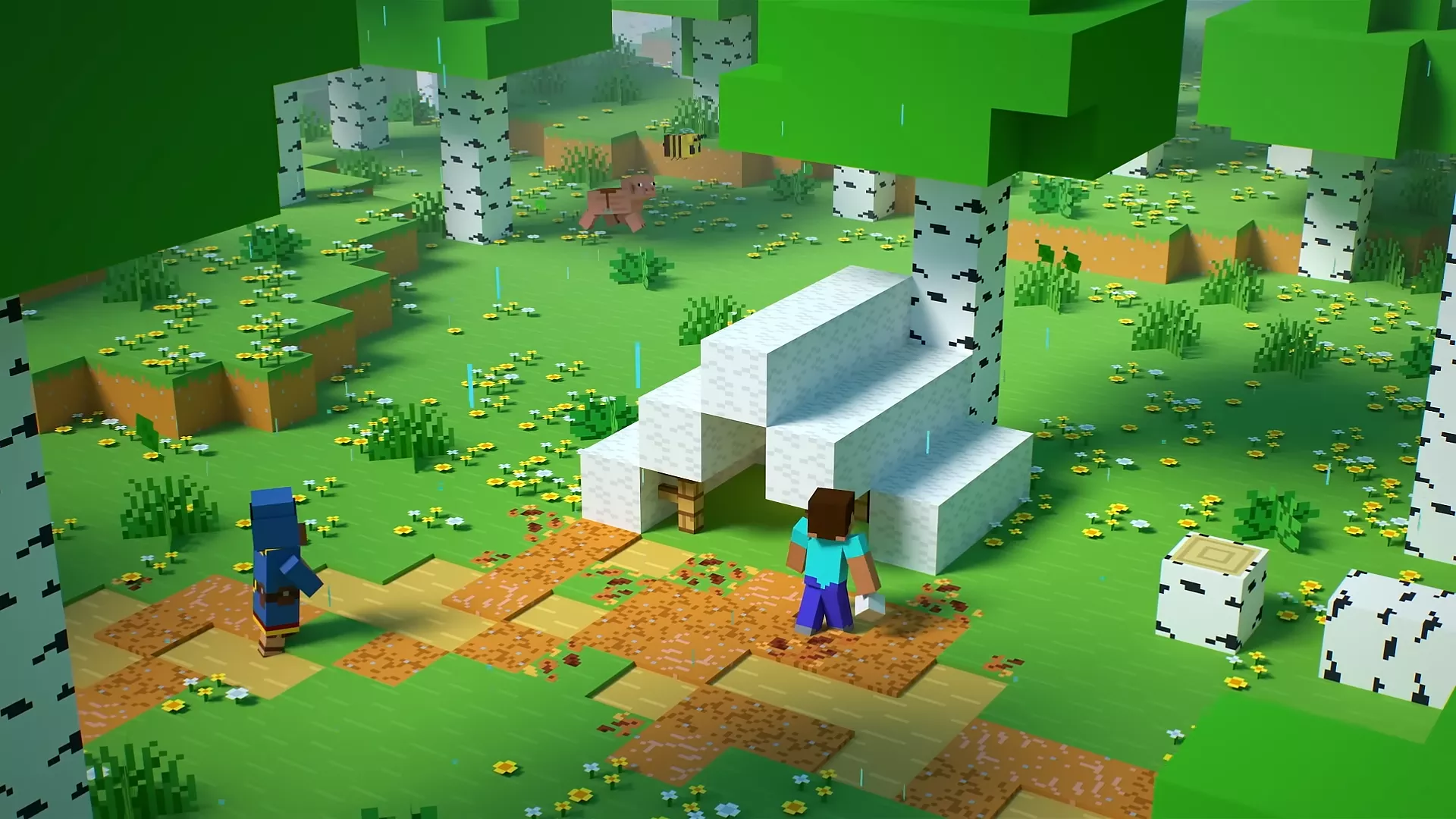
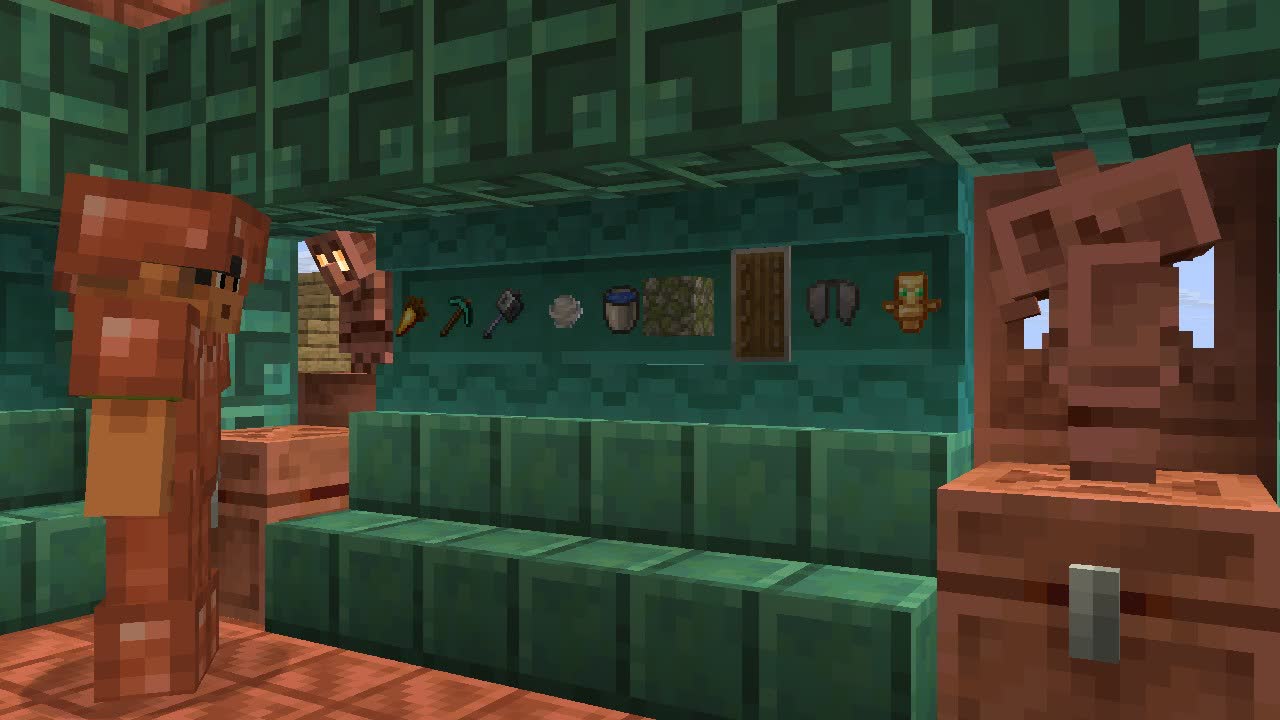
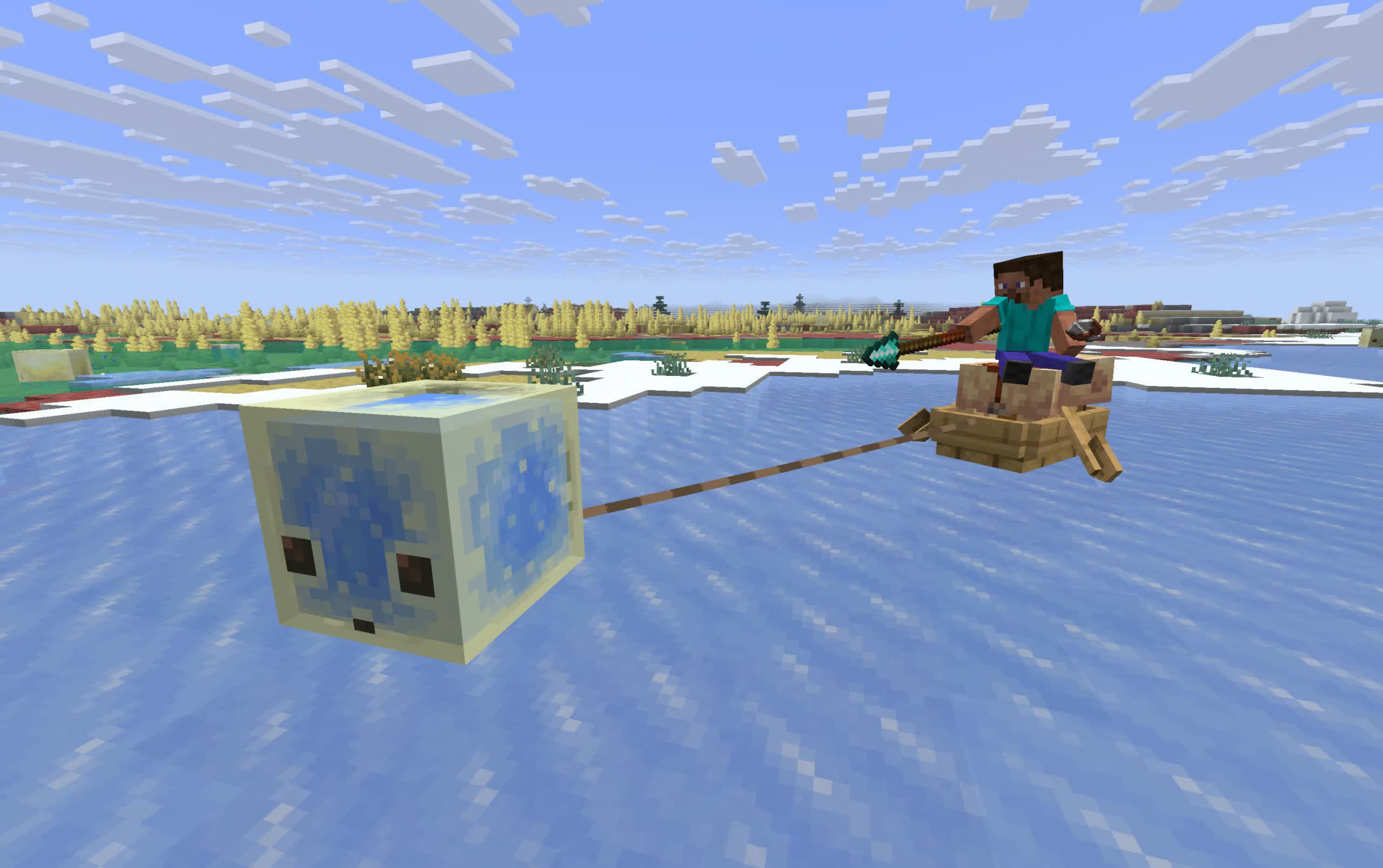
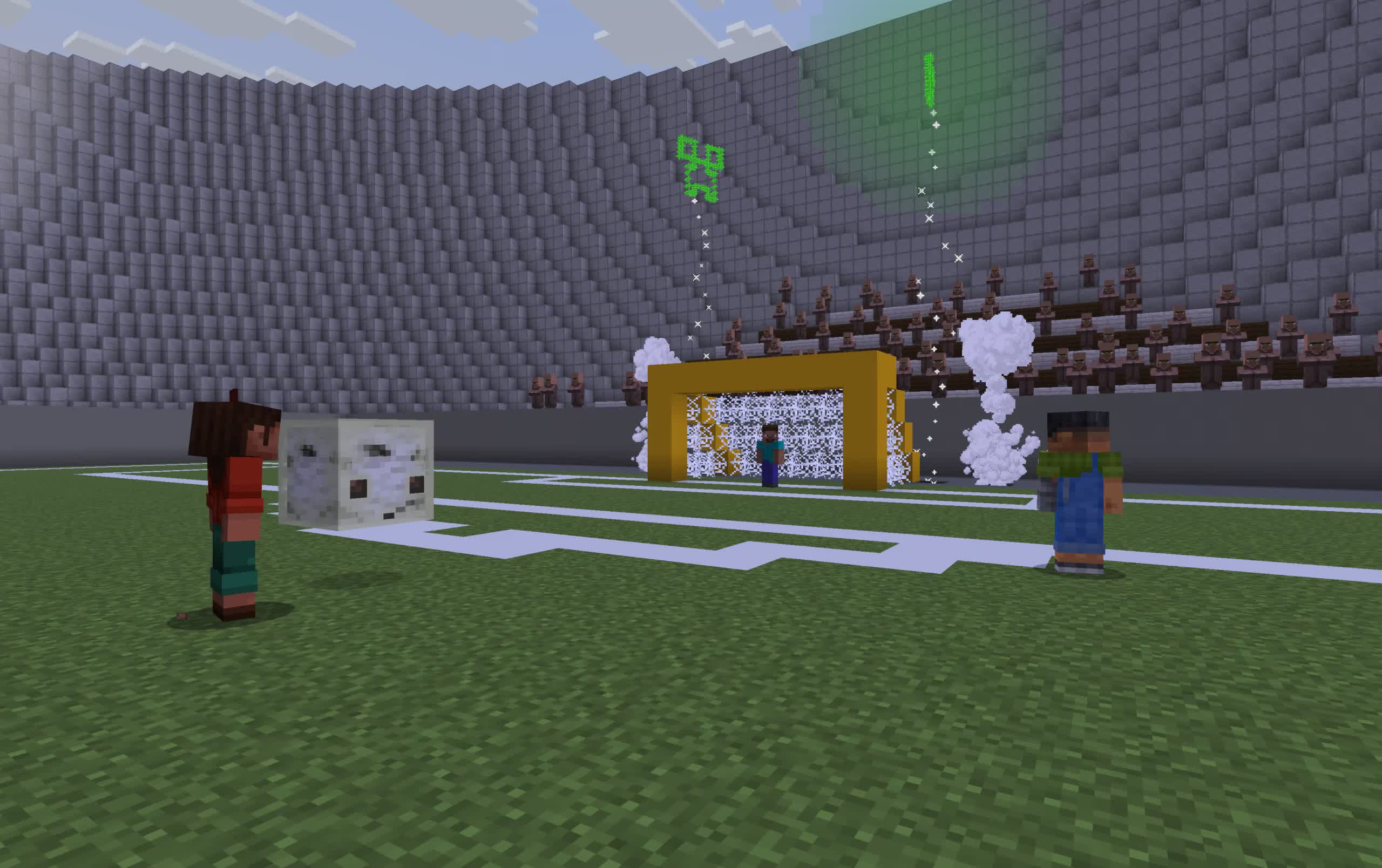
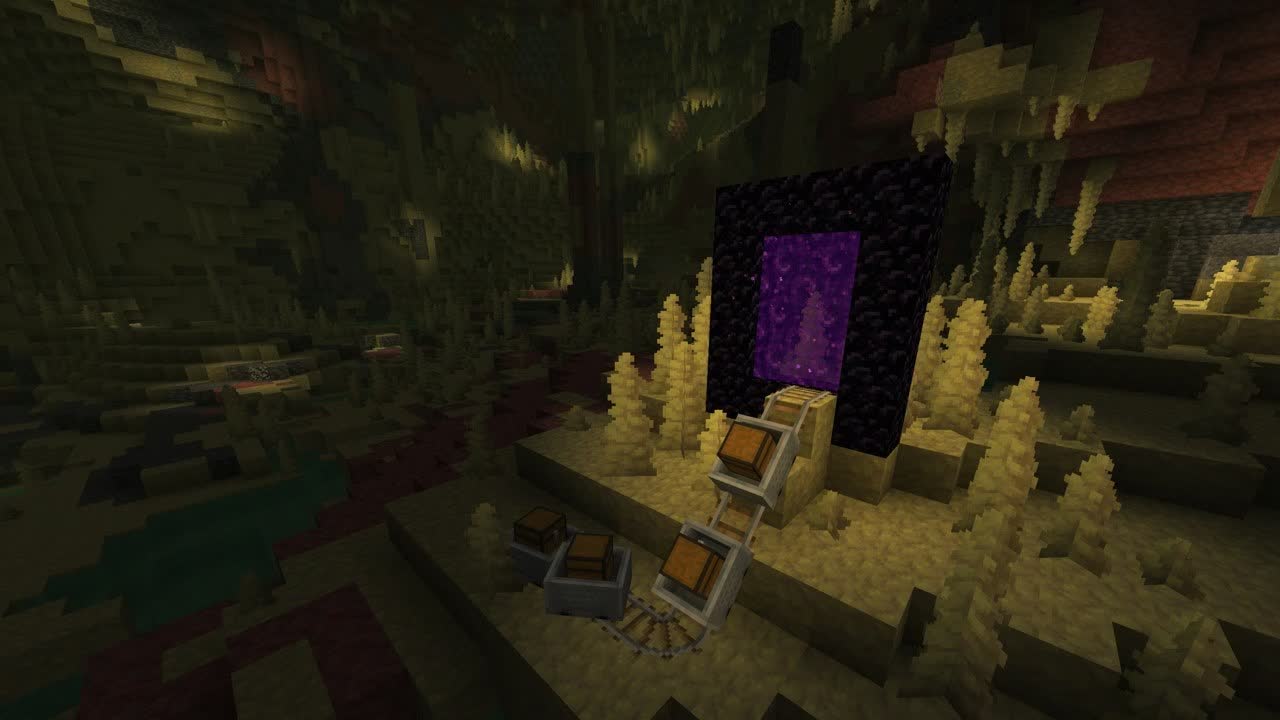
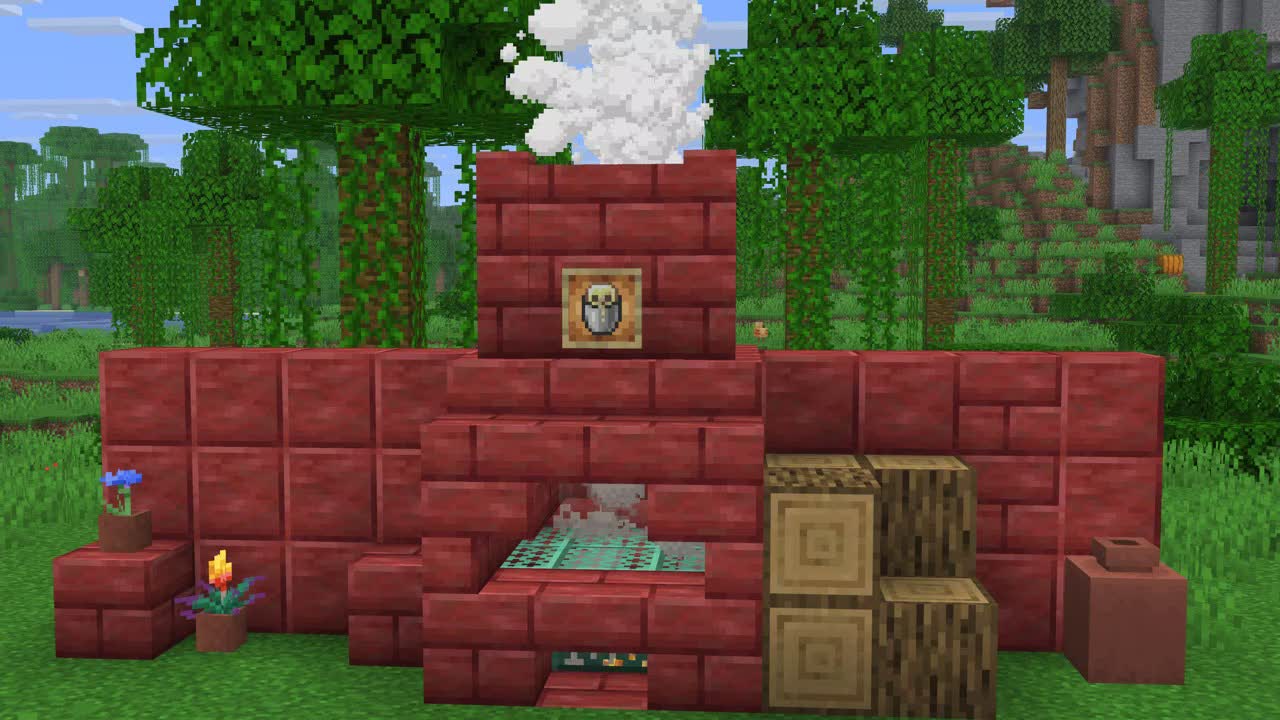
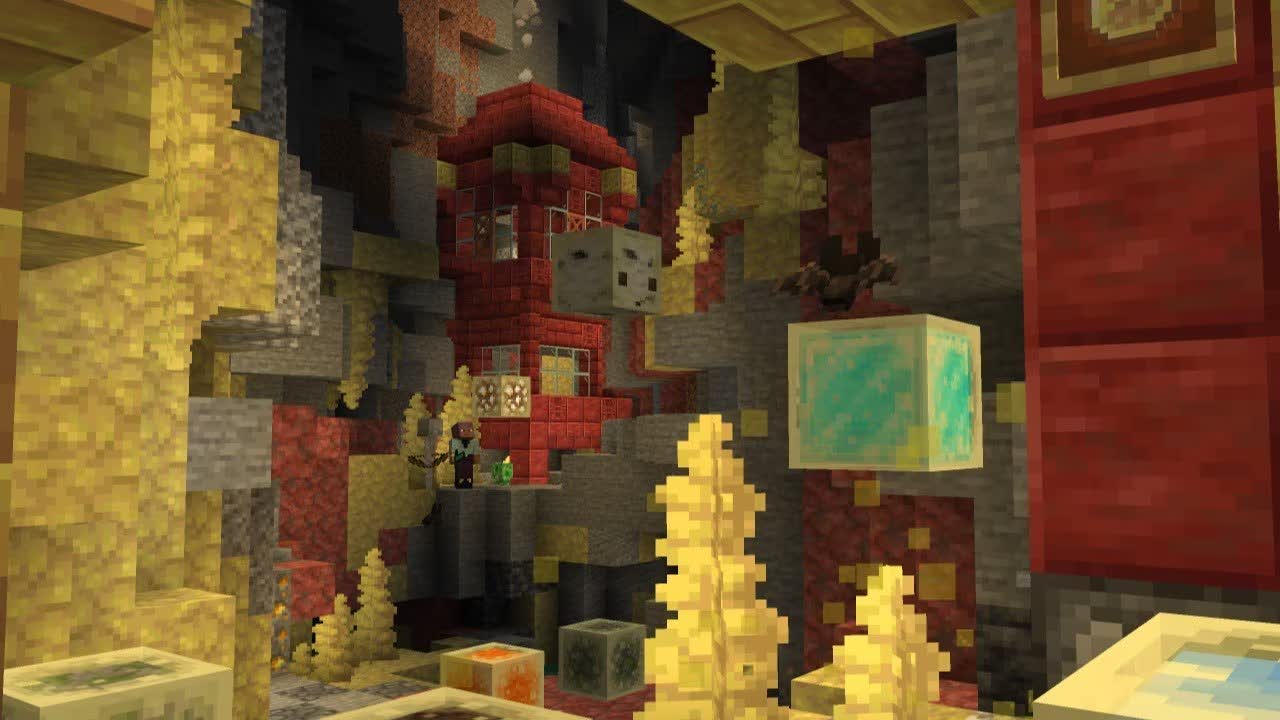
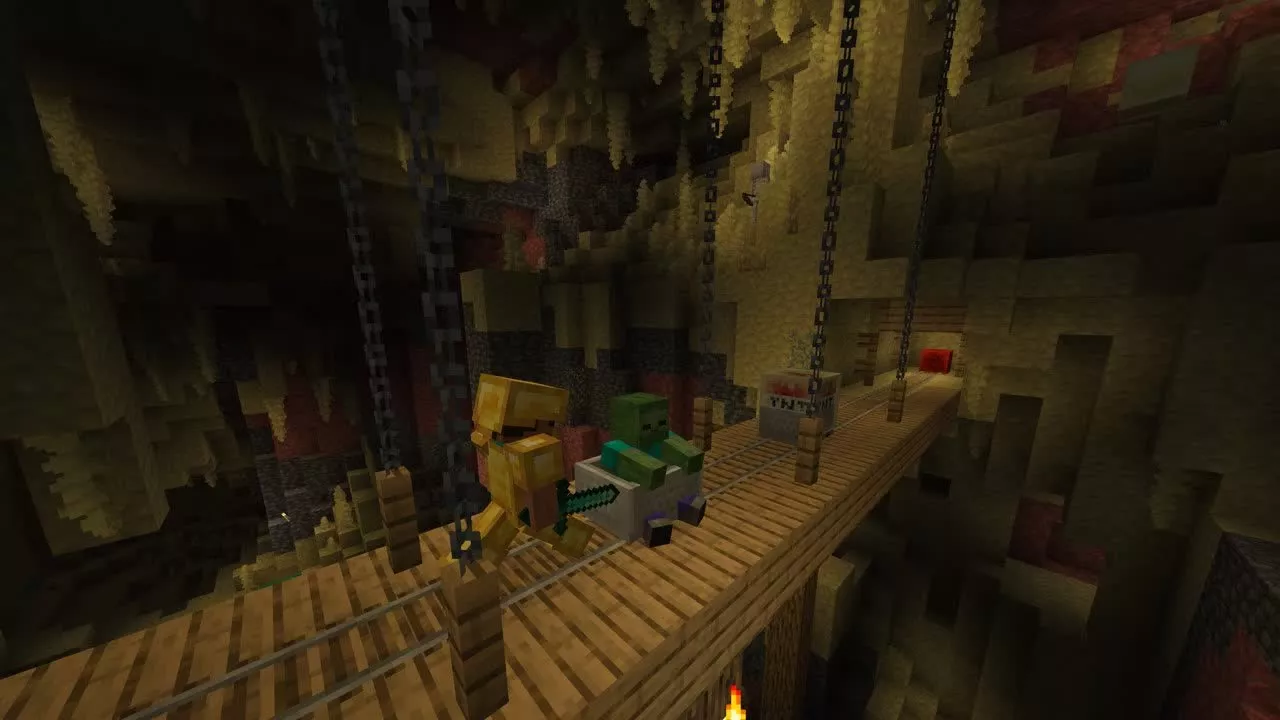
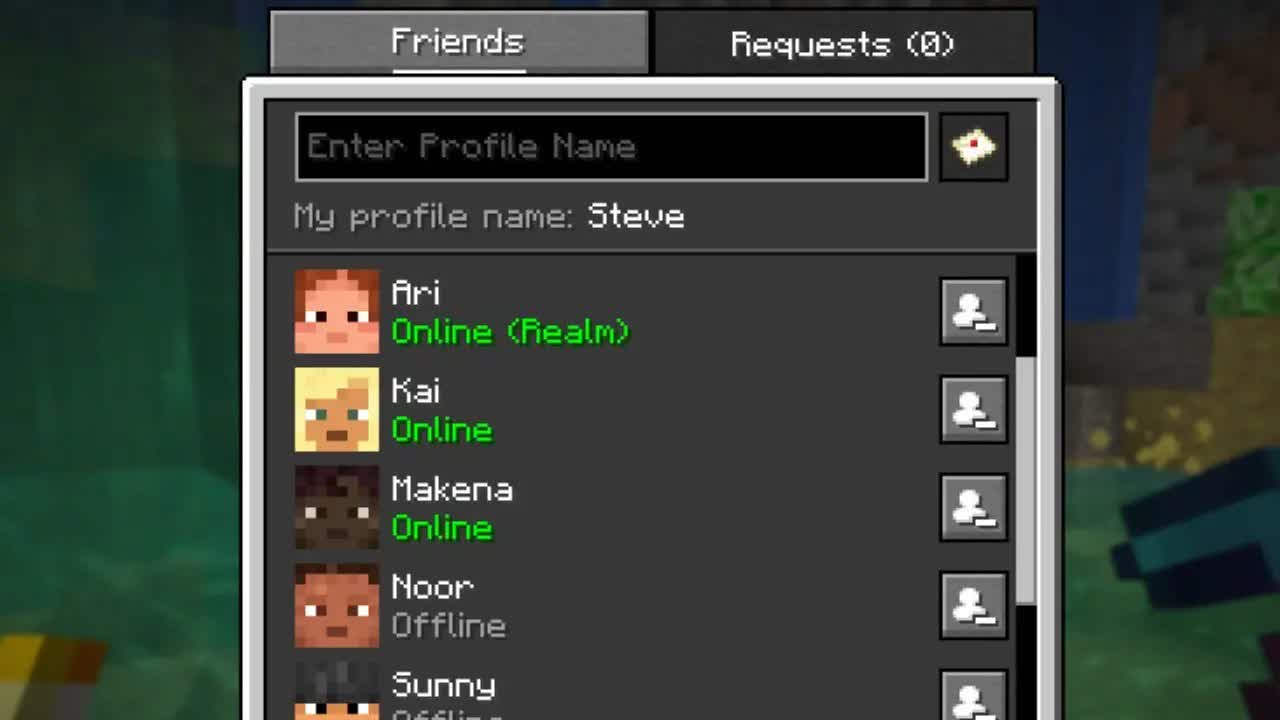
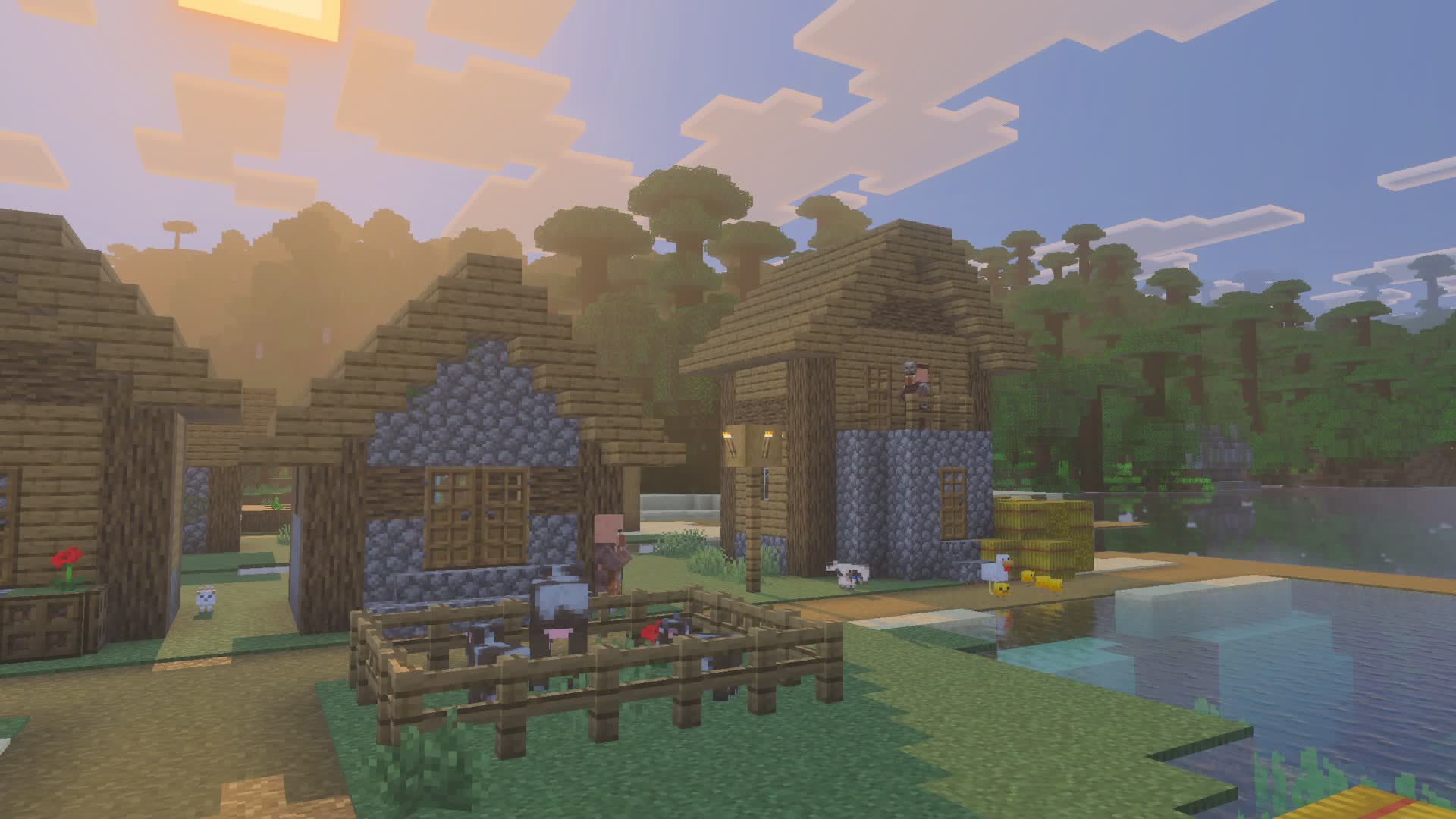
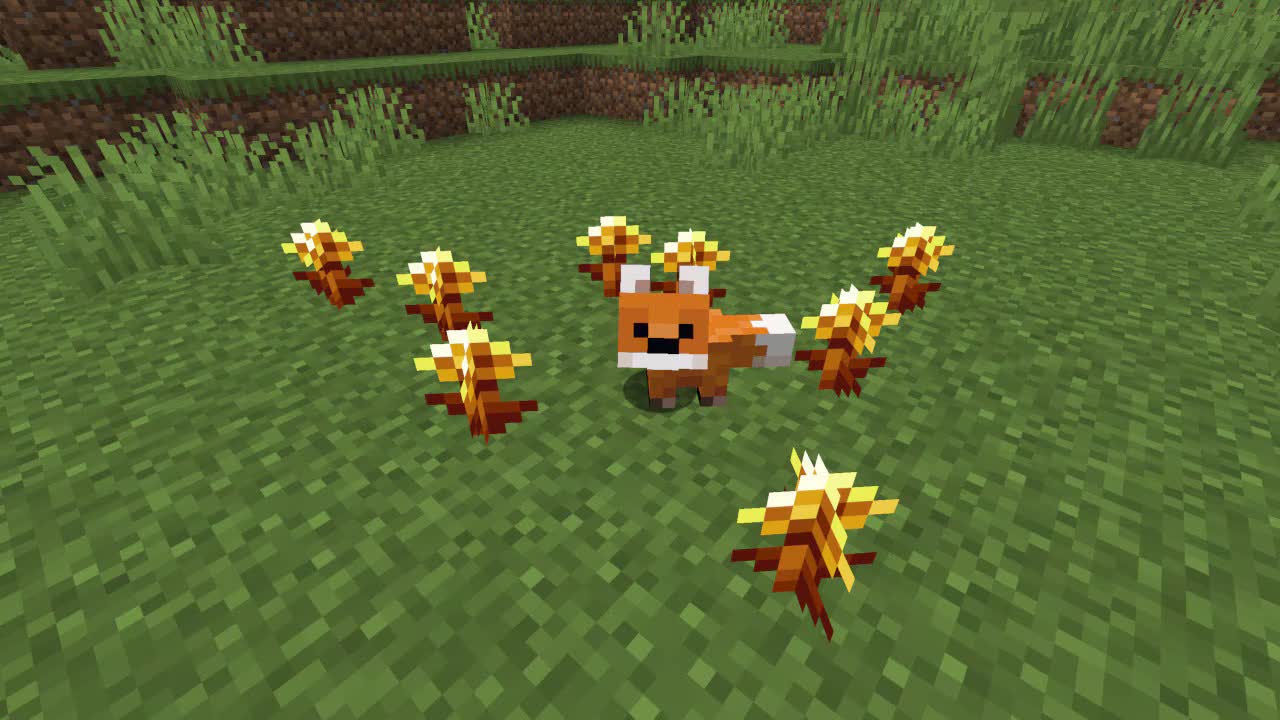
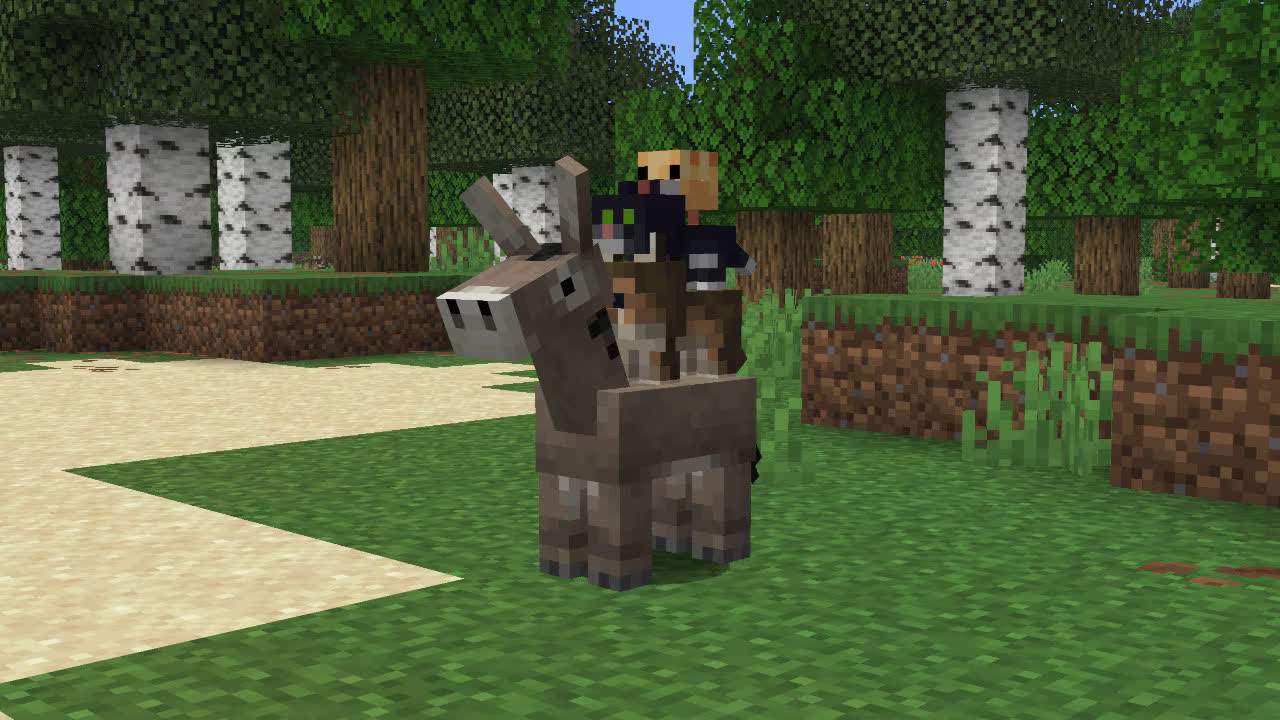
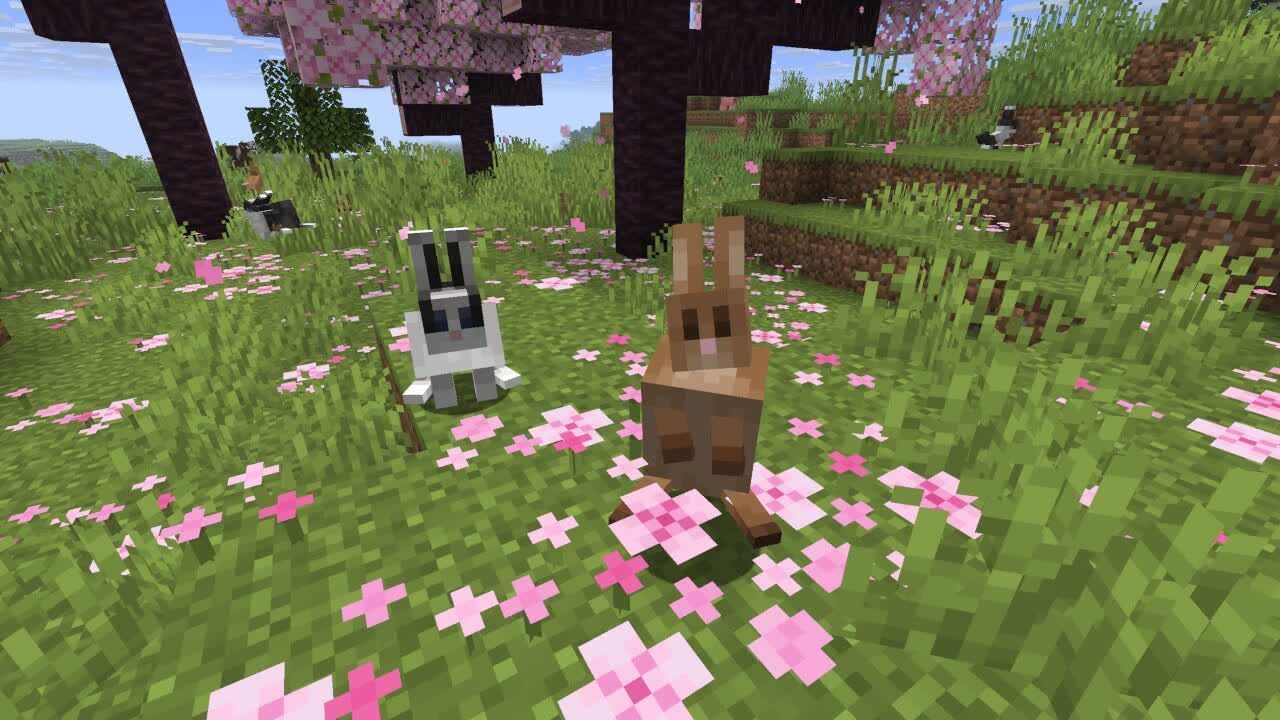

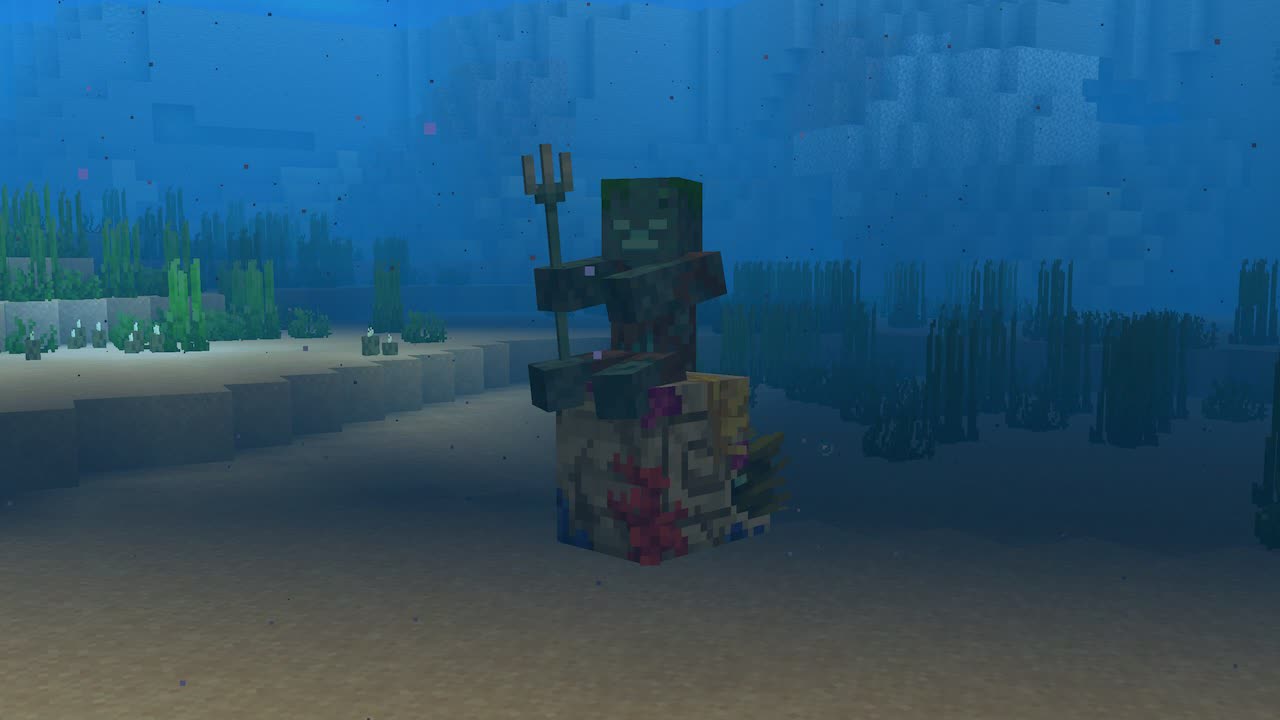
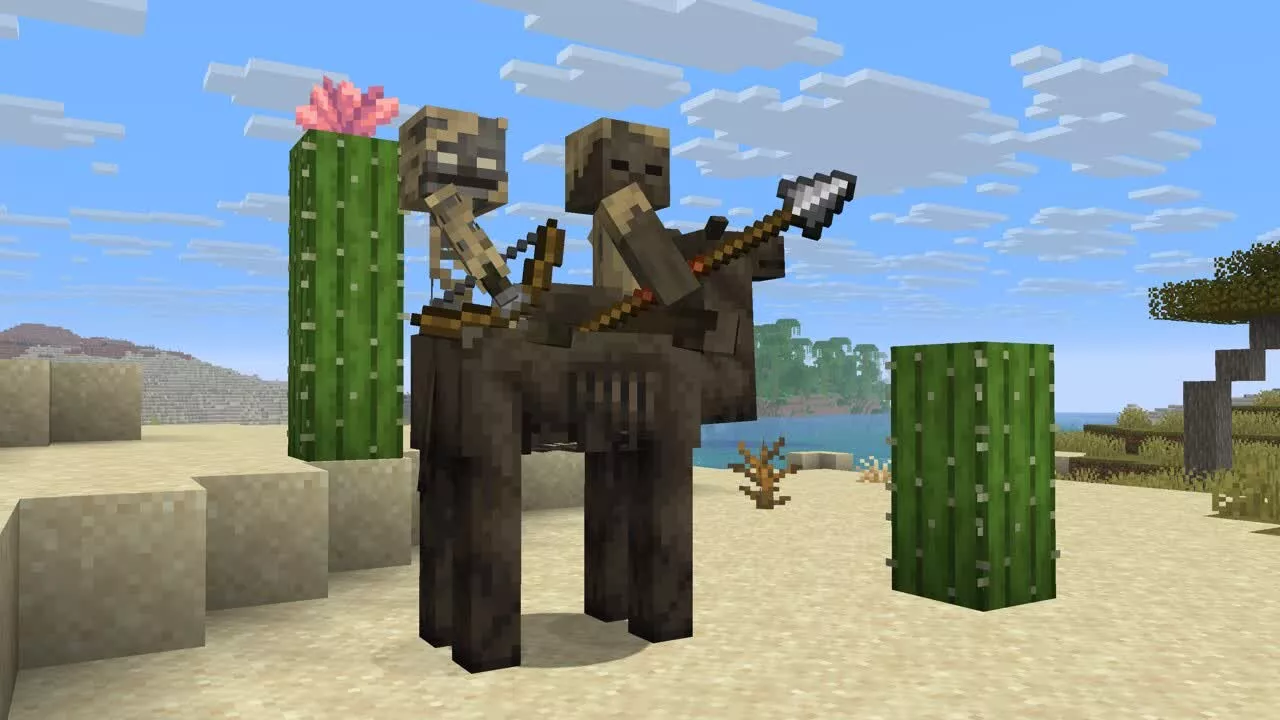
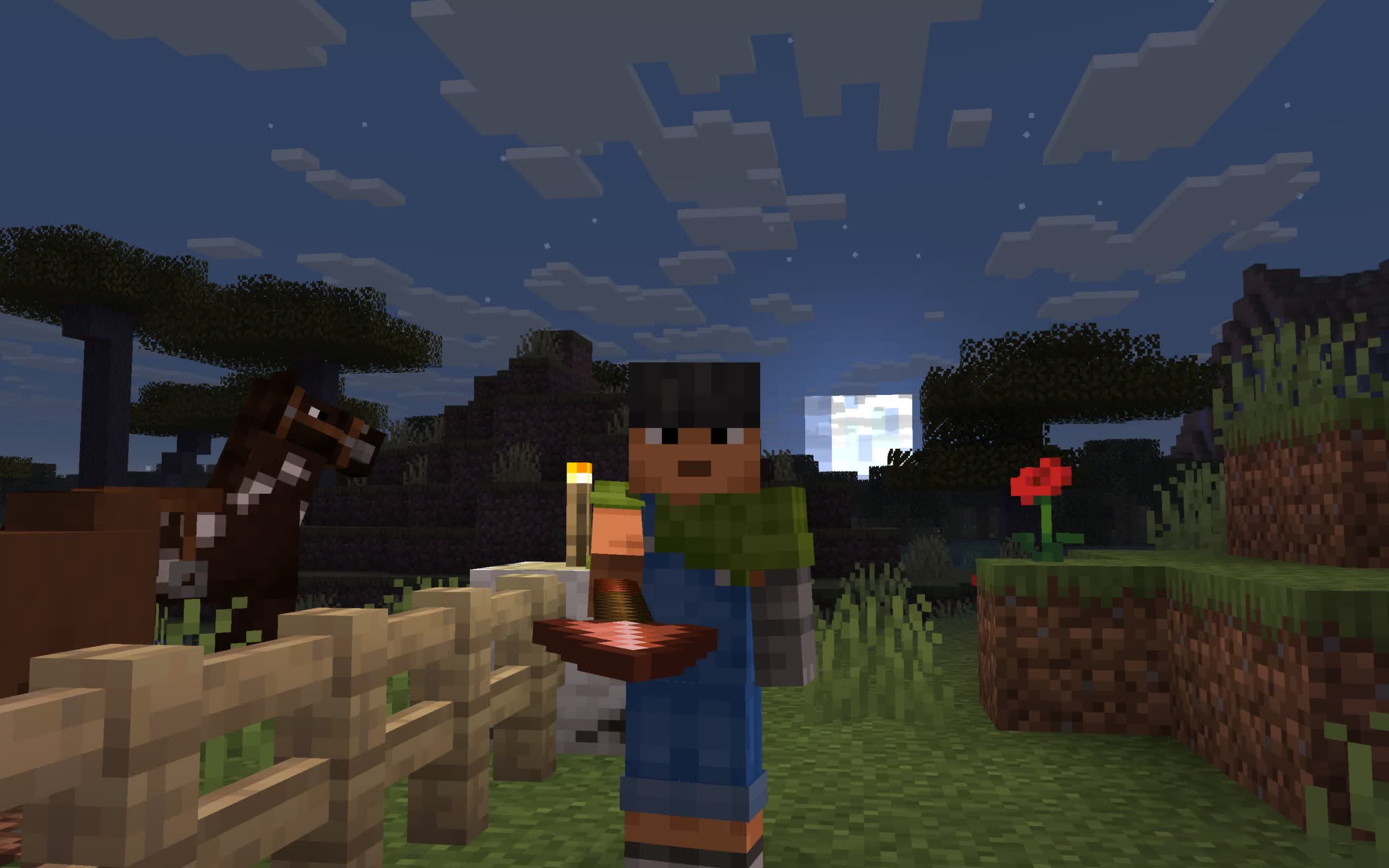
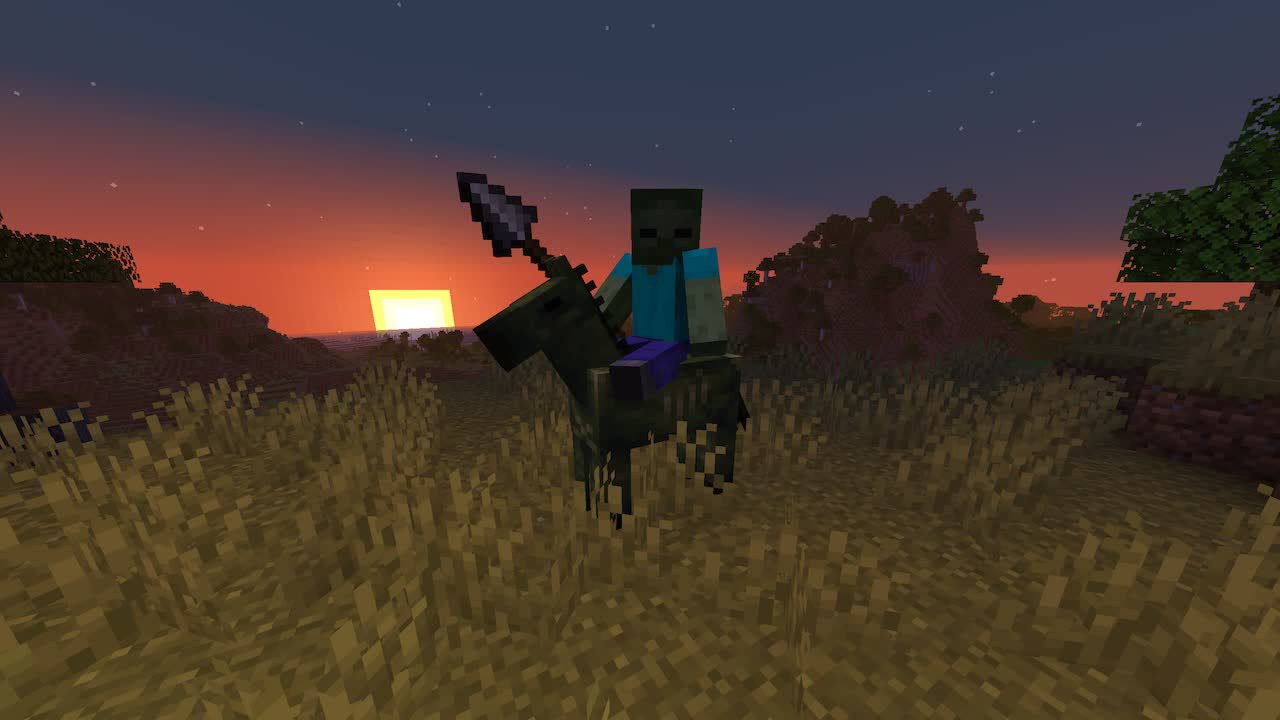


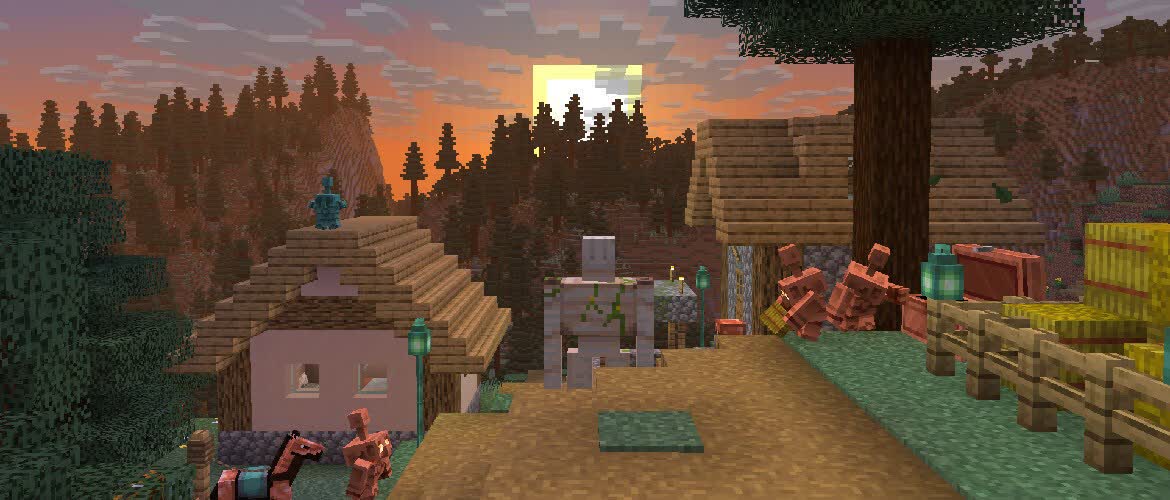
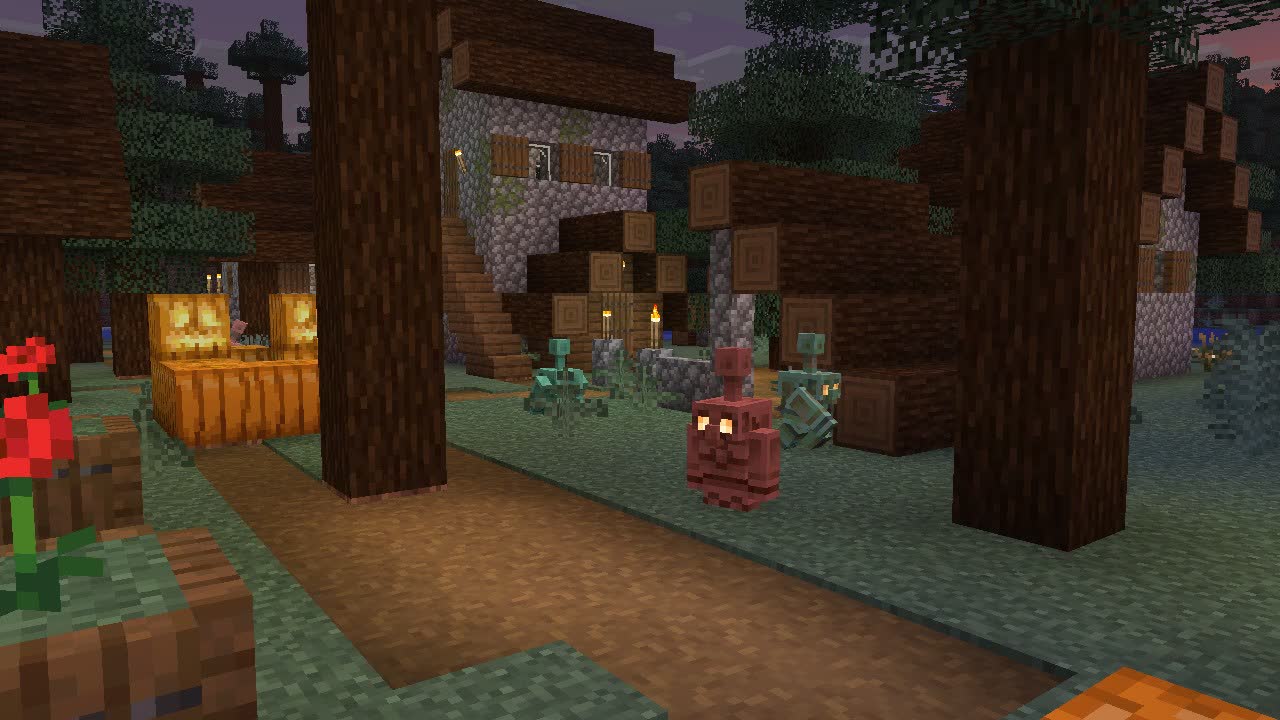
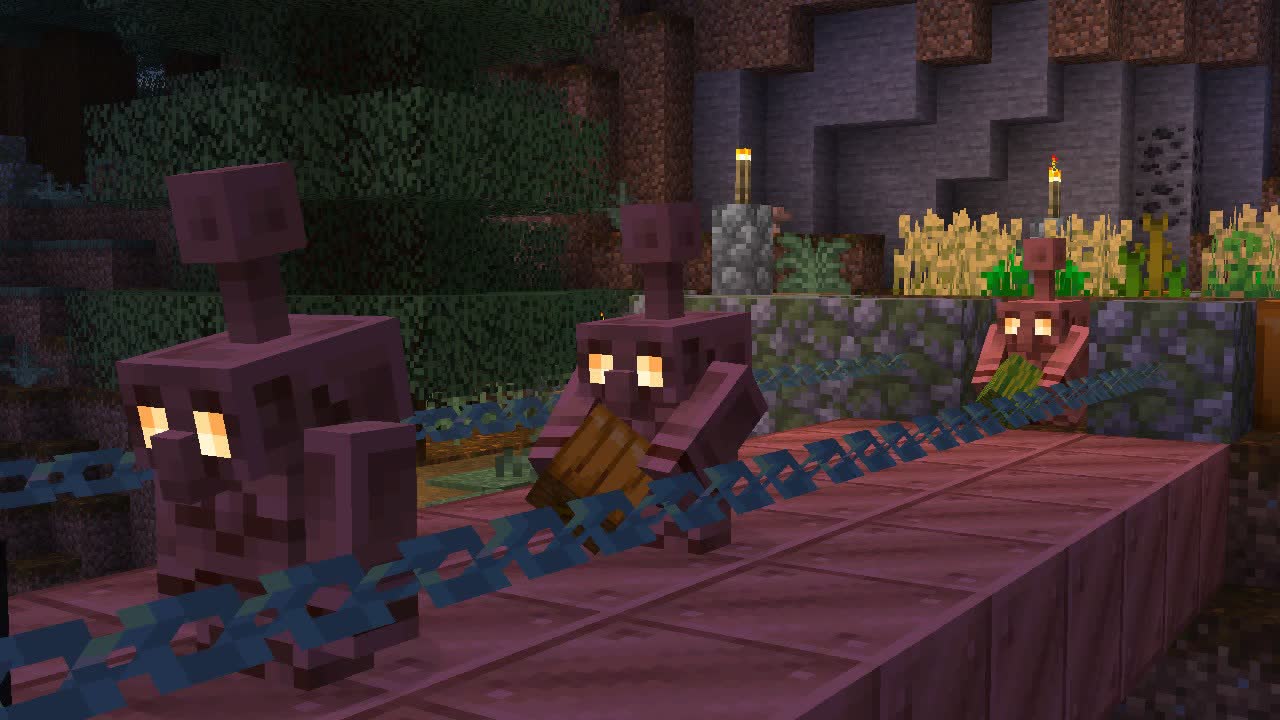
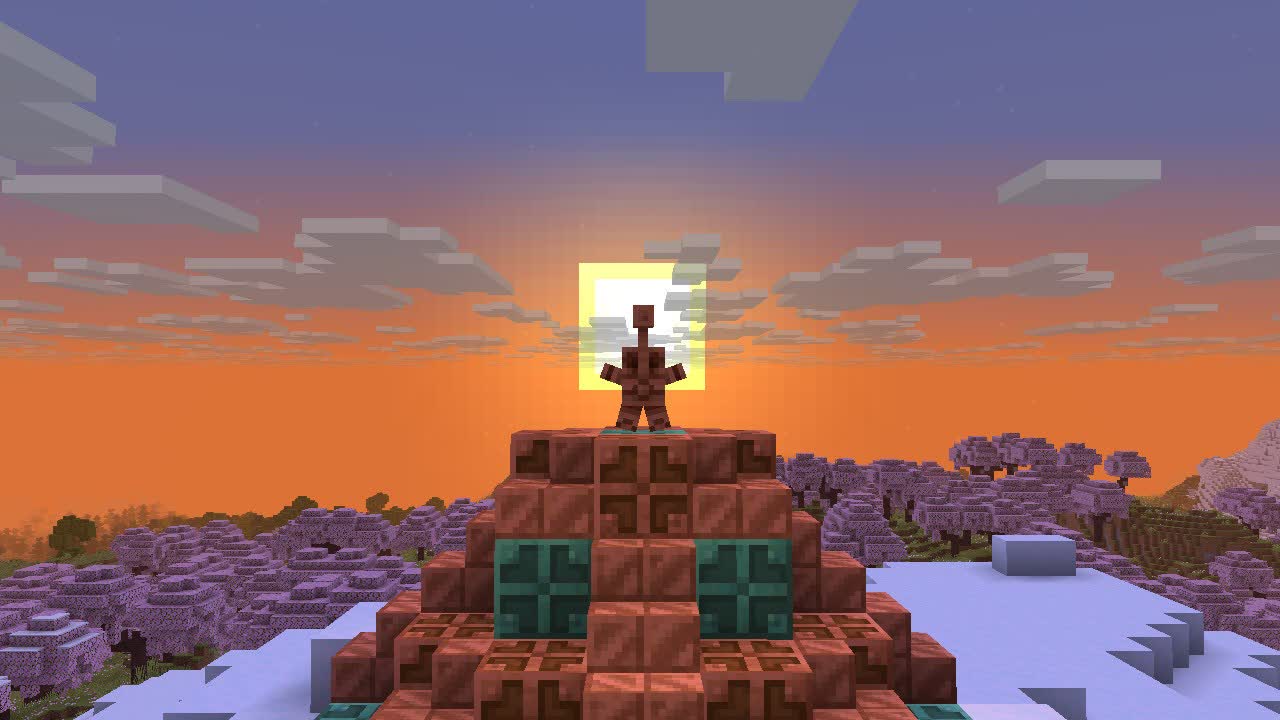

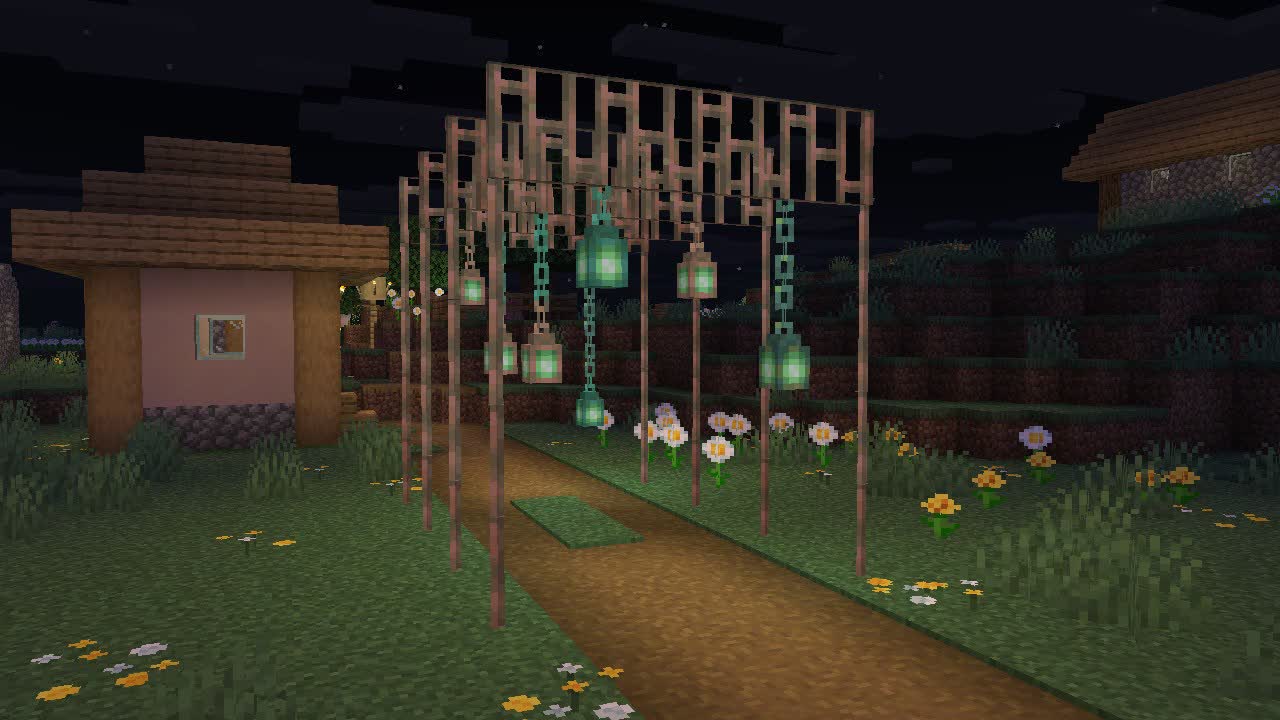
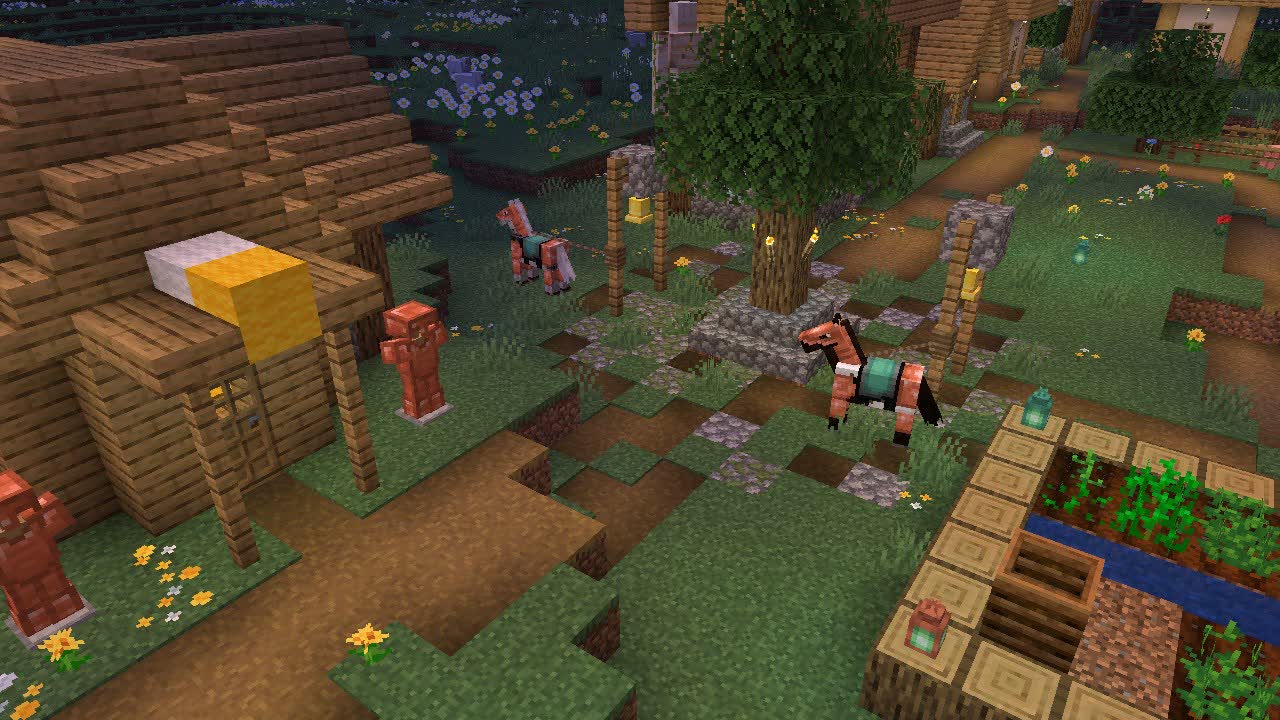
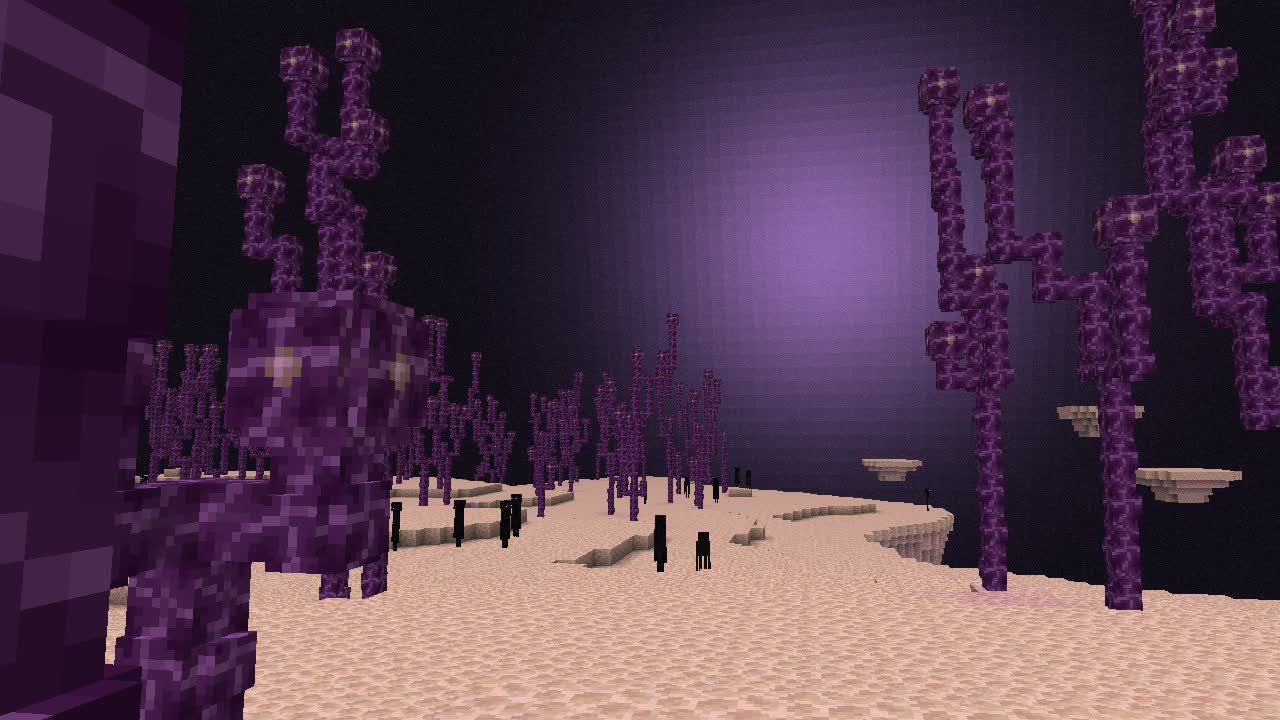









































You must be logged in to post a comment Login