
Tech
7 monitor specs that are officially too old in 2025

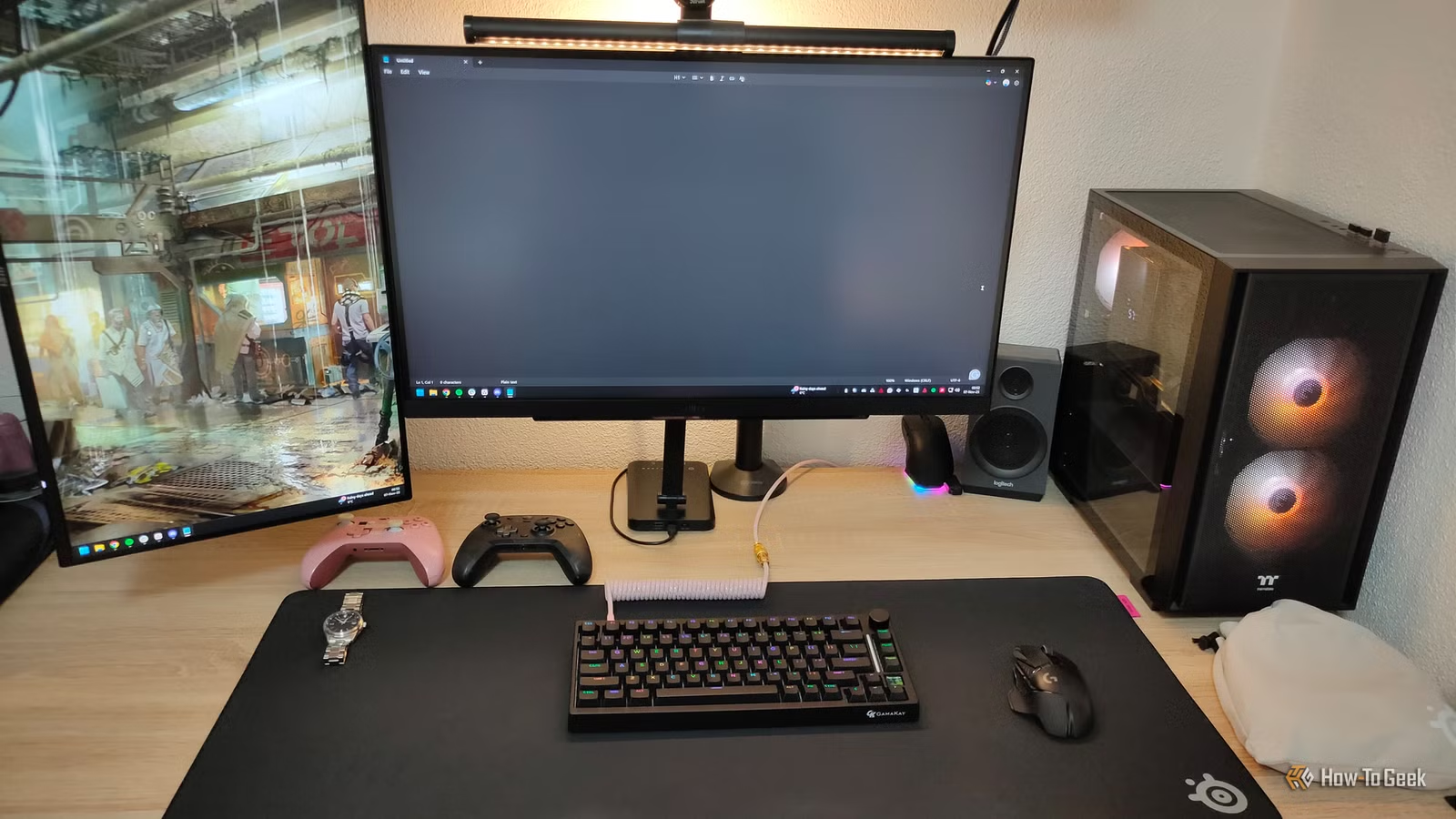
We don’t often think of our monitors as something that holds the rest of our computer back, but your monitor is the component you use as a window into your computer. It’s one of the peripherals you spend the most time using, by far. So when certain specs and missing features start limiting what your PC can offer you, whether for work or play, then it’s probably time to start looking for a new screen as your most important upgrade.
TN panels that were outdated even when new

In case you didn’t know, when it comes to LCD technology there are different approaches to making those tiny crystals bend to our will. Of the monitor panel types that are still out there, TN or Twisted Nematic panels are simply the worst option. IPS and VA panels are the two technologies of choice these days, and outperform TN on every metric except response time. At least, this used to be true, which is why some gaming-focused monitors used TN panels for motion clarity and responsiveness, at the cost of color, contrast, and viewing angles.
These days, most gaming monitors with IPS or VA panels have response times more than fast enough for gaming, making TN panels obsolete and giving you no reason to spend another second looking at that ugly, washed-out image, unless you’re an eSports pro. Though do be wary of the response time claims for some VA panels, which actually can have slow dark-to-dark transitions (commonly known as black smearing) or compensate for this with panel overdrive, leading to artifacts.
60Hz refresh rates that feel sluggish today
If you didn’t grow up in the CRT age, you may be forgiven for not knowing that refresh rates above 60Hz were quite normal before we moved to flat screens. In fact, running a CRT monitor at 60Hz is a recipe for migraine-inducing flicker. LCDs don’t flicker at 60Hz (at least not to our eyes) and so this became the norm for years. Not only does this limit gaming to at most 60fps, but it also affects everything you do on your screen.
Once you’ve experienced 120Hz or higher, and how responsive it makes your computer feel even when just moving windows around, it’s hard to go back. Chances are your computer feels sluggish partly because your monitor only updates 60 times a second. So why not get with the times and feel how snappy your system really is.
Old, low resolutions that don’t fit modern UI scaling

There are a lot of 1080p monitors out there, and to be honest I think that’s still a great resolution on a laptop with a 17-inch monitor or smaller. On desktop systems, even a 24-inch monitor at 1080p looks a little too chunky, and if you still have one of those old monitors with a sub-1080p resolution, well that’s just a blurry mess now. A 1440p screen is the sweet spot these days at 27-inches or smaller, and results in crisp text and lots of room on your desktop for apps.
Backlights that dim, flicker, or age poorly

This one is pretty easy. If your monitor still uses a CCFL (Cold Cathode Fluorescent Lamp) as its backlight, it belongs in a museum. By now it will be a faded, flickery shadow of its former self, and it was never great even in its prime. An LED backlight of any kind is a massive improvement, though if you have the budget for it, a mini-LED or OLED monitor is worth aiming for.


7/10
- Brand
-
TCL
- Display Size
-
85-inches
- Dimensions
-
74 x 42 x 2.3 (without stand)
- Operating System
-
Google TV
No adaptive sync to smooth out gameplay

This relates to gaming specifically, so if you aren’t a gamer, it doesn’t apply to you. If you are a gamer, and you have a monitor that doesn’t support some sort of variable refresh rate technology like G-Sync or FreeSync, then you should seriously consider a new model. This technology allows the monitor to adapt to the frame rate coming out of your GPU.
So it doesn’t have to force the GPU to wait until its next refresh to show the latest frame. Not only does this increase responsiveness and reduce lag, but it also avoids issues such as skipped or doubled frames. In other words, even if your game is fluctuating and not giving a nice flat and consistent frame rate, these monitors can compensate and ensure your game still looks smooth on-screen.
Weak color gamut and SDR-only designs

If you haven’t bought a monitor in a long time, you may have missed just how much color reproduction has improved. Wide color gamuts are no longer the sole preserve of professional displays for content creators. It’s normal for even entry-level monitors to offer 99% of the sRGB color space, and hit respectable percentages on wider color gamuts such as DCI-P3.
The same goes for HDR. Although HDR in monitors is a bit of a mess even bad HDR monitors will outperform an old SDR-only display for SDR content.
Slow response times and ghosting
Older IPS and VA panels often have response times well over the 5ms gray-to-gray response time that’s considered the acceptable minimum these days. These slow monitors have blurry motion and ghosting that you can see with the naked eye without having to look for it. So please, upgrade to something modern. Just pay careful attention to the different response time stats, because clever marketing can sometimes hide issues with certain transitions, like the VA panel dark-to-dark weakness I mentioned earlier.
If your monitor is long in the tooth and dim in the bulb, check out our selection of the best monitors and do your eyeballs a favor.



