
Tech
Color eReaders are overrated, here’s why I’m sticking with black and white

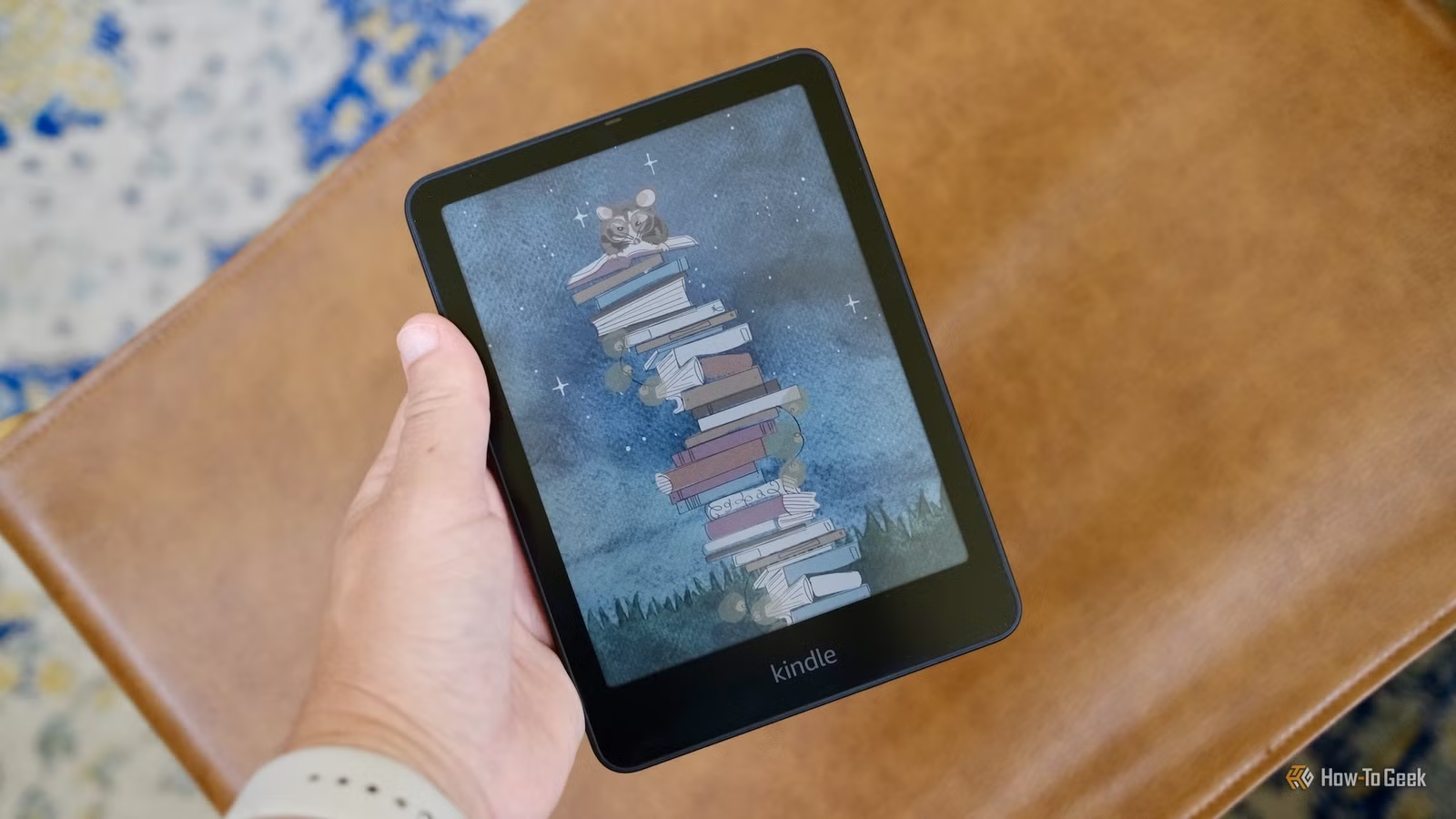
We’ve finally reached the point where color eReaders are common and affordable. You can buy one from a dozen different brands, including Kindle, for as low as $150. And although I’m excited for this color E-Ink technology, I have no interest in using the color eReaders that are available today. They’re worse than the black-and-white models in all of the ways that matter to me.
The quality just isn’t there yet

My first encounter with a color eReader was only about a year or two ago, and it’s something I had been looking forward to for a long time. Most of the things I read don’t need any color, but I liked the idea of being able to see book covers in color, or to highlight and take colorful notes in eBooks while reading. It was a good first impression, but it was in a controlled environment with bright lights and all that. When I finally got the chance to own one of these things, I was instantly disappointed by the quality and visibility of the color E-Ink screen. It was a plainly obvious downgrade from the black-and-white eReaders I had used over the years.
The main problem lies in how these color panels are manufactured. All of the major eReader brands, including Kindle, Kobo, and BOOX, use Kaleido 3 color panels, which don’t contain any colored “ink.” Instead, they rely on a standard array of black and white E-Ink capsules (pigmented particles that flip positions to create images). The color is created by placing a passive RGB filter above the black and white “ink;” a clever solution that has some real drawbacks. Black text and white backgrounds always have a mild tint of color on these Kaleido 3 panels, and notably, the display resolution is halved when viewing color content. You’ll get a pixel density of 300dpi when in B&W mode. Switching to color knocks things down to 150dpi, meaning that text is less legible than it should be.
I can kind of overlook the tint and pixel density problems of the Kaleido 3 panel. My biggest problem is that color eReaders are almost impossible to read indoors. Paperbacks are perfectly legible in dim lighting, and the same goes for B&W eReaders, but the Kaleido 3 panel’s color filter prevents ambient light from hitting the lower “ink” layer of the screen. This creates a darkened, muted appearance, so unless you’re sitting next to a window, you’re forced to turn on your color eReader’s built-in frontlight.
I don’t know about you, but I really don’t want to read a book on a glowing rectangle. It’s not that an eReader’s frontlight will give you eyestrain or whatever (the light is pointed at the screen, not at your face, so it’s “better” than a backlight). My problem is purely mental. Maybe I’ve turned myself into some TikTok-addled Pavlov’s Dog, but a glowing screen just feels like a setup for instant dopamine. It makes me feel less engaged when reading. And I don’t think that I’m alone in this.

- Screen
-
6” E Ink Carta 1300 HD touchscreen
- Resolution
-
300PPI
The Kobo Clara BW offers an Amazon-free reading experience in an affordable 6-inch package. It features a high-quality E Ink Carta 1300 HD touchscreen and a waterproof design, making it one of the most competent eReaders available at this price.
Battery life blues

Every argument about color E-Ink includes some back-and-forth about the frontlight. There’s always someone who says, “I don’t mind leaving the frontlight on all the time,” presumably because they have a better relationship with smartphones than I do. Good for them. But I bet they’re getting a terrible battery life, so I’m not all that jealous.
One of the appealing things about eReaders, at least for me, is the battery life. A Kindle can last about a month on a single charge with regular use. But the battery drains a lot faster when you use the frontlight—you might get less than 10 hours of use out of a device that can normally endure 30 hours of reading, for example. I’m speaking anecdotally, but this is something that other websites have covered in more detail.
So, the trade-offs are really stacking up here. Color E-Ink is dimmer and has a lower contrast than typical B&W E-Ink, so you’re forced to use the frontlight all the time. And the frontlight chews through energy, so you end up with a far worse battery life, too. All of these problems can be avoided by purchasing a black-and-white eReader.
I should take a moment to tattle on myself. I’ve been using an Android eReader, and Android eReaders have a pretty underwhelming battery life. It feels like a fair tradeoff sometimes, but I’ve learned that I really only need an eReader for old-fashioned reading, so I’m probably gonna jump ship soon. But yeah, I’m being a little hypocritical. Sue me.
Devil’s advocate: Color E-Ink is cool sometimes

While I’m not particularly interested in using a color eReader (not with today’s tech, at least), I do understand that there’s some utility here. The option to highlight books in color is pretty neat, and if you’re someone who likes to read graphic novels, color is obviously more desirable than black and white. Some people like to read PDFs and textbooks on color eReaders—an iPad is probably better for this because you can scroll and zoom a lot easier—but whatever, I get it.
If you’re the kind of person who can seriously benefit from a color eReader, then I encourage you to buy one. There are still some serious shortcomings to color E Ink technology, but I think that it’s easy to view these shortcomings as tradeoffs or minor annoyances if you actually take full advantage of what a color screen can offer.
Still, I’m willing to bet that most of the people buying eReaders today do not need color functionality. They just need a nice, easy-to-read screen for novels, autobiographies, and so on. A crisp black-and-white E-Ink panel is the ideal option for reading text on a page, and hey, B&W costs less money than full-color. That means you’ll have more money left over to buy eBooks.

- Storage
-
16GB
- Weight
-
7.6oz (215g)
- Dimensions
-
127.6 x 176.7 x 7.8 mm
- Format Support
-
Kindle Format 8 (AZW3), Kindle (AZW), TXT, PDF, unprotected MOBI, PRC natively; PDF, DOCX, DOC, HTML, EPUB, TXT, RTF, JPEG, GIF, PNG, BMP through conversion; Audible audio format (AAX)
- Battery Life
-
Up to 8 weeks
- Screen Size
-
7-inches



