



.jpg)


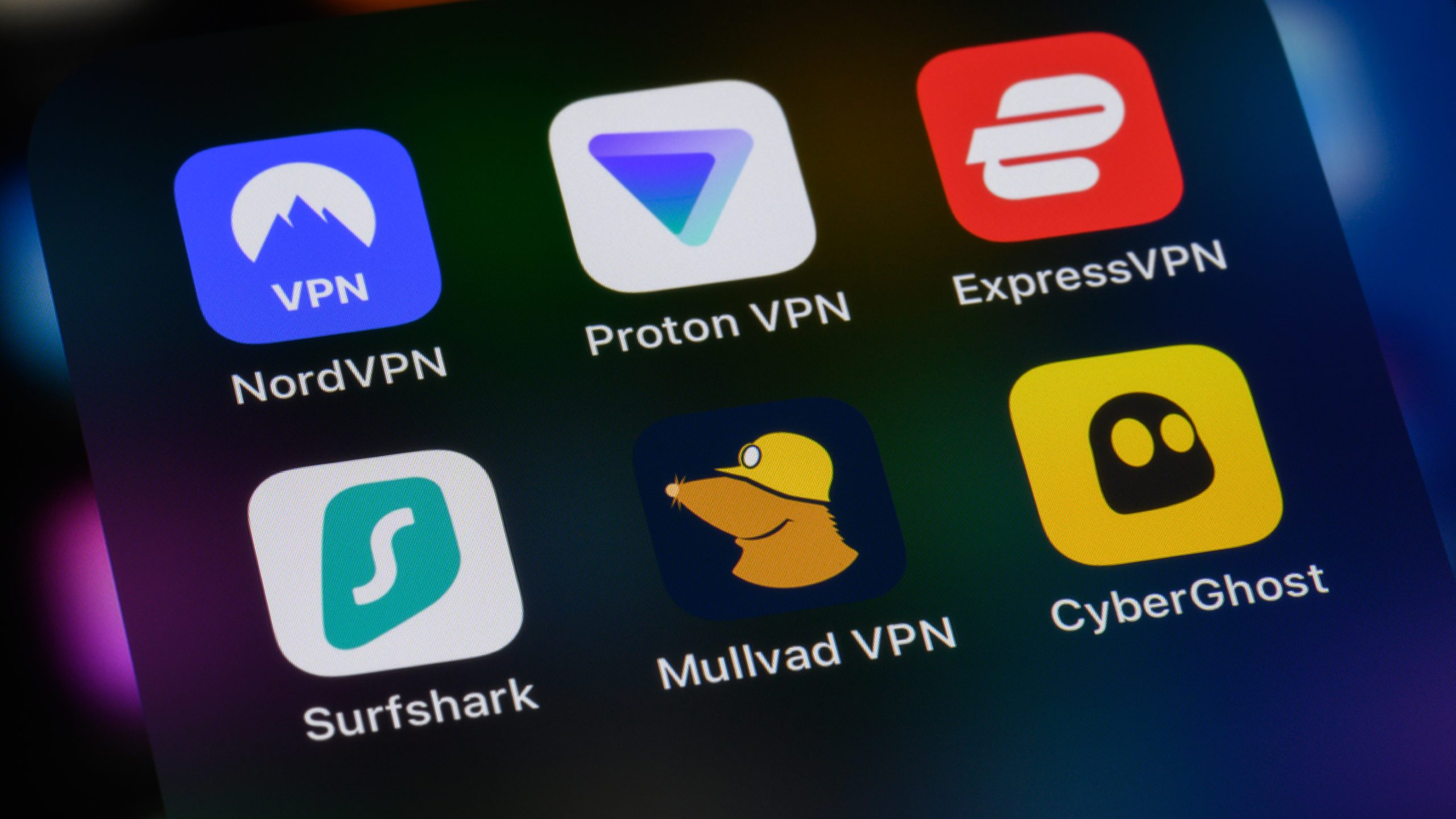
Virtual Private Networks (VPNs) promise to hide your online activities from prying eyes, but still need to gather some information to work properly.
Understanding exactly what data a VPN collects – and why – can help you decide whether a VPN service truly protects your privacy or simply adds another unwanted layer of surveillance.
From activity logs to the different policy types, we’ll walk you through the typical categories of logs a VPN provider might keep. We’ll explain what a “no-logs” VPN really means, highlight when a VPN’s data collection becomes too risky, and provide you with some practical tips for picking a trustworthy VPN provider.
Article continues below

What your VPN needs to collect
A VPN’s primary job is to create an encrypted tunnel between your device and a remote server before forwarding your traffic to the internet.
To do this, most VPN providers keep a handful of basic records. These logs are usually short-lived. They’re also typically aggregated and stripped of personally identifying details. Red flags appear when a provider retains identifying logs.
Connection logs
Connection logs capture the technical handshake that takes place each time you start a VPN session.
Typical entries include your device’s original IP address (the IP address assigned by your ISP), the address of the VPN server you connect to, timestamps marking when the session started and ended, and bandwidth usage.
These logs allow the VPN provider to monitor server load and troubleshoot connectivity problems. Connection logs also allow the VPN to manage the maximum number of simultaneous connections per account.
Since connection logs only record that a connection was made and not what you did while connected, they pose relatively little risk to privacy. That said, retaining the original IP address does link you to the session — but a truly privacy-focused VPN will either quickly discard it or never store it at all.
Activity logs
When a VPN advertises itself as a no-logs service, it’s promising that it doesn’t keep any records of what you do while you’re connected.
These activity or traffic logs are the most serious privacy concern. Activity logs can contain the websites you visited and the DNS lookups that translate domain names into IP addresses. They can even include which apps or online services you used.
If a VPN provider stores any of the above activity logs, it can reconstruct a detailed picture of your online life, defeating the purpose of using a private VPN. A true no-logs VPN should explicitly state that it never records activity logs.
Server-level logs
At the server level, providers may keep minimal data, such as the amount of traffic passing through a particular node or generic error messages.
Having this information helps a VPN provider fine-tune performance and balance loads across the network. It can also help identify hardware failures should they arise.
These logs lack any user-specific identifiers, meaning they’re considered the least intrusive form of data collection.
Aggregated logs
Aggregated logs are big-picture statistics that a VPN collects from many users at once.
Nothing collected points back to you personally. Instead, the VPN records things like the URLs or domains visited, the total bandwidth consumed, or generic timestamps. When this data is combined, it never includes your real IP address, the websites you visit, or any account ID that could identify you.
Even VPNs that claim to be “no-logs” need a small amount of information to keep their service running smoothly. Aggregated logs help them know when to add more servers or when there’s an outage or otherwise unusual activity.
The key thing to watch out for here is whether the VPN collects any identifying logs before aggregating data. Provided there’s no raw identifiable data, aggregation is harmless.
Account and payment logs
A VPN has another set of logs that sit outside the VPN tunnel entirely: account and payment logs.
These typically include the email address you signed up with, the payment method you used, when you created the account, and any customer support tickets you may have opened.
Though these logs don’t reveal what you do online, they can tie that activity to a real identity.
If a VPN keeps detailed account or payment information, it creates a link between you and any network logs it might have. If you’re a particularly privacy-conscious user, you might want to consider providers offering anonymous payment and signup, such as Mullvad.
What a no-logs VPN really means
When a VPN advertises itself as a “no-logs” service, the concept seems simple enough: it doesn’t keep any records of what you do online.
In practice, however, most “no-logs” VPNs still store a small amount of data – just enough to keep the network running smoothly. That data is usually non-identifying, such as generic connection timestamps and total bandwidth used, and never includes things like your real IP address or the websites you visit.
This is why it’s important to know the difference between no-logs and zero-logs VPNs.
While a no-logs VPN may retain these minimal, anonymized logs for operational reasons, a zero-logs VPN keeps no records at all, including non-identifying data.
So when you see a VPN with a “no-logs” label, treat it as a promise that the VPN limits its data collection to the bare essentials and doesn’t store anything that could directly link activity back to you. If you’re after more complete protection, however, look to zero-log VPNs.
When data collection goes too far
Collecting detailed activity logs undermines the whole point of a VPN. That is, to shield your online activities from snoopers.
When a VPN provider records browsing history, DNS queries, or precise timestamps, it can piece together what you accessed, when, and from where. This can be especially dangerous for users living under restrictive regimes where this information may be used against them.
Even in freer societies, detailed logs are vulnerable to data breaches or may otherwise be sold to third parties or requested by authorities.
Free VPNs are the most common culprits of excessive data collection. Lacking subscription revenue, they often make money by selling user data to third parties. For users who rely on a VPN to browse and communicate privately or bypass internet censorship, any retention of original IP addresses or activity logs dramatically increases risk.
If a malicious actor were to obtain these activity or usage logs, they could correlate them with other data sources to identify you. Some of the risks include legal repercussions as well as harassment.
How to choose a trustworthy VPN
Choosing a VPN that respects your privacy starts with looking beyond marketing slogans and focusing on the provider’s real practices. A trustworthy service will prioritize keeping your online activity hidden while offering much-needed security features.
- Stick with trusted, vetted names: Look for VPN providers with a solid track record and transparent ownership. The best secure VPNs are less likely to disappear overnight, leaving your data exposed.
- Avoid dodgy free VPNs: Free VPNs often fund themselves by logging and selling user data, including identifying information included. If a VPN is free, assume it’s monetizing you in some way and consider a paid alternative.
- Check out the VPN’s privacy policy and audit history: Read the VPN’s privacy policy carefully for explicit statements about data retention. To be safe, prioritize VPN services that have undergone independent audits and publicly share the results.
- Check out the add-on features/extras available: The best VPNs strengthen security through extras like a kill switch or Double VPN servers. When these add-ons are well implemented, they can provide an extra layer of security without compromising privacy.













































You must be logged in to post a comment Login