
Tech
Please stop using Amazon and Google to run your smart home

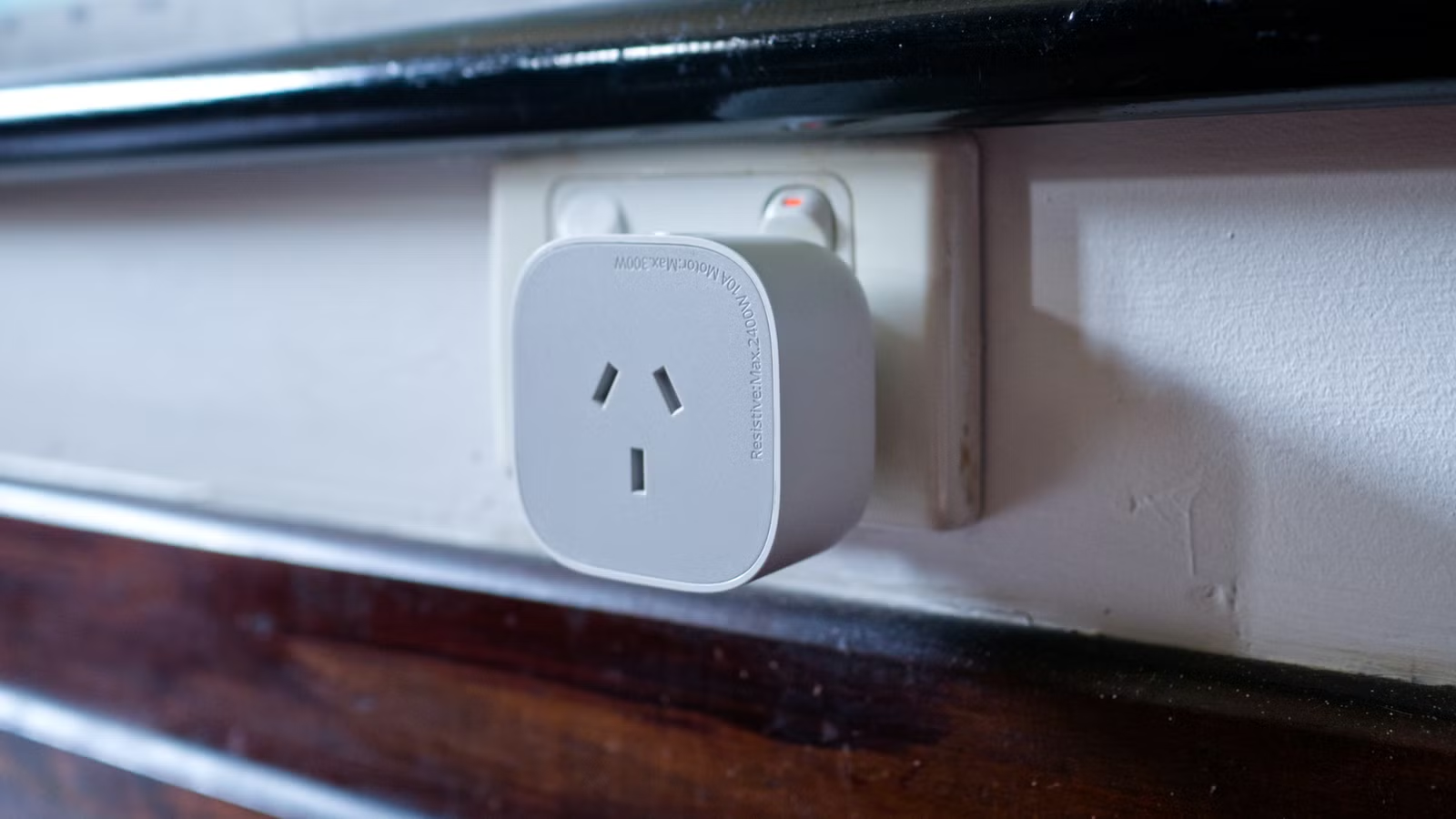
Google and Amazon are particularly good at selling the smart home vision, but these platforms have some big drawbacks, too. Consider switching to or starting out with a more capable and reliable alternative, which will save you money and frustration in the long run.
Here’s why Google and Amazon’s smart home platforms aren’t all that.
The problem with Google and Amazon smart homes
The biggest problem with Google and Amazon smart homes is their dependence on the cloud. This was put on full display in October 2025 when Amazon’s AWS web hosting service encountered a huge outage. In addition to breaking Snapchat, Reddit, and IMDb, it also brought Amazon’s smart home ecosystem to its knees.
Both Alexa and Ring were unavailable during this time, which means Amazon’s voice assistant and its line of video doorbells were completely unresponsive. With no offline recording facilities, Ring doorbells didn’t capture anything during this outage.
Furthermore, Amazon’s smart home platform is heavily dependent on the internet in order to function. Most automations, scenes, and device interactions require an internet connection. Some Echo hubs have limited local control, but so many devices that use Amazon’s smart home platform are built with internet dependence in mind.

Google’s smart home platform is similarly dependent on the internet in order to run. Both Amazon and Google have pledged support for the local Matter standard (which can communicate over Wi-Fi or a separate mesh network called Thread), but this only works if your smart plugs, light bulbs, and other devices also use Matter. Interestingly, Google only confirmed that it was working on an offline mode in mid-2024.
And don’t forget, if your own internet connection happens to go down, then your smart home is left stranded.
Both are closed ecosystems, which greatly limits which devices you can add to your smart home. While Google used to support third-party smart speakers and displays, that’s no longer the case. There’s growing frustration with the company’s smart home hardware division, thanks to decisions like killing the first and second generation of Nest Thermostat.

Though these platforms are user-friendly, there are often hidden costs to contend with. For example, both Amazon and Google charge an ongoing subscription fee to store and analyze video footage from cameras and video doorbells, with only the most basic features available out of the box.
Home Assistant is the best alternative (but not for everyone)
This is the bit where I recommend Home Assistant, a spiel you might have heard before. Home Assistant is a free and open-source smart home platform which you can install on almost anything. It runs on a server inside your local network, with offline support baked in.

Home Assistant is modular. You can add support for platforms like Thread (Matter), Zigbee, Z-Wave, and Bluetooth. You can mix and match these technologies and shop around to find devices that suit your needs and budget. It’s an inclusive platform with a thriving community, but there are some things you should be aware of.
If you treat your smart home as a hobby, you’ll love Home Assistant. If you’re technically proficient and enjoy a project, it’s the smart home platform for you. Even if you’re new to smart home automation, there are ways to engage with Home Assistant that shouldn’t feel too overwhelming, like buying a Home Assistant Green hub that’s ready to go out of the box.
- Dimensions (exterior)
-
4.41″L x 4.41″W x 1.26″H
- Weight
-
12 Ounces
Home Assistant Green is a pre-built hub directly from the Home Assistant team. It’s a plug-and-play solution that comes with everything you need to set up Home Assistant in your home without needing to install the software yourself.
You can get as involved as you like with Home Assistant, but it’s not a walk in the park. I’d always recommend trying Home Assistant out for yourself before you commit. One option you have is to repurpose an old computer as a server to figure out if this works for you.
As your confidence grows, you’ll be more comfortable stepping outside your comfort zone. For example, you can use add-ons like Scrypted or Frigate to store footage from cameras offline, removing the need to pay for a cloud subscription. You can set up remote access to your server using a VPN like Tailscale so that you don’t have to pay for Home Assistant Cloud.
If the idea of setting up, running, and maintaining your own local smart home server seems a bit overwhelming, you might want t consider something else.
Other smart home platforms to consider
If Home Assistant sounds like too much work, there are other options. Apple Home has similar drawbacks to Google and Amazon in that it is a closed system, plus you’ll need to be an Apple household (with iPhones and HomePods) for it to be useful. With that in mind, Apple designed its smart home platform to function offline.
That means that if the internet goes down, your devices will still work. Your automations will still run, and you can manually trigger scenes and devices like lights or switches using the app on your phone. If you already pay for an iCloud subscription, you’ll get access to HomeKit Secure Video, which allows you to save camera footage in the cloud, free of charge.

Apple’s remote access also works very well. I personally use it as a means of accessing my Home Assistant server remotely since the two systems integrate well together. HomePods are expensive, and Siri is bad, but Apple’s smart speakers have arguably the best sound of them all.
Alternatively, there are platforms like Homey and Hubitat. You can think of these as proprietary yet polished versions of Home Assistant. They’ve been designed with local offline support in mind, and bring together a vast number of devices in a similar manner. There’s even the ability to use Zigbee, Z-Wave, and Bluetooth, depending on what you go for.
I’d personally still recommend trying out Home Assistant for yourself before you go this route, but if the idea of a turnkey solution that runs off a single plug-and-play hub appeals to you, then these are well worth considering. Better still, you can integrate these hubs with Home Assistant at a later date if you decide to jump ship.
There are lots of reasons why Home Assistant is so frequently recommended in place of platforms run by Google, Amazon, and even Apple. It might just be the answer to your smart home’s biggest problems.



