

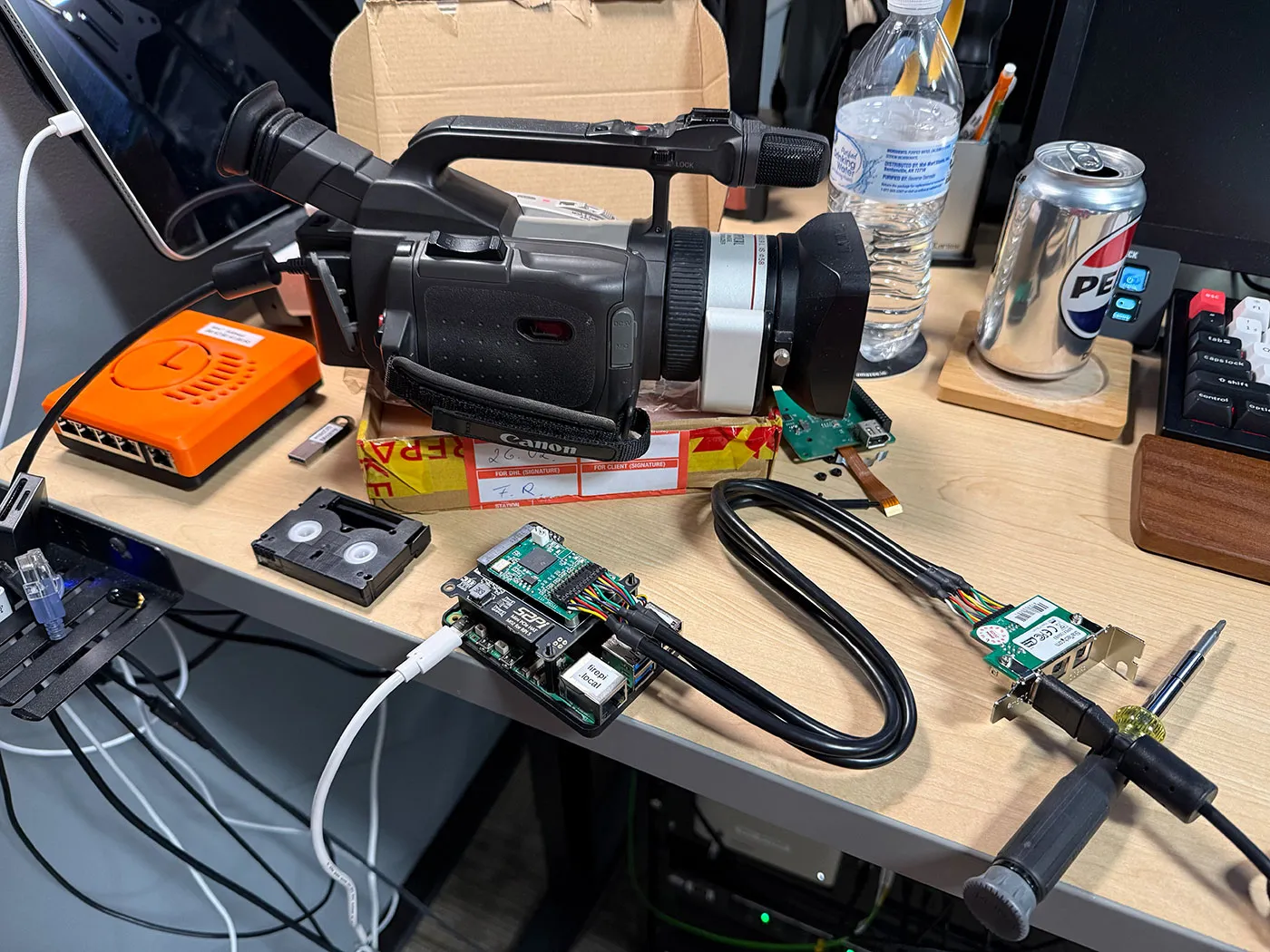
Once the premium option for data transfers and remote control for high-end audiovisual and other devices, FireWire (IEEE 1394) has been dying a slow death ever since Apple and Sony switched over to USB. Recently Apple correspondingly dropped support for it in MacOS 26, and Linux will follow in 2029. The bright side of this when you’re someone like [Jeff Geerling] is that this means three more years of Linux support for one’s FireWire gear, including on the Raspberry Pi with prosumer gear from 1999.
If you’re not concerned about running the latest and greatest – and supported – software, then using an old or modern Mac or PC is of course an option, but with Linux support still available [Jeff] really wanted to get it working on Linux. Particularly on a Raspberry Pi in order to stay on brand.
Adding a FireWire port to a Raspberry Pi SBC is easy enough with an RPi 5 board as you can put a Mini PCIe HAT on it into which you slot a mini PCIe to Firewire adapter. At this point lspci shows the new device, but to use it you need to recompile the Linux kernel with Firewire support. On the Raspberry Pi you then also need to enable it in the device tree overlay, as shown in the article.
With this you now have FireWire 400 support right off the bat, but to use the FireWire 800 port you need to also connect external power to the adapter, which [Jeff]’s Canon GL1 video camera with its FW400 port does not require, so he didn’t bother with that.
Capturing the video from the GL1 via FW400 was done using the DVgrab utility, with a subsequent capture attempt successful. This means that at least until 2029 [Jeff] will be happily using his GL1 camera this way.
Meanwhile over on the Dark Side, you can still happily install FireWire drivers made for older Windows versions on Windows 10 and 11, which is great news for e.g. people who have expensive DAW gear kicking around. Perhaps the demise of FireWire is still a long while off as long as you’re not too picky about the OS you’re running.
























































You must be logged in to post a comment Login