
Tech
Why file managers were once a dealbreaker (and why nobody cares about them anymore)

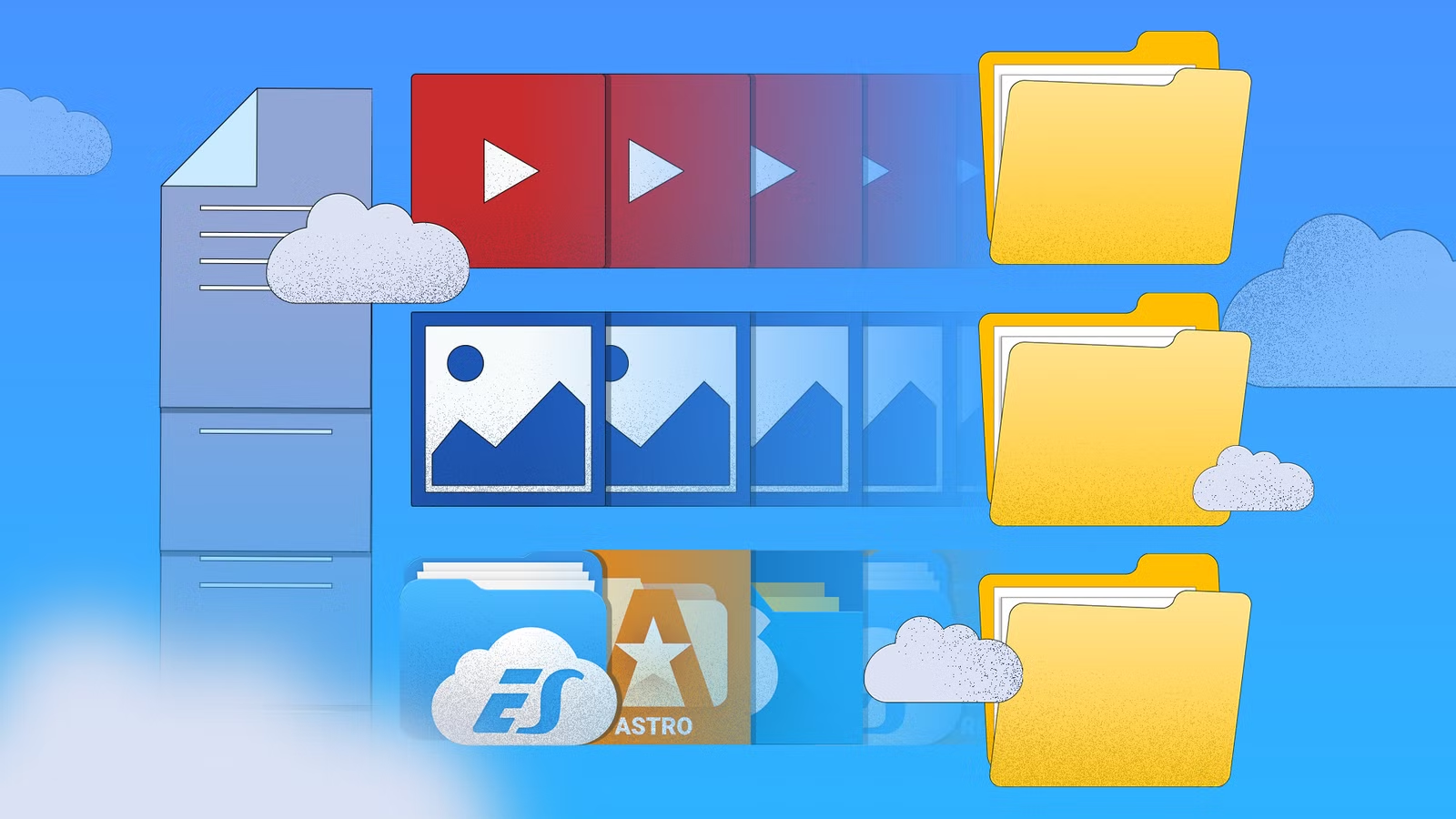
There was a time when pretty much everyone installed a file manager app on their Android phone or tablet. I used to mess around with files in the root directory (remember build.prop?) and access my FTP servers all the time. However, it’s been ages since I installed one of these apps or saw anyone else use them. What happened?
Modern operating systems are designed to make you forget about files
When Apple announced the original iPhone, it didn’t have a file manager app. Most smartphones at the time exposed the entire file system, which you could access through a file manager, just like you would on a desktop computer. Apple had a different idea: focus on apps, abstract the files away. So if you wanted to view photos or videos, you opened the gallery app, for audio files, you had the iPod app, and documents opened in Mail or Safari.

Without a single, global file management interface, the focus was entirely on apps. You can see how this operating system is intentionally designed to make you forget about direct file interaction. Android took an almost identical approach.
Early versions of Android didn’t have a native file manager
The early versions of Android didn’t ship with a built-in file manager. Even Android Marshmallow (version 6), the OS only had a Downloads app where you could view and share files in the downloads directly. Users were expected to interact with files in sandboxed apps, just like early iOS systems. But unlike iOS, Android wasn’t a walled garden, and the sky was truly the limit for customization and modding (especially in early versions). That’s why third-party file managers were popular with tinkerers. Even people who weren’t enthusiasts needed a unified file manager to play media, view documents, and photos in one place.

We would use them to edit system configuration files that you could only access with root. It sounds trivial, but you could do a lot with it—remove preinstalled apps, personalize with custom system-wide fonts, change boot animations, replace system apps, tweak the UI, improve performance, and so on.
Third-party file managers had a golden age
To make working with these files easy, most file managers offer quality-of-life features. Solid Explorer and FX had a dual-pane mode so you could open two directories side-by-side to move or copy files between them. Tinkering with the Android OS also meant working with file archives on a regular basis. Most file managers will let you create, extract, and edit archive files in pretty much any format, including ZIP, RAR, or TAR.

Other than moving files around and dealing with file archives, APK management was the other big thing. Some file managers have special features for extracting, viewing, and modifying the contents of APK files. Installed apps store their app data in special folders, which you can access with any file manager and modify it. For example, if you wanted to move saved game data from one device to another, you could just transfer those specific files to the other device.
The one feature that I used file managers for the most would be FTP server access. In those days, to transfer large files from PC to phone, I had to copy them to the microSD card, which usually took a while. That is, until I discovered how to set up an FTP server on my PC and access those files directly on my phone over the local network. Third-party file managers let you connect to the host FTP machine and upload or download files.
A bunch of other protocols, like WebDAV and LAN, are supported too, but I never used those. Solid Explorer could even integrate with popular cloud providers like Google Drive, Dropbox, and OneDrive.
Google eventually caught up, kind of
The original Android through Android Lollipop (version 5) did not ship with an in-built file manager in any form, so the first thing most people did was install a file manager. Starting with Android Marshmallow (version 6), Google provided a way to access the file system through a button buried in the settings app.
Google eventually launched an official file explorer with an in-built junk cleanup tool, file categories, and a password-protected safe folder. Phone manufacturers have also started bundling their own file management solutions with their custom Android skins.
These first-party apps aren’t usually as powerful or feature-rich as the file managers I mentioned. They usually lack features like dual-pane view, network connectivity, file compression, process managers, or viewing hidden files.
At the same time, the popular third-party fell off. ES Explorer eventually turned into adware, and Google removed it from the Play Store. Solid Explorer introduced ads, too. FX File Explorer is still good, though.
Most phones now ship with built-in file managers, so third-party file explorers have lost their appeal, despite offering more features and better interfaces.



