
Tech
Windows handheld PCs are getting more Steam Deck-like features

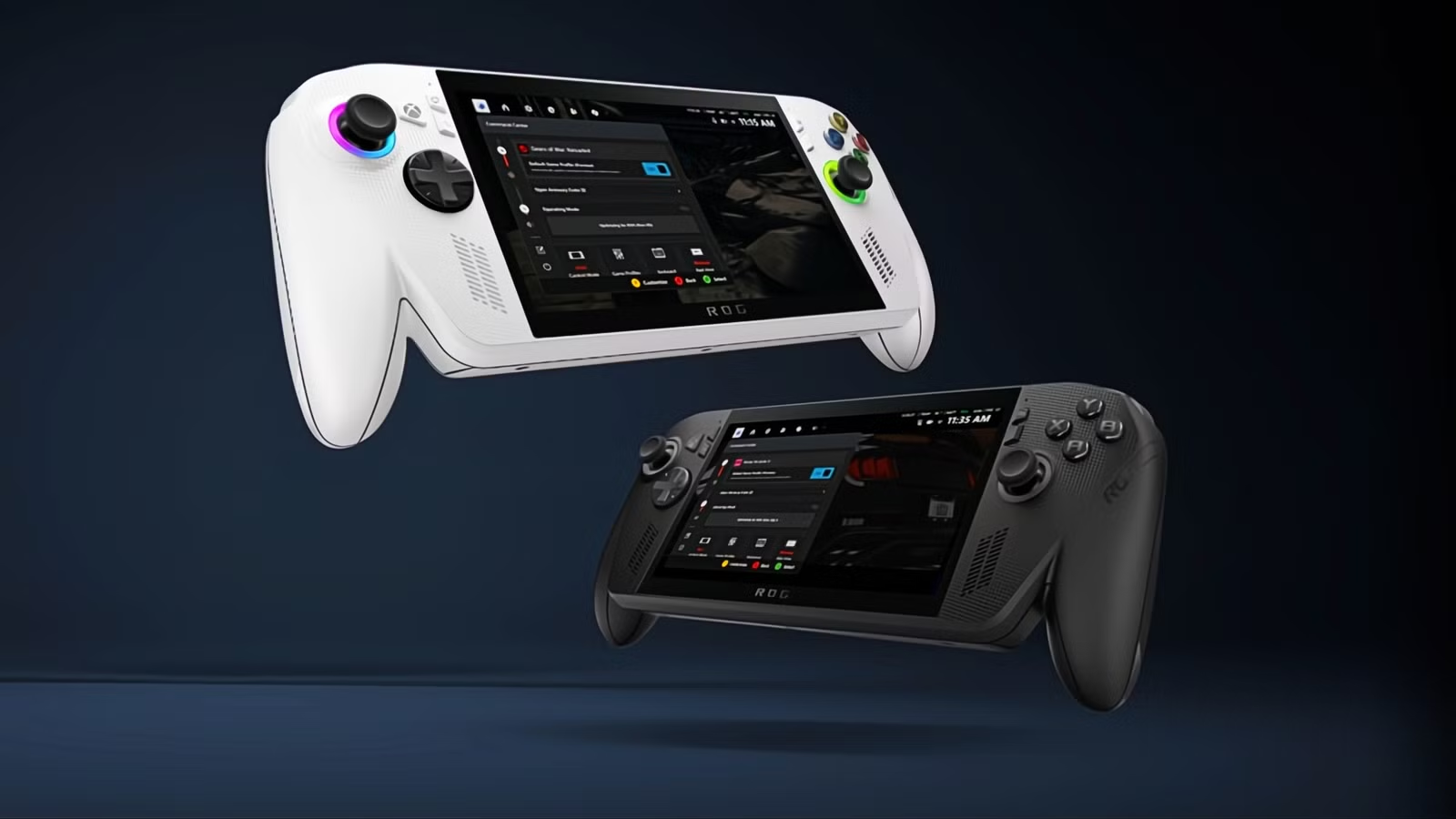
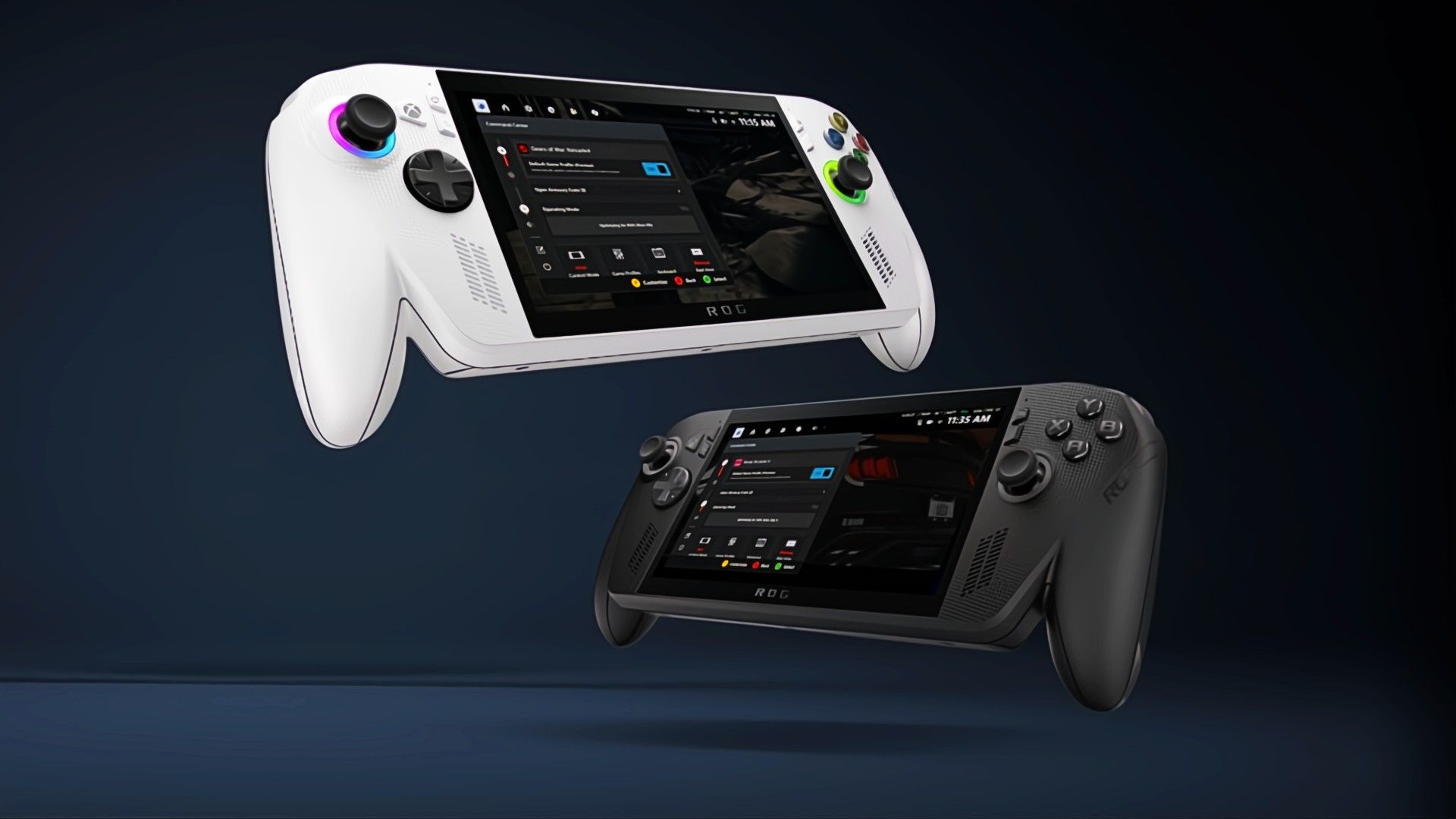
The ROG Xbox Ally is getting a major quality of life boost that should make Windows handheld gaming feel a lot more like the streamlined experience you get on the Steam Deck. Microsoft, Xbox, and ASUS are rolling out a new feature called Default Game Profiles in preview, which will give you that boost.
Default Game Profiles, which Microsoft, Xbox, and ASUS are rolling out, are designed to optimize performance and battery life for supported titles automatically. I would say the biggest benefit here is the potential for genuinely extended battery life without you having to mess with technical sliders. These Default Game Profiles automatically balance the frame rate (FPS) and power consumption, also known as the Thermal Design Power or TDP, for 40 supported games right out of the gate. We’re talking major titles like Fortnite, Gears of War: Reloaded, Call of Duty: Black Ops 7, and Hollow Knight: Silksong.
These profiles are hand-crafted for each specific game and only kick in when you’re running on battery power. When you launch a supported game, the system automatically applies the recommended power and sets a specific FPS limit. This is smart because it prevents the handheld from drawing unnecessary power if the game is already running perfectly.
For example, if a title is hitting 150 FPS, but the profile targets 120 FPS to save energy, the system limits the FPS at that target rate. Conversely, if a game is struggling and falls short of its target FPS, the profile is designed to boost power temporarily. This trades a small bit of battery life for a much smoother gameplay experience, which is usually worth it.
The difference this makes is actually substantial. Hollow Knight: Silksong, the Default Game Profile can add nearly an hour of battery life compared to running the system in its standard Performance mode, all while still delivering smooth 120 FPS gameplay. That’s a top-tier feature for anyone who relies on their handheld during travel.
You can also turn these settings on or off easily using the Armory Crate Command Center Game Bar widget. Beyond the major profile updates, the companies have listened to player feedback and delivered several key performance enhancements that make the whole system feel snappier.
One highly useful improvement is the new Game Gallery filter by Performance Fit. This lets users quickly see how well specific games are expected to run on their device. That eliminates a lot of the guesswork and frustration of downloading a huge title only to find out your handheld struggles to run it smoothly.
Microsoft is also rolling out a Game Save Sync Indicator next week. This is a crucial feature designed to give you peace of mind when you’re switching between devices, like from your desktop PC to your handheld. You’ll get clear status updates so you know exactly when your progress has synced to the cloud. You won’t have to worry about lost progress or guessing if you remembered to close the game correctly on your PC before leaving the house.
Source: Xbox Wire



