



Google‘s annual Google I/O developer conference is almost upon us, and as well as getting new features for Android phones and a better look at those new Googlebooks, as a wearables enthusiast I’m curious to see what happens with Wear OS 7.
Because Google I/O is primarily for developers, we should get a better look at the latest slate of operating systems and AI powers that devs can use to design new apps and features for the likes of the Google Pixel Watch 4, Samsung Galaxy Watch8, and more upcoming, unannounced devices.

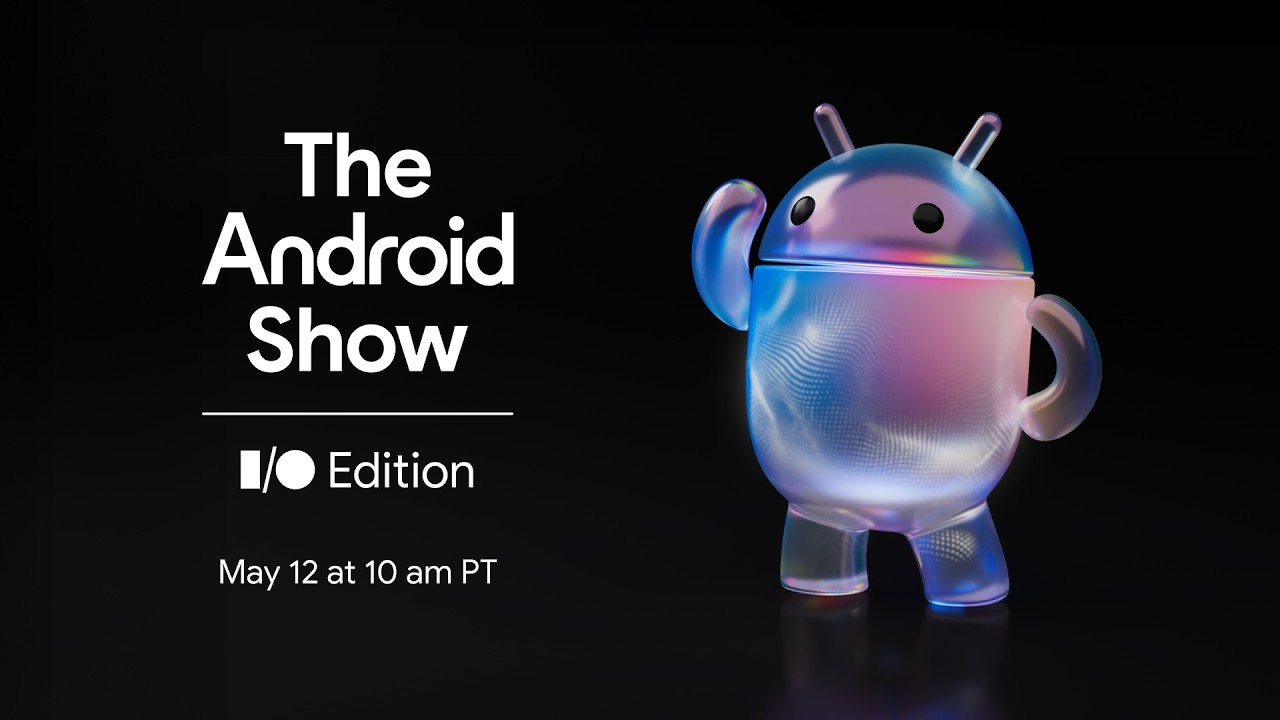

The Android Show had some neat new Gemini Intelligence features on display, notably the ability to create custom widgets simply by describing them to Gemini. After doing so, Gemini will seemingly vibe-code your widget for you.
We weren’t given any indication that you could create widgets directly on a smartwatch using Gemini and its microphone, but we were shown that watches could use custom widgets too. During the stream, we see a widget created for a Google Pixel Watch 4 to display wind and rain for ideal cycling conditions.
Expect more customization like this on Wear OS 7, with the ability to pull out nuggets of information and display them front-and-center.
2. Complex task automation with Gemini Intelligence
During the Android Show, we saw a graphic of a message about getting lunch with a friend display on a Pixel Watch. Once the plans have been made, a prompt shows up to create a calendar event, listed as “Add lunch at Zany’s Bistro, Sun 11:30am”.
This is part of Gemini’s new ‘complex task automation’ feature, which can look at contextual information and complete tasks for you, such as booking a front-row bike for your upcoming spin class, or searching for a coffee tour in Costa Rica fitting your specifications (both examples given in the presentation).
Because the feature was shown as being on-watch, we’re betting Wear OS 7 will be ideal not just to serve you notifications that these things are happening, but to do some of its own on-device thinking too. For example, I bet we’ll be able to ask the watch to open Google Maps and generate a route to Zany’s Bistro based on the messages described, likely by asking a simple question like “how far is it?”
3. Rambler on watch

During the Android Show, we saw director of product operations Dieter Bohn use a piece of software called Rambler, an improved AI-powered speech-to-text that interprets long-winded, unclear messages full of filler words and backtracking, rather than transcribing literally.
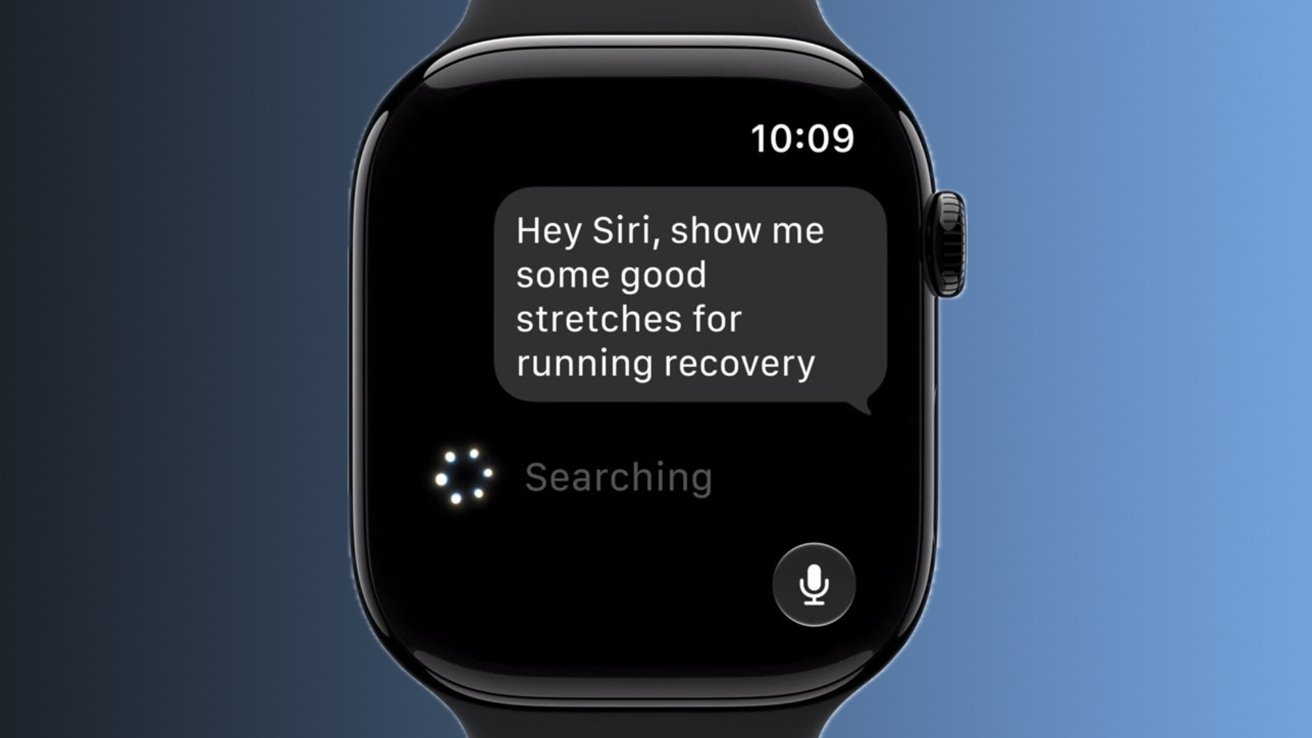
As transcription gets better, speech is becoming one of the key ways we interact with wearables today — I certainly wouldn’t get very far in the kitchen without asking my Apple Watch Ultra 3 to set a timer for me, using its raise-to-talk functionality. As we expand our usage of voice assistants with wearables, it’s hard not to see Rambler coming to Wear OS sooner rather than later.
4. Battery improvements
All these AI features need a lot of power. While it seems every upgrade promises better, more efficient battery management, this is almost a given if we’re getting upgraded AI tools — even if it’s just to keep devices like the Google Pixel Watch at, or close to, the device’s battery life listed at the point of sale.
5. Context, context, context

We’ll likely see more unannounced features, but they’ll all be revolving around the same sort of thing — using to power of AI to hoover up contextual information from existing functions to improve or iterate on previous features.
For example, if you turn up to the same pilates studio every week, Apple will combine GPS information with workout data and prompt you to start a pilates workout. Its Workout Buddy feature takes you entire exercise history and crunches it, letting you know if the mile you just ran was your fastest ever.
I’m positive we’ll see similar features on future Wear OS watches, and it might even be this year. The use of historic data from different apps to anticipate the user’s needs is already becoming a key part of the agentic AI experiences companies like Google are trying to provide.

Follow TechRadar on Google News and add us as a preferred source to get our expert news, reviews, and opinion in your feeds. Make sure to click the Follow button!
And of course, you can also follow TechRadar on YouTube and TikTok for news, reviews, unboxings in video form, and get regular updates from us on WhatsApp too














































You must be logged in to post a comment Login