For those who didn’t know, official support for Windows 10 ended in October last year – this was unless users extended their licence for another year.
However, the support of the software will completely come to an end on October 13, 2026, even for those who chose to continue using it as part of the Extended Security Updates (ESU) programme.
With Microsoft no longer offering fixes or security updates in just a few months’ time, devices with Windows 10 could become susceptible to cyber-attacks and hackers.
Of course, the first point of action is to upgrade to Windows 11 for free before the beginning of October.
But as Which? estimates around 21 million people in the UK currently own and use computers and laptops with Windows 10, not all will be able to choose the above option.
This is because if you have a PC that has Windows 7 or 8.1, or even one bought with these and later upgraded to Windows 10, you probably won’t have the correct specs to upgrade to Windows 11, the consumer champion has outlined.
How important are Windows security updates? Tech expert explains
With this in mind, Scott Bordoni, chief operations officer at Sync has explained the importance of having up to date security updates, and what you can do if you can’t upgrade to Windows 11 straight away.
Scott warned: “Security updates are one of the most important protections any computer has.
“They fix vulnerabilities that cybercriminals actively look for.
“Once those updates stop arriving, devices gradually become easier targets for malware, scams and data theft.
“When support for Windows 10 ends, computers won’t suddenly stop working.
“But over time they will become more exposed to new security risks because newly discovered weaknesses will no longer be patched.”
What to do before Windows 10 ends to avoid becoming a ‘target’ for scams
Scott continued: “For users who can, upgrading to a supported operating system is the best step.
“Many devices are eligible for Windows 11, which continues to receive regular security updates and protections.
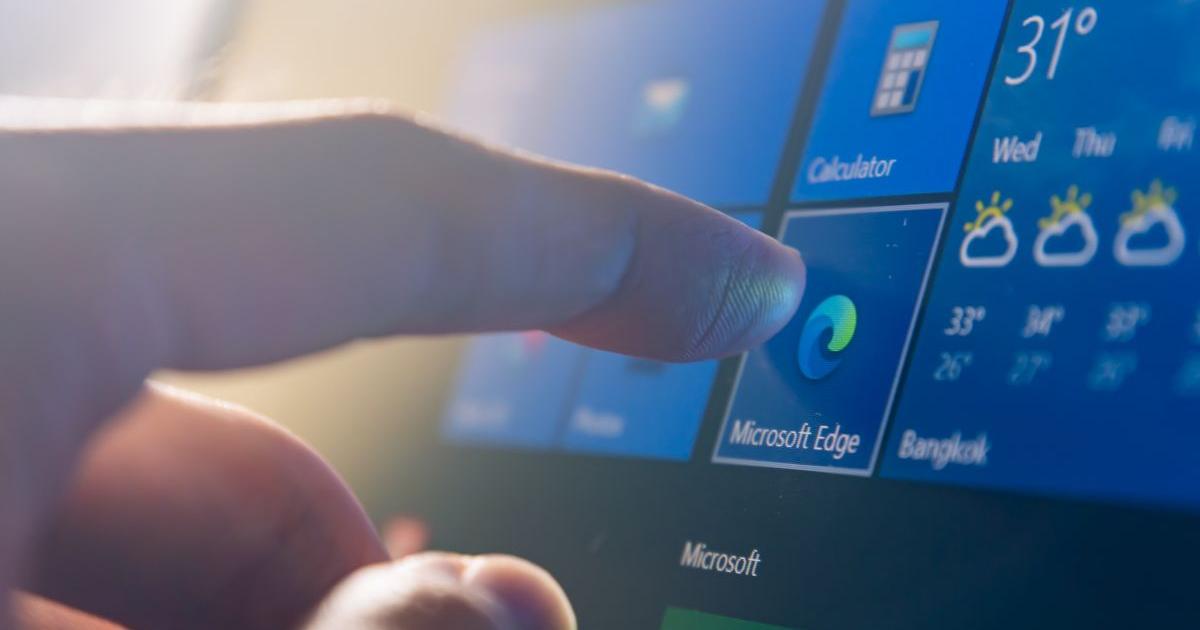
![]() If you have a PC that has Windows 7 or 8.1, the Windows 11 upgrade might not be possible (Image: hadrian-ifeelstock/Getty)
If you have a PC that has Windows 7 or 8.1, the Windows 11 upgrade might not be possible (Image: hadrian-ifeelstock/Getty)
“If upgrading isn’t possible straight away, there are still sensible steps people can take to reduce risk.
“Make sure antivirus software is active and up to date, keep browsers and apps updated, and be cautious with emails, downloads or links from unknown sources.
“It’s also worth reviewing how the device is used.
“Avoid storing sensitive information unnecessarily, keep regular backups of important files, and use strong, unique passwords wherever possible.”
The tech expert concluded: “The key thing is awareness.
“Your computer won’t suddenly become unsafe overnight, but the longer unsupported systems stay in use, the more important it becomes to manage security carefully.
“Moments like this often prompt organisations to review the wider security model of the devices they use.
“Many are increasingly considering platforms designed with security built in from the ground up, such as macOS, which includes features like hardware-level protection, secure boot and regular system-wide updates.”
Can I upgrade from Windows 10 to 11 for free? How to get
If you currently have Windows 10 and your device is eligible to upgrade to Windows 11 for free, this is how you can get the newer software with the most up to date security:
- Firstly, check your laptop or computer can get Windows 11 by using this Which? tool
- Right-click the Start (Windows) button, or press the Windows key on your keyboard
- Choose Update & Security > Windows Update
- Follow the on-screen instructions
Additionally, if you’re not sure which version of Windows you’re running, you can check by:
- Right-click the Start (Windows) button on your screen, or press the Windows key on your keyboard
- Select Settings > System > About
- Navigate to Windows specifications for more details
Did you know support for Windows 10 was ending this year? Let us know if you have a device that will be affected in the comments below.