News Videos
Master Claude for Excel in 10 Minutes: Financial Modeling

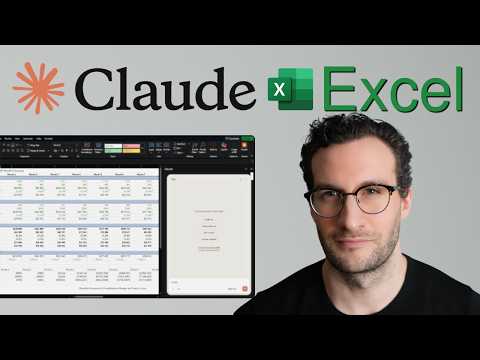
🎥 Master Claude for Excel in 10 Minutes: Financial Modeling
Claude now has an Excel add-in, and it is surprisingly strong for financial modeling, Excel automation, and upgrading messy spreadsheets without writing formulas from scratch.
In this video, I show you how to use Claude in Excel step by step. We cover:
– how to install the Claude Excel add-in
– how to build a financial model from scratch
– how to upgrade an existing Excel model
– best practices, limits, and when to use Opus vs Sonnet
If you have been searching for Claude in Excel, Claude AI in Excel, how to add Claude in Excel, or Excel automation for finance, this video is for you.
What you will learn
1. Install & Navigation
– how to download and enable the Claude add-in for Excel
– where to access Claude inside Excel
– when to use Sonnet for quick tasks and Opus for advanced work
2. Build financial models from scratch
– describe the business, not the spreadsheet
– let Claude create assumptions tabs, formulas, linked model logic, and charts
– generate a usable 24-month financial model without manually building every formula
3. Upgrade existing Excel models
– add new assumptions to a current model
– preserve existing formula dependencies
– extend charts and outputs automatically
– highlight specific cell ranges and ask Claude to explain or update them
4. Tips, limits, and best practices
– prompt tips for Excel-specific tasks
– how to ask for validation checks, like balance sheet controls
– current limitations, including lack of VBA support and no saved session history
Why this matters
A lot of people gave up on AI inside Office because earlier tools did not deliver enough value. Claude is different. It is fast, practical, and genuinely useful for finance use cases, especially if you work with assumptions, scenarios, models, and spreadsheet analysis all day.
Chapters
00:00 Introduction
00:40 Installation & Navigation
01:51 Build Models
05:03 Enhance Existing Models
07:01 Best Practices and Limitations
Related topics
– Claude Excel
– Claude in Excel
– Claude AI in Excel
– Excel automation
– Financial modeling
– Excel tips
– Anthropic Claude Excel
If you want to go deeper after this, I recommend my video on Claude Skills, since the Excel add-in supports skills and they are one of the best ways to reuse strong workflows across your team.
#ClaudeExcel #ClaudeInExcel #FinancialModeling #ExcelAutomation #ExcelTips #ClaudeAI #AnthropicClaude
source
You must be logged in to post a comment Login