Tech & AI
Apple finally brought custom EQ to AirPods. It isn’t perfect, but makes a world of difference.

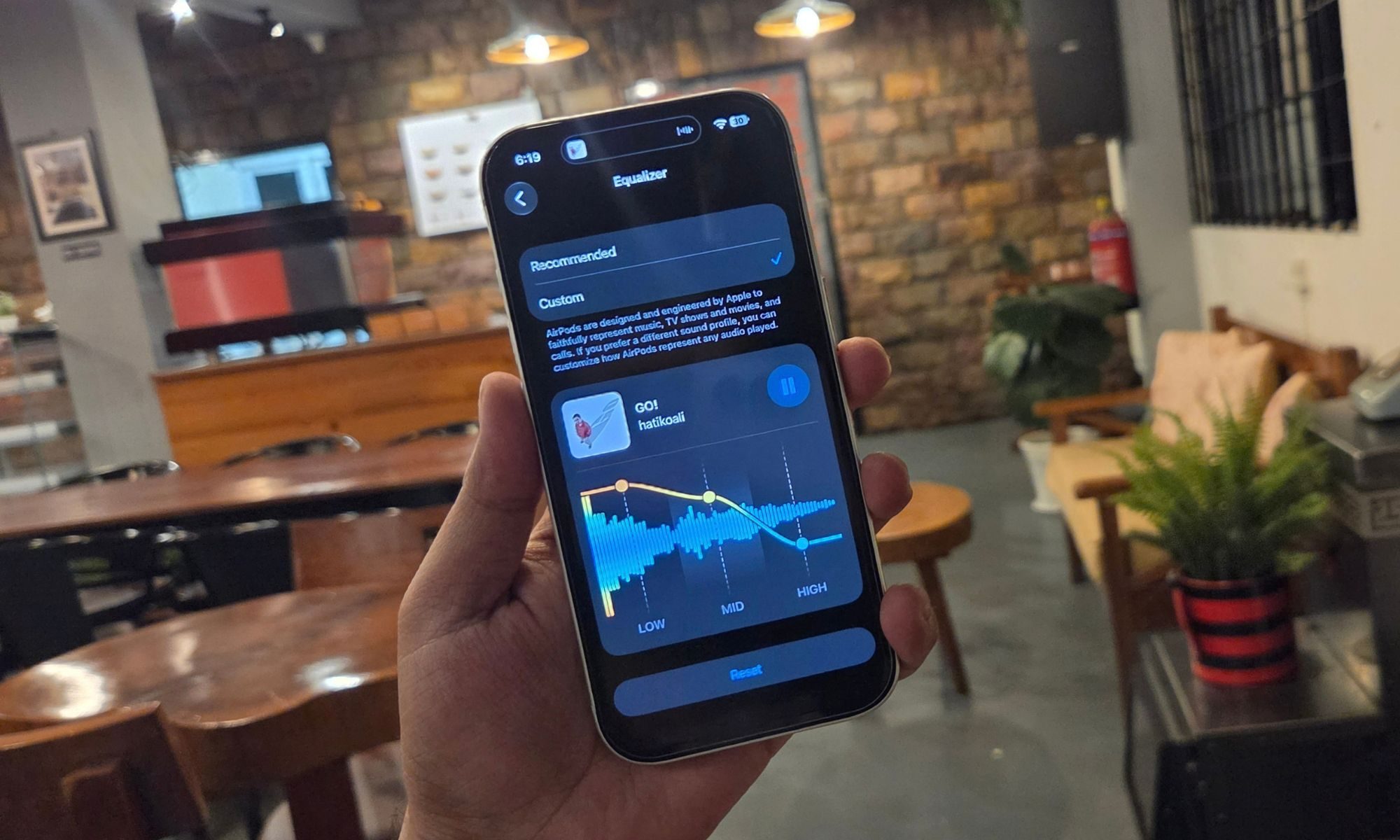
I just adjusted the frequency response to my favorite Kazakh Hip-Hop track, and my AirPods Pro obliged, blasting soul-pleasing bass beats in my ear canals. In hindsight, I think this is how “Go” by Hatiko Ali was always meant to be listened to. Wading into an entirely different world, I slightly raised the mids and found myself lost in the melodious voice of Shafqat Amanat Ali.
Just over a week ago, that wouldn’t have been possible. But thanks to iOS 27, and the latest AirPods firmware, Apple has finally added a custom tri-band EQ to give users a flexibility that they’ve been asking for years. It’s not as fleshed out as what you get with the likes of Sony, but the difference is easily noticeable, and utterly satisfying.
So, what’s the big deal?

It won’t be an overstatement to say that Apple put true wireless earbuds into the mainstream. It’s next to impossible to walk in a buzzy place, a workspace, or even on public transport, and not see a few skulls rocking the distinctly white earbuds sold by Apple. And for good reason. They pair seamlessly, offer a bunch of cool features such as Find My tracking, and deliver fantastic noise isolation.
Of course, they sound pretty good. Apple, however, has also been pretty stubborn in the sound department, preventing audiophiles from customizing how the AirPods sound. For years, Apple has maintained that the AirPods have been tuned by experts and that they sound just fine out of the box. Apple never served a custom EQ (aka equalizer) for its earbuds, something nearly every other major audio brand offers.
With the release of iOS 27, Apple has finally made a course correction. So far, you could only pick between three presets in the name of customization: Balanced Tone, Vocal Range, and Brightness. Annoyingly, these settings were buried under Headphone Accommodations. That’s not a name where I would ever go looking to tweak the audio profile of my AirPods. And yeah, it wasn’t enough.
Does it make a difference though?
Absolutely.
Look, I won’t mince words here. Everyone has a different taste in music, and even when it comes to the same band — or even a track — what you like in a particular song is going to be different from the next person. Likewise, given the flexibility, you might occasionally want to enhance a certain element of a track, like the vocals raised and the background instruments suppressed, in a song.
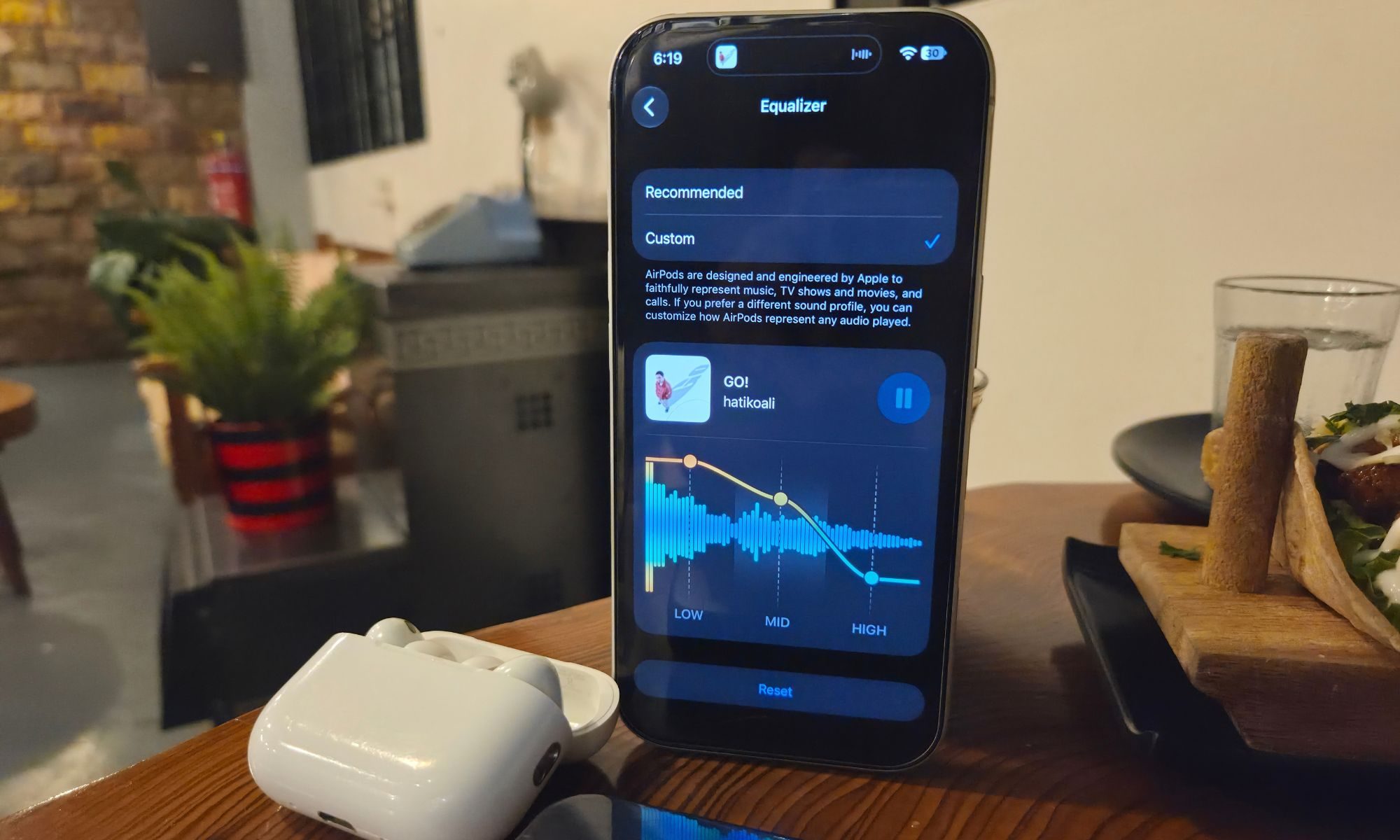
I know. I know. Music purists are going to balk at the idea. They would say you should listen to a song the way it was intended to be listened to. Or, to put it more accurately, listen to it the way a music artist is serving it. Simply put, just enjoy it in its pristine state. I disagree with that notion. You should listen to a song in the unique flavor that pleases your senses. There’s a reason lo-fi and slowed-reverb tracks are all the rage. Apple’s tri-band EQ finally gives you that freedom.
While listening to Nine Inch Nails’ “As Alive As You Need Me To Be” from the “Tron: Ares” soundtrack, I always felt it was a tad chaotic. I wanted to hear the rock ferocity of Reznor’s voice on this track, without it being suppressed by the background instruments. Well, on the EQ page, I pulled down the high-band while raising the mid and low band output. That changed the entire song’s vibe.
The distinct mechanical grit in Reznor’s voice became more obvious, with all its visceral aggression and layered vocal texture — all against a more pronounced bass chorus. Moving over to “A Drowning” by How to Destroy Angels, an inverted V-shaped EQ graph (bring down the low and high bands, enhance the mids) is the best way to enjoy Mariqueen Maandig’s vocals in all their controlled elegance and chilling precision against the dark backdrop.
But how?
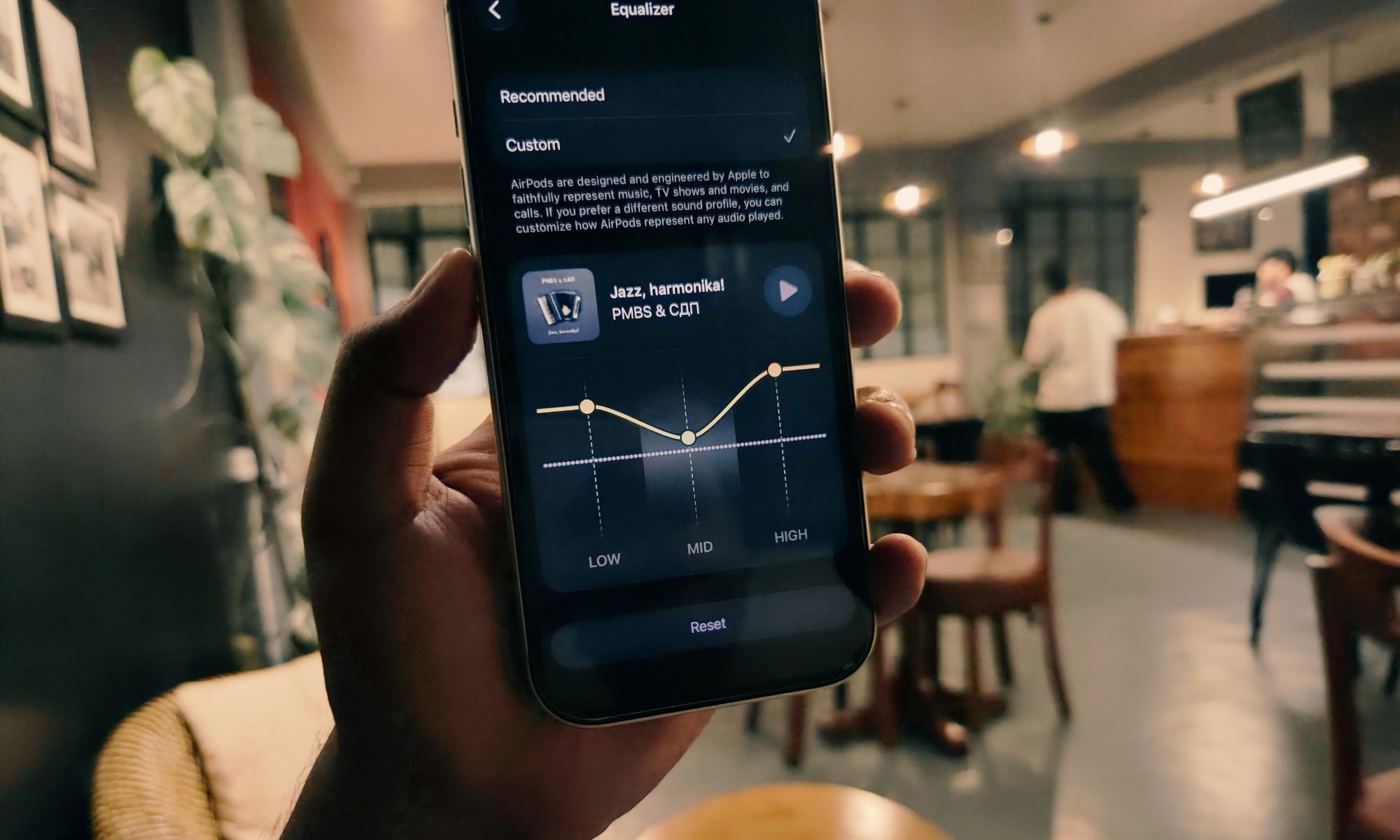
Well, as mentioned above, make sure your iPhone is running the latest iOS 27 build, and you have the updated firmware installed on any of the AirPods models listed below:
Next, pair the AirPods to your iPhone and follow this path:
Settings > (Name of your AirPods) > Audio & Routing > Equalizer > Custom.
Thankfully, the EQ changes you make on your iPhone will also reflect when the AirPods are connected to your iPad or Mac. “Custom EQ settings are stored on your AirPods and carry over to any other paired devices,” explains Apple.
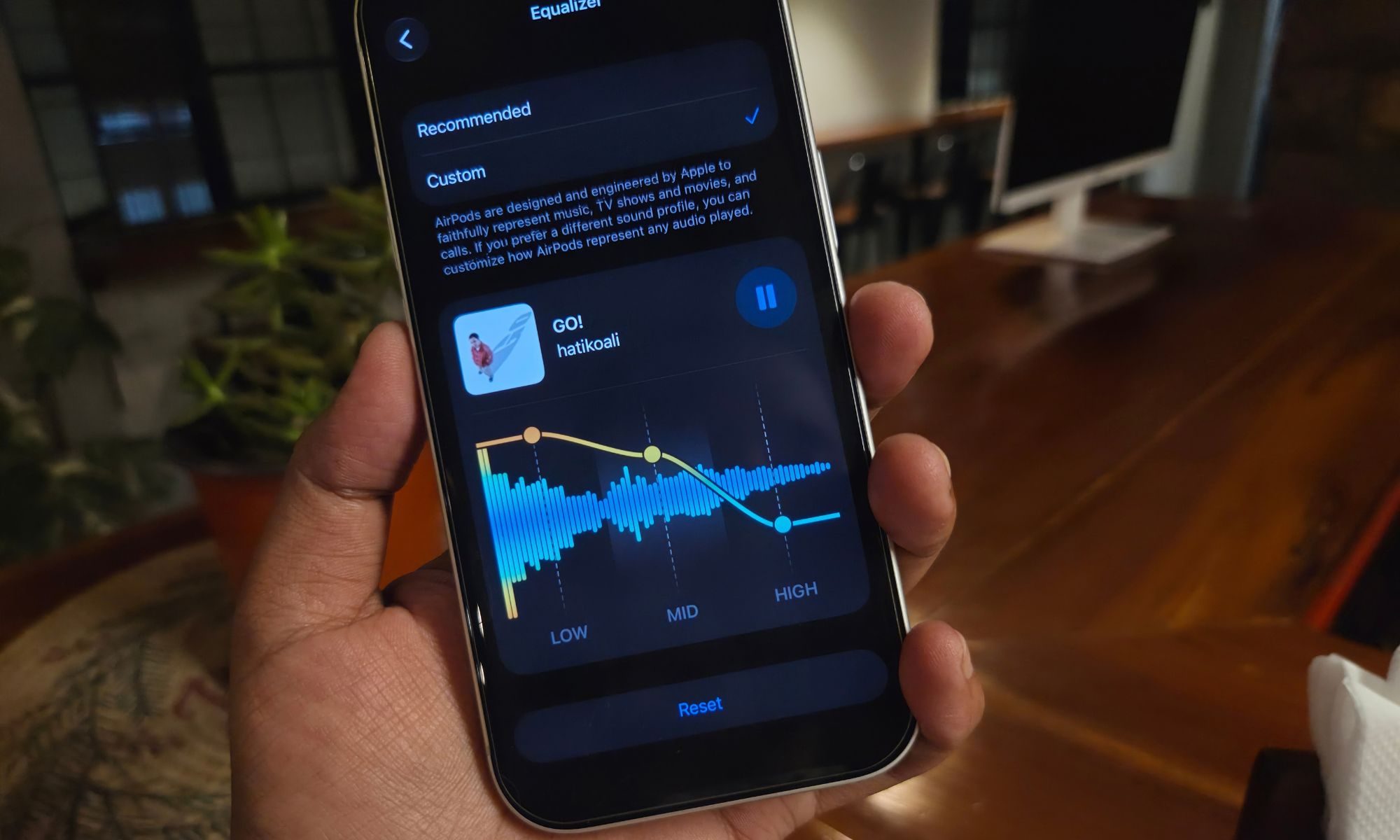
As mentioned above, you don’t necessarily have to go down the path. The AirPods (especially the Pro and Max) are tuned pretty well, and if you just want to enjoy music without losing brain cells over mids, lows, and highs, stick with the pre-applied “Recommended” profile. But if you ever wondered what a track would sound like if certain melodious or instrumental elements were adjusted, head over to the EQ page and play around. Trust me, it’s a rewarding exercise.
You must be logged in to post a comment Login