Tech & AI
How to use filtering in Messages on iOS 27

If your Messages inbox is catching a lot of stray, unwanted messages, we’ll show you how to filter, report, and block spam messages on iOS 27.

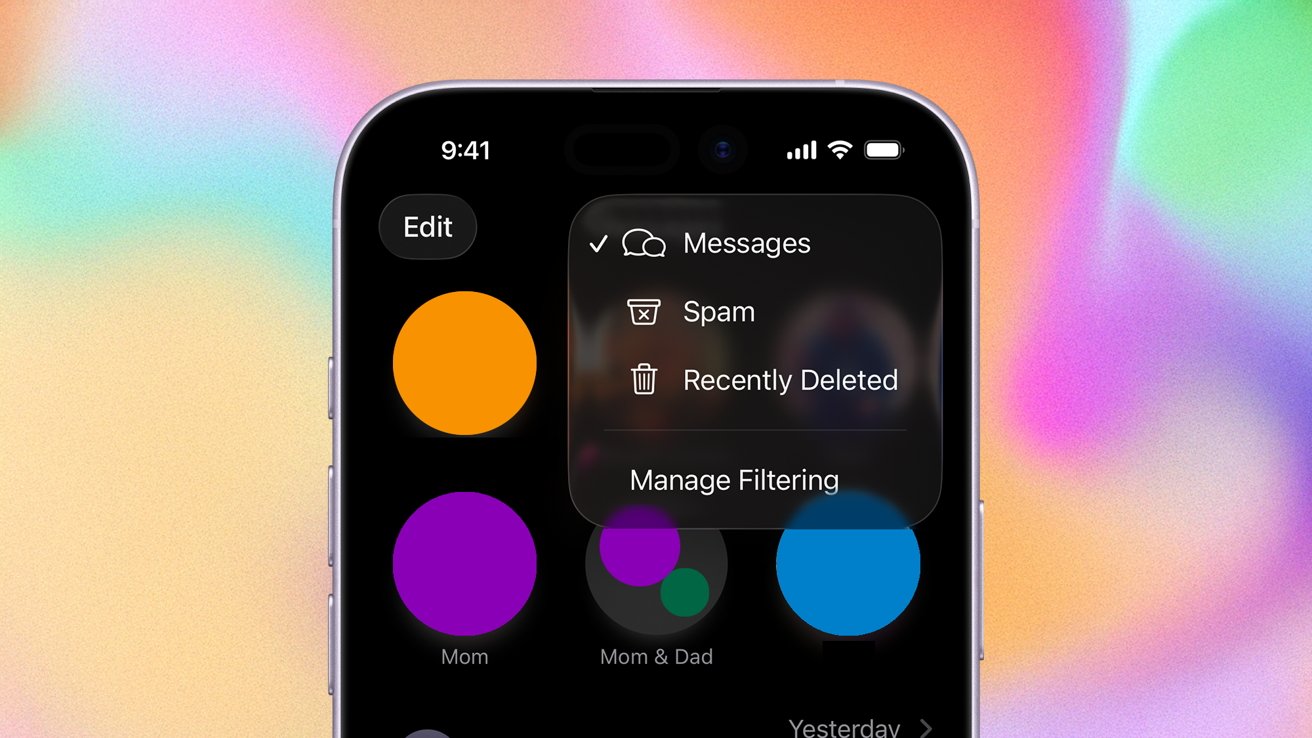
Learn how to filter, report, and block messages on iPhone
At WWDC 2025, Apple announced that it would be bringing enhanced message filtering capabilities to Messages. As promised, they rolled out as part of iOS 26, released in September 2025. They continue to be available in iOS 27.
The new features are designed to help manage the onslaught of texts everyone seems to get these days. Here’s how to do it.
Continue Reading on AppleInsider | Discuss on our Forums
You must be logged in to post a comment Login