
- Google is rolling out a new Gemini for Home update to fix voice commands for Spotify
- The company is also fixing message broadcasting and smart light controls
- Despite the upgrades, users are criticizing Google for not fixing the issues they’ve been experiencing for a while
The transition to Gemini has been rough — even Google knows that, but the latest Google Home update aims to tackle a handful of pain points with voice commands.
In an announcement issued yesterday (August 20), Google shared three fixes coming to the Gemini for Home voice assistant, which is still in early access. Additionally, features in the Google Home app are also tipped to get a glow-up.
The first voice command fix is for Spotify requests, which Google says has been improved to better recognize the artists, songs, and playlists you ask your Google smart speaker to play. More often than not, Gemini for Home has struggled to register commands when you ask it to launch certain playlists, while other voice commands have been interpreted as music requests.
Latest Videos FromTechRadar
Now, you can get your smart hub to play specific personal playlists, such as your Liked songs, and it will produce smoother results, but Google adds that Personal Results need to be enabled to request things like Liked songs and personal playlists.
As well as Spotify improvements, Google says it’s updated message broadcasting, which now works as a two-step process. The first step requires you to say ‘Hey Google, broadcast message’, and after a short wait, you can follow up with your message as a second command. Previously, you had to broadcast your message in one long voice request, so this fix removes the chance of miscommunication.
Lastly, Google is letting you be even more precise with adjusting the lighting in your home. The Gemini for Home update now lets you set your smart lights to a specific color temperature to create the perfect ambiance for a movie night or an evening soiree with friends. You can try saying, ‘Hey Google, make the living room lights 2700 kelvins,’ and your lights will change accordingly.
Useful upgrades, but there’s more to be done
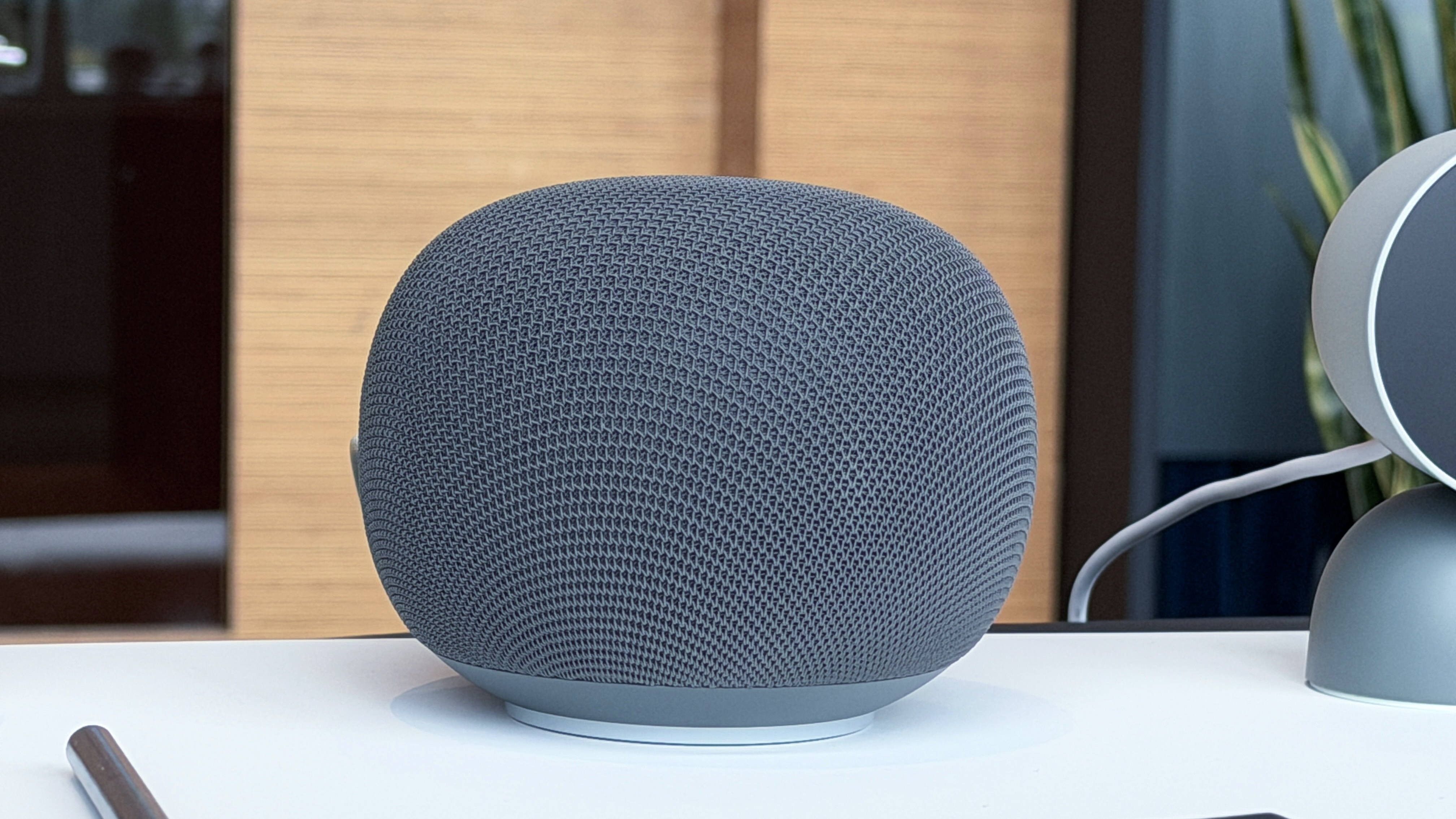

Google began phasing out the old Google Assistant across its ecosystem of devices in 2025, and it will be shut down for good on Android and Wear OS devices on September 4 in favor of Gemini. The same goes for smart home devices, but the switch to Gemini for Home has been far from smooth.
Though the Spotify fixes and other voice request updates are welcomed solutions, user have called Google out for glossing over the main issues that have been plaguing their experiences, and there’s still a lot more work to be done to fix surface-level features.
Redditors who are also long-time Google Home users have shared their struggles with the transition; one user says, ‘the move to Gemini has been rough for us,’ recalling that basic household commands such as setting alarms are still hit-or-miss for them. ‘I just hope this all gets fixed soon,’ they added.
Luckily, they’re not the only one riding the struggle bus. Another user says they’re still experiencing issues with creating and scheduling basic automations for their thermostat, while a user with multiple Google devices says that Gemini is still unable to answer simple questions like ‘how long to cook a sweet potato’ — despite resetting their devices four times.
Not all the best smart speakers are perfect, but the rising reports of Gemini for Home’s ill performance are worrying for the future of Google’s smart home ecosystem. The updates are rolling out at too slow a pace, and users are already starting to lose trust.


Follow TechRadar on Google News and add us as a preferred source to get our expert news, reviews, and opinion in your feeds.
You must be logged in to post a comment Login