Tech
Action Retro Boots a Working Macintosh on the Pico Micro Mac v3

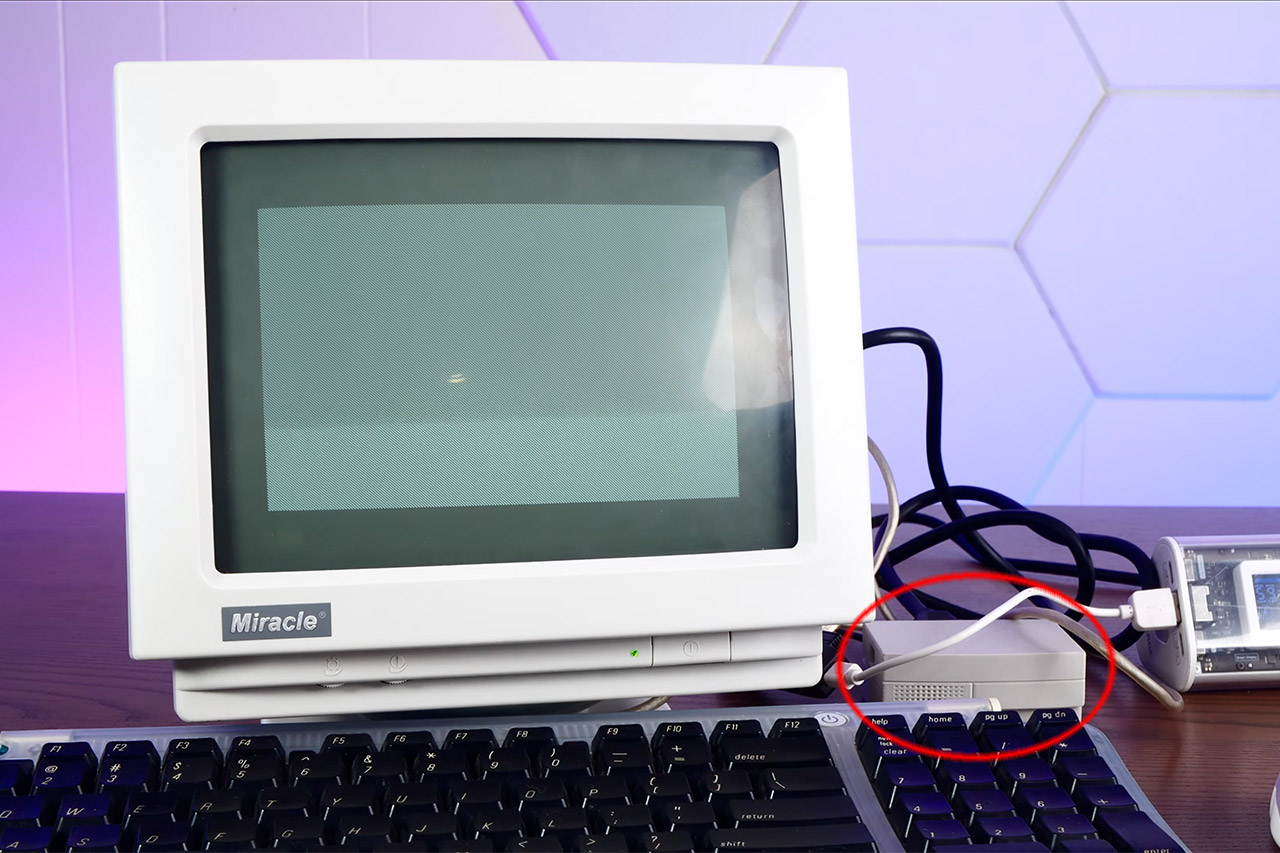
Action Retro just sat down with Pico Micro Mac v3, and the little board did the rare thing cheap retro kits keep promising. Power went in, a smiling Macintosh face appeared, and a real System desktop came up ready for a USB mouse. His video calls it a tiny 90s Macintosh. Software-wise it is closer to the 128K and Plus years. The charm is that the desktop is genuine, clickable, and running on a microcontroller you can cover with two fingers.

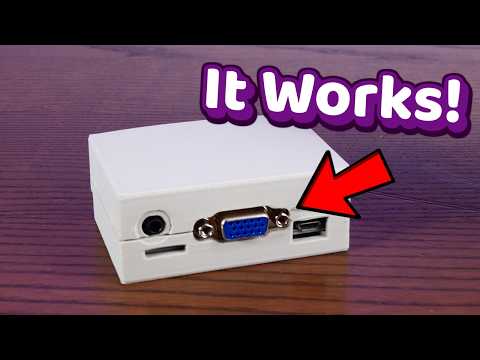
Matt Evans was the mastermind behind the emulator that makes this feat possible, and his pico-mac project, a Raspberry Pi Pico integrated with a 68000 Macintosh 128K, is a true marvel. It works by generating a one-bit VGA image using only a few resistors and the chip’s programmable I/O, which is then cranked up to 250 MHz, allowing you to play games like Missile Command without trouble. Ron from Ron’s Computer Videos then took this mess of wires and converted it into a board that you can really buy; Joe’s Computer Museum is selling the current v3 iteration for $20 to $25, either alone or with a Pico attached.


Apple 2026 Mac mini Desktop Computer M6 chip
- LITTLE DO-IT-ALL — Mac mini packs pure power into a small, five-by-five-inch desktop as the M6 chip delivers next-level AI capabilities. Mac mini…
- M6 CHIP — Everything you do on Mac mini feels more responsive with the M6 chip and its next-generation CPU. Fly through AI workflows with up to 4.8x…
- CONNECT IT ALL — Features three Thunderbolt 4 ports, an HDMI port, and a 2.5Gb Ethernet port in the back, and two USB-C ports and a headphone jack…
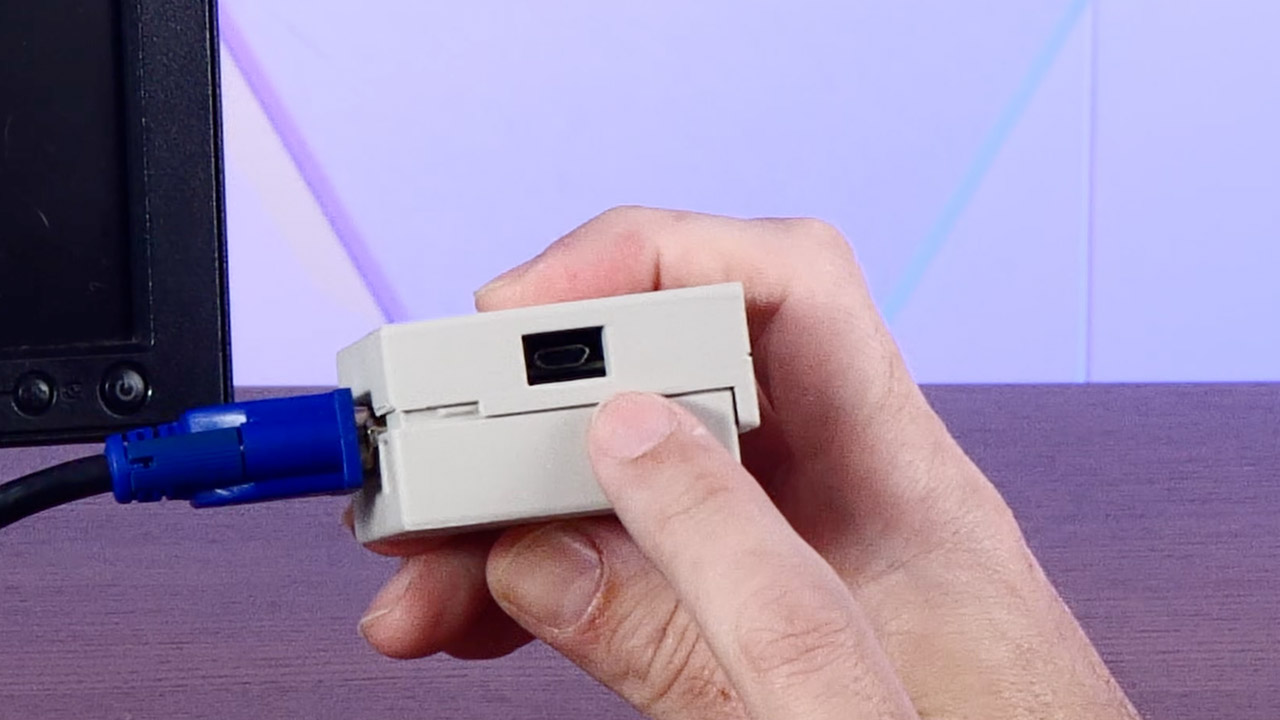
The older boards that came before this one required you to solder a separate microSD adapter onto a stack of pins, but the Version 3 has made life a lot easier by building the card slot right into the PCB and adding two rows of female headers, so you can simply press a Pico with pins already attached and it will work flawlessly. Simply press the boot button, slide a UF2 firmware file onto the Pico like a USB stick, and then drop Ron’s disk image onto a card, and you’re ready to go: VGA to any monitor that will accept it, keyboard and mouse via a micro USB OTG port. However, Action Retro discovered the hard way that some current keyboards with built-in hubs may be temperamental, so they switched to a simpler USB keyboard, which still worked.

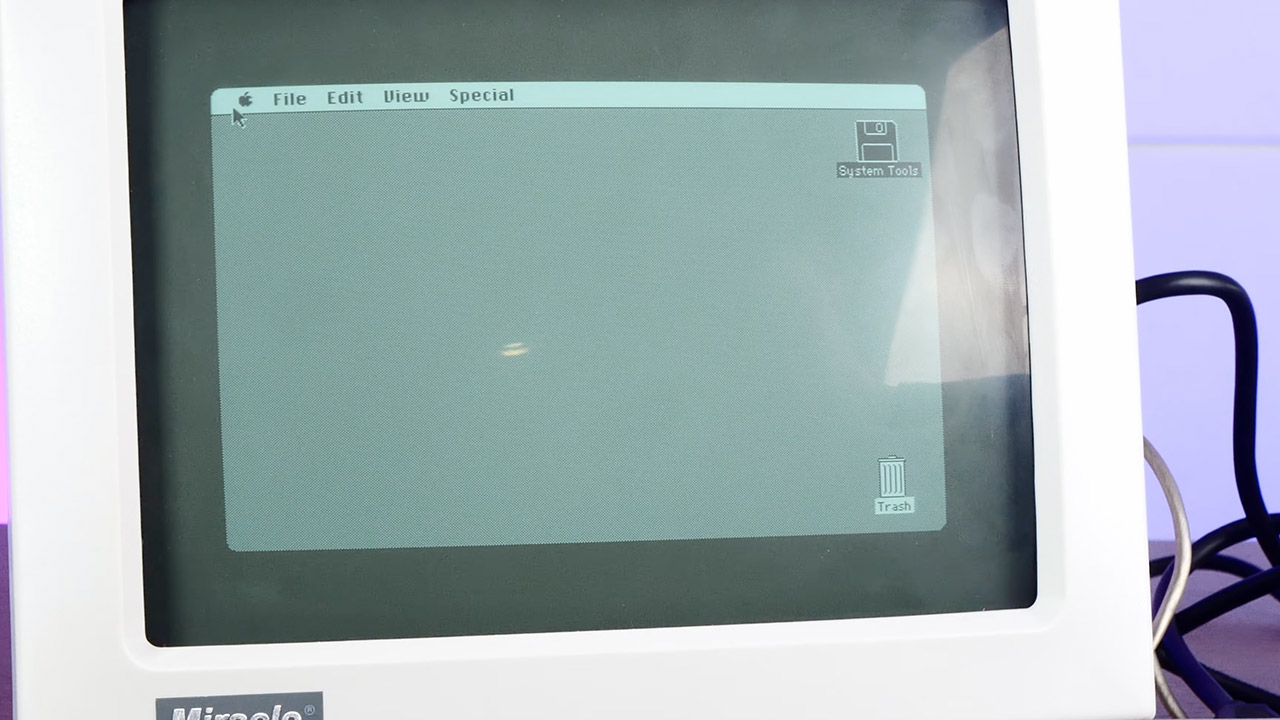
The default personality is a 128K Mac at 512 x 342, Apple’s original canvas from 1984. Other firmware builds extend the picture to 640 × 480 and increase memory to 208K, which is more RAM than the first Macintosh ever arrived with. Finally, you get to see the Finder, MacWrite, and MacPaint in their full grandeur. Previous videos of this project have shown Lode Runner, Bricks, and Missile Command in action. With Ron’s compressed disk image, you can really utilize the system for the evening and have it do something.
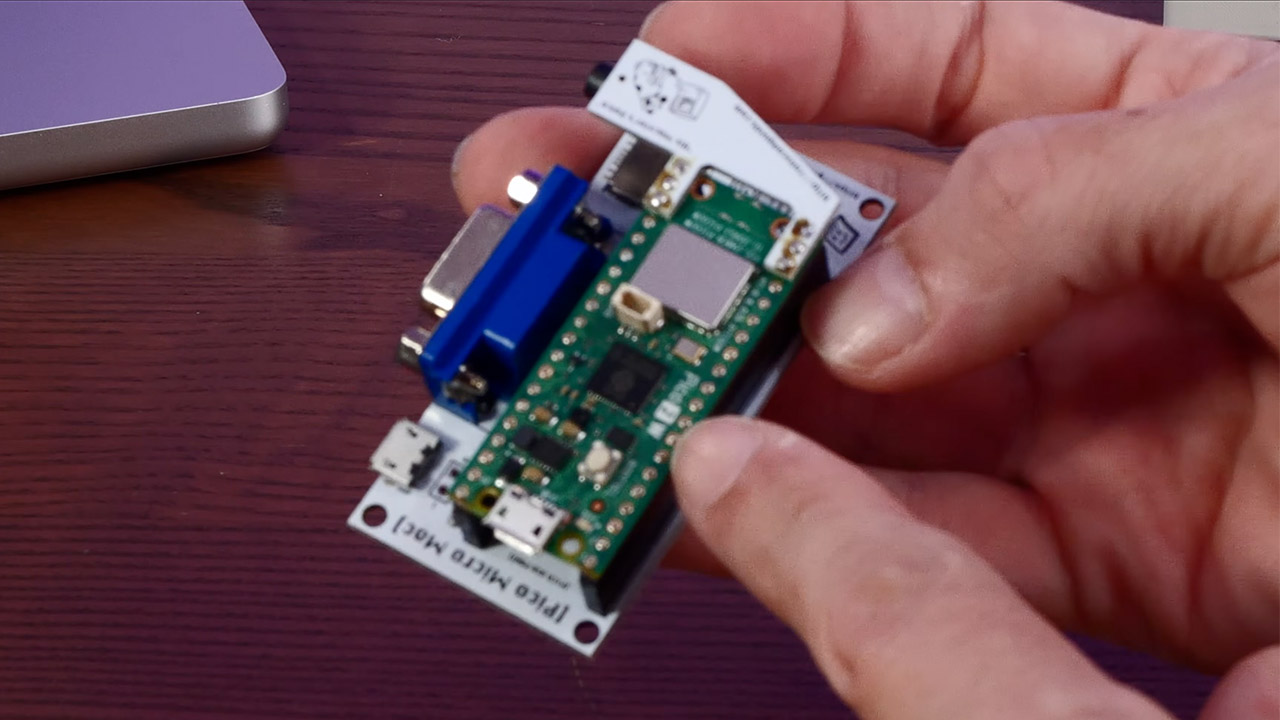
One thing is lacking from this small project: sound. At least it is with the stock VGA board. The startup beep and classic square-wave chirps are available as an optional Audio Refit. Other capabilities such as SCSI, AppleTalk, and a printer connector are missing, and if you don’t have a card, the flash drive is read-only, which means your MacPaint doodles will disappear as you turn off the power. Some software still whines for more memory than you have, which is understandable given that you are running 1984 program on a few dollars worth of silicon.
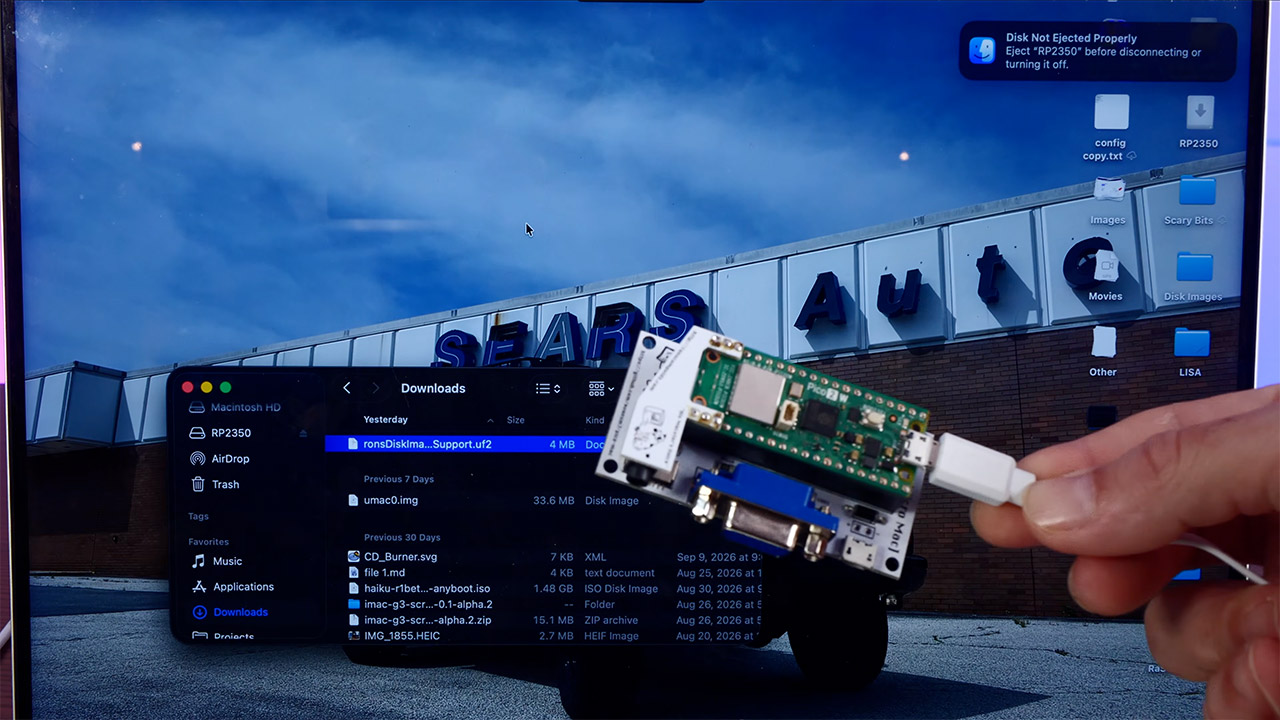
Joe’s shop also sells a 3D printed shell from GutBomb that makes the entire device resemble a tiny beige Mac from the early 1990s, which is why the film has a 90s vibe, despite the fact that the ROM is older. Power comes from a phone bank or any 5V micro USB brick, and a little black and white VGA monitor sits next to it. Sometimes the wire is heavier than the computer. Official kits typically target the original RP2040 Pico. Joe and Ron do not support the Raspberry Pi Pico 2 boards.
You must be logged in to post a comment Login