Tech
Android Can Now Share Space With the Original Software on the reMarkable Paper Pro

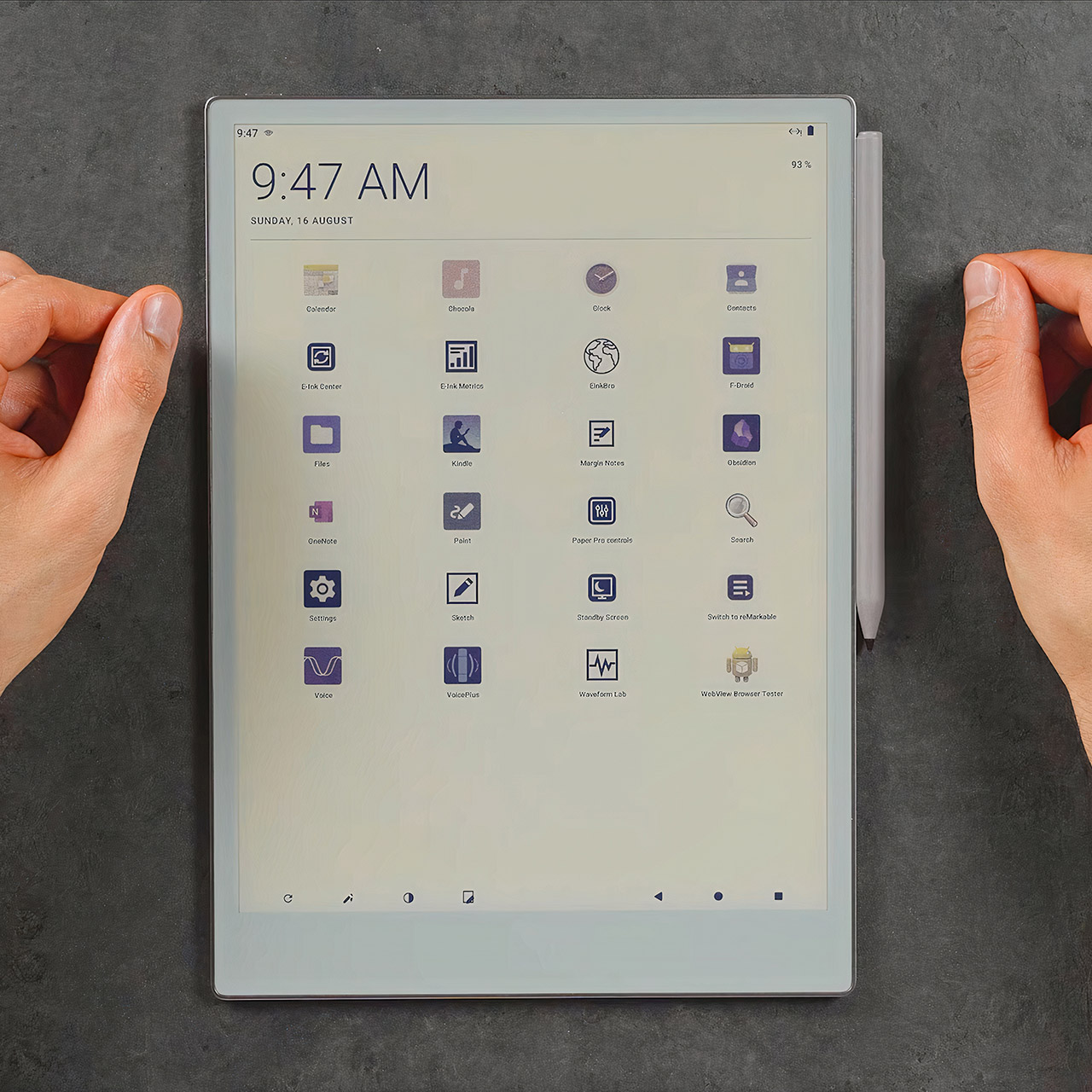
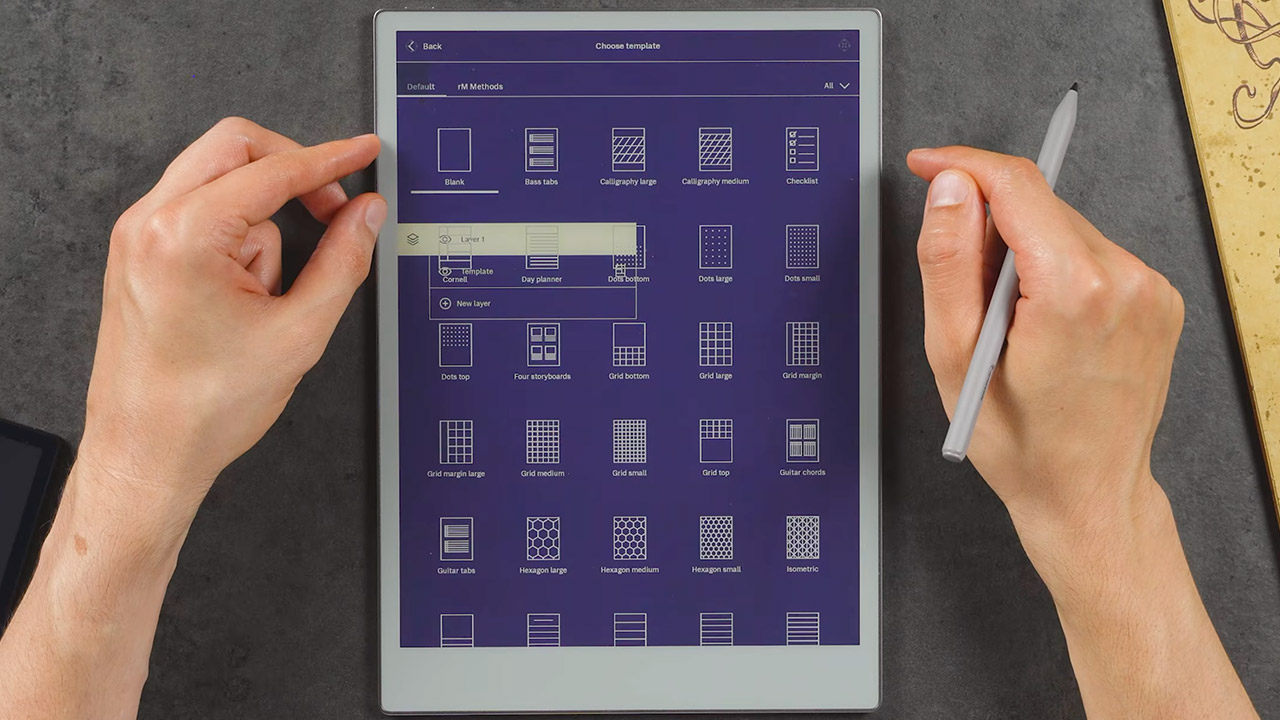
Chalid Raqami has gotten Android 13 running on the reMarkable Paper Pro. The YouTuber known for detailed E Ink device work installed a full Android system that sits alongside the tablet’s factory Linux-based software instead of replacing it.


On the 11.8-inch color E Ink notebook, you can transition between the original focused note-taking interface and Android in roughly 20 seconds, with a simple double tap on the power button. Raqami began the project on Android 12 because the Paper Pro only had 2GB of RAM and a 1.8ghz cortex-a53 quad core processor, but once that version was stable, he changed to Android 13 as it proved out to be a better fit for modern app compatibility without using too much of the hardware.
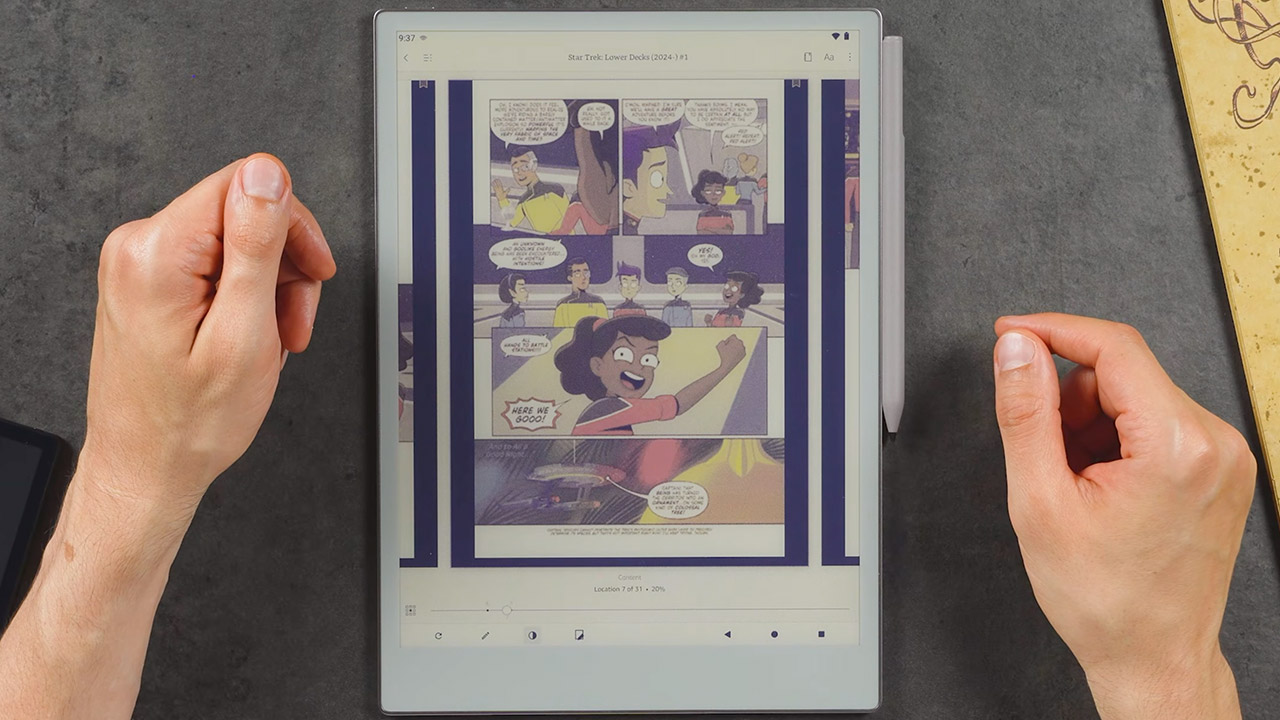
You can now access all of the usual features that standard software does not include. For example, you can use Kindle to read books or comics, internet browsers for quick searches, Microsoft OneNote and other productivity tools that accept pen input, or audiobooks. Bluetooth keyboards can even connect to the tablet without the need for ReMarkable’s expensive keyboard folio. The Wi-Fi, USB, front light controls, audio, and sleep cover all function normally.

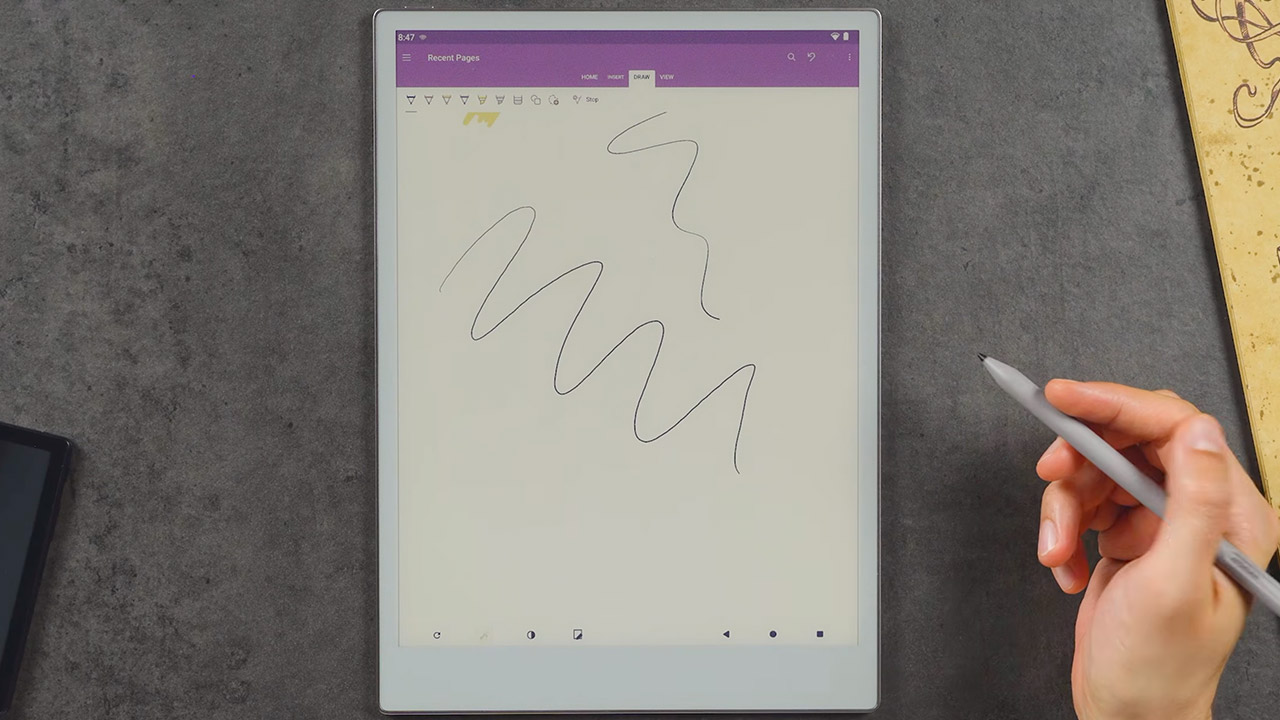
What about the stylus response? Raqami paid special attention to this, since he created a low latency pen mode that activates from the nav bar, and writing in supported Android apps feels almost as seamless as using the original program. Battery life has also improved, as deep sleep has decreased standby drain to roughly 0.3 percent per hour, allowing for many hundred hours of standby time on a single charge. He also made some modifications to the gpu acceleration, E Ink refresh rates, and memory management to keep the interface useable on the color gallery 3 display, even though the panel is fantastic image quality but not so great at speed.
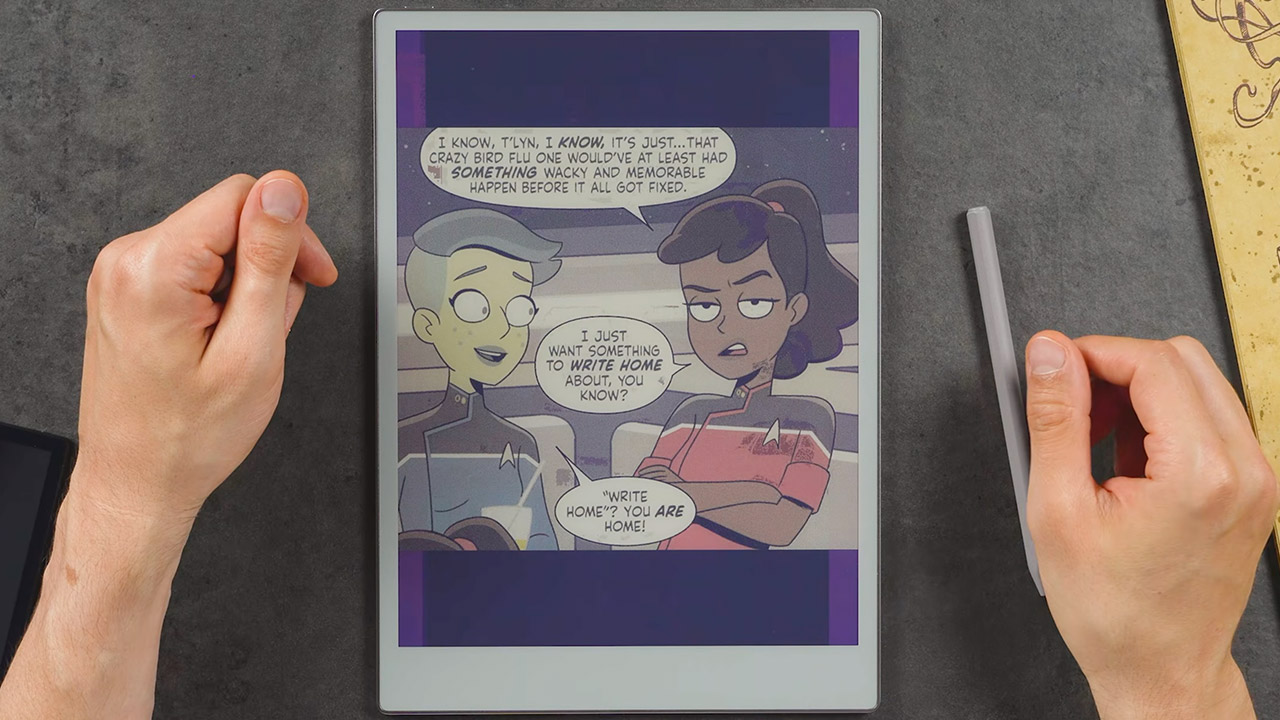
Heavy apps continue to struggle, as obsidian and other memory-intensive tools do not function efficiently, and video playback and rapid scrolling remain clumsy on the E Ink panel. The main goal of the Android version is to plug the gaps in the original software and provide you practical tools, rather than trying to transform it into some kind of traditional tablet.
Unfortunately, the port is still a ways away from being ready for public release. For the time being, it only requires dev mode, and any updates to the reMarkable software will erase the Android installation, forcing you to start over from scratch. Raqami is still working on improving the installation and recovery process so that it can be shared more widely; once that is done, he intends to conduct some limited testing with a small group; for the time being, it is more of a personal project to demonstrate how the Paper Pro can maintain its clean writing focus even with some additional tools to make it more practical.
[Source]
You must be logged in to post a comment Login