Tech
Android has been missing one device all along. Googlebook might finally be it

I’ve used Android phones alongside laptops for years, and there’s always this gap that you feel every time. Things really aren’t as bad as they used to be, but an iPhone-Mac level integration it is most definitely not. My phone knows practically everything about me. From all my routine apps, photos, messages, to even some important docs, it practically has my entire digital life.
Unfortunately, it doesn’t carry over painlessly to my laptop. It has its own set of apps and tools there, but the two often behave like they were just connected five minutes ago. While there are ways to work around this, they aren’t fun. Chromebooks have Phone Hub and Android apps, with Windows offering deep phone integration and even Quick Share support now. And still, the experience can’t replicate the feel of a MacBook with an iPhone beside it.
This is where the Googlebook comes in. Google just opened preorders for its new laptop platform this week, with machines from Acer, Asus, Dell, HP, and Lenovo starting at $899 and arriving in stores from October 4. Googlebooks are built on the Android technology stack, paired with the desktop foundations Google developed through ChromeOS.
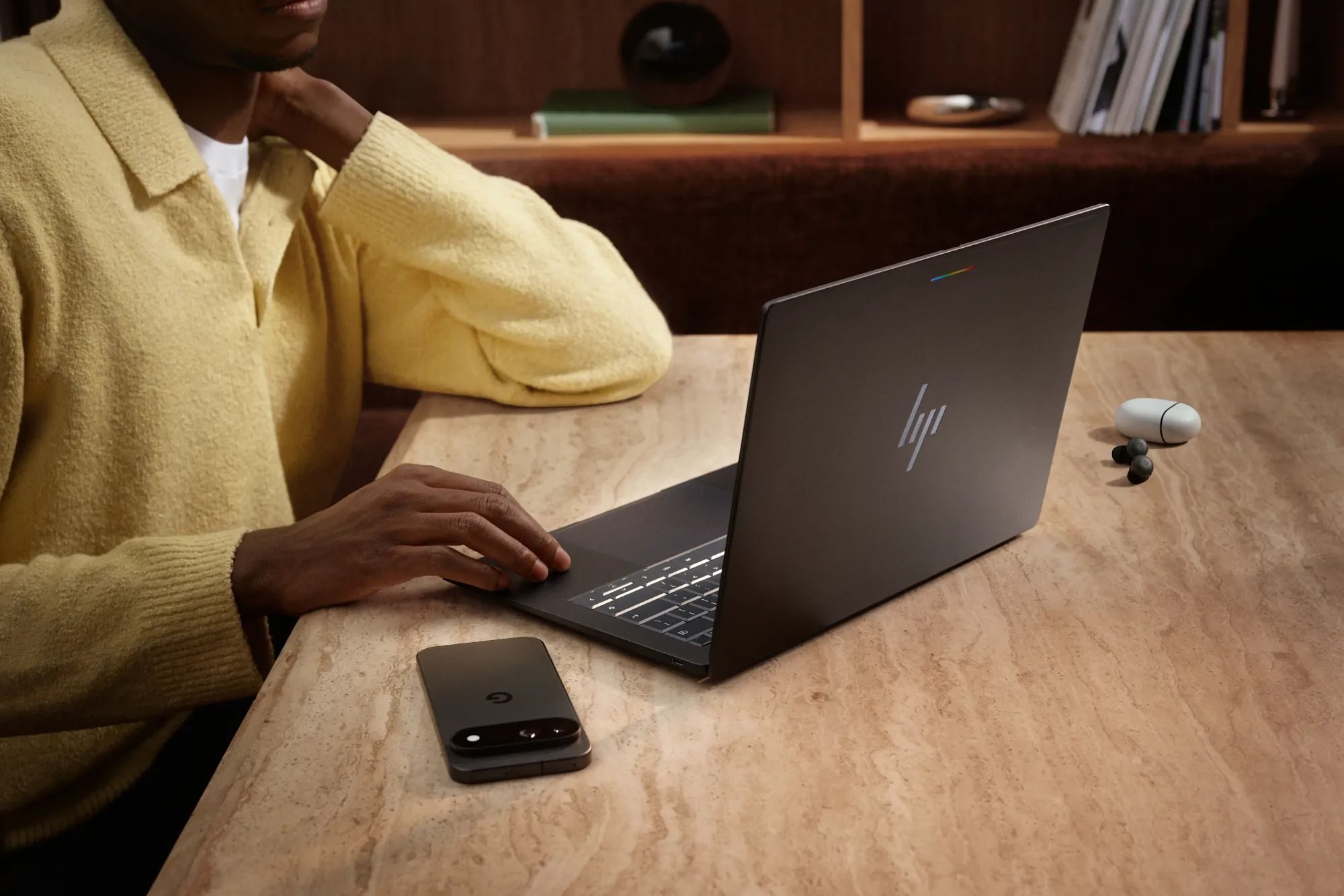

Android has been building an ecosystem around a hole
Look at everything Android already touches, and it’s shocking that notebooks aren’t one of them. You get phones, tablets, wearables, TVs, and even gadgets for cars with Android Auto. The laptop was a gap that was always left wide open. Chromebooks technically filled that position, but ChromeOS was born from a completely different philosophy. Android apps eventually arrived, yet for years they existed as another compatibility layer inside an operating system built around the browser.
Now, Google’s latest platform shares Android’s foundation while bringing over the windowing, browser, and desktop infrastructure it spent years developing for ChromeOS. Android applications can run directly from Google Play, while users also get desktop Chrome with extensions and a full Linux environment.

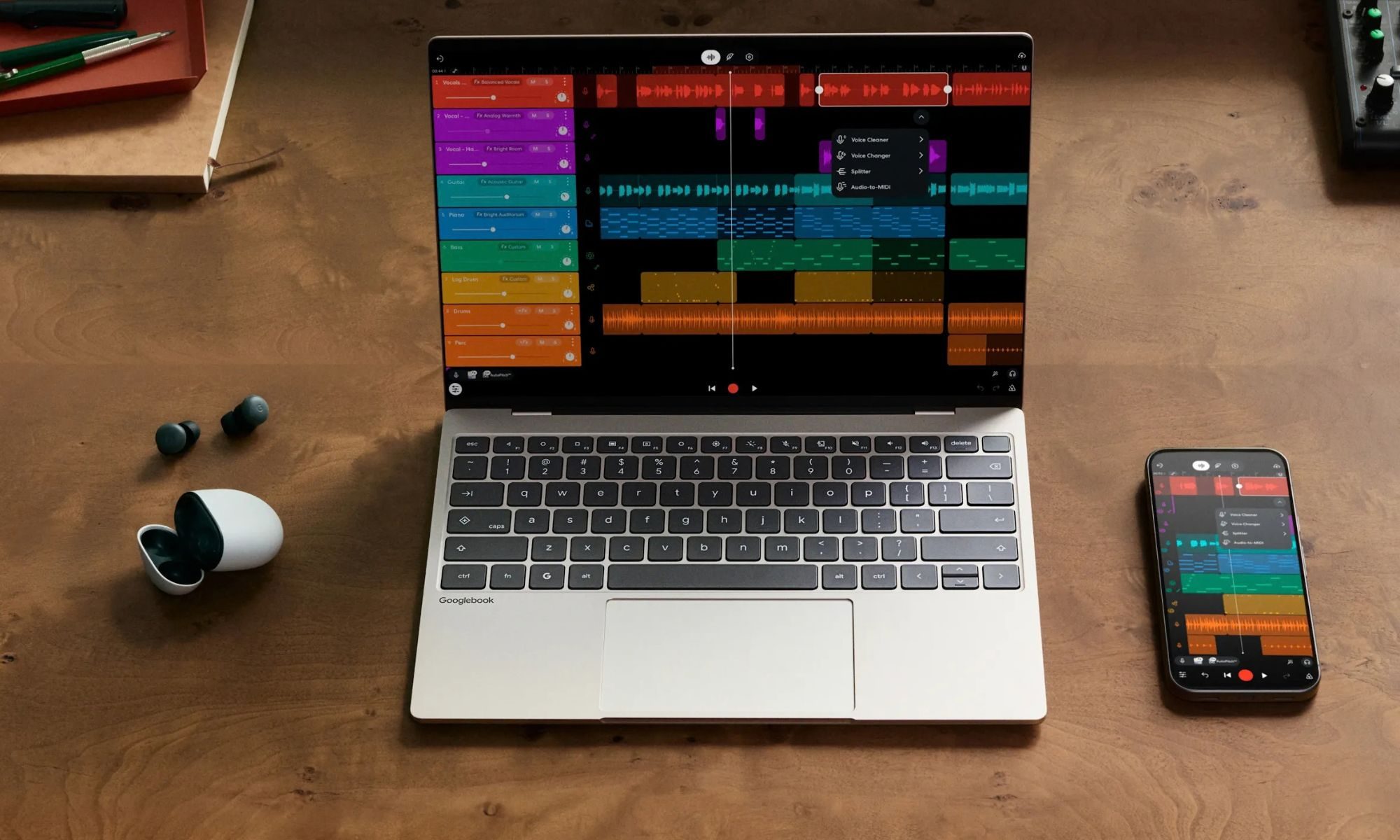
The 3 features we’re all looking forward to
Can’t have an entirely new (sort of) platform without having some exclusives to show for it. Leaving aside the OS itself, Google has made three core features that change the way you interact with a laptop. Magic Pointer is the one that was talked about the most. Just shake the cursor and ask Gemini about whatever is on the screen. Rambler, on the other hand, isn’t exclusive to Googlebooks and can be found on smartphones. But on the PC platform, this is the only place you’ll find it.
Lastly, there is the Continue On and Cast My Apps, which I’ve bundled together since they feel like an extension of one another. The former lets you begin a supported task on your Android phone and resume it from the Googlebook taskbar, while the latter streams an app running on your phone into a desktop window, which allows you to interact with it without installing another copy of it on your laptop.


Another cool new addition is the Files app that can browse files and photos stored on your phone as if it’s a part of the laptop. It may sound basic, but it previously required a dedicated connection for this. The implementation could work wonders, at least for me. I take a screenshot on my phone for an article, and just expect it to simply be there when I open the file picker on my laptop.
Apple figured this out years ago
This is the part Android has been chasing for a very long time. Apple’s Continuity system already lets an iPhone and Mac hand off supported tasks, clipboard, and much more. For an average user in the Apple ecosystem, most of these features just blend into normal use. They are so well integrated into the OS that it just becomes natural.
Handoff is probably the best example. Start something in a supported app on an iPhone, and the corresponding icon appears on the Mac, ready to continue from where you stopped. Googlebook’s Continue On is just the same deal repackaged for Android users, and yes, I’m happy it’s finally here. Apple users can gloat on this one.
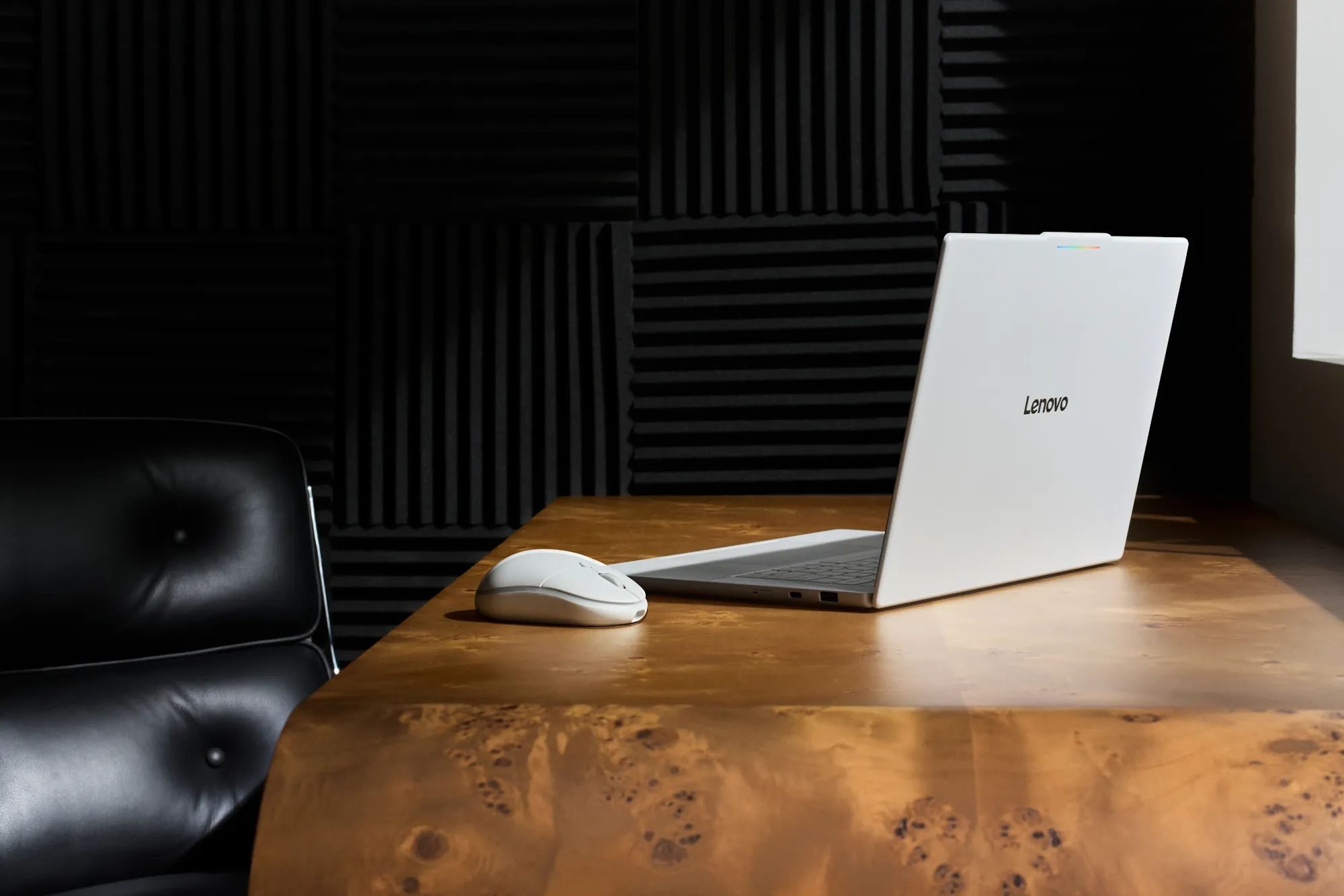
I’m glad that Google is sticking with Android more than Gemini
The company calls Googlebook a laptop designed for Gemini Intelligence. So it’s no surprise that Google has built Gemini deep into the cursor, writing tools, and other stuff. AI is the big story for every platform. Now, it has a computer to stretch its legs. Even then, Gemini wasn’t why Android needed Googlebook, as the real star is a computer that is part phone.
For phones on Android 17 or newer, Google is offering deeper phone integration, though access will likely kick off with newer devices. If that works reliably across Pixels, Galaxys, Motorolas, Xiaomis, and the rest of Android, Google is sitting on a gold mine.

Don’t celebrate too early. Google could still mess this up
Googlebook starts at $899, so this isn’t a spiritual successor to Chromebook, at least not with the pricing. Still, we are being promised 16GB of RAM and 512GB of storage, with Intel Core Ultra and Snapdragon X Elite options, along with touch displays reaching 2.8K OLED, and premium materials across the lineup.
Google says Photoshop, Lightroom, CapCut, Microsoft 365, Android apps, desktop Chrome, and Linux tools are supported. But it remains to be seen just how solid it feels in real-world use. Native Android apps also need to actually make use of a laptop-sized screen. Hardware can be premium, but I’m still cautiously optimistic.
You must be logged in to post a comment Login