Tech
Claude can now use your computer while you get other things done

Anthropic just rolled out a genuinely useful update. Computer use in Claude Cowork and Claude Code now lets Claude work in the background on your Mac, meaning it clicks, types, and opens apps while you do literally anything else.
How does Claude work in the background without taking over my screen?
Claude now runs in a background window instead of taking over your display. That means you can keep browsing, writing, or coding while Claude quietly handles its own task behind the scenes.
It won’t grab your mouse or keyboard mid-task, and it waits if you’re in the middle of typing. The only time it interrupts you is when a task needs the full screen, and even then, it asks permission first, just once per session.
What tool does Claude actually use to get things done?
Claude doesn’t jump straight to clicking around your screen. It first checks if a connector like Gmail, Google Drive, or Slack can handle the job, since that’s the fastest route. If there’s no connector, it tries your browser next, either the one built into Claude Desktop or your own Chrome browser through Claude in Chrome.
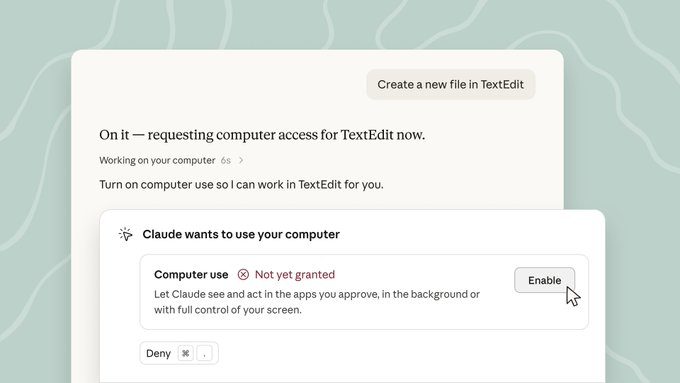

Only when neither option works does Claude fall back to navigating your screen directly, handy for internal dashboards or specialized tools at work without a proper connector.
What can you actually hand off?
There’s plenty of busy work you can hand off to Claude. You could ask Claude to pull together a competitive analysis from local files and connected tools, then format it into a report. Or have it open your phone simulator, poke around the app you’re building, and flag any UX issues. And since Claude works in the background, if your task depends on a physical machine, it will keep chugging along even after you walk away from your desk, as long as your computer stays on.
The feature is currently in beta for Pro and Max plans and is available in Cowork and Claude Code on both macOS and Windows. Head to Settings → General → Computer use to turn it on, and make sure you read up on using Cowork safely before you let Claude loose on your desktop.
You must be logged in to post a comment Login