Tech
DOOM Running in an MS Paint Window, One Paste at a Time

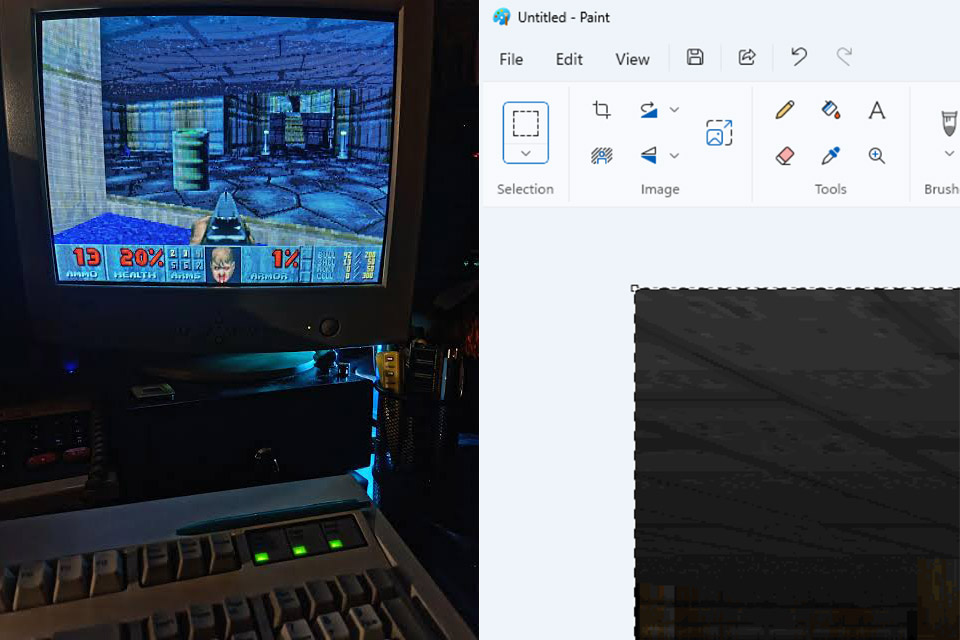
Photo credit: Reddit
Mark Russinovich spends his days shaping the future of Microsoft Azure. On nights and weekends he still finds time to make Windows do things it was never meant to do. His latest experiment turns Microsoft Paint into a living monitor for the original DOOM.

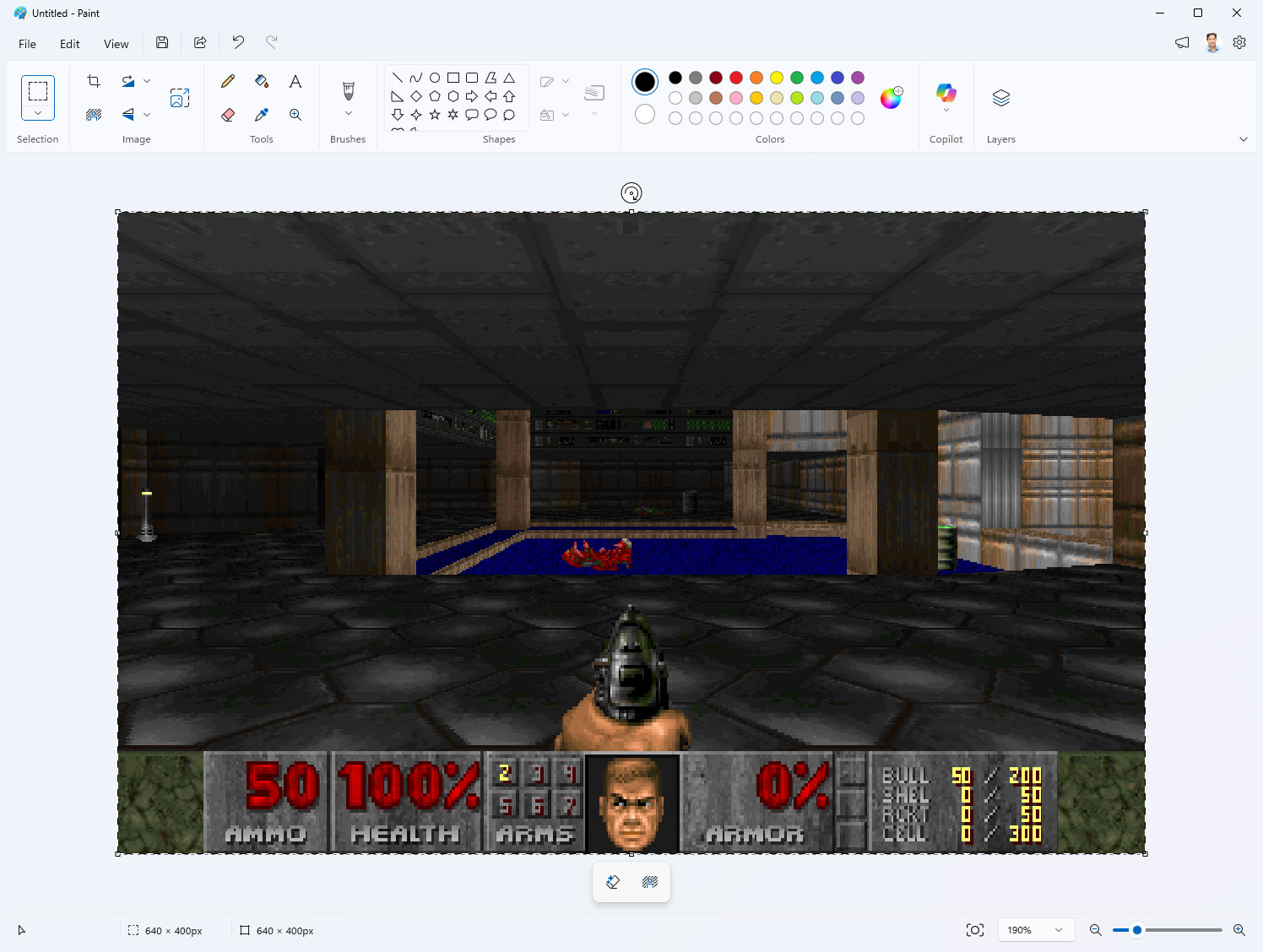
DoomPaint plays the actual game, whereas ViZDoom is just a research engine based on the ZDoom code, booting up an authentic shareware copy of DOOM 1 and then proceeding at the classic 35 ticks per second. Don’t even get me started on the engine, which remains buried in the background the entire time. Each frame is transformed into a device-independent bitmap and copied to the clipboard as OLE data. Then it’s flung straight into an open Paint canvas, with no regard for where it came from.


Lenovo Legion Go S – 2025 – Mobile Gaming Console – AMD Radeon graphics – 8″ PureSight IPS Display…
- ALL GAMES, ALL PLACES, ALL YOURS – Get ready to game on the 8″ 120Hz Lenovo PureSight display and launch any title using Legion Space. The AMD Ryzen…
- SEE EVERY DETAIL – Make every scene pop with 500 nits of stunning brightness and 100% sRGB color accuracy. And with 10-point touch support, your…
- PLAY YOUR WAY – Play hundreds of high-quality PC games with your complimentary 3 months of PC Game Pass and EA Play. With new games added all the…
Paint just receives the next image and pastes it into the canvas, just like any other standard paste operation. Russinovich offered a brilliant answer for this: “Paint renders the game but does not compute it. Paint computes nothing. Paint has never computed anything. That’s the joke.” The pasting action must be consistent and fast enough to create the illusion of playability. Synthetic Ctrl-V keys generally work on most paint builds, but if they fail silently, the code falls back to UI Automation, temporarily displaying the Edit menu. We have to deal with Paint reading the clipboard stuff on its own schedule, so the project simply treats it as a regular OLE object, which owns the bits until it decides to send them over to Paint. This helps to keep all of that “can’t perform that operation” nonsense from bringing the game to a halt in the middle of a demon combat.

DOOM runs in its native 320 x 200 resolution, allowing you to get the full 35 frames per second on any modern system. Moving up to larger resolutions, such as 640 x 400, keeps the frame rate workable, but it relies a little more heavily on Paint’s ability to handle the additional pixels. However, frame rate is never forced; the game simply runs as quickly as Paint or the engine will allow it. Sound effects are routed through an upgraded OpenAL layer, while Bobby Prince’s original tracks are extracted from the WAD and converted from MUS to MIDI before being routed to the Windows sequencer. Both systems are intelligent enough to detect when an audio track goes dead.
Keyboard input is intercepted at a low level, so WASD, arrow keys, the fire button, and so on all make it to the engine without interfering with any of Paint’s own shortcuts. Surprisingly, Ctrl-Z remains undisturbed. Because each time a frame is ‘pasted’, it is practically a document edit, therefore in the event of a crash or whatever, you can just undo your way back to life. Get slain in a corner full with imps, and with a few undos, you’re good as new. File > Save, on the other hand, creates a standard PNG image with no fuss or bustle because Paint only knows that the player has painted it. They kind of have. The full code and all relevant files are available on GitHub under an MIT license for anyone curious about how far a clipboard and Paint can be pushed together.
[Source]
You must be logged in to post a comment Login