Tech
Edifier M90 Review: Compact Speakers with Big Sound for Desktop or TV Use

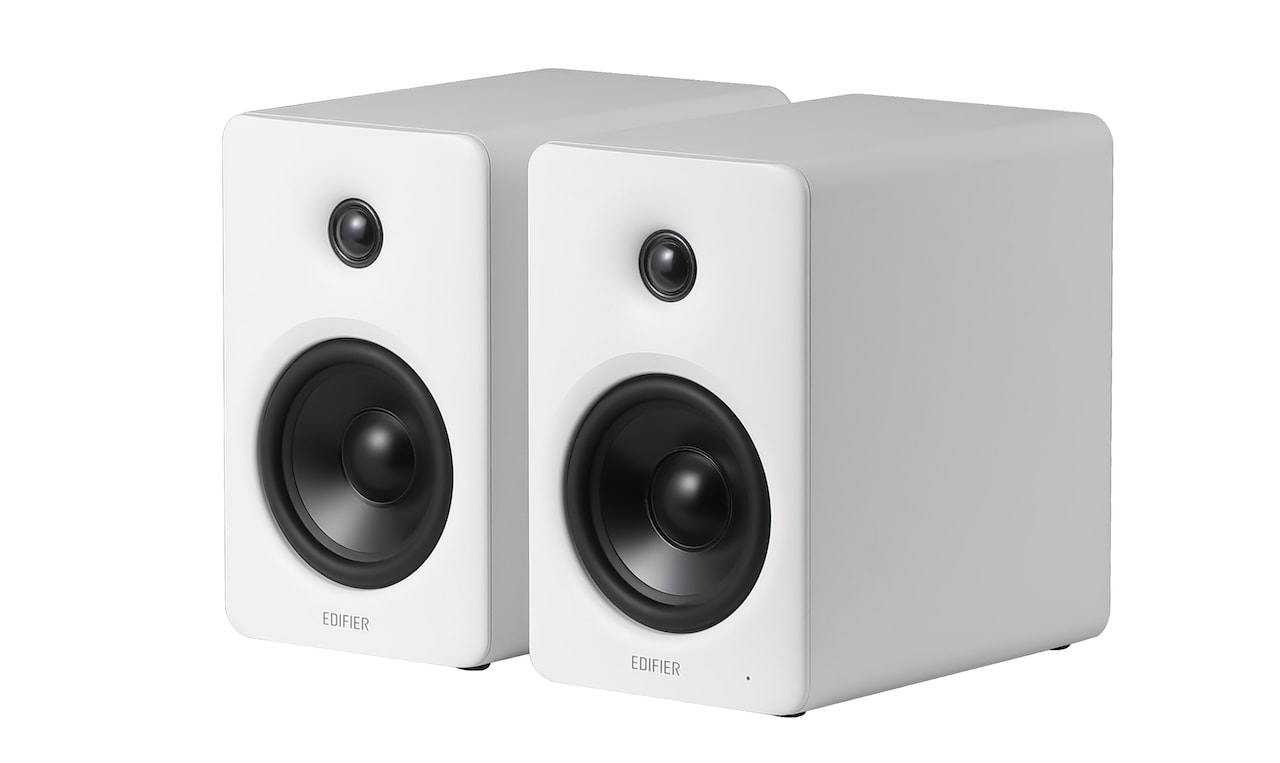
Edifier has built its reputation on delivering affordable, feature-rich speakers that don’t feel like compromises, and the new M90 continues that strategy with a compact active design aimed at both desktop and small room use. First introduced at CES 2026, where we got an early look and listen, the M90 is positioned as a flexible all-in-one solution that can move easily between nearfield listening and casual living room duty. After spending time with the system, it’s clear Edifier is targeting listeners who want simplicity, solid performance, and a smaller footprint at an affordable price.

About My Preferences:
This review is subjective, shaped by how I listen and what I value. I do my best to stay objective, but let’s be honest, bias doesn’t just pack up and leave the room.
My ideal sound leans toward controlled sub-bass, textured mid-bass, a slightly warm and natural midrange, and treble that extends cleanly without turning harsh. I also have mild treble sensitivity, so anything overly bright or aggressive tends to stand out quickly.
Testing equipment and standards can be found here.

Edifier M90 Specifications and Key Features:
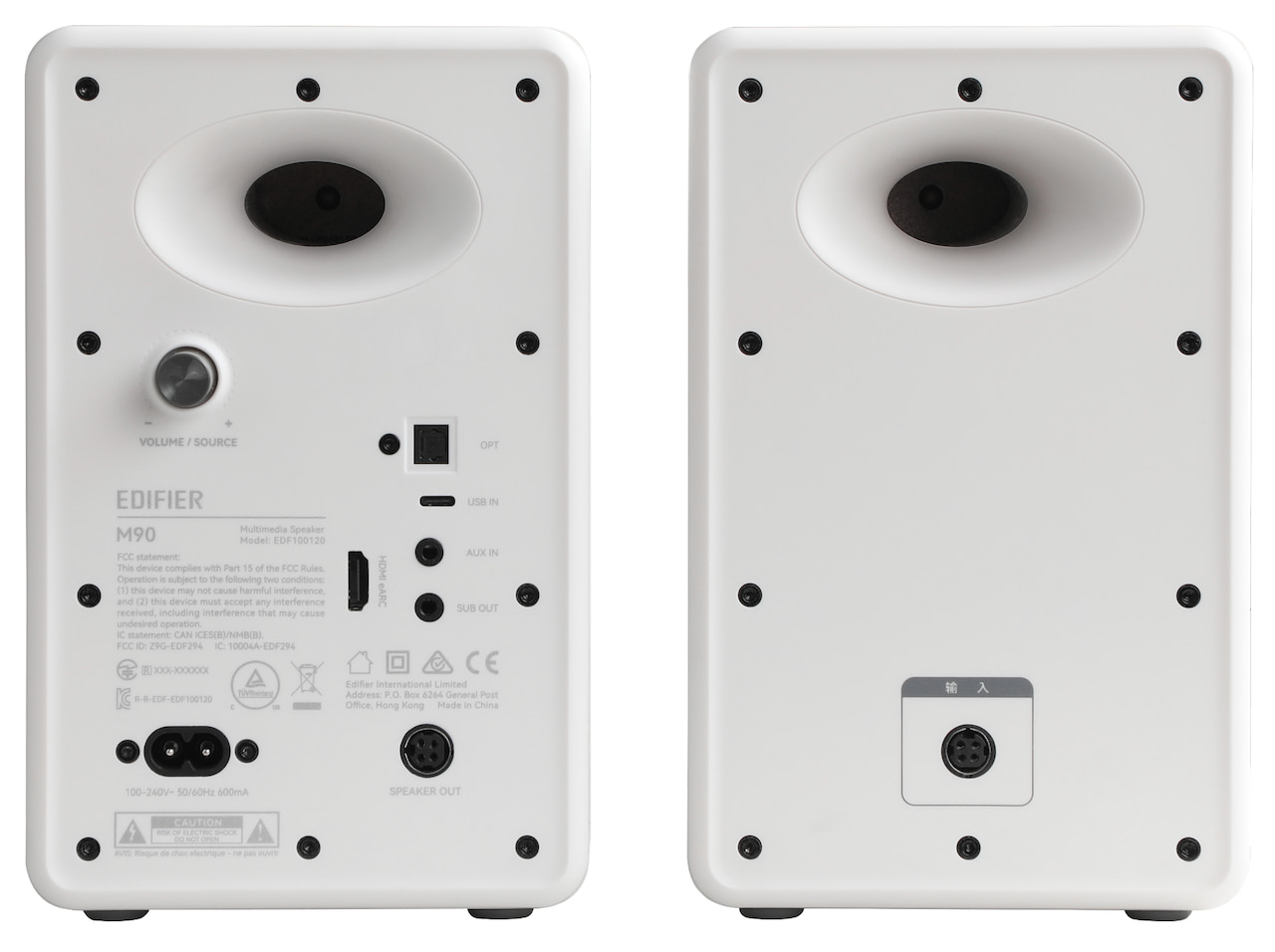
The Edifier M90 is a compact active speaker system priced at $369.99, with cabinet dimensions of 133 x 212 x 225 mm (approximately 5.2 x 8.3 x 8.9 inches), making it easy to place on a desk, shelf, or media console. It uses a two-way, bi-amped design built around a 4-inch long-throw mid-bass driver and a 1-inch silk-dome tweeter, with dedicated amplification for each driver.
Total system power is rated at 100 watts RMS, split between 35 watts for the mid-bass and 15 watts for the tweeter per channel, and it can reach up to 100 dB SPL. That’s enough for nearfield listening or smaller living spaces without overreaching.
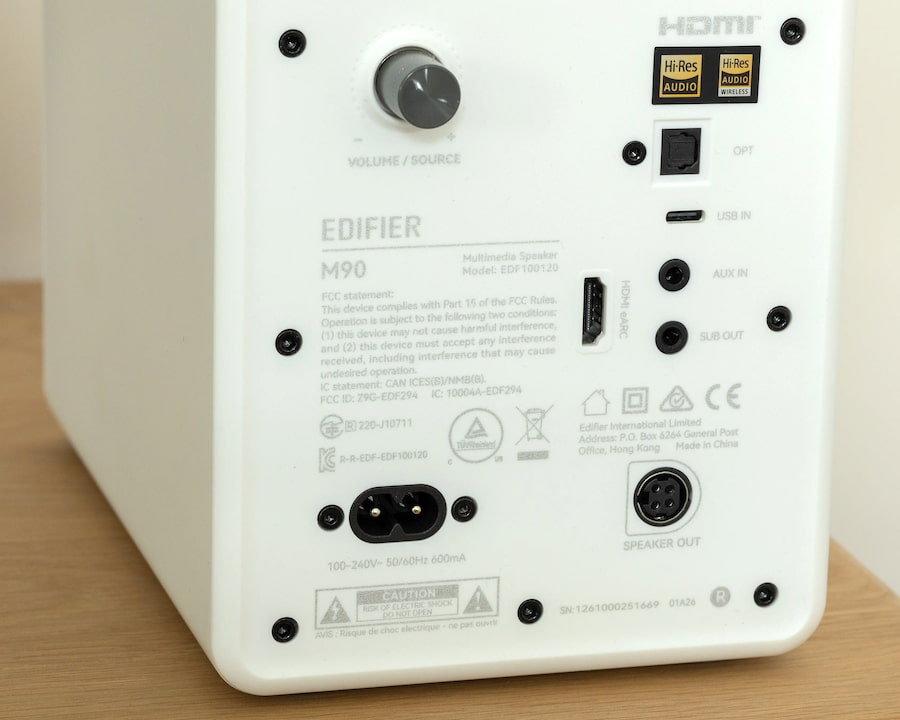
Connectivity is one of the M90’s stronger plays. Around back, you get HDMI eARC, optical, USB-C, and a standard AUX input, which covers everything from TVs and laptops to legacy gear. Wireless playback is handled by Bluetooth 6.0 with LDAC and multipoint support, so you can stream higher-quality audio and switch between devices without the usual friction. The system also supports up to 24-bit/96kHz audio depending on the source.
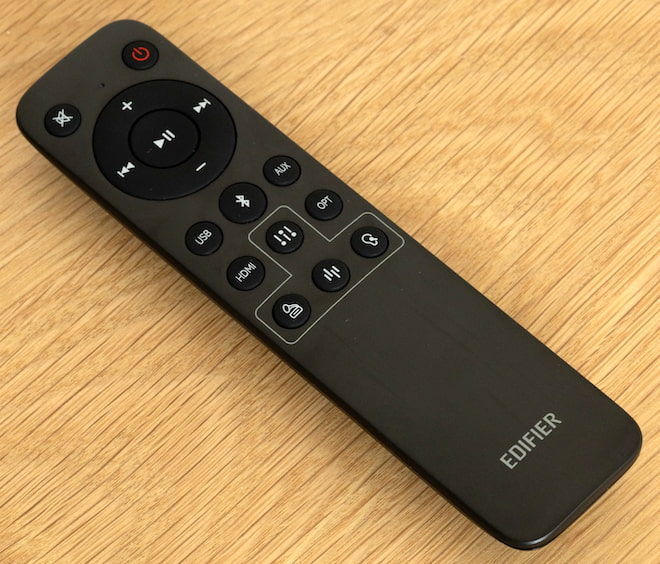
Ease of use hasn’t been overlooked either. The M90 includes onboard controls for quick adjustments, an omnidirectional remote that actually works from across the room, and support for the Edifier ConneX app on iOS and Android for additional control and setup. DSP is doing a lot of the heavy lifting behind the scenes, managing how the speakers handle music, movies, and gaming to keep performance consistent across different types of content.

Build Quality
The M90 feels well-built in the hand and features high-quality paint finishes. It doesn’t look out of place on a desk filled with high-end gear, which should suite deskscape enthusiasts well. The ports on the rear of the device are firmly set within the active speaker’s chassis, leaving no room for wobble or wiggle.
The included remote is a little basic, but is still put together well. The buttons and responsive and sized well, making them easy to manipulate in a dark room. It has plenty of range too, so even larger living and theater rooms shouldn’t run into distance issues.
I did find the M90 to be a little clumsy when used at my desk, however. Other desktop speakers often feature a front-facing selection of controls such as volume and power. The M90 does not, so you’ll need to use the wireless remote to manipulate its state even when sitting right next to it. Well, that or stand up and reach behind the right speaker , which isn’t a viable option for a wide (and cluttered) desk like mine.

Listening
The M90 is a pretty flexible pair of speakers, but it feels most at home when running through your favorite album. Its default tuning is well-balanced, delivering crisp treble and an articulate upper-midrange. The M90 renders vocals nicely, capturing a strong share of nuance, particularly during quieter passages. The M90’s lower mids sit slightly back in the mix and aren’t overly emphasized, contributing to a more neutral, audiophile-leaning tonality.
This, paired with the speakers’ linear bass performance, give it a resolving, but sterile, timbre. You’ll want to pair the M90 with a discrete subwoofer to get a truly full-range experience, as the mid-bass woofer on the speaker doesn’t dig down much further than 150Hz.
Cycling through the other presets add varying degrees of warmth back in to the mix, giving guitars and drums additional substance. This also relaxes the upper-midrange, allowing vocals to settle back towards the middle of the sound-stage rather than center-front. I don’t like the “Monitor” and “Dynamic” presets as much as the “Classic” tuning, but then again, I don’t have any particular need for a pre-calibrated studio-monitor profile.
If you want to dive into personalization and fine-grained customization, the Edifier app allows you to configure and apply your own tuning via a 9-band software EQ. It works pretty and well and is responsive. The app is utilitarian in appearance, but functions smoothly and without bugs on Android.


Strong Gaming Performance
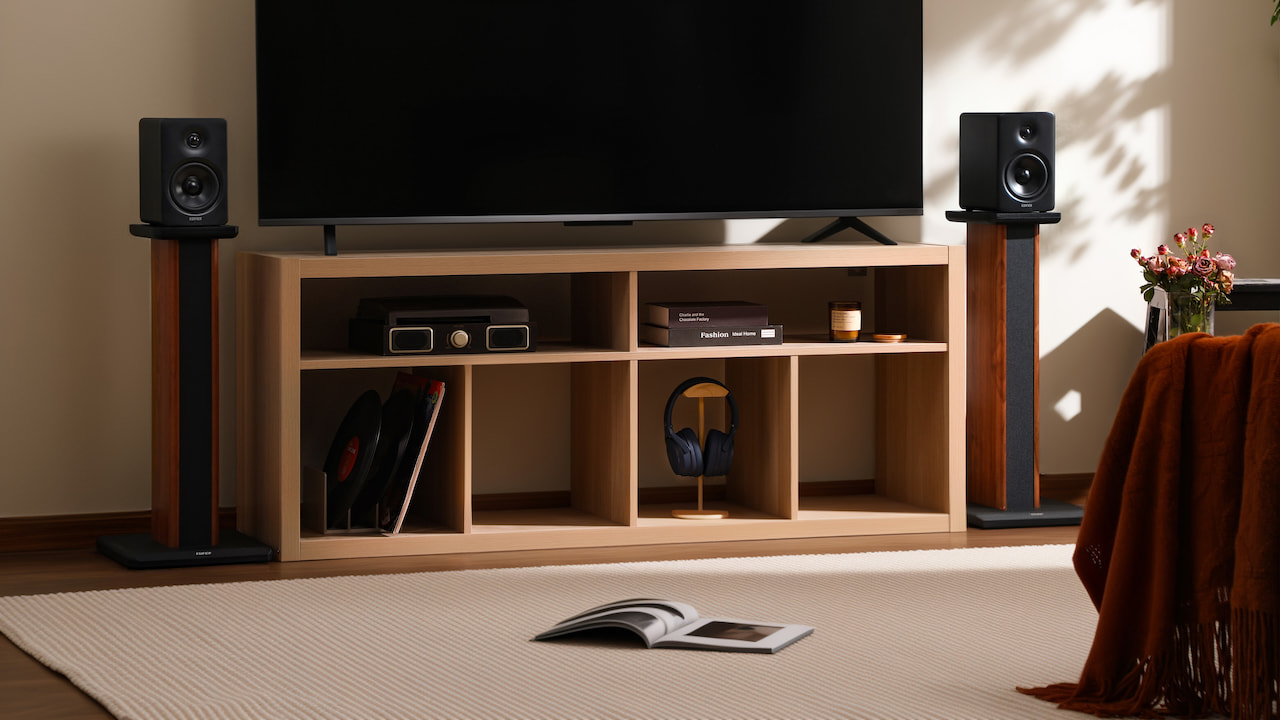
The M90 is a great couch-gaming set of speakers. Hooking it up to my TV via HDMI eARC was easy, and before I knew it I had high-headroom, low-latency audio ready to go. First-person shooters are pretty playable on the M90, even in fairly small rooms. In my gaming den, the speakers are positioned about 10 feet from my chair, flanking a 65-inch OLED TV. In this setup, the M90 delivers its best spatial rendering.
Cramming the M90 on to my work desk delivered somewhat less-exciting results. Its sound-field operates best at longer distances, and my desk (60″ x 38″) didn’t give me enough depth for gunshots and subtle footsteps to accurately render in titles like Call of Duty: Black Ops 7.
Frustrating Quirks, Fixed via Firmware Update
The M90’s excellent performance and great pricing is hamstrung by a few odd-ball choices made on its default firmware. If you’re experiencing unpredictable fade-in behavior or are noticing that the M90 falls asleep during quiet passages in video content, then install the Edifier Connect app and update its firmware. That behavior is a bug that was fixed as of 4/12/2026.
Likewise, if you’ve plugged a subwoofer in to the M90’s line out and found its gain to be too low, you’ll need to update the M90’s firmware and then adjust the gain in the app. This is the only way to adjust the line-out gain, so if you’re not a smartphone owner, you’re out of luck. I’d have liked to have seen additional physical controls for sub-out gain so I can more-easily fine-tune my sub’s output.
The Bottom Line
The M90 is a solid, cost-effective speaker for those that want to take advantage of modern eARC capabilities. Its strong technical capabilities, combined with its wide feature-set, make it a compelling proposition, especially when measured against its more-expensive peers. After updating the M90’s firmware, it becomes a capable and hassle-free companion for high-performance audio, especially for those that plan on deploying it in the living room.
Pros:
- Wide soundstage
- Lots of headroom
- Articulate and performant
- Customizable via EQ and tuning presets
- Solid directional abilities for gaming
- Includes responsive wireless remote
- Supports wide variety of input modes including HDMI eARC
Cons:
- Requires a subwoofer to get full-range sound
- Not suited for smaller desktops
- Some arrangements may require angled desk stands
- No front-facing physical volumes controls, awkward for desktop use
You must be logged in to post a comment Login