Tech
Finding photos is so much easier with Siri AI in iOS 27 that I no longer scroll

My camera roll has crossed 8,000 photos, and it got there by capturing random moments (only to forget them later). The problem, however, starts when someone asks me to share something specific. It could be their portrait from last weekend or the food pictures they snapped using my phone.
Finding those pictures usually means scrolling through my seemingly endless camera roll. If the photo is a month or two old, I end up scrolling past hundreds of other images to find it, and that gets old fast.
Siri AI is quite good at finding pictures
Apple tried to chip away at that problem with natural-language photo search in iOS 18.1, but it always felt like a feature that was almost there. iOS 27’s Siri AI closes the gap by adding voice search, so you can just ask out loud and let it do the hunting.
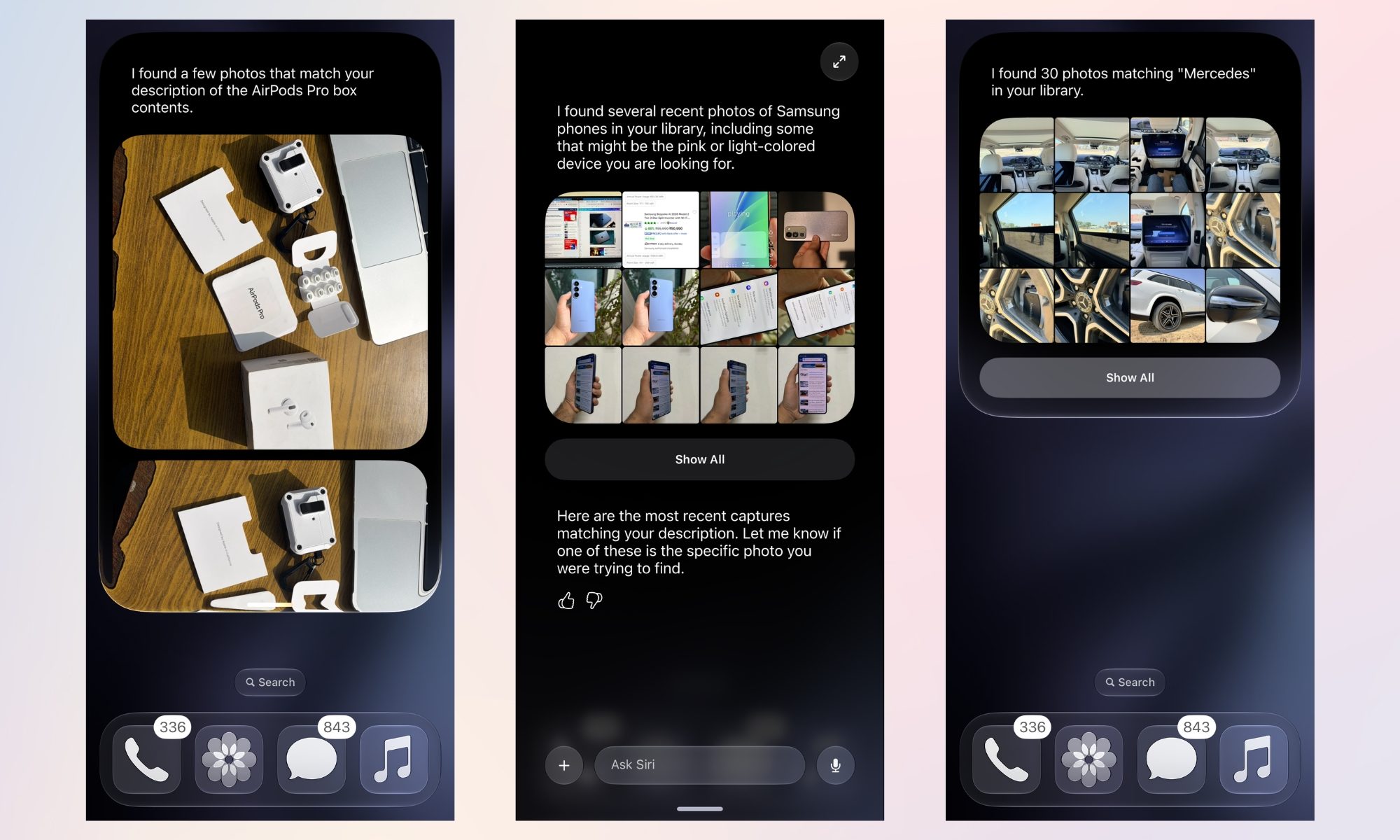

For well-defined objects, natural-language voice search via Siri works just fine. I asked Siri to show me the picture of the AirPods Pro box contents that I captured in January 2026, another for Samsung phones, and one for Mercedes, and it fetched the right results. All of these were at least a couple of months old.
I was talking to a friend about how much I like the fabric and texture of my favorite orange and beige shirts. Instead of scrolling through the entire gallery to find it, I simply asked Siri to find the pictures where I am wearing them.
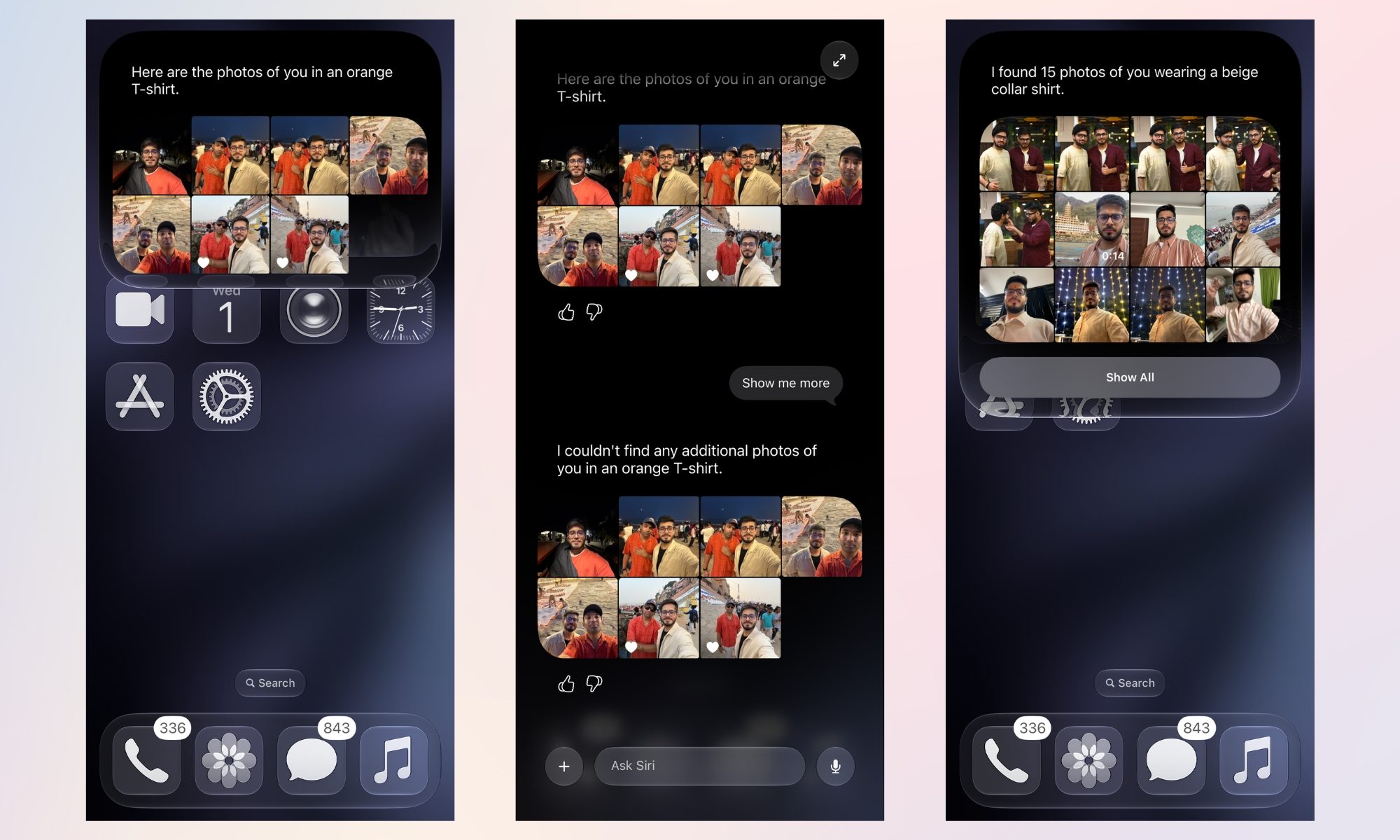
Now, the results aren’t always to the point. As you can clearly see, the first few results contain pictures of my friend, with the other person either wearing the orange or beige shirt, and of me.
The one I was looking for, the beige shirt, is the eighth result Siri fetched (in the third screenshot). But even so, the picture was from November 2025, and I couldn’t imagine opening the Photos app and scrolling the library past around a few thousand pictures to get there.
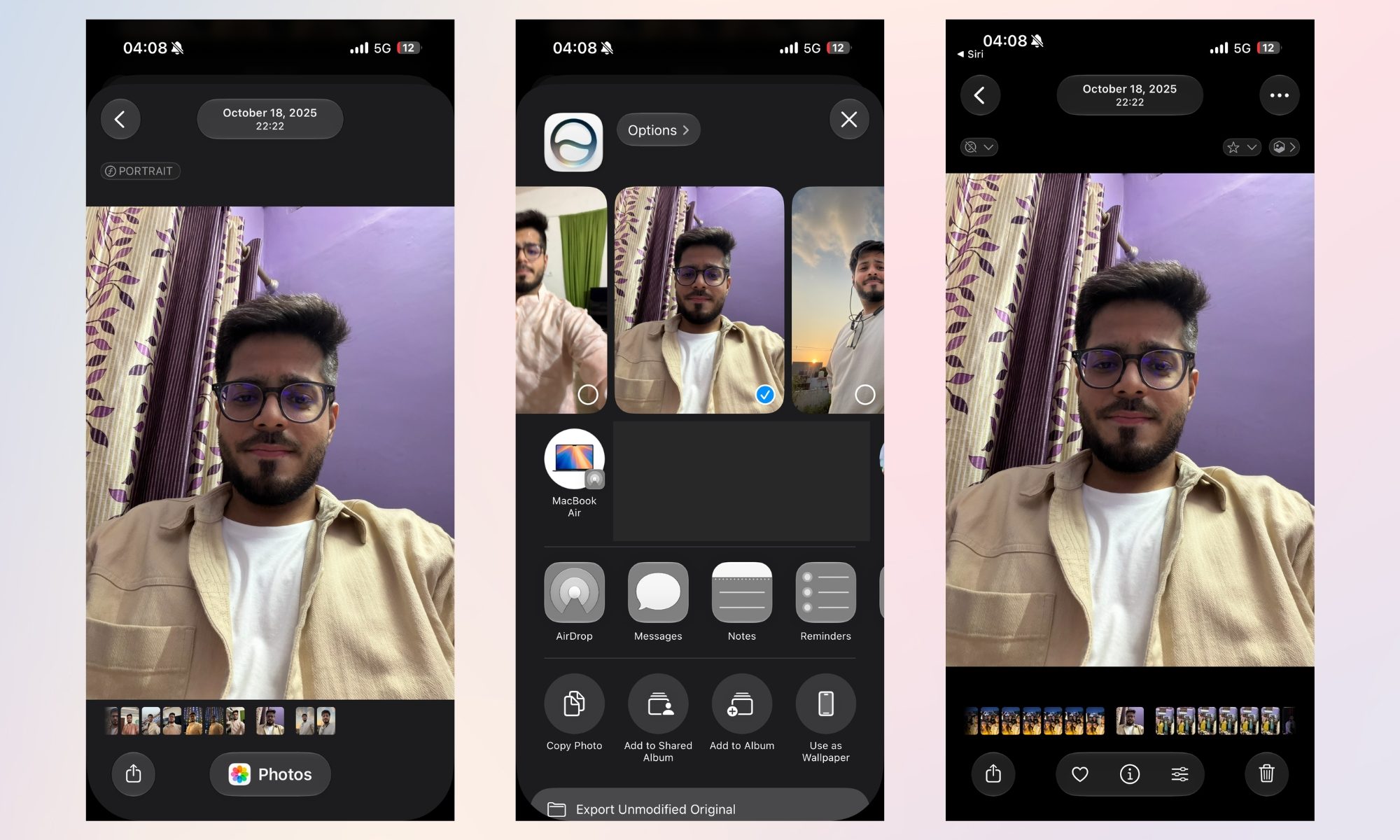
You can either share the result or view it with all photos
Tapping the picture opens it full screen, giving me the option to share it via AirDrop or another app, or to view it in the Photos app, similar to how “Show in All Photos” works for Memories or Featured Photos.
The other day, my sister asked me to share with her the pictures of birds that I captured in a national park we visited a few months ago. I immediately fired up Siri, and it fetched me the required ones without breaking a sweat.
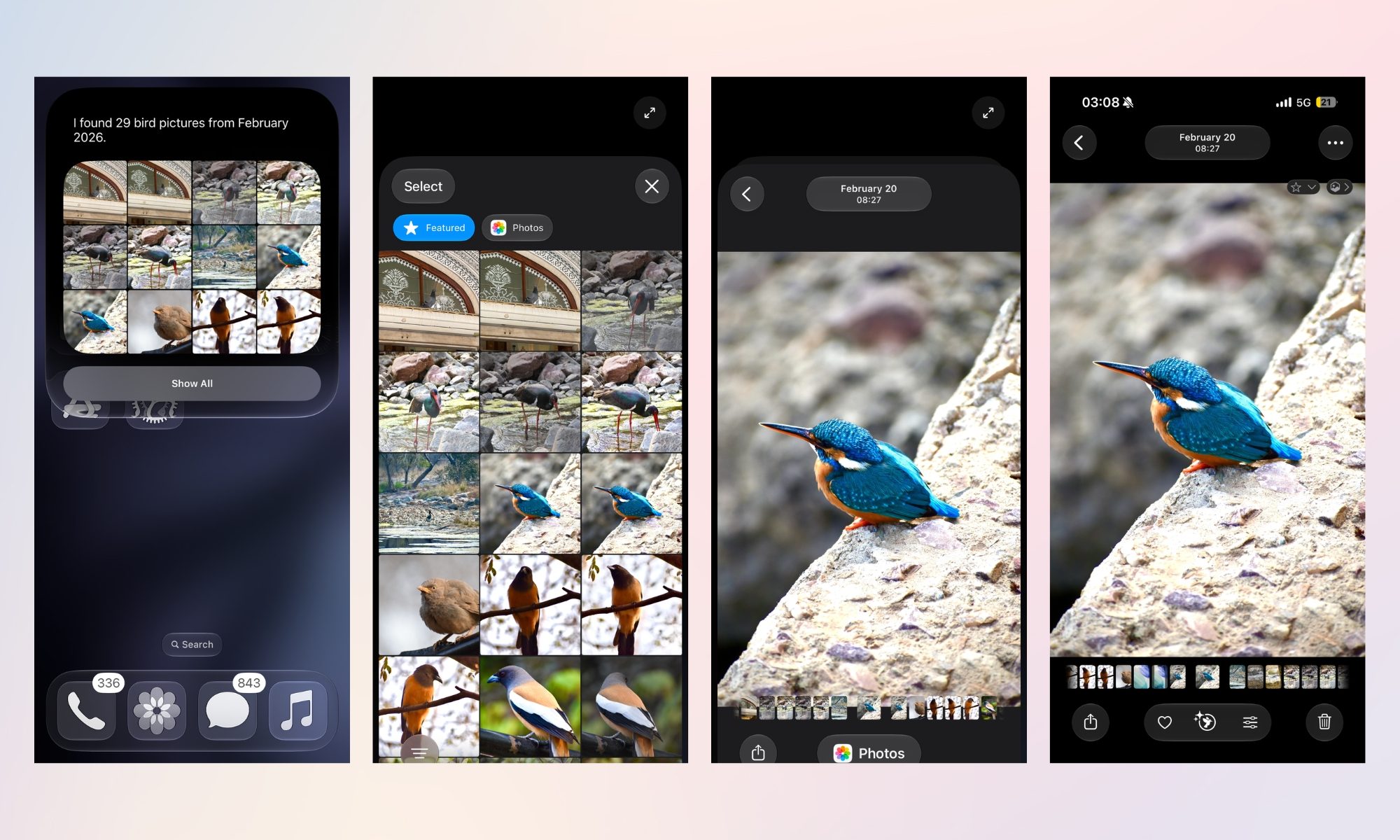
I tapped “Show All” to get a better view, selected one, and tapped the Photos button at the bottom to jump straight into the camera roll, where I could access all of them, along with a few great pictures of my family I had captured before and after.
It’s still a bit rough around the edges, though
There were a few instances when Siri AI didn’t do well. For instance, I asked the AI assistant about the time when I first purchased a robotic vacuum cleaner. In response, it told me that there’s no specific receipt or order confirmation, but there are several pictures of it in my gallery.
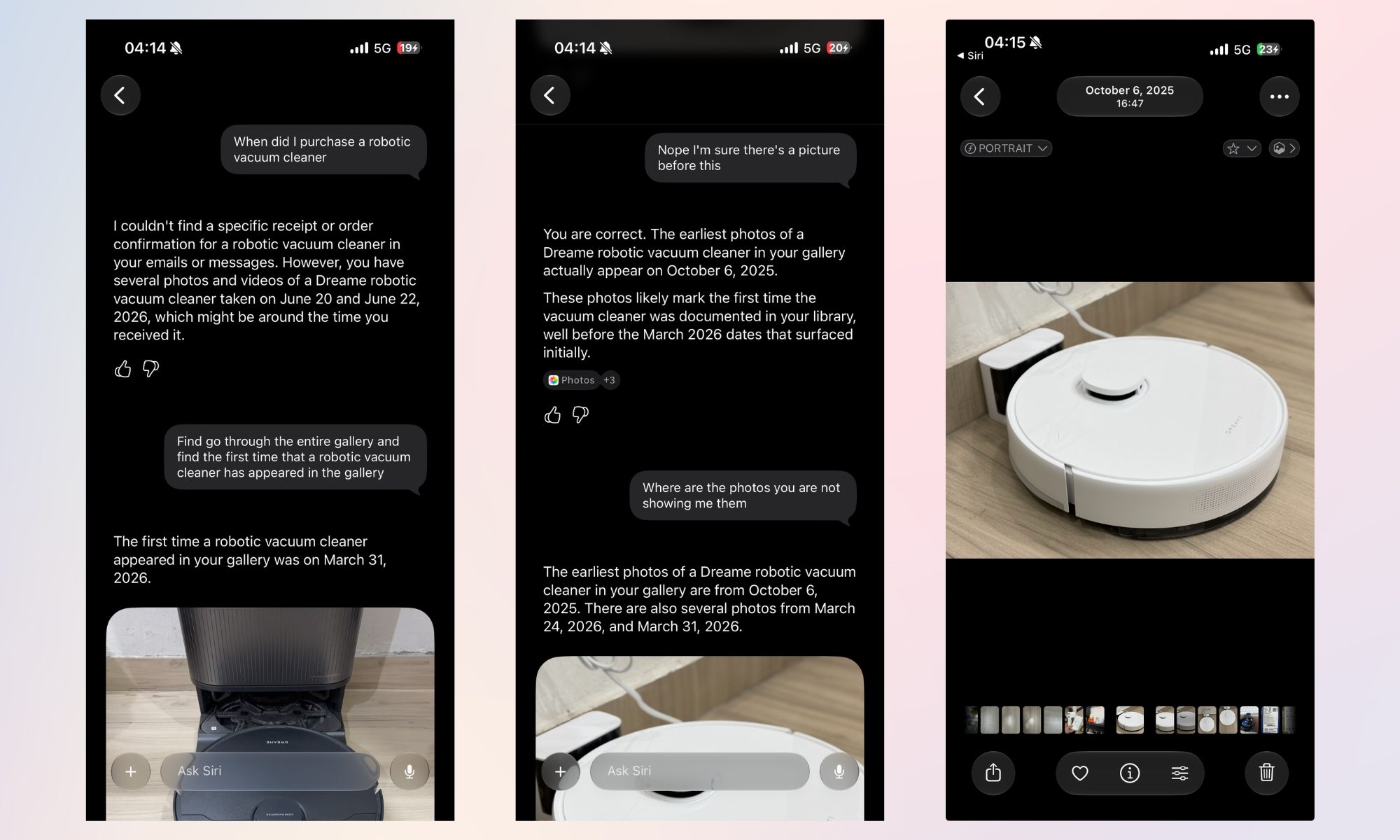
Fair enough. Then I asked it to go through the gallery and find the first time I captured a picture of a robotic vacuum cleaner, and it showed me one from March 31, 2026, even though there were multiple pictures from October 2025. It was only after I told it that Siri AI was able to surface the right pictures.
Siri might not be as accurate yet, which, given iOS 27’s beta testing phase, is something I can’t blame Apple for. But even so, the natural language image search serves its purpose: saving you from a frustrating amount of scrolling, whether you’re hunting for a needle (the picture you’re looking for) or navigating a haystack (your gallery).
You must be logged in to post a comment Login