Tech
Google Messages now lets you swipe to check timestamps and reply to texts

Checking when a text was sent in Google Messages just got a lot easier. Google is widely rolling out new swipe gestures that change how you see timestamps and reply to messages. If your usual swipe suddenly does something different, this is why.
How do the new swipe gestures work in Google Messages?
Until now, you had to tap each message bubble to see when it was sent, whether it was delivered, and whether it was encrypted. According to 9to5Google, you can now swipe left anywhere in a chat to reveal timestamps for every message at once, along with RCS encryption status.
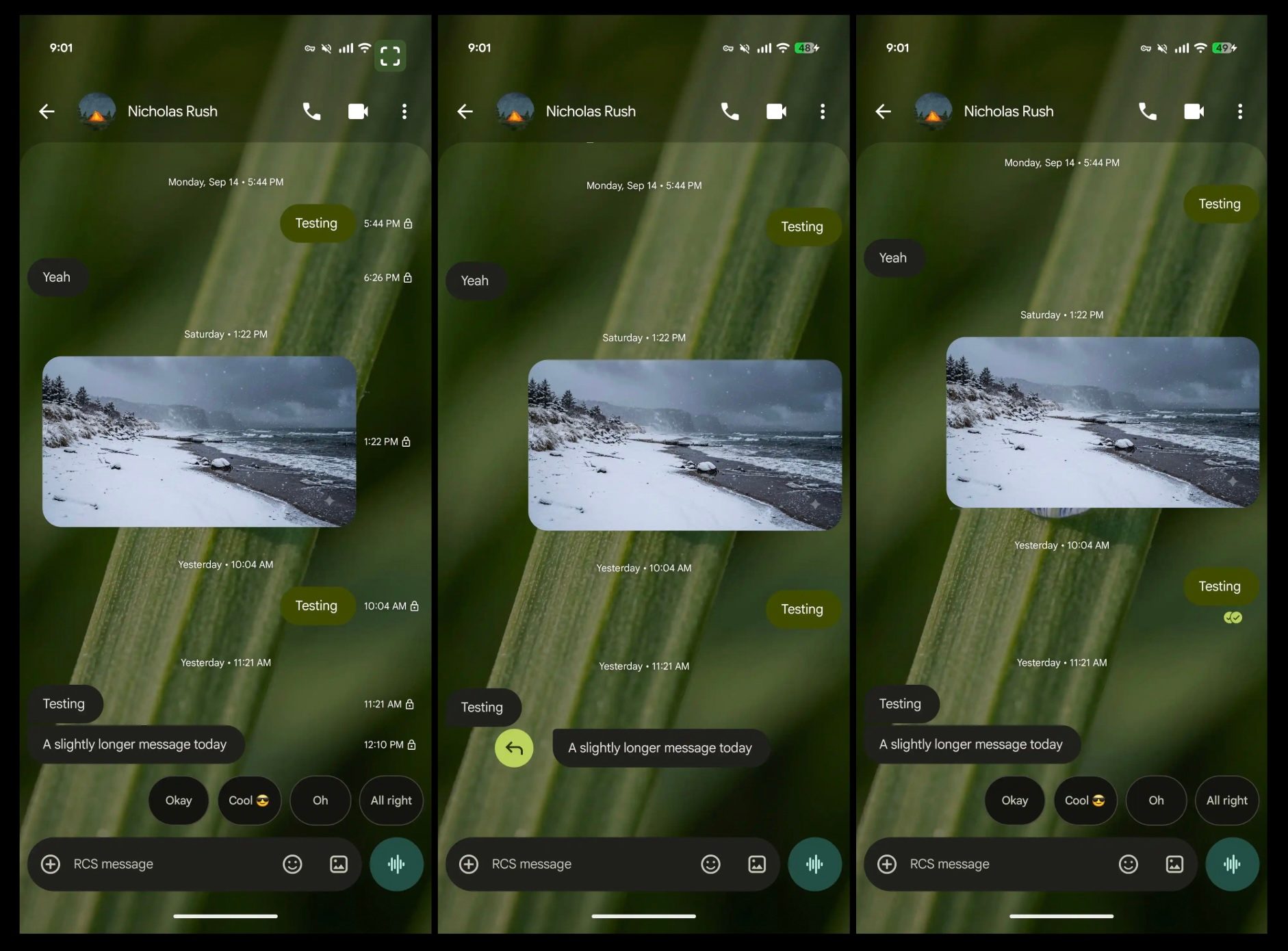

Replying works differently too. Swiping left used to send a direct reply, but now you swipe right on a specific bubble, which takes a little precision. Tapping a message still works, but it now shows only delivery status rather than all the details.
RELATED COVERAGE:
What else is new in Google Messages?

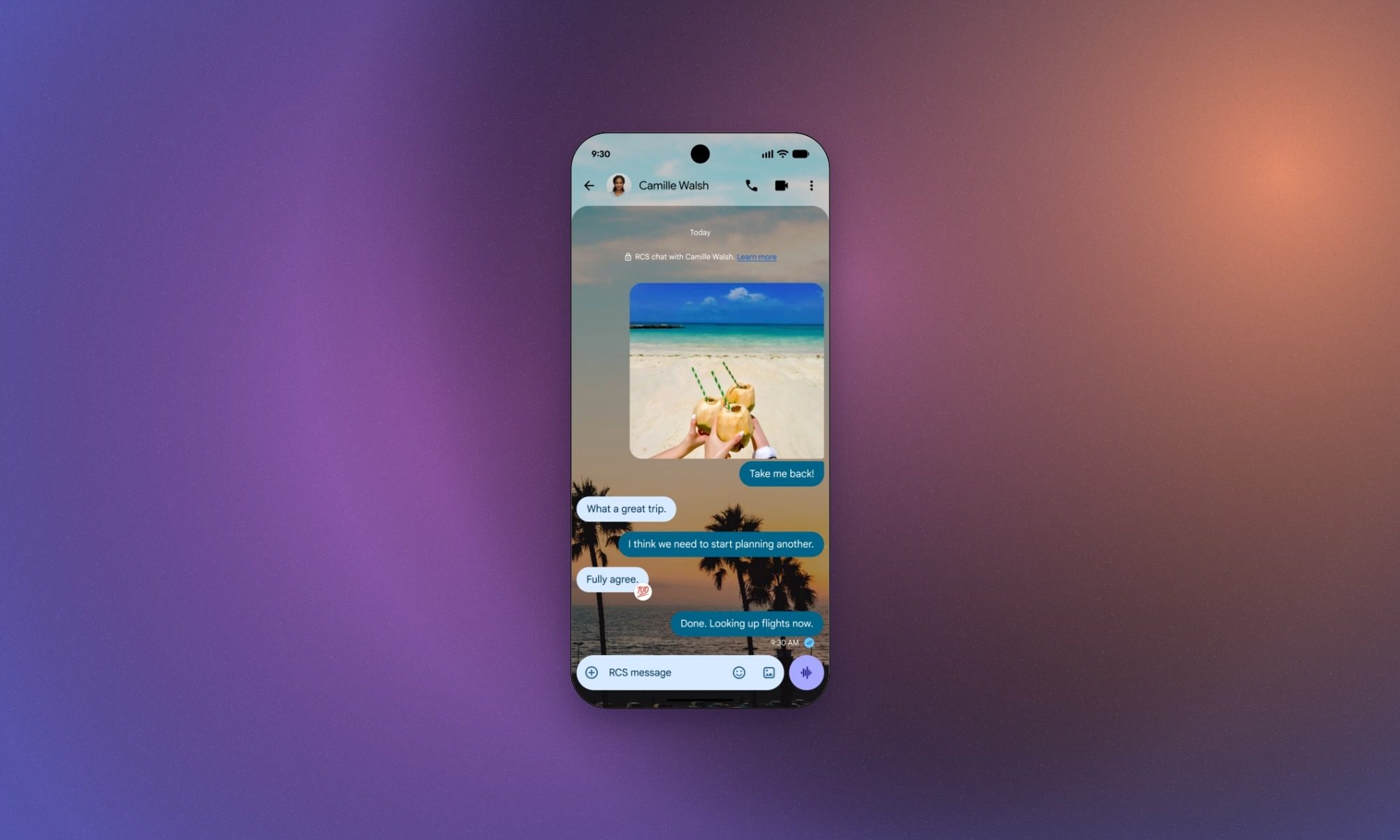
The swipe update arrives a day after another handy change. You can now long-press any message to open a quick menu with Reply, Forward, Copy, Star, Delete, Select more, and Info. That saves you a trip to the menu at the top of the chat.
Long-pressing also lets you highlight just part of a message, so you can copy only an address or code. Google Messages also appears to be using the older two-circle read receipt design in the current rollout. This decision comes after Google experimented with a single-circle approach.
The new gestures have appeared in version 20260910_03_RC02, but the rollout hasn’t reached everyone yet, so try updating the app if you don’t see it. Your muscle memory may complain for a few days, but seeing every timestamp in one swipe is worth it.
You must be logged in to post a comment Login