Tech
Google’s hyped-up RGB HiLight on the Pixel 11 Pro had me excited for nothing

I have been following rumors about Google’s new HiLight feature long before the company even announced its name. A few weeks ago, reports spoke about the feature as Google’s AI interface, something that glows when users speak to Gemini.
Now that the company has wrapped the Pixel 11 launch event, everything’s out in the open, and one of the only two things it does is light up when you speak to Gemini. So, after all the speculations and build-up, Google’s big reveal is… basically the same thing we thought it was, and I have some strong thoughts about that.
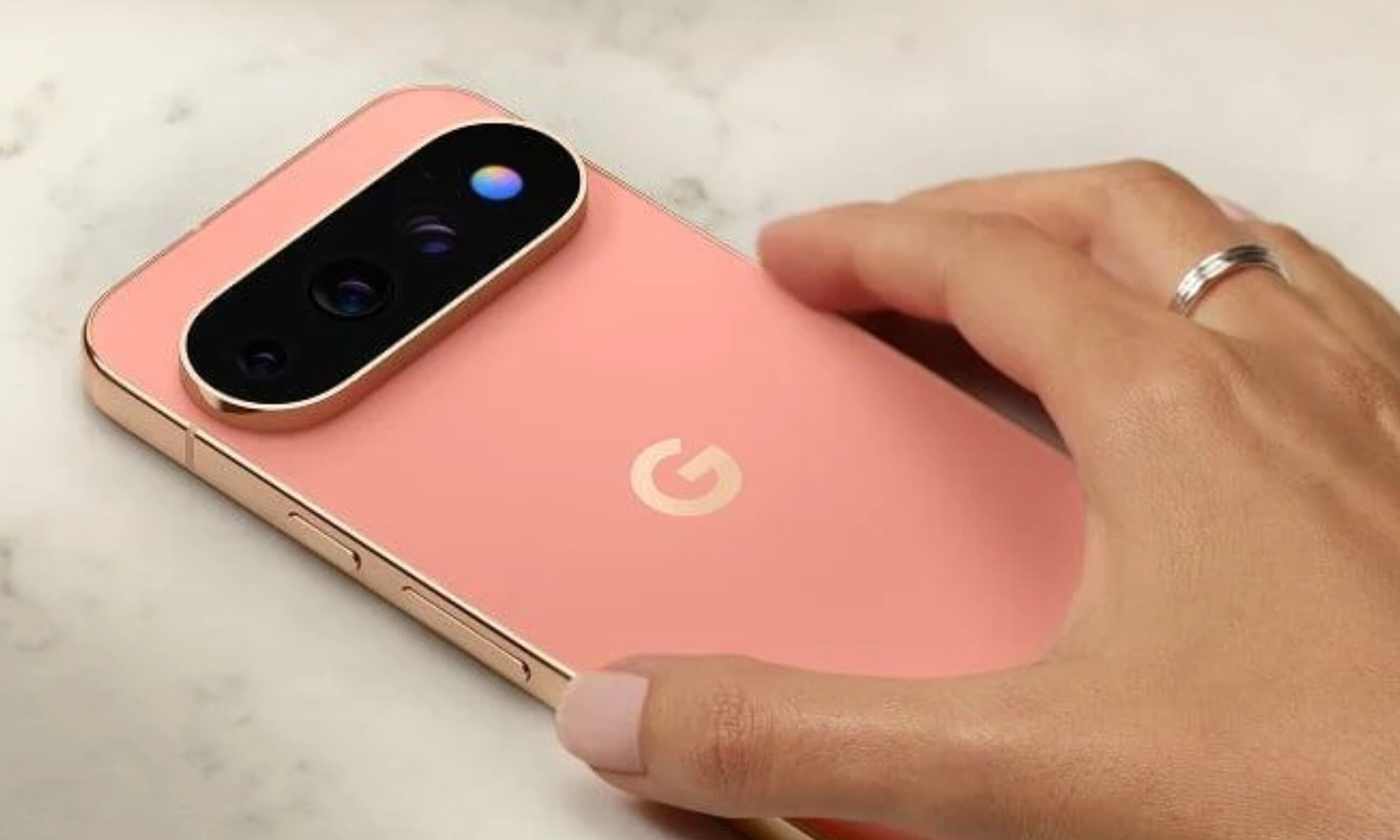

I thought Google was onto something
My excitement (and disappointment) about HiLight comes from how the smartphone industry has treated LED notification lights. While an always-on display informs you about notifications, it also demands more attention, making it harder not to pick up the phone and respond. In comparison, I find LED indicators on the back, like those on Nothing and CMF phones, less intrusive.
While they tell us there’s a notification, they don’t compel us to pick up the phone immediately. They also let you rest your phone face-down on the table while you’re enjoying a dinner with your family or friends, playing an intense game of UNO, or enjoying a new release at the theater.
That’s exactly what I, or someone who has seen the smartphone market evolve over the years, seeing all the phases of LED notification indicators, would expect HiLight on the Pixel 11 Pro phones to do. It sounded like the perfect idea on paper. Little did I know that the company planned to chain it to a hyper-restricted software experience.
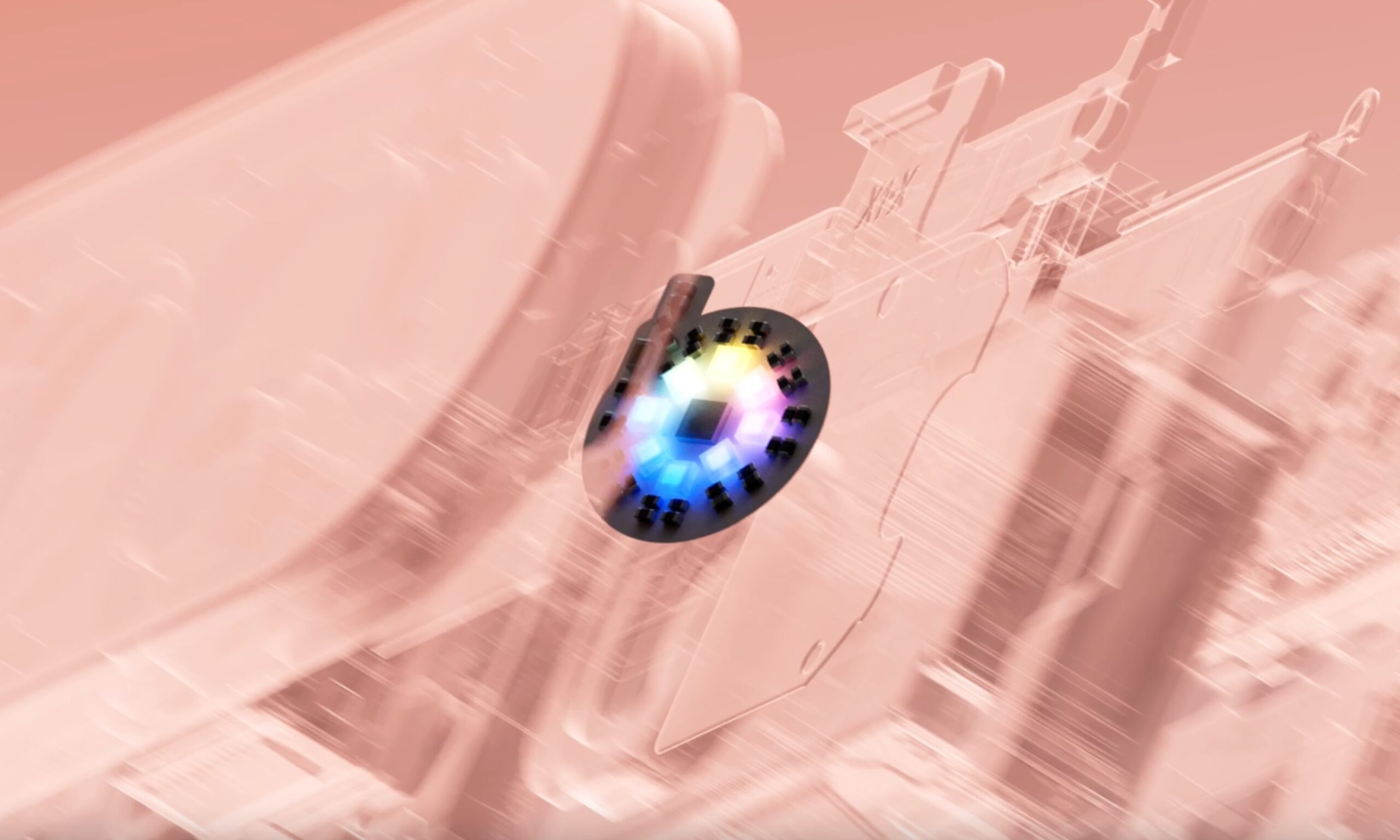
Here’s what HiLight can do at the moment
Exactly two things. First, it works as a Gemini conversation indicator, switching between different glow patterns for listening, thinking, and responding. Basically, it gives you visual confirmation that the assistant heard you without you having to pick up the phone. Fair enough. We’ve seen similar implementations on Amazon’s Echo speakers and Google’s own Home Speaker.
Second, it lights up in one of five colors when a favorite contact calls. This works with both the Phone app and WhatsApp (the only third-party app it supports, via 9To5Google). And while you might think you could choose the color you associate with a favorite contact, you can’t. Google picked five colors for you, and you simply assign them to people.
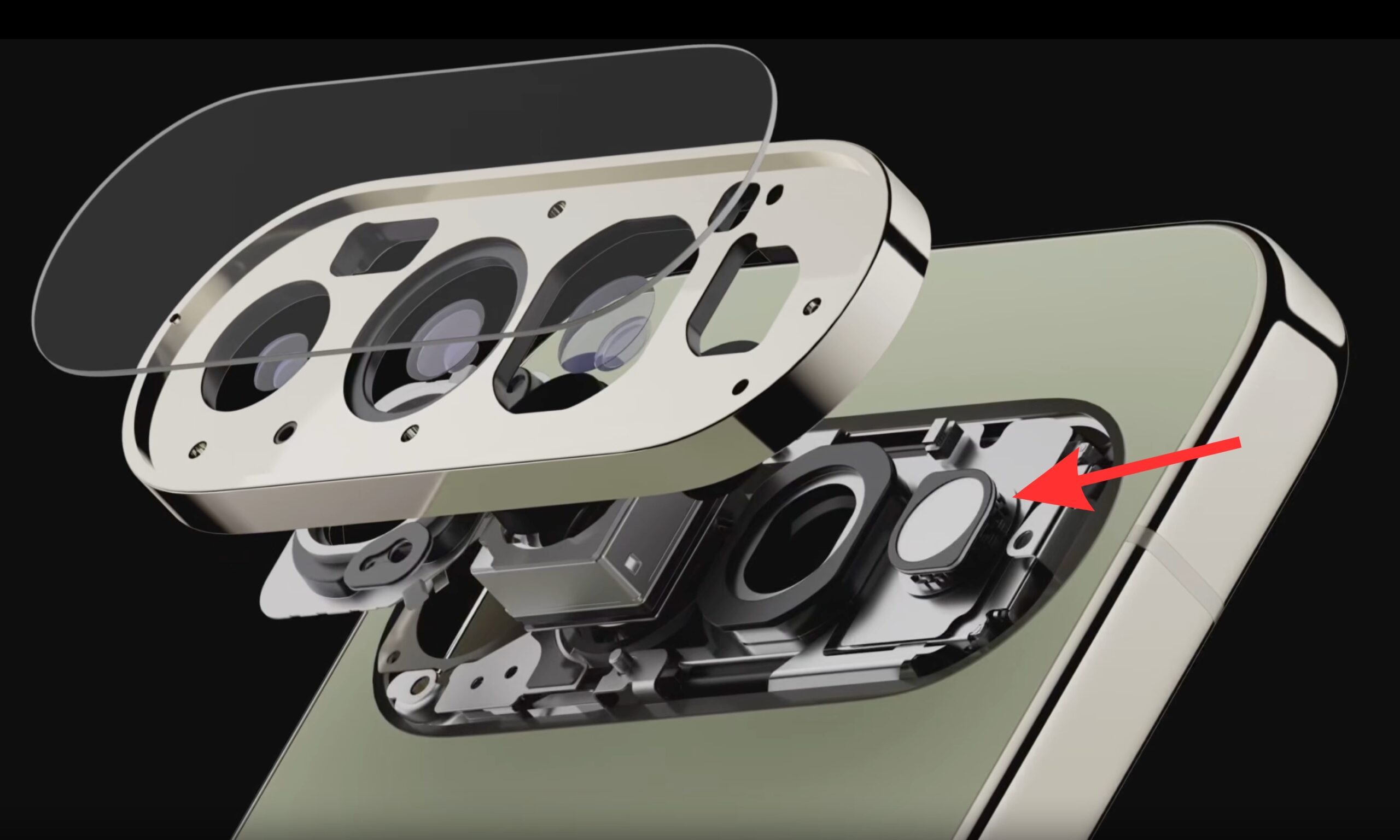
So, at launch, one of the most hyped Pixel 11 Pro features can essentially only do these two things, which feels like a frustratingly small use of what could have been a genuinely useful RGB light on the back of a phone.
The fact that Google handed you give colors and called it a day, even though the RGB light ring can physically render so much more than that, isn’t even the worst part of it.
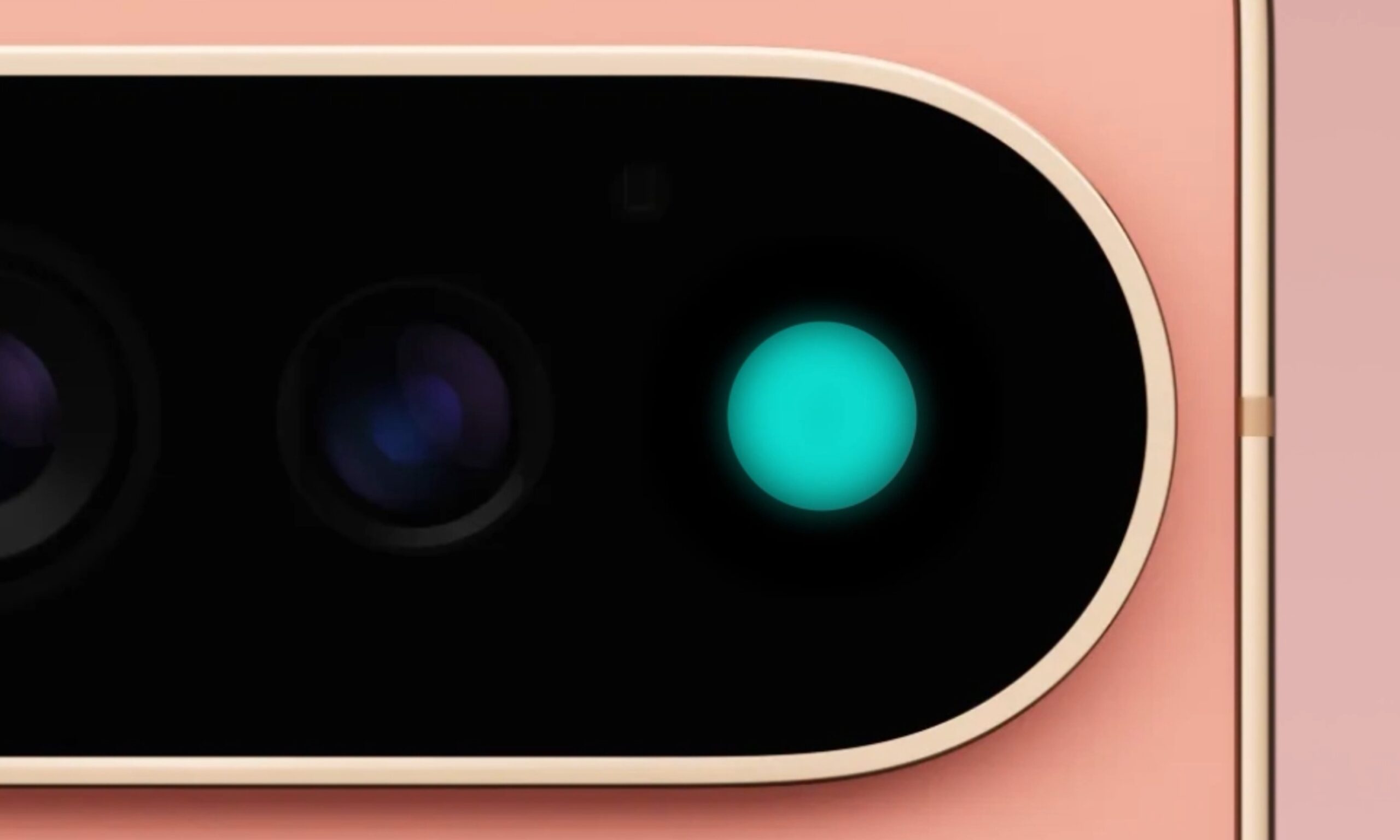
The problem becomes obvious when you actually use it
The biggest caveat of Google’s stringent approach to an otherwise perfect idea is the lack of third-party app support.
According to an Android Headlines report by Alexander Maxham, Google has no plans to unlock the restricted HiLight for other apps within its own ecosystem or open it to third-party apps. The closest thing to a roadmap Google offered was a mention of RCS messaging support arriving down the line, but that’s pretty much it.
The entire point of having a rear-facing RGB light is to keep the user informed when the phone is sitting face-down. Among the few things Pixel 11 Pro owners are missing out on, despite having the physical hardware sitting right there on the device, are general notifications from apps you could be using daily, including Slack, Teams, social media apps like Instagram, or even Uber, for that matter.
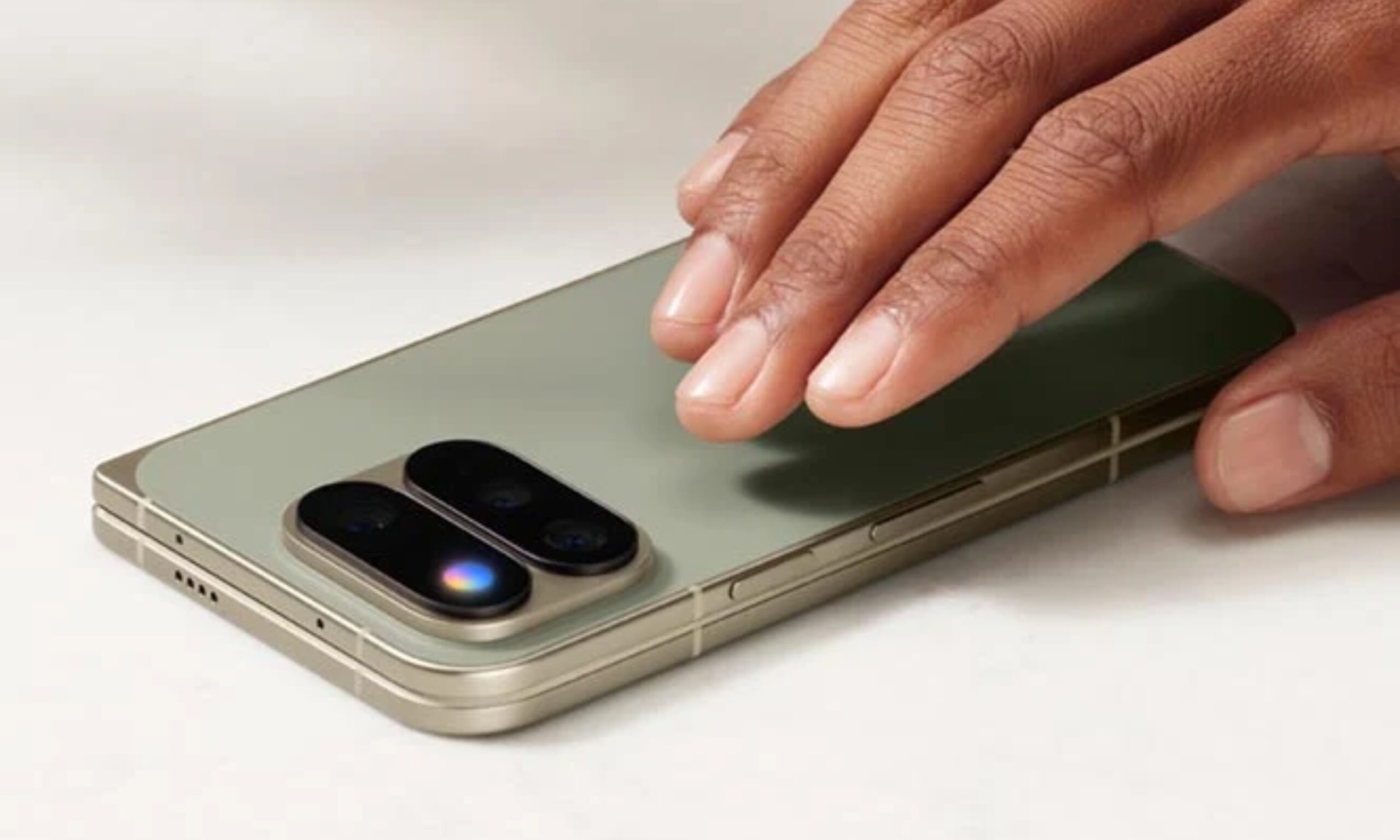
Then comes charging or battery indication. I know it’s an RGB ring, and integrating progress levels that are otherwise shown through horizontal UI elements is tough. However, how difficult would it be to use the light to tell the user the battery is dying? Is blinking red twice or three times really that difficult? I’m not even talking about a live charging status.
If the hardware actually supports full-spectrum RGB LED capabilities, I don’t get why it’s locked to only five color options. Would a color-coded system in the app be too difficult for users to understand and customize? Pink for Instagram, purple for Teams, or yellow for Snapchat?
Perhaps a yellow or amber flickering light when someone captures a self-portrait from the rear-facing camera, supporting the timer beeps that the phone already makes? I’m just thinking about ways Google could have made the hardware addition more useful and more interesting.
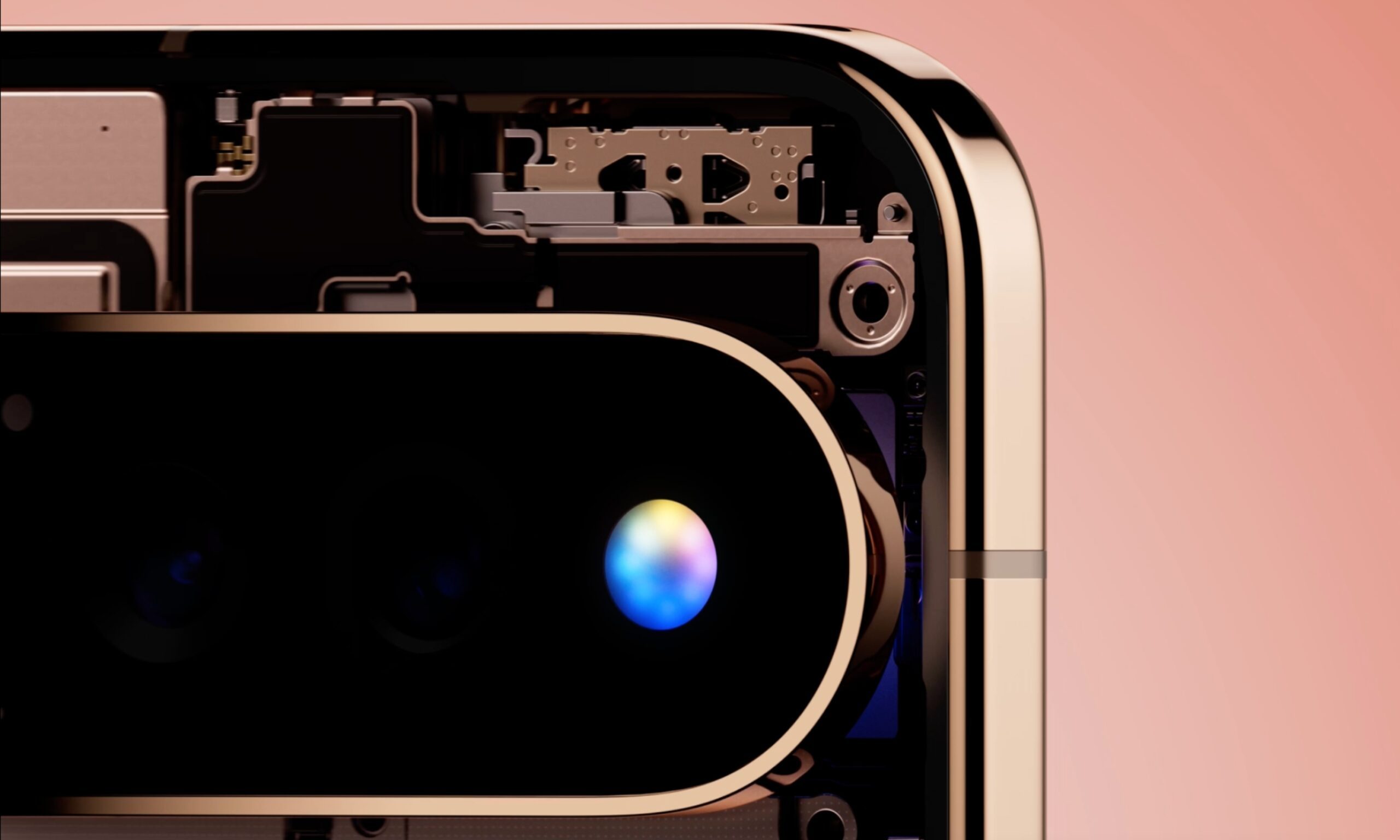
I’m not asking Google to cram every one of these functionalities into HiLight at once. In fact, I know for a fact that implementing all of them together would invite more chaos than it would solve problems. But Google can gather a team of engineers and designers to brainstorm intuitive ways to integrate the hardware deeper into the Pixel experience and make it sound or feel much less gimmicky than it currently does.
It’s not too late; Google can still turn this around
There’s no point in comparing Google’s HiLight RGB light with Nothing’s circular or horizontal LED modules. By nature of their shape and design, Nothing’s LEDs are better suited to simpler depictions of Live Updates on Android phones. However, that doesn’t mean Google can’t make HiLight highlight other things.
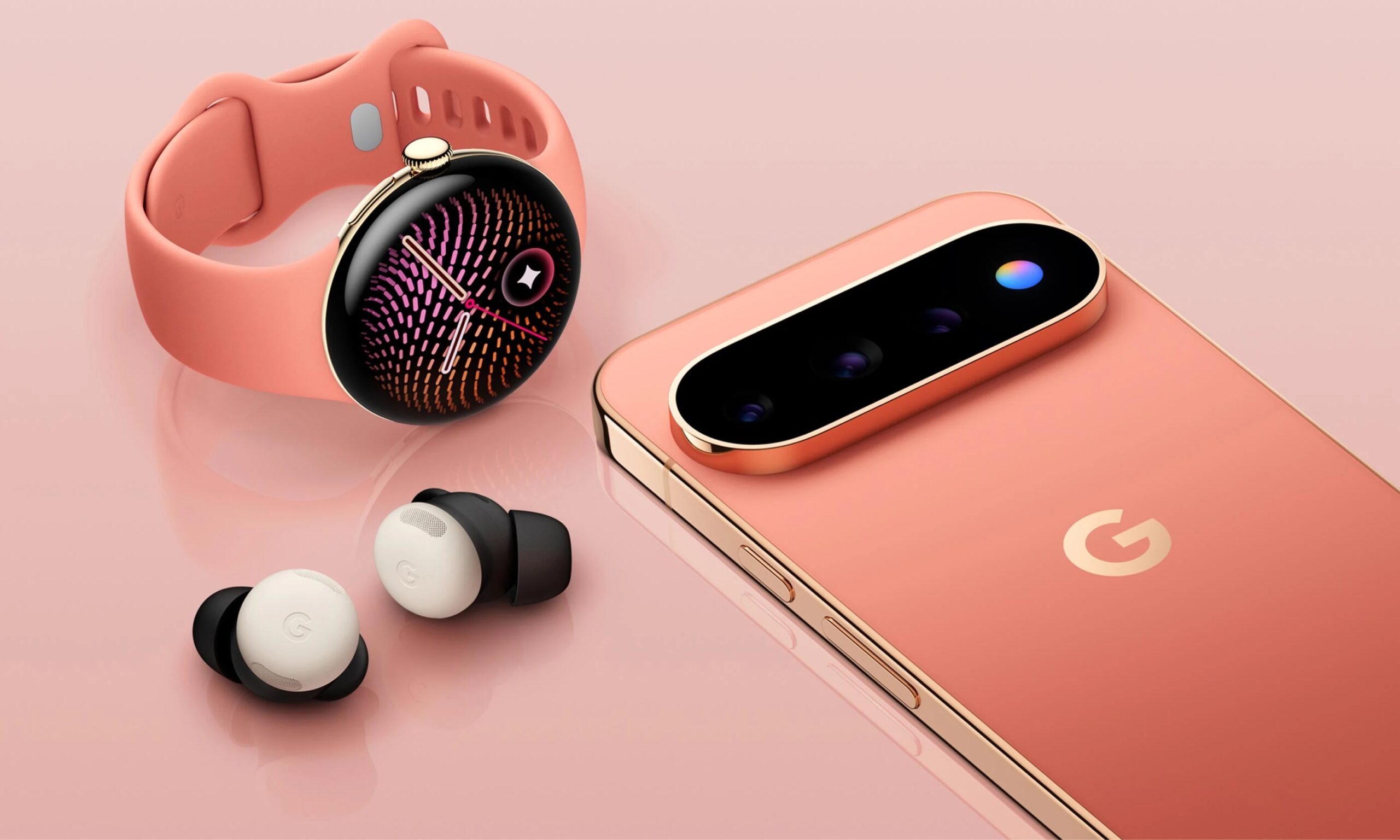
While HiLight is one of the most lethargic rear-facing LED implementations on a smartphone, it doesn’t have to stay that way forever. Fixing it doesn’t really require reinventing anything: open the API to developers, let people assign custom colors through a color wheel or similar setup, add a charging or power indicator, and ship the messaging feature that’s already been promised.
If Google genuinely wants people to put their phone face-down and be present in the moment, it also needs to trust those same people and grant them more control over what HiLight does for them. I’m rooting for an omnipresent HiLight interface that can cover far more than it does today, and I’ll remain optimistic that Google will eventually move in that direction.
You must be logged in to post a comment Login