Tech
Hisense XR10 Triple Laser 4K Projector Review: Lifestyle to the Max

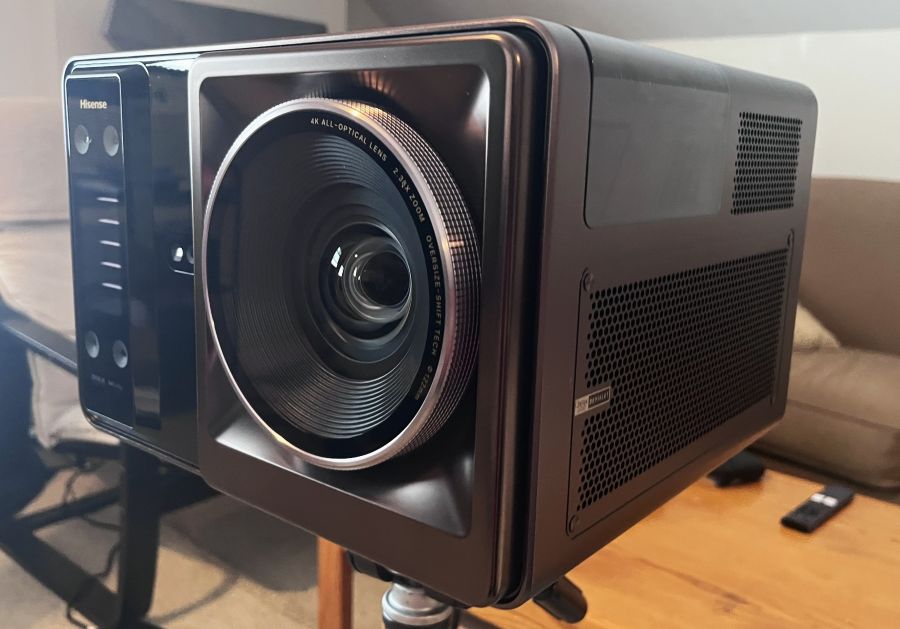
The Hisense XR10 triple laser projector represents something of a new product category for a company well known in the projector world for its range of standalone ultra short throw (UST) models and “Laser TVs” (basically, a UST projector packaged with a separate screen).
What’s different about the Hisense XR10 ($5,999) is that it takes “lifestyle” projectors, another category the company has been steadily growing with models such as the Hisense C2 Ultra and M2 Pro, to the next level by incorporating features typically found in high-end front projectors, such as an 17-element all-glass lens system, 7-step manual iris control, motorized optical zoom, and motorized focus and lens shift. With a specified brightness of 6,000 ANSI lumens, the XR10 is also significantly brighter than any lifestyle projector I know of, not to mention most home theater front projectors.

What is it?
The Hisense XR10 is a DLP projector with a dual RGB laser light source and motorized 2.38x optical zoom. A 0.84-2.0:1 throw ratio allows it to project images ranging from 60 to 300 inches diagonally, and it supports both ceiling and tabletop installations. It uses a native 1080p DLP chip, with four-phase pixel shifting to display 4K-resolution images on screen.

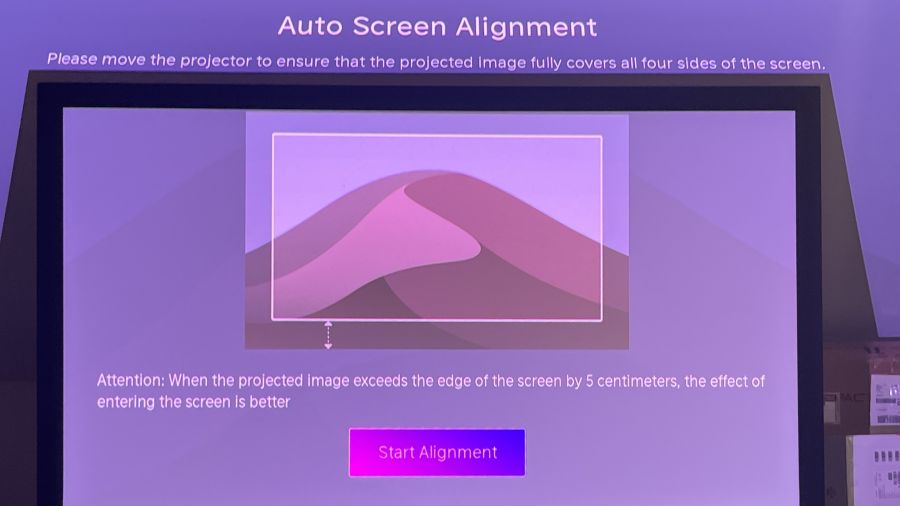
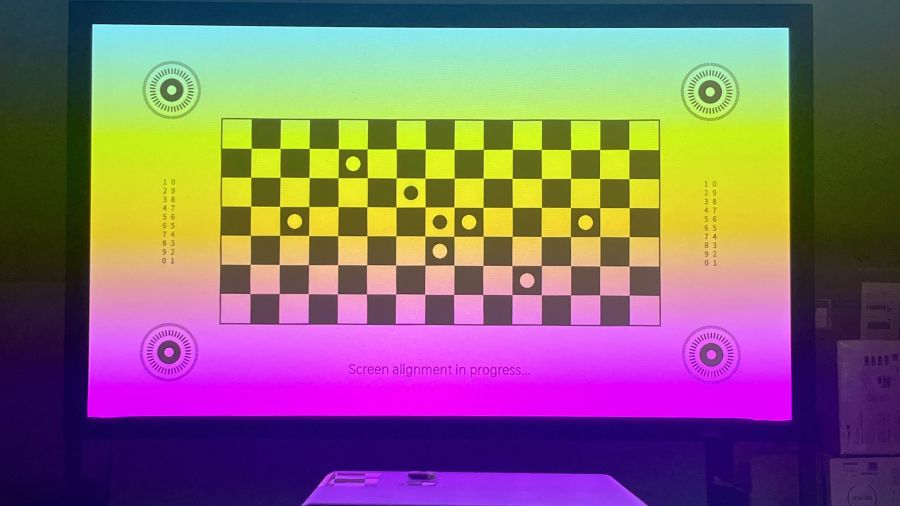
Like most other “portable” projectors (at 11.5 x 10.7 x 8.4 inches and 23.4 pounds, the XR10 is definitely a bit extra for the category), the XR10 offers fully automated setup, with its four-camera intelligent sensing solution scanning the area where the projection screen is mounted to provide automatic picture alignment and focus. For permanent installations, you can forgo automated setup in favor of the projector’s manual controls, with manual zoom and focus augmented by a motorized lens shift offering up to ±130% vertical and ±46% horizontal adjustment.
A projector specified for 6,000 ANSI lumens of brightness is bound to generate some heat, and the XR10 dissipates it using a liquid cooling system — a design approach similar to what’s found in high-performance gaming PCs. The XR10’s dual triple-laser light engine is also specified to deliver 118% of the BT.2020 color gamut, which is wider coverage than you can expect even from the new breed of RGB TVs. High dynamic range support on the XR10 is more comprehensive than what you’ll find on typical home theater projectors, extending to Dolby Vision, HDR10+, HDR10 and HLG. The XR10 also supports 3D playback (3D glasses not included).

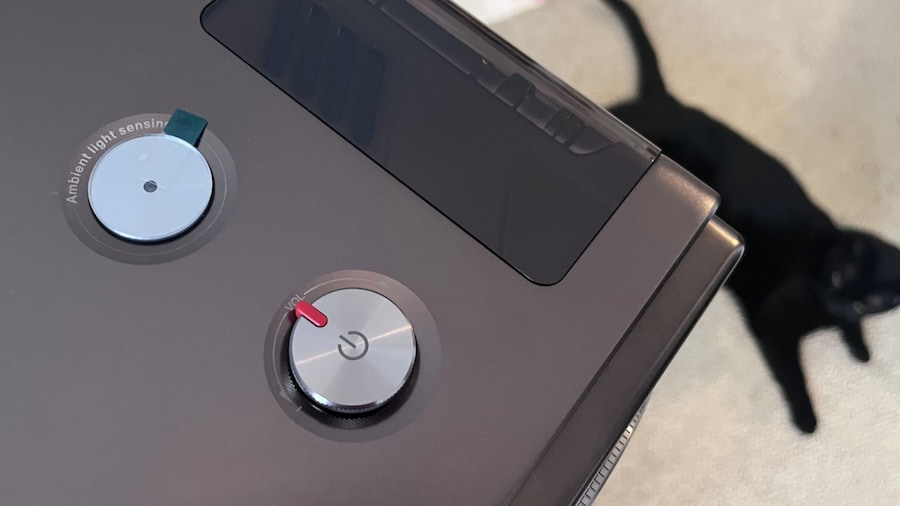
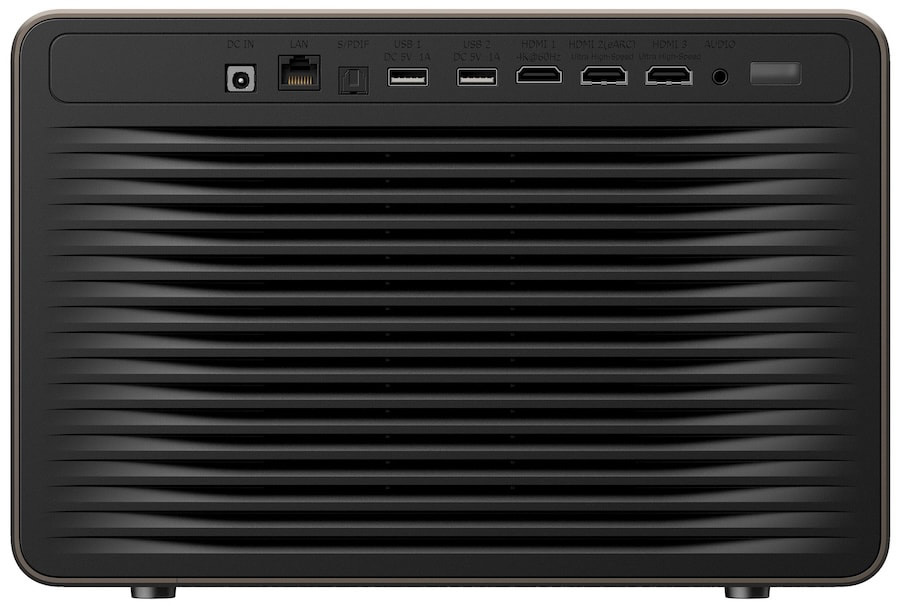
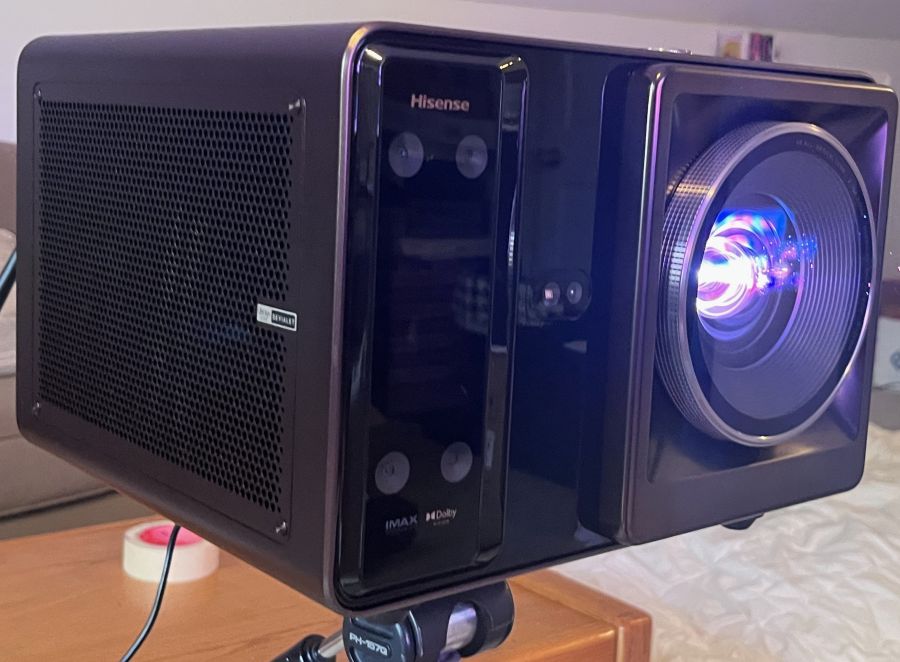
Most Hisense projectors have an elegant, vintage-tech design, and the XR10’s rounded corners, bronze-hued case and top-mounted volume control dial make it stand out from the often industrial-looking projector crowd. A screw insert for a tripod stand is located on the bottom surface, and the back panel contains two HDMI 2.1 and one HDMI 2.0 inputs, along with an optical digital audio output, 3.5mm audio input, two USB and Ethernet ports. The XR10 comes packaged in a faux-leather, rolling carrying case, and this classy accessory has the same vintage look and bronze hardware accents as the projector itself.
A built-in 2.1-channel, 31W speaker system tuned by French audio manufacturer Devialet provides surprisingly clear and full sound on the XR10 and it supports both Dolby Digital and DTS Virtual:X. Bluetooth 5.4 lets the projector’s built-in speakers be used for music playback and there are sound presets for theater, music, dialogue enhancement and more.

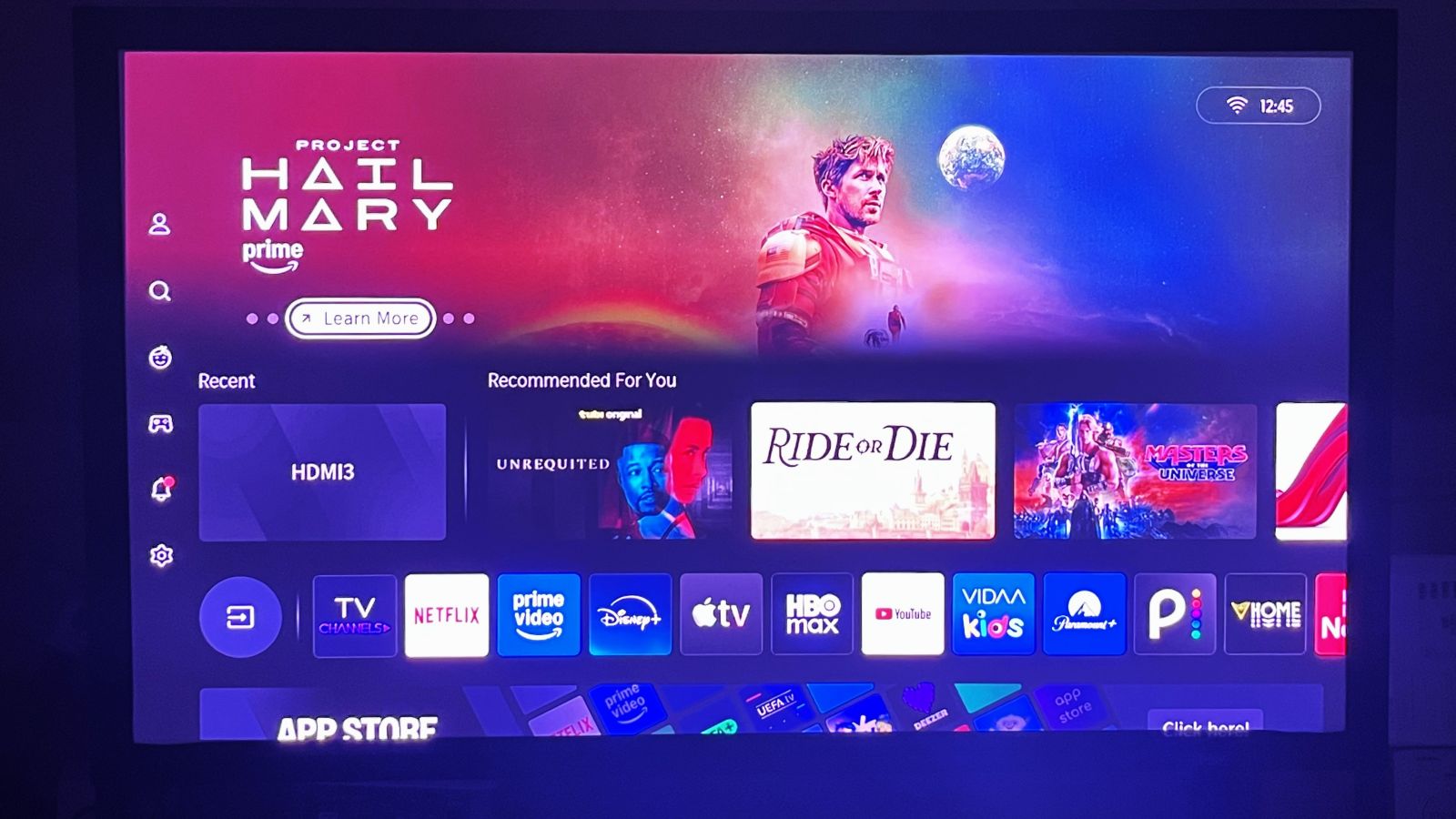
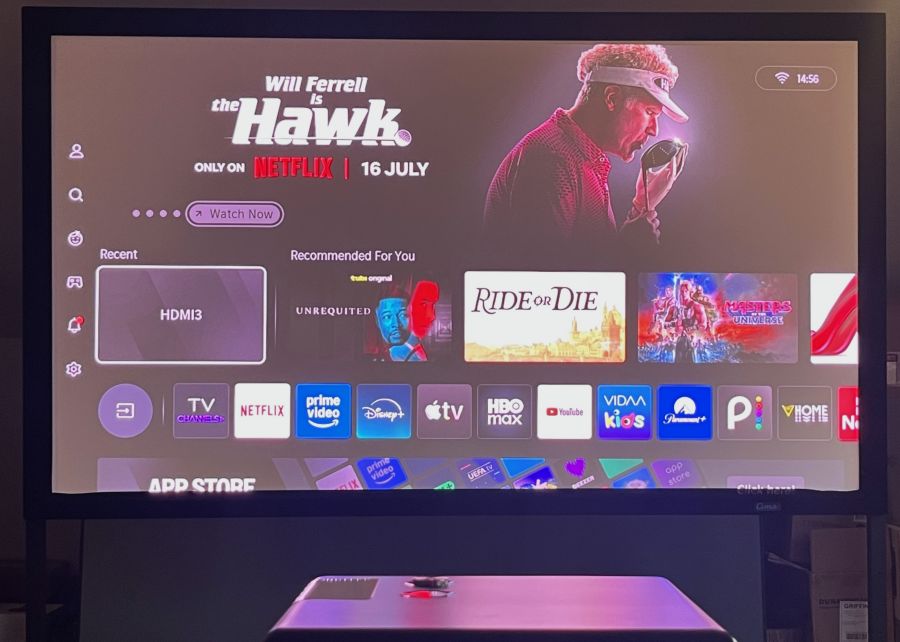
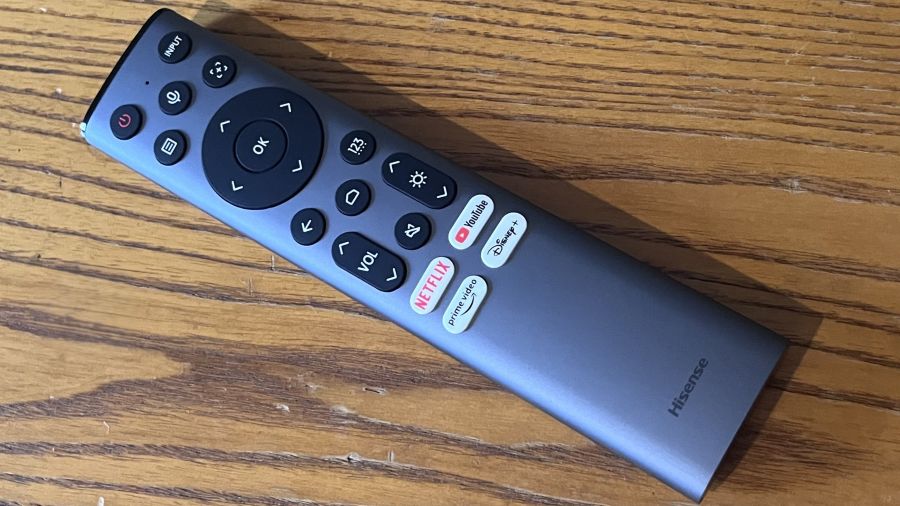
Hisense’s own VIDAA smart TV platform is used for streaming on the XR10, which is the first projector I’ve tested with Wi-Fi 7 support. A wide range of streaming apps is provided, including Netflix, Prime Video, HBO Max, Disney+, Apple TV, YouTube and more. AirPlay streaming is supported, and you can perform voice-controlled content searches using the projector’s full-size, backlit remote, which includes a built-in microphone for that purpose.
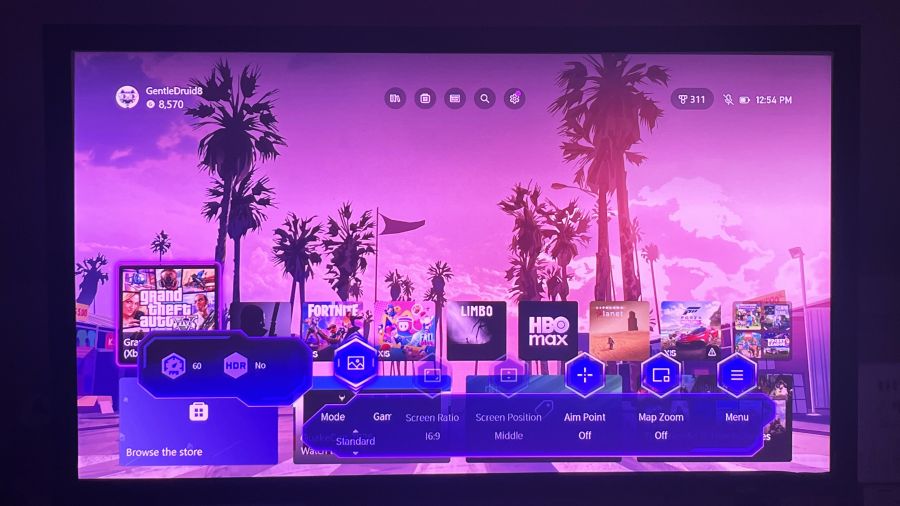
Gaming support on the XR10 includes ALLM, a High Refresh Rate option, and DLP Turbo Mode. With the latter setting turned on, all automatic setup controls, such as picture position and keystone adjustments, are disabled. There’s also a dedicated Game Bar menu for making quick gaming-related picture and sound adjustments. Using a Bodnar 4K meter, I measured input lag on the XR10 at 17 ms with Game mode and DLP Turbo Mode turned on. The XR10 also supports 1080p/120Hz and 1080p/240Hz input, with measured input lag of 23.3 ms and 4.6 ms, respectively.
Setup
Before doing any picture setup and measurements on the XR10, I first made a point of turning off the projector’s Automatic Light Sensor setting in the advanced picture menu. Measurements were made using Portrait Display’s Calman Color Calibration software and the projection screen I used for testing was a 92-inch, 1.1-gain Stewart CIMA matte white model, with the projector positioned on a tripod 8 feet away from the screen.
The XR10’s brightness in the Filmmaker Mode picture preset (default settings) was 4,044 ANSI lumens and 3,438 ANSI lumens in the Standard preset. The highest brightness reading I measured was 5,424 ANSI lumens in Vivid mode with Brightness Enhancer in the projector’s Advanced Settings menu set to High. The Ultra Brightness Enhancer setting would likely have yielded even higher brightness results, but the picture took on a strong green-ish cast with Ultra active, making that setting unusable.
Brightness uniformity measured at 9 separate points across the display area was an impressive 94%.
The XR10’s BT.2020 color gamut coverage measured 96.9%, while P3 coverage was 99.5%. That BT.2020 result falls below the 118% figure in Hisense’s specifications, but it is still a solid result compared with other RGB laser projectors. With the projector in Filmmaker Mode, Delta-E (the margin of error between the test pattern source and what’s displayed on-screen) averaged a relatively high 7.8 for grayscale accuracy, with the projector showing an overly warm, reddish bias.
Switching the Color Temperature preset from Warm 1 to Warm 2 yielded a cooler grayscale, while calibration using the projector’s 2-point White Balance adjustments (20-point adjustment is also available) reduced the average grayscale Delta-E to 1.3. Delta-E for color points on the XR10 averaged 2.8, and I was able to reduce it to 2.2 through calibration.
Contrast ratio results for the XR10 were as follows:
Iris Setting
Contrast Ratio
Iris Off
1,484:1
Cinema 1
2,500:1
Cinema 2
3,295:1
Manual (3 setting)
2,597:1
Visually, the best picture contrast came with the projector’s iris in Manual mode and set to either 2 or 3. Other manual iris settings resulted in an overly dim picture, while the Iris Off setting produced elevated, grayish blacks.
As for the other picture settings I used for evaluation in Filmmaker Mode, Gamma was set to 2.4, Dark Detail was turned on, Scenario Enhancement was switched off, and Adaptive Contrast was set to Medium. Settings on the XR10 can be configured independently for both HDR and SDR sources, though White Balance settings are shared between those modes. The XR10 also features a Dynamic Tone Mapping setting for HDR, but I found that it added a pinkish tint to whites when active, so I left it switched off.

Viewing Impressions
Before I say anything else about the Hisense XR10, I want to mention that its picture is bright enough to make viewing in a well-lit room possible. Watching a Major League Soccer match between St. Louis and Salt Lake with the Standard preset active, the picture had a punchy look, with crisp highlights and bold colors. Detail was also excellent, and I didn’t notice any serious instances of the “laser speckle” artifacts that laser-based projectors are prone to.
Looking at reference 4K Blu-rays on the XR10, the James Bond film No Time to Die showed somewhat elevated blacks in dark scenes, but the picture otherwise had good contrast and rich, yet natural, color. Importantly for this movie, there was only a minimal level of judder and blur visible in a shot where Bond traverses a hillside cemetery. In the motorcycle and car chase scenes that followed, the fast-paced action also had a solid presentation.
Another reference disc, Spider-Man: Into the Spider-Verse, worked well to showcase the XR10’s strong color performance, with the movie’s computer-generated animation displaying an appropriately vivid quality.
continued to be impressed with the XR10 when I switched to watching the sci-fi drama Pluribus (Season 1, Episode 6), which I streamed through the VIDAA smart platform’s Apple TV+ app. Watched in Dolby Vision HDR, the picture displayed strong overall contrast, with the sparkly highlights of a green dress worn by a cocktail server in a Las Vegas hotel casino popping on the screen. Chips on poker tables also came across as a radiant blue, and the various hues of the sports cars arrayed outside the casino entrance had a rainbow-like effect. (But not the “rainbow effect” typically seen on DLP projectors, which I also found to be fairly minimal with the XR10 compared with other projectors I’ve tested.)
The somewhat elevated blacks I noted when watching dark scenes in No Time to Die continued to be an issue when I checked out an episode of House of the Dragon, a show with more than its share of dark scenes set in gloomy castles. But this series, along with others in the Game of Thrones universe, can be challenging even for OLED TVs with their superior black levels, and I still noted a good level of shadow detail despite the XR10’s limited overall black depth.
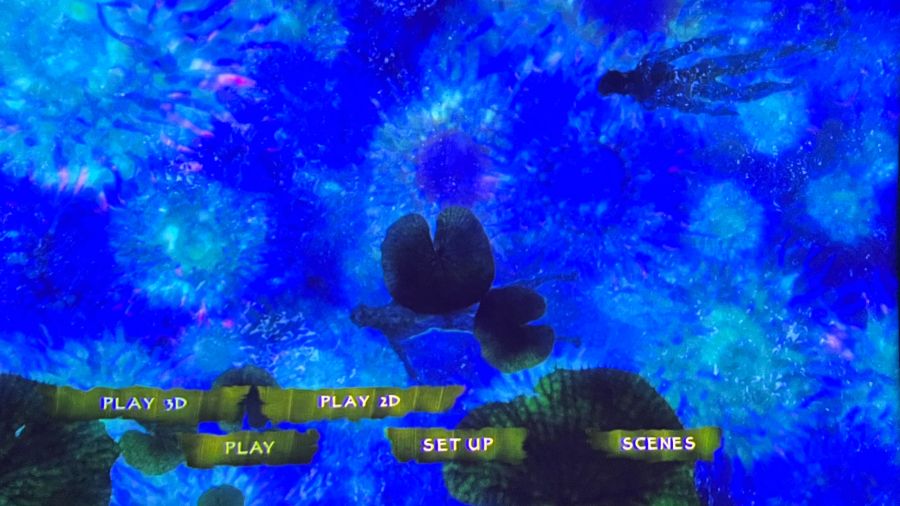
With the XR10’s high brightness, Blu-ray 3D discs in my collection looked as good as I’ve ever seen them. IMAX: Deep Sea had an excellent sense of visual depth that brought the coral reefs and undersea creatures into strong relief against the watery backgrounds. Scenes inside the base in Avatar also displayed great depth, and the skin of the Na’vi came across as a rich blue hue. Support for 3D is a feature that’s starting to disappear from front projectors, so the XR10 gives 3D movie fans an excellent projector option.
Before I wrap this review up, I will say something about fan noise on XR10. Given the projector’s liquid cooling system, I expected fan noise to be a bit lower than it was, and fan noise definitely increased when I played with the Brightness Enhancer settings. Any noise was generally masked by sound coming from the XR10’s built-in speakers, however, and a more traditional home theater audio setup would undoubtedly go even further in masking fan noise.
The Bottom Line
The Hisense XR10 is something of an odd duck in the projector world: part portable/lifestyle projector and part home theater front projector. Fortunately, it acquits itself well for both tasks. You can easily get crisp, bright, well-focused images when temporarily installing the XR10 using its fully automated setup features, and if you want to permanently install it and painstakingly tweak its picture, it offers all the manual controls you’ll need to do just that.
At $5,999.99, the Hisense XR10 is quite a bit more expensive than other lifestyle projectors on the market, but it’s priced very competitively with other home theater projectors, while offering features you typically won’t find in that category, such as a smart TV interface with apps for streaming, potent built-in speakers, and automated setup. It also offers wider than usual HDR format support, Dolby Vision included, and higher than average brightness.

Is there any other feature Hisense could have added to this otherwise feature-packed projector? A dynamic iris similar to those found in some other home theater models would be welcome, and such a feature would possibly improve the XR10’s contrast. But overall, I found that the XR10 delivered very impressive picture quality, and when you consider all that it does, good value as well.
Pros:
- RGB laser light engine
- High brightness
- Dolby Vision and HDR10+ support
- Extended BT.2020 and P3 color space coverage
- Iris adjustment for enhanced contrast
- Automated setup options
- Motorized optical zoom
- Motorized focus and horizontal/vertical lens shift
- Devialet-tuned built-in audio
- VIDAA smart TV platform for streaming
- 3D support
Cons:
- Limited black depth
- Slightly high fan noise
Our Ratings:
★★★★★★★★★★ Picture Quality
★★★★★★★★★★ Design
★★★★★★★★★★ Usability
★★★★★★★★★★ Sound Quality
★★★★★★★★★★ Features
★★★★★★★★★★ Value
You must be logged in to post a comment Login