Tech
How the BBC Guided Two Families Through Their First PC Purchases in 1998

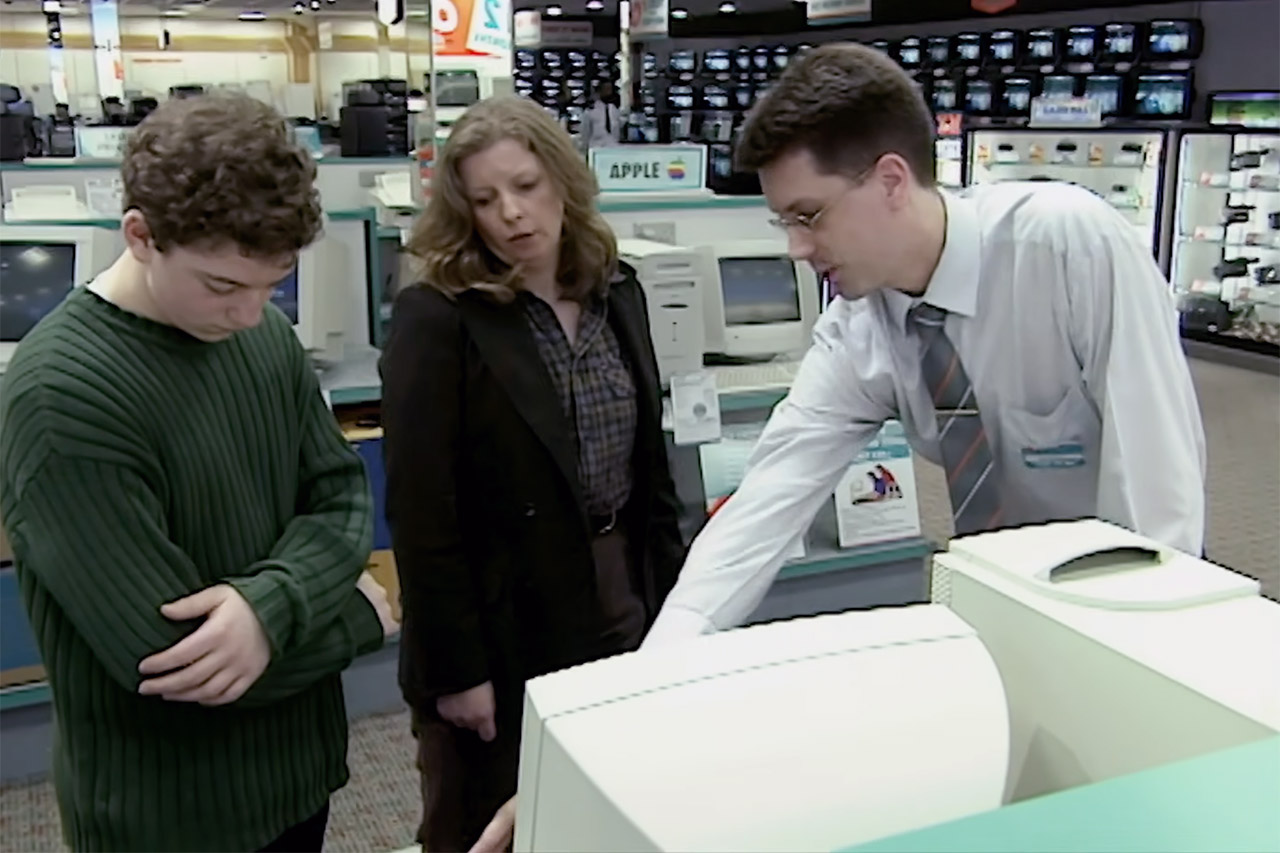
Families in Britain approached a major household decision with a mix of excitement and uncertainty in the spring of 1998. A BBC program from the Computers Don’t Bite campaign followed two of them step by step as they bought their very first home computers. The episode captured the practical choices, the new vocabulary, and the hands-on setup that turned an expensive piece of equipment into something the whole household could use.


The Lyons family went to a specialty electronics store in search of a system that could handle the kids’ school projects, keep track of the household finances, and make some simple graphs without making them nuts. Jenny Lyons spoke with the salesperson about their needs, and they were guided to a Compaq 4620. This one contains a fast 266 MHz Pentium II processor, 48 MB of RAM, a 4 GB hard drive, and a built-in modem to accommodate the growing number of individuals who want to go online. Windows 95 was pre-installed, and the full bundle, including a printer, cost less than 1000 pounds. The Lyons bought a beautiful, ready-to-use system that promised plug-and-play capabilities right out of the box.
Sale


GEEKOM Air12 Mini PC for Business & WFH (2026), Intel 7505 (Up to 3.5GHz), 8GB RAM (Dual-Slot…
- [Unmatched Productivity for Office & Dev Workloads]: Powered by the Intel Pentium 7505 (25% faster single-core performance than the N95/N100/N…
- [24/7 Silent Stability & Metal Durability]: Built for non-stop performance. The Air12 features a strategic metal mid-frame, a 3x-reinforced shell, and…
- [Triple 4K & 8K Workspace Hub]: Transform your desk into a professional command center. With support for up to three 4K displays or one stunning 8K…
The Plummer family took a different approach, first looking through computer periodicals before purchasing a machine directly from the vendor. This was the material they felt most at ease with. They ended up with a system with similar fundamental specifications: a 200 MHz processor, 32 MB of RAM, a 4 GB hard drive, and a color printer, all for less than 1000 pounds. The Lyons and Plummers both ended up with working home systems, but their choices were influenced by their own comfort levels.
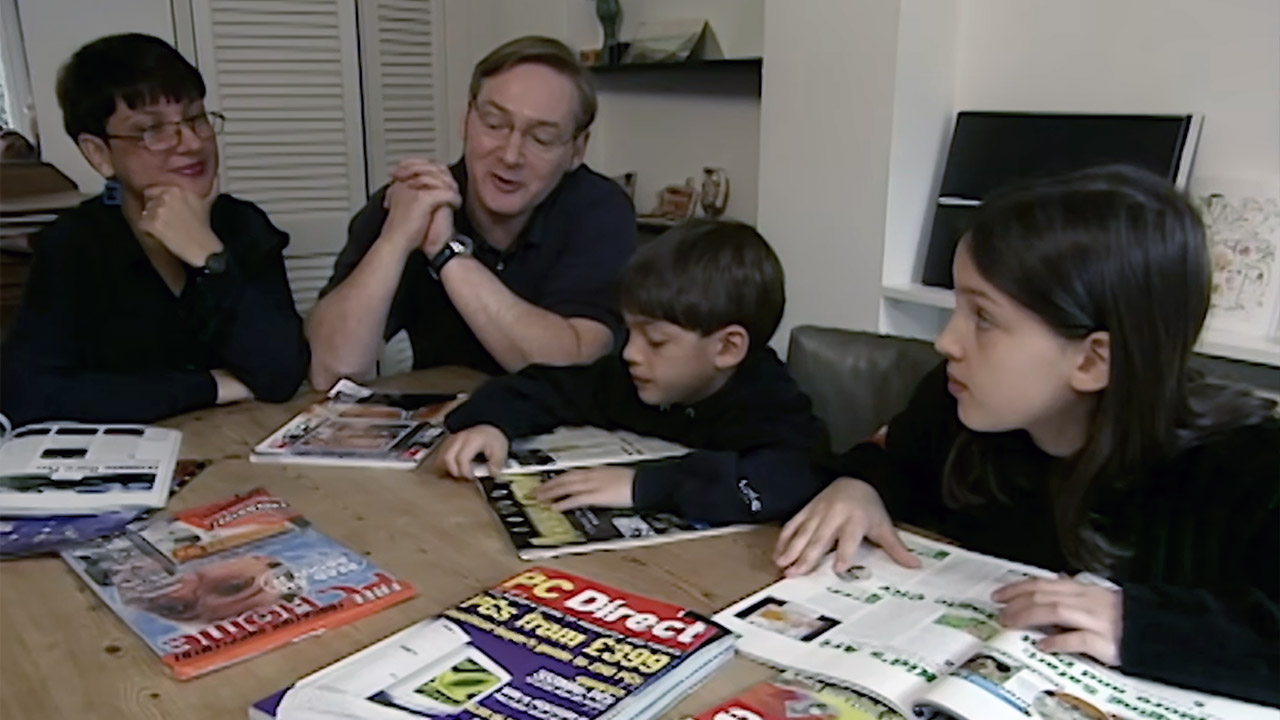
Sue Davis and Dave Green tried to simplify the terminology in the sales brochures. RAM is essentially the temporary workspace that the computer uses while turned on; the CPU runs the apps from there. The ROM stores the machine’s permanent instructions for starting itself up. The hard drive holds saved data, letters, games, and photos. A family machine need adequate room to prevent games and paperwork from filling it up too quickly. Clock speed, defined in megahertz, is important since it determines how quickly the CPU can accomplish tasks, with numbers in the 200–266 MHz suggesting that the CPU will be much quicker than previous devices.

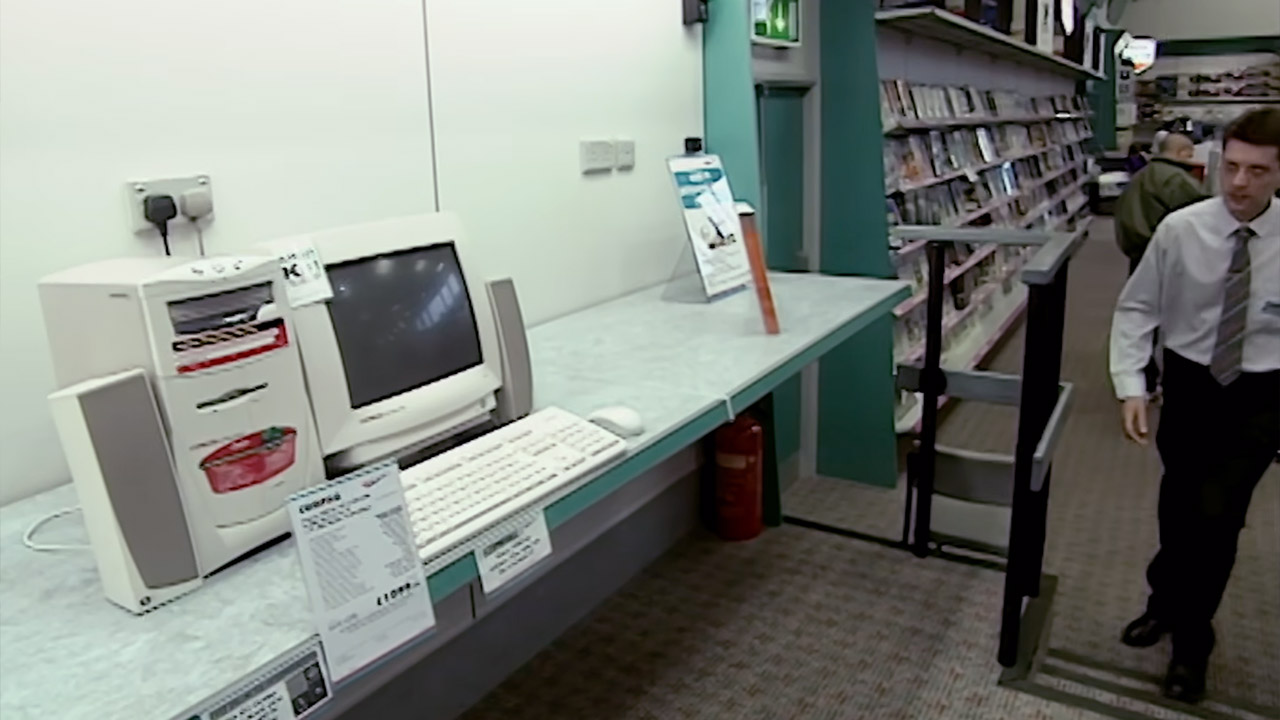
By the time the shoppers left the store, they had a decent idea of what to look out for. More megahertz is better, implying faster labor. Ordinary tasks will run smoothly with at least 32 MB of RAM, and 48 MB is a reasonable amount of space to spare. Hard drives with a capacity of 2 GB will sufficient for most basic operations, while 4 GB will provide some additional room.The presenters also underlined the importance of sticking to a reasonable budget, since £1,500 is about the maximum unless someone wants to get into professional creative work. They also recommended speaking with knowledgeable friends or reading a few periodicals before making a decision.
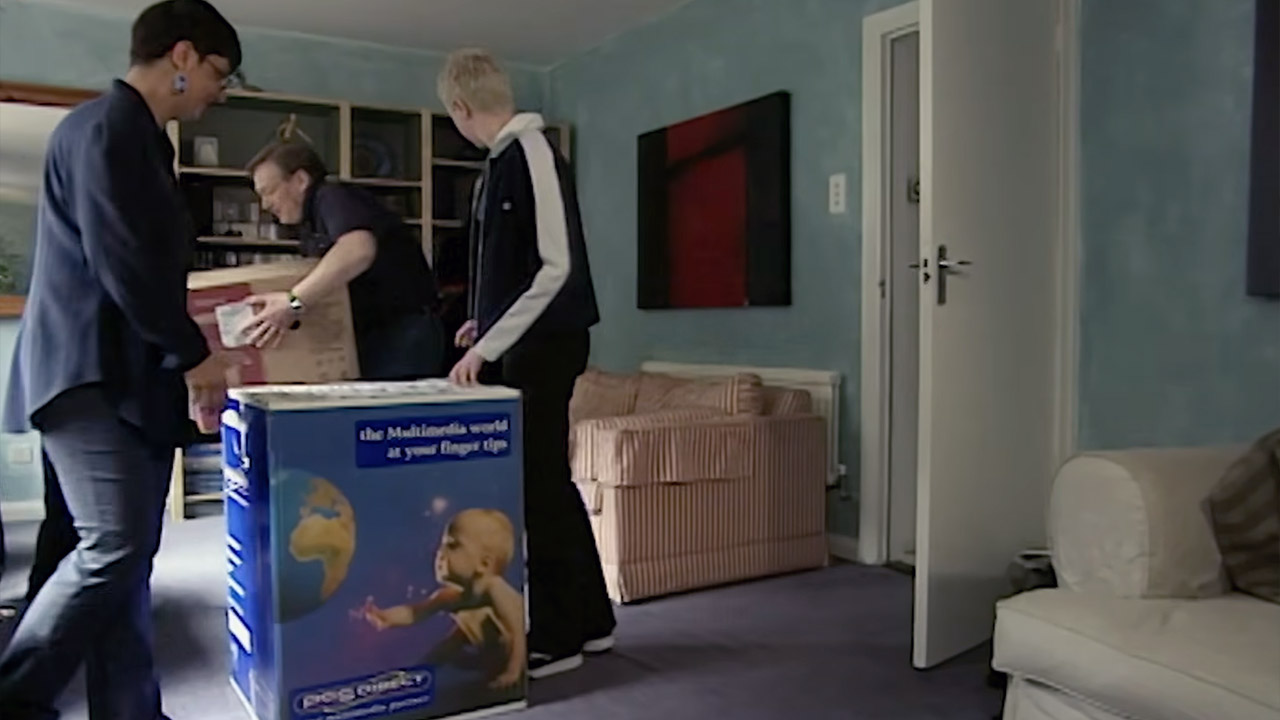
Setup day arrived for the Plummers, and what a sight it was: a box full of boxes containing everything they had bought. There was a monitor, the main computer unit, the printer, some speakers, a keyboard, a mouse, and a few cords. The color-coded cables made things a bit easier. They followed the steps in a manufacturer video and were quickly up and running on Windows 95. A quick test with Solitaire revealed a tiny glitch that was readily remedied by resuming with the trusted Ctrl-Alt-Delete combination or turning off and back on. After a brief delay, a call to the helpdesk supplied them with fantastic service.
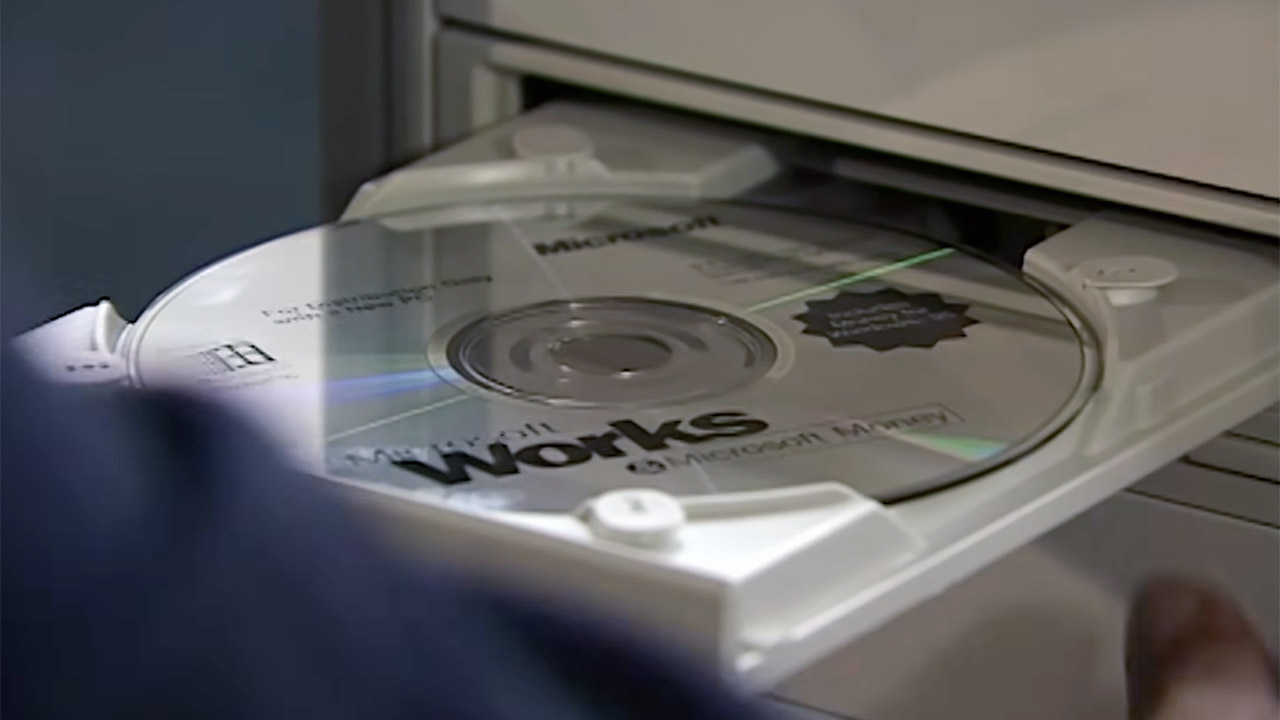
Then followed software installation, with Microsoft Works coming on a CD-ROM and booting up with on-screen instructions. The application offered word processing, spreadsheets, and a basic database. The templates were all ready for use. One presentation showed a family letterhead all filled out with names and addresses, ready to be printed. Ordinary jobs become considerably more manageable without having to choose a program to conduct each activity separately.
You must be logged in to post a comment Login