Tech
How to factory reset AirTag 2

Whether you’re handing off an AirTag or trying to resolve pairing issues, knowing how to properly reset Apple’s item tracker ensures you can set it up on a new iPhone easily.

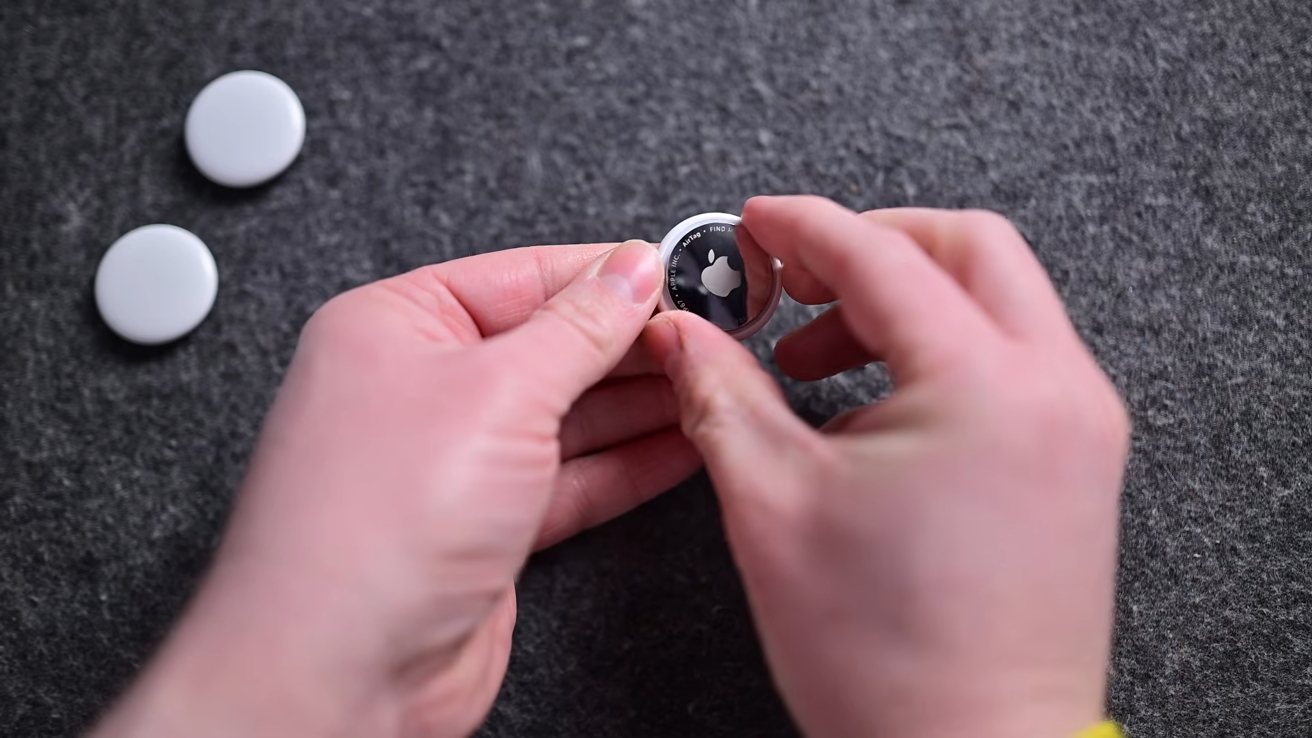
How to factory reset a second generation AirTag
Every AirTag can be associated with only a single Apple Account. If you want to gift your AirTag to another person, you’ll need to reset it. While this does take a little effort, the whole process can be done in about a minute.
Before you get started, we highly recommend that all small children and pets are out of the area while you reset an AirTag. AirTags, for all their usefulness, are choking hazards and can cause internal damage if they pass through the digestive tract.
Continue Reading on AppleInsider | Discuss on our Forums
You must be logged in to post a comment Login