Tech
How to pause Activity Rings in watchOS 26 when you need a break

While Activity Rings are a staple for fitness enthusiasts, there might be times when you need to pause them. Here’s how you can do it in watchOS 26.

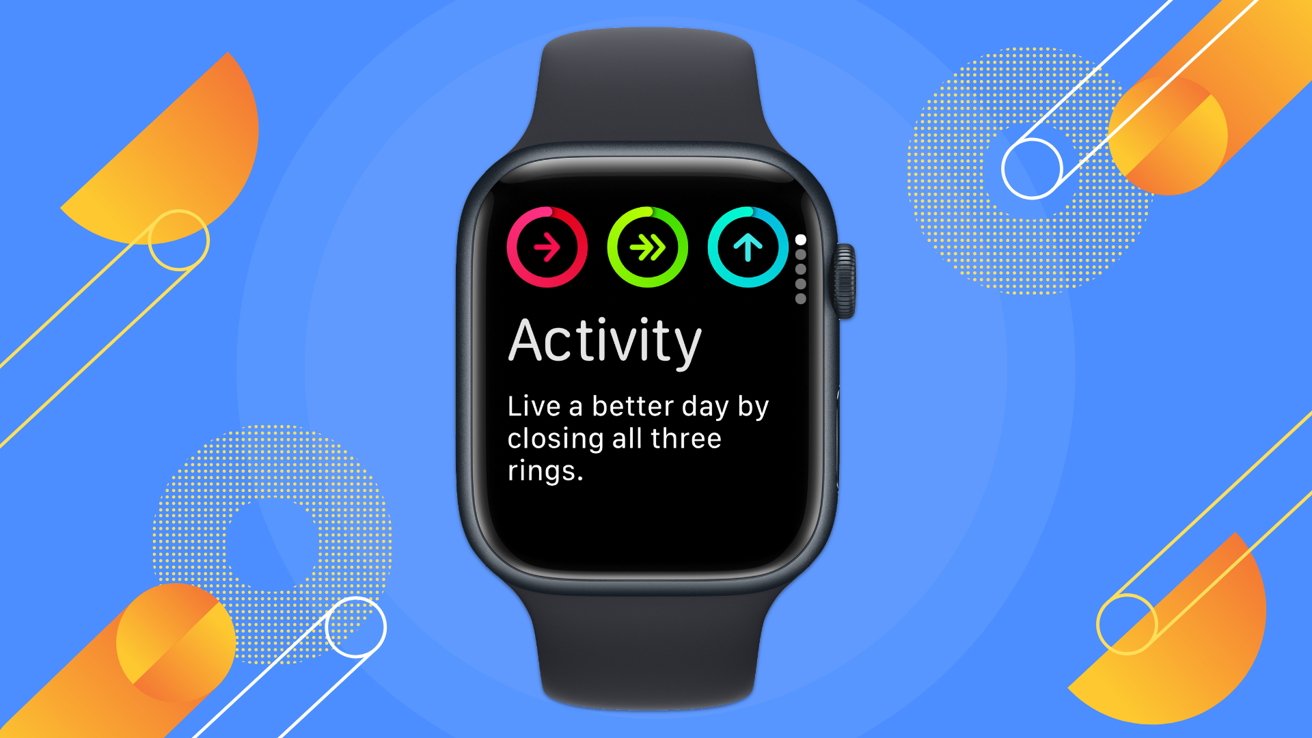
How to pause Activity Rings in watchOS 26
The Activity Rings on the Apple Watch are a great way to keep track of your daily movement, exercise, and standing goals. However, there are situations where keeping them active isn’t practical.
For instance, maintaining your usual activity level could interfere with the recovery process if you’re recovering from an illness or injury. Pausing the rings allows you to prioritize healing without feeling pressured to meet daily goals.
Continue Reading on AppleInsider | Discuss on our Forums
You must be logged in to post a comment Login