Tech
How To Safely Clean Your Electronics With Compressed Air


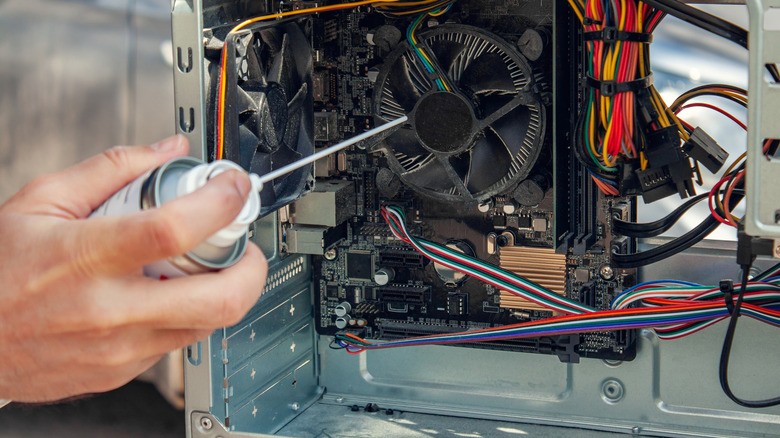
Safely cleaning your electronics means using the right method to ensure a smooth process. That’s why many people choose compressed air, as it can get the job done both quickly and efficiently. But before you begin cleaning with compressed air, it’s important to turn the device off and disconnect it from its power source, if possible. It’s the best way to ensure you and the components themselves stay safe while working.
Once the device is powered down, hold the can upright and keep it a reasonable distance from the device. Use short, controlled bursts of compressed air and work around the areas that need cleaning. This will allow dust and other debris to escape, rather than just pushing it farther down into the device. For a device like a keyboard, be sure to use the straw that comes with the can and move from left to right as you clean.
When it comes to cleaning external vents, you should direct the airflow away from the device rather than blowing dust farther into the case. The vents allow warm air to escape from a computer so it’s important to keep them clear. If the compressed air doesn’t quite get the vents as clean as you’d like, you can wipe them down with a clean, soft cloth. This can help remove any remaining dust that could otherwise interfere with the computer’s cooling system.
The risks of using compressed air
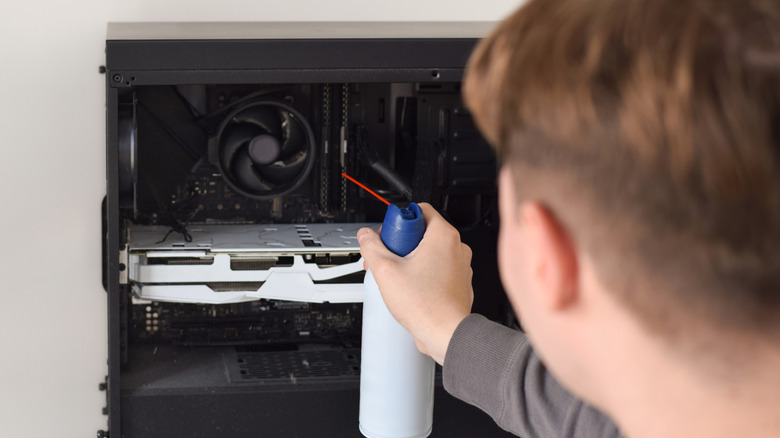
While compressed air can make cleaning electronics easier, using it incorrectly can cause problems for your devices. For example, an excessive amount of air pressure can damage the cooling fan blades, which is why an air compressor should never be used as a canned air substitute. There’s also a danger of accidentally pushing dust and debris farther down into the vulnerable parts of a device, which could make the problem worse later on. Finally, if you do not hold a compressed air can upright, you can accidentally blow freezing propellant into the machine instead of just compressed air.
That risk isn’t limited to larger devices, as Sony warns against using compressed air to clean its earbuds. Compressed air can push dust into the microphone or the speakers of its earbuds, potentially interfering with their operation. Presumably the same warnings could be used for all small electronics, so keep that in mind.
This is why it’s always important to check your owner’s manual before using compressed air on any electronic device. This also applies to the instructions for the type of compressed-air duster you’re using. Air dusting devices often have their own safety precautions, along with information on how to direct the airflow. The same goes for traditional cans of compressed air. Taking the time to read both sets of instructions can help you avoid a potentially costly mistake.
You must be logged in to post a comment Login