Tech
I was in love with my iPhone Air, until summer arrived

When Apple unveiled the iPhone Air, I knew immediately it would be my next phone. I have always loved small phones, and I stretched my iPhone 13 mini for as long as possible. But it struggled to keep up with my usage, so I had to upgrade.
Since Apple no longer makes a small iPhone, the slim iPhone seemed like the right choice at the time. And honestly, it worked out well. While the iPhone Air is not as easy to handle as an iPhone mini, it is one-handable thanks to its slim profile and lower weight.
I also got to enjoy the benefits of a larger screen, which makes it better for browsing the web and reading books. Everything was going great until the summer hit, and now I am not so sure.
Life was good, until it got too hot
Before summer showed up, my time with the iPhone Air was genuinely great. As I mentioned in a previous article, the only real complaint I have was the absence of a telephoto lens. Everything else about the phone, including the size, the weight, and the one-handed usability, felt like a win.

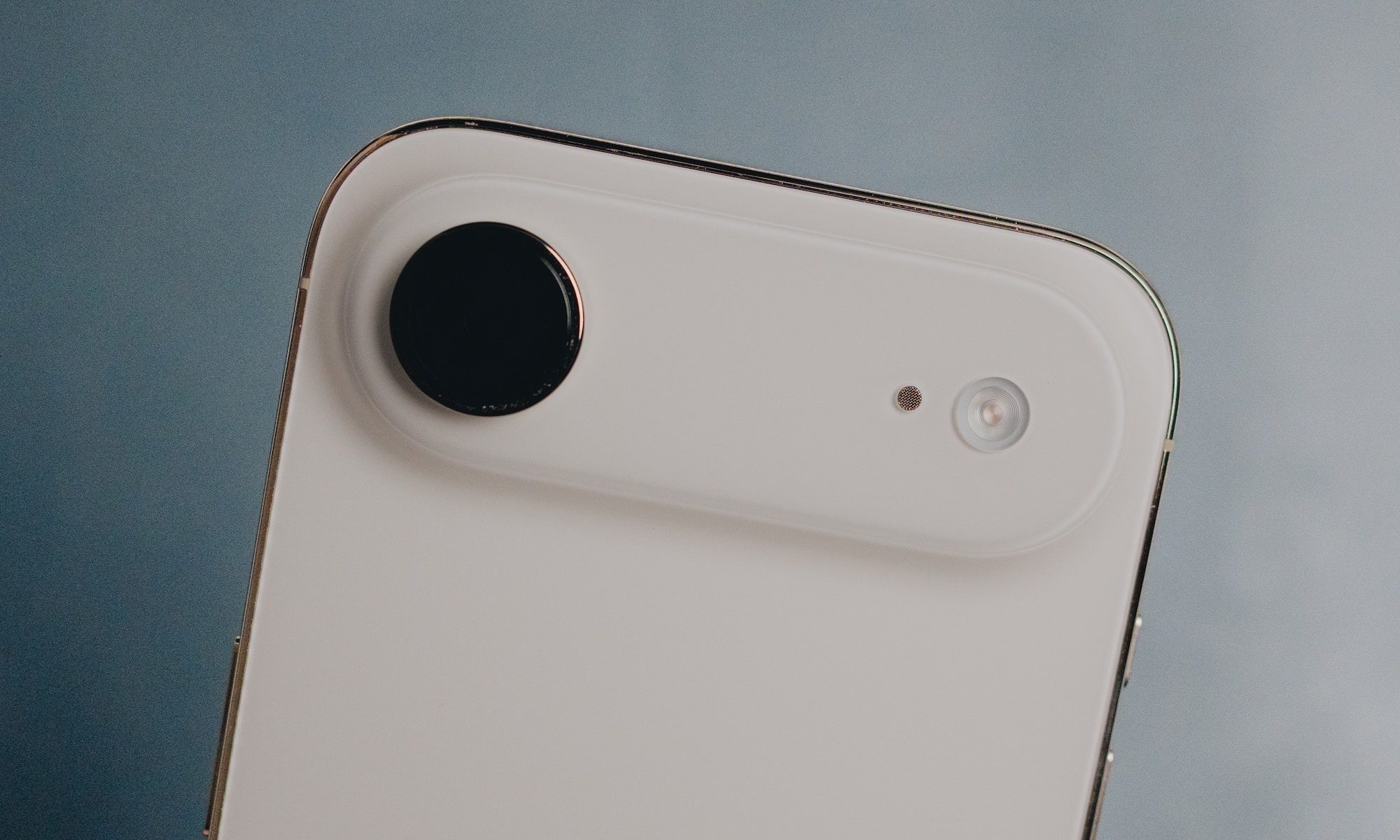
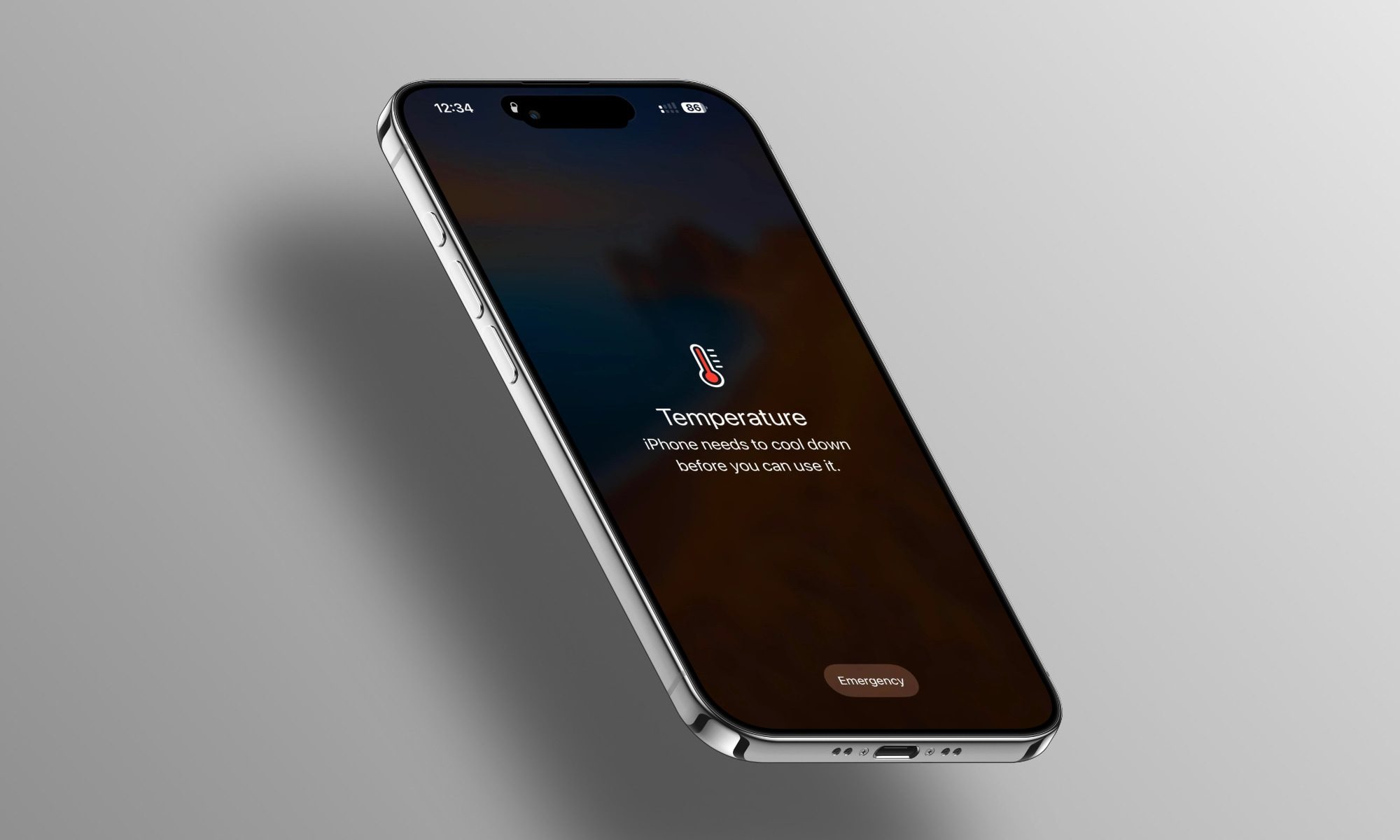
Then the temperature climbed past 45 degrees Celsius (113 degrees Fahrenheit), and things took a turn. Since Apple crammed all the internals into the top of the iPhone Air to make room for a larger battery, that part of the phone turns into a furnace once it’s hot outside. I mean, genuinely uncomfortable to hold. I have gotten the “iPhone needs to cool down” warning screen more times this summer than I have in years of using iPhones.
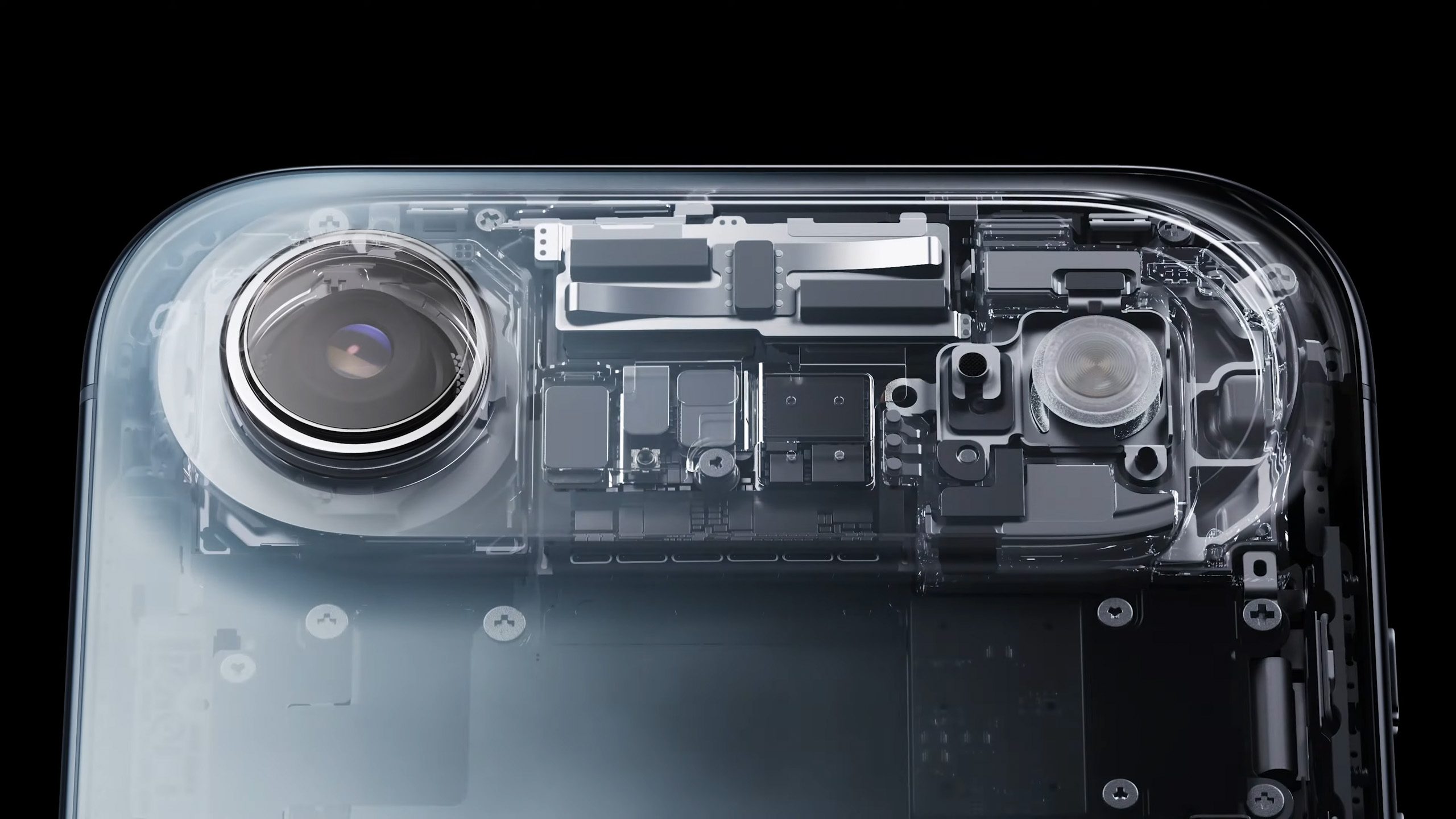

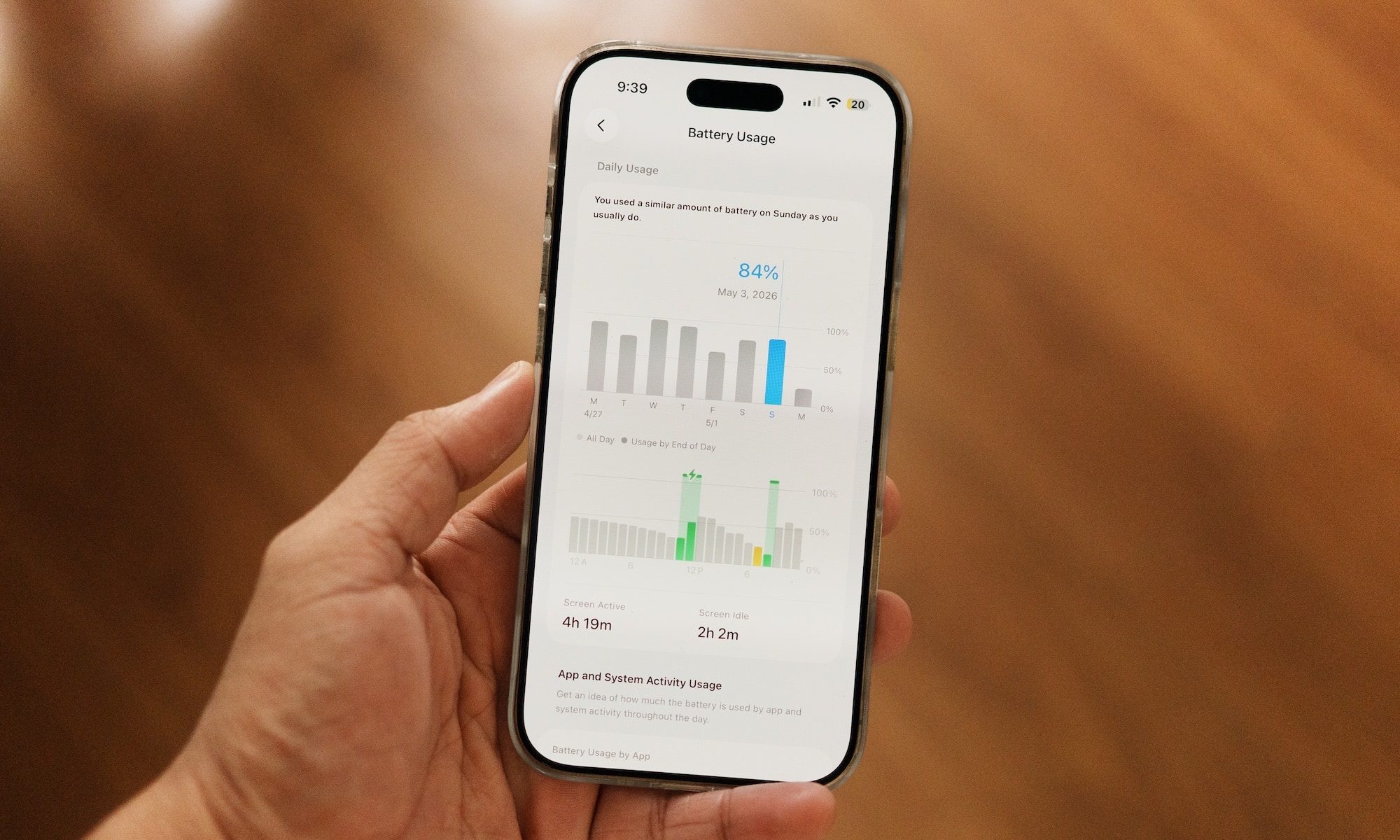
The bigger issue, though, is the phone’s battery life, and it has fallen off a cliff. Before the heat wave, getting through a full day on a single charge was easy. Now, I have to charge it at least twice a day just to keep up. For a phone I picked specifically because of how effortlessly it fit into my day, that’s a rough trade to be making.
Why heat is your phone battery’s worst enemy
Heat is the enemy of the battery. It comes down to basic chemistry. Lithium-ion batteries rely on chemical reactions to store and release power, and heat speeds those reactions up. The faster they go, the quicker your battery drains, and the more permanent damage builds over time.
According to a WSJ article, both Apple and Samsung actually agree that once your phone’s surroundings hit around 95 degrees Fahrenheit for extended periods, your battery will incur irreversible damage. Since the current ambient temperatures are rising well above 100 degrees Fahrenheit, my iPhone Air doesn’t stand a chance.
What you can do to prevent heat damage to your phone’s battery
You can take several steps to prevent heat damage to your phone’s battery. First, keep your phone out of direct sunlight and away from hot cars, since even the glove compartment can turn into an oven.
Second, if your phone is already hot, resist the urge to stash your phone in the fridge or freezer to cool it down. Instead, use something like a frozen ice pack wrapped in a towel and let it cool down gradually.
Also, charging is another factor. Fast charging generates heat, so if you’re already in a hot environment, that combination speeds up battery wear even more. If you want to play it safe, slower charging is easier on your battery long term, even if it’s less convenient.
In short, if you want your phone’s battery to last longer during a summer heatwave, avoid using it in direct sunlight, do not use fast or wireless charging, and let your phone cool down if you feel it getting hot, even before your phone gives you a warning.
You must be logged in to post a comment Login