
InnoCN GA27S1Q: 30-second review
On paper, the GA27S1Q is a remarkably well-specified monitor at a price that seriously undercuts the established names. Whether InnoCN can deliver on those specifications in the real world is what I set out to establish in this review, and spoiler alert, it largely hits its marks.
This design was originally pitched as a gaming platform, but it’s impossible for businesses to ignore a 27-inch QD-OLED panel running at 280Hz with an ergonomically adjustable chassis and a $400 price tag.
Especially as that cost puts it some distance below the usual asking price for this class of display from the likes of LG, Samsung, and Asus.
The headline numbers are certainly striking. A 2560 x 1440 resolution, a 0.03ms GtG response time, dual HDMI 2.1 ports, dual DisplayPort 1.4, a 1,500,000:1 contrast ratio, and coverage claimed at 98% DCI-P3 all look very good on paper. The panel supports a 48 to 280Hz adaptive sync range, covers AMD FreeSync and is G-Sync compatible, and includes VESA DisplayHDR True Black 400 certification.
Where OLED always gives with one hand and takes with the other is brightness. The GA27S1Q is rated at 250 nits typical in SDR, which is a long way south of the figures that premium IPS and Mini-LED panels advertise. Therefore, this isn’t the screen for a brightly lit office, but it would work fine in a darker environment.
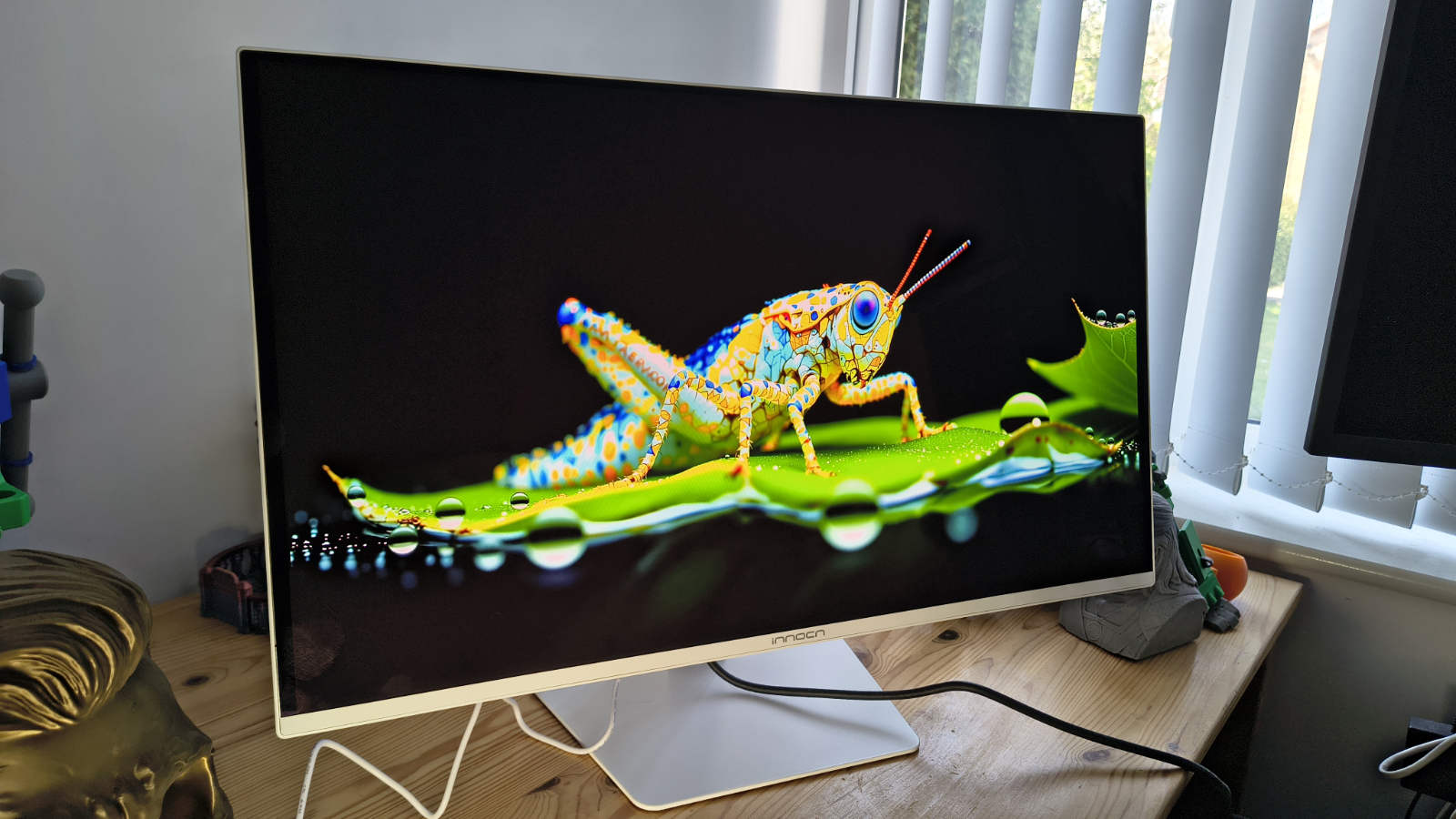
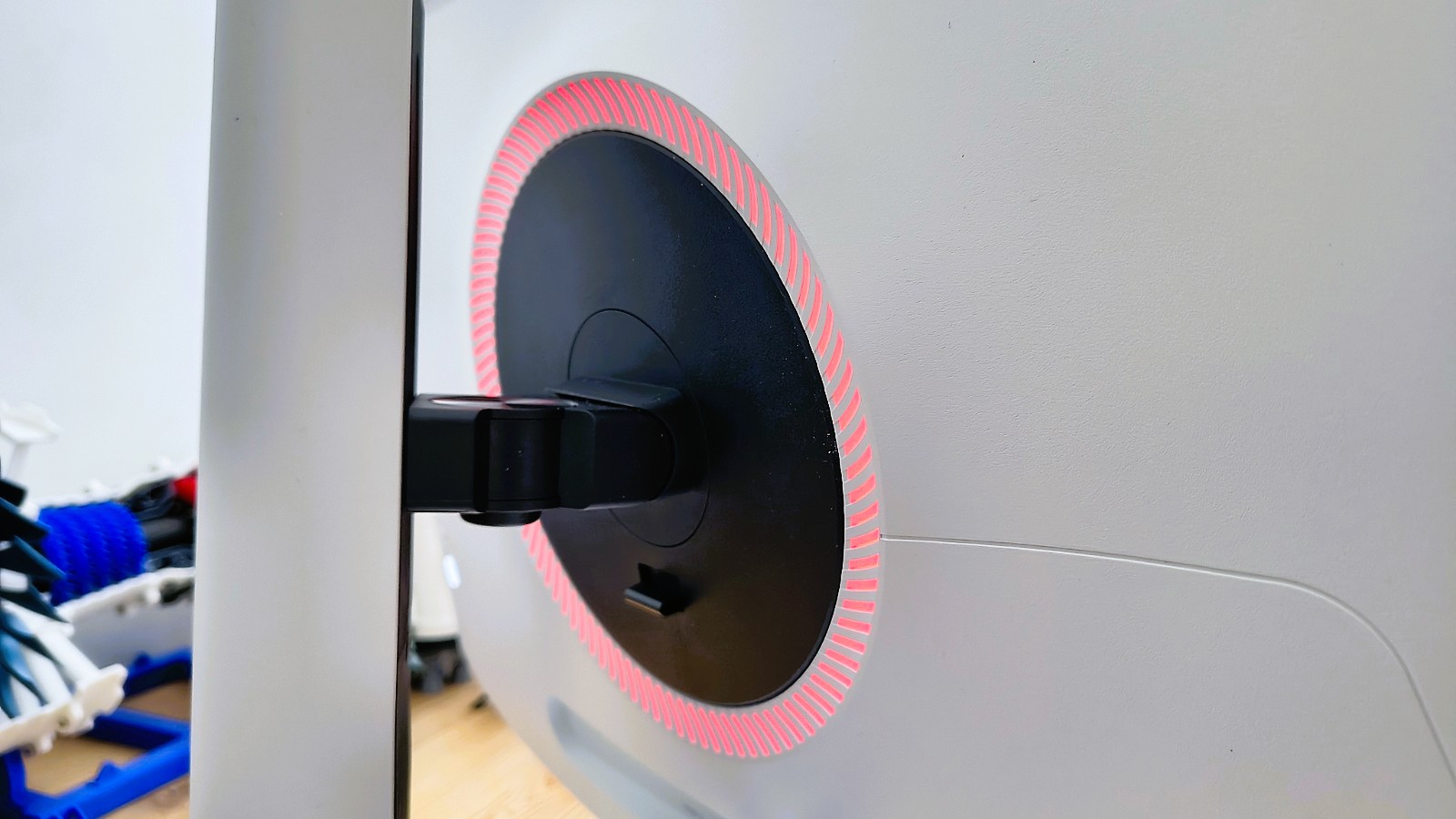
The design carries over the approach seen on other recent InnoCN monitors, with a flat panel, a three-sided frameless bezel, and a stand that offers height adjustment, tilt, swivel, and 90-degree pivot. RGB lighting sits on the rear cover, which can be switched off for those who would rather not have a light show behind their desk.
What the GA27S1Q offers for the business user is a highly affordable 27-inch panel with decent colour accuracy, low power consumption and sufficient input flexibility, all at a significant price reduction over branded options.
It might not be 4K or have enough nits of brightness for a premium HDR experience, but it ticks enough other boxes that it’s worthy of consideration for our best business monitors on value alone.
InnoCN GA27S1Q: Price and availability

- How much does it cost? $449.99
- When is it out? It available now
- Where can you get it? Direct from InnoCN
The GA27S1Q launched in late January 2026 with a price of $549.99. At that level, it sits in very interesting territory, undercutting well-known 27-inch QD-OLED competitors by a meaningful margin.
It’s listed on the official website here – although at the time of review, it’s sold out. However, it is available for $400 at Amazon.com.
InnoCN ships to the US, the UK, Canada, and EU countries directly, with free shipping included and a 30-day return window. A 12-month warranty covers manufacturing defects, with lifetime technical support promised beyond that.
UK and European pricing in local currencies had not been formally confirmed at the time of writing. The direct site prices in USD and the company’s existing shipping infrastructure to this region suggest the GA27S1Q should be accessible to UK buyers, though it may need to be ordered directly from the InnoCN website rather than through a local retailer.
InnoCN GA27S1Q: Specs
|
Specification |
Detail |
|
Model |
GA27S1Q (also known as 2780s) |
|
Panel size |
27 inches (flat) |
|
Panel type |
QD-OLED |
|
Resolution |
2560 × 1440 (QHD / 1440p) |
|
Aspect ratio |
16:9 |
|
Pixel density |
108.8 PPI |
|
Refresh rate |
280Hz (adaptive sync range 48–280Hz) |
|
Response time |
0.03ms GtG |
|
Brightness (typical) |
250 nits (SDR) / 200 nits minimum |
|
Contrast ratio |
1,500,000:1 |
|
Colour depth |
10-bit (1.07 billion colours) |
|
Colour coverage |
98% DCI-P3, 99% sRGB, 94% Adobe RGB, 78% BT.2020 |
|
Colour accuracy |
Delta E < 2 (factory claimed) |
|
Viewing angles |
178° horizontal / 178° vertical |
|
HDR |
VESA DisplayHDR True Black 400 |
|
Surface treatment |
Non-glare (matte) |
|
Bezel |
Three-sided frameless |
|
Connectivity |
2× HDMI 2.1, 2× DisplayPort 1.4, 1× 3.5mm audio out |
|
Adaptive sync |
AMD FreeSync, G-Sync compatible |
|
Speakers |
2W × 2 |
|
Stand adjustment |
Tilt -5° to +20°, swivel ±22.5°, pivot 90°, height 120mm |
|
VESA mount |
100 × 100mm |
|
RGB lighting |
Yes (rear cover) |
|
Power supply |
External adapter (DC 19V, 4.74A) |
|
Power consumption |
65W typical / 100W max |
|
Dimensions (with stand) |
611.1 × 513.5 × 221mm |
|
Weight |
5.7kg |
|
Scaler |
MT9802QDQTBX |
|
Special features |
Low blue light, flicker-free, PIP/PBP, anti-burn-in, Game Plus |
InnoCN GA27S1Q: Design
- Thin and elegant
- Power brick
- Lacks a USB hub
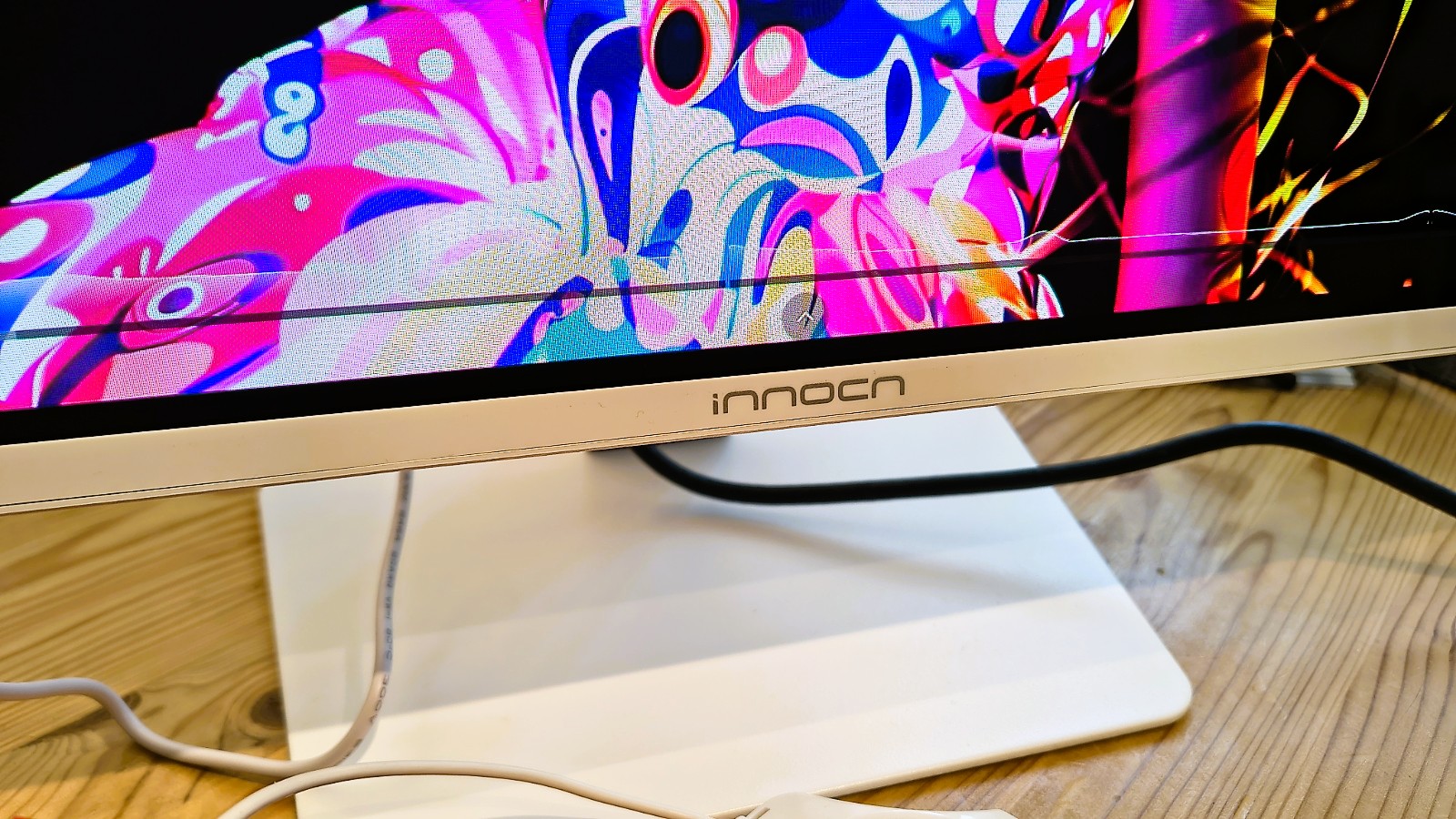
The GA27S1Q follows a design language that InnoCN has been refining across its recent monitor range. The flat panel sits behind a three-sided frameless bezel, with only a thin chin visible at the bottom of the screen. The overall silhouette is clean and modern, without chasing the aggressive gamer aesthetic that dominates the other side of this market.
The stand is a genuine highlight at this price point. It offers 120mm of height adjustment, plus or minus 22.5 degrees of swivel, a tilt range from minus 5 to plus 20 degrees, and a full 90-degree pivot for portrait mode. There isn’t an orientation sensor, so if you switch, you will need to make some changes on the computer to output in portrait mode.
While hardly a business requirement, RGB lighting is present on the rear panel, but this can be switched off entirely via the OSD for those who prefer a calmer desk. VESA mounting is supported at the standard 100 x 100mm pattern, which means swapping to an arm is straightforward.
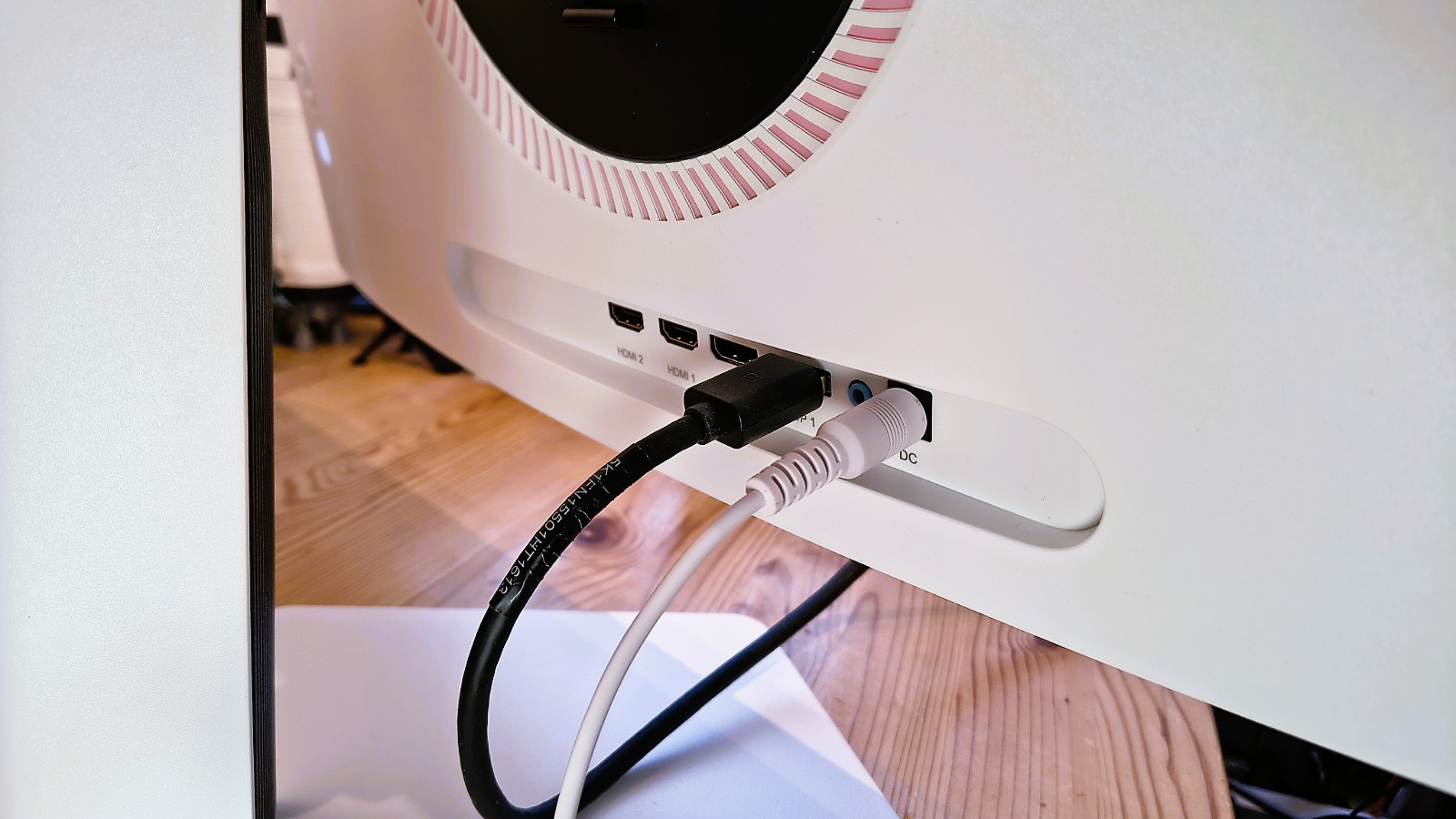
Connectivity is two HDMI 2.1 ports, two DisplayPort 1.4 inputs, and a single 3.5mm audio out. The dual HDMI 2.1 ports are useful for anyone running both a high-end PC and a console, with both capable of supporting 1440p at high refresh rates without an adapter.
The omission of a USB hub is notable at this price level, and the external power brick, rather than an integrated PSU, adds a small amount of cable-management friction, though this is common across OLED-class panels to better manage heat.
The OSD is navigated via a rear-mounted joystick, a far superior experience to the guess-the-button game that some monitors still embrace. However, you don’t need to use this at all, since a downloadable app is available which provides all the functionality of the OSD from the desktop.
Overall, this is a well-considered design that shows off how thin the QLED panel can make a monitor. It’s lightweight, enabling it to be easily moved around, and the OSD provides a wide range of configuration options for those who like to calibrate their screens.
There are some caveats to do with HDR and how that locks many features down, which I’ll talk about later, but there isn’t much about the GA27S1Q that makes it immediately identifiable as a low-cost option.
InnoCN GA27S1Q: Performance
- Under 250 nits
- 100% sRGB
- 99% AdobeRGB
|
Colour Gamut |
Percentage |
|
sRGB |
100% |
|
AdobeRGB |
99% |
|
P3 |
98% |
|
NTSC |
96% |
|
Rec2020 |
85% |
|
Gamma |
2.2 |
|
Brightness/Contrast |
|
|
Maximum Brightness |
232.6 |
|
Maximum Contrast |
N/A |
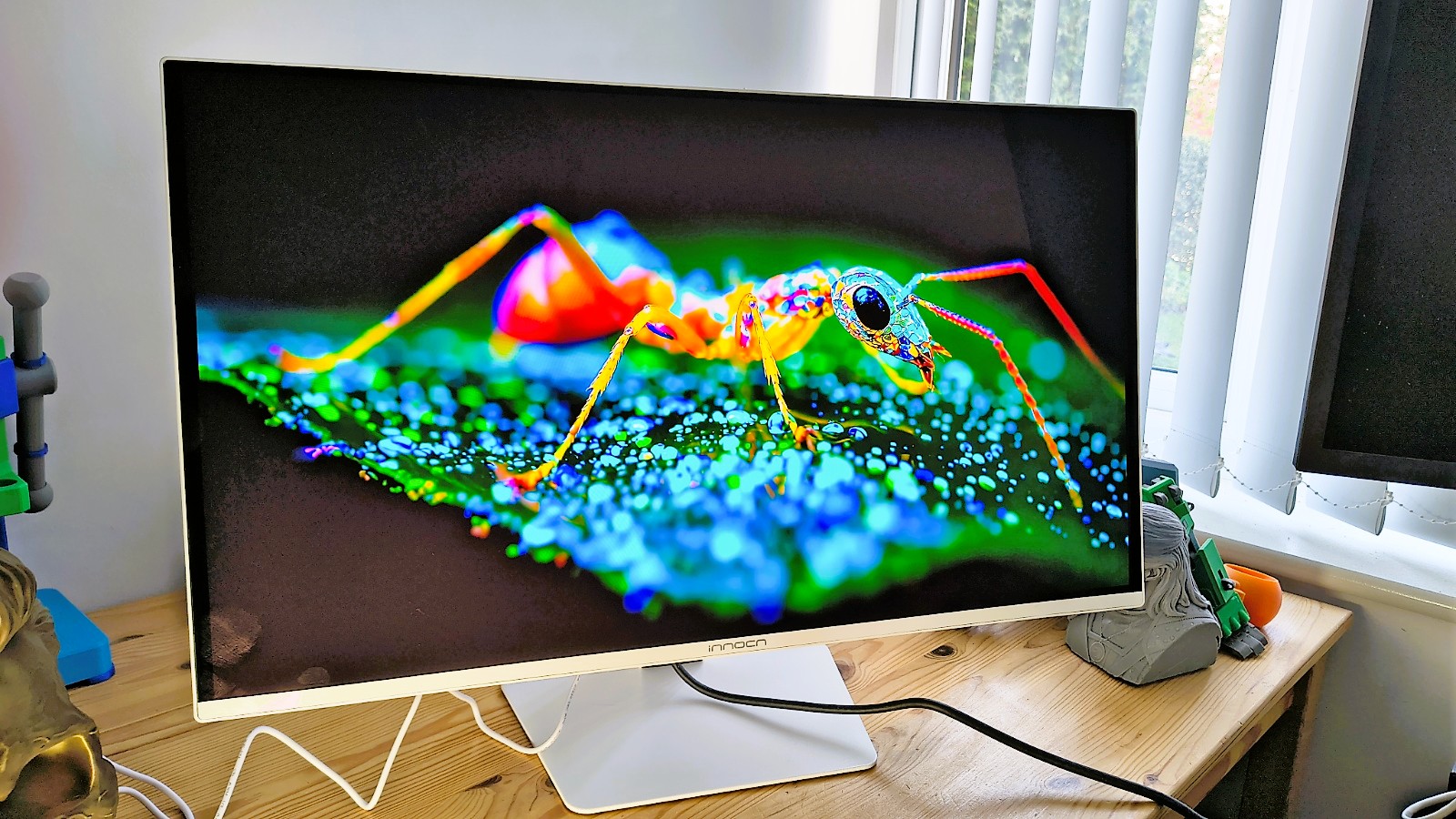
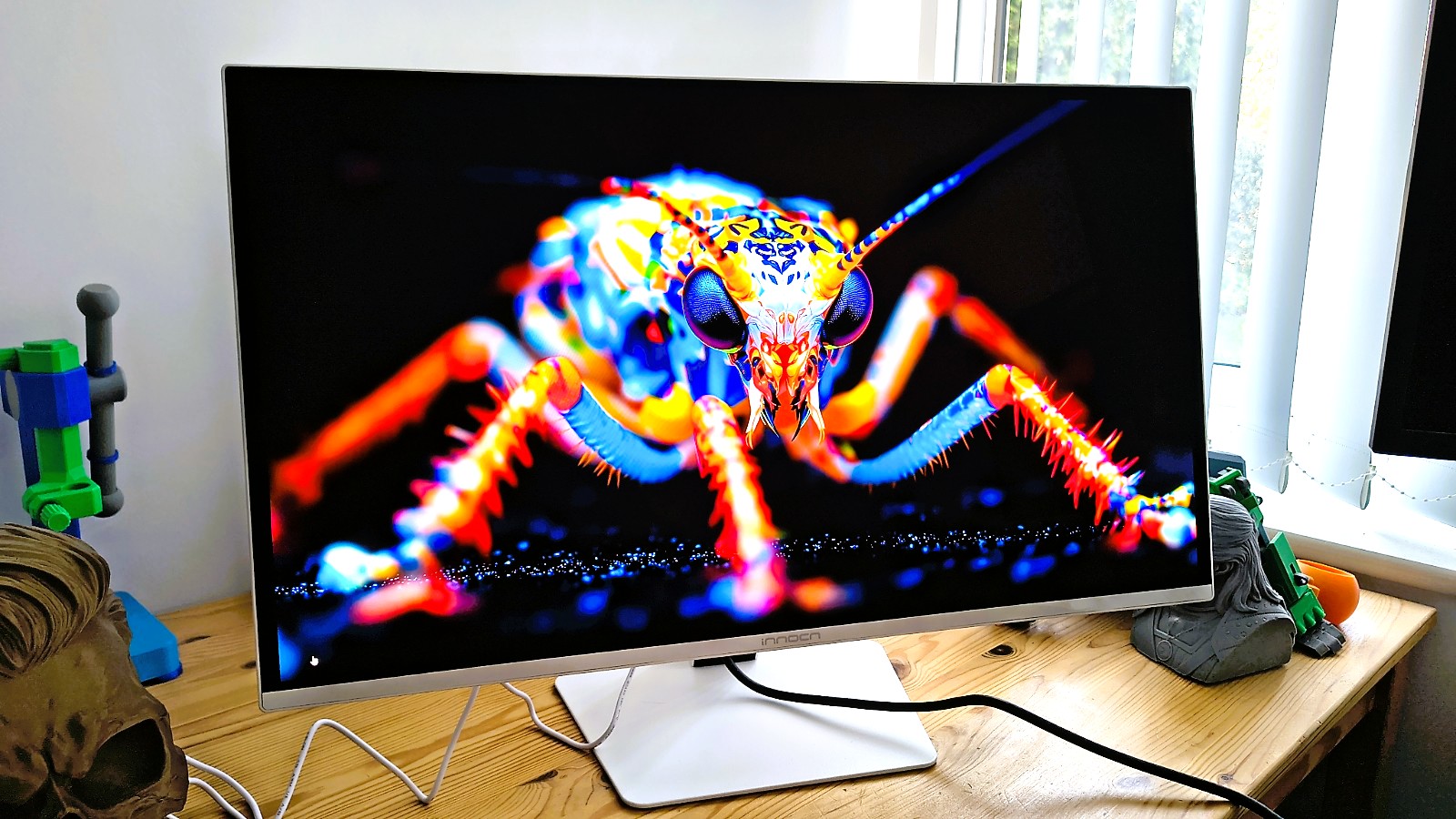
These numbers show what OLED can offer, and it’s jolly impressive for anyone who works with colour on a regular basis. Those who get one of these and want to show off can send it into HDR mode and run some YouTube HDR demonstrations, and the colours are zinging.
However, it’s not perfect, and the brightness limitations of this panel keep it from being ideal for HDR video work, as under 250 nits just isn’t enough to surpass HDR 400 ratings.
For HDR video work, at least HDR 1000 is needed, and this display can’t hit those notes.
But it’s evidence from the AdobeRGB 99% score that for less demanding colour work and photo editing, the GA27S1Q is more than up to the task.
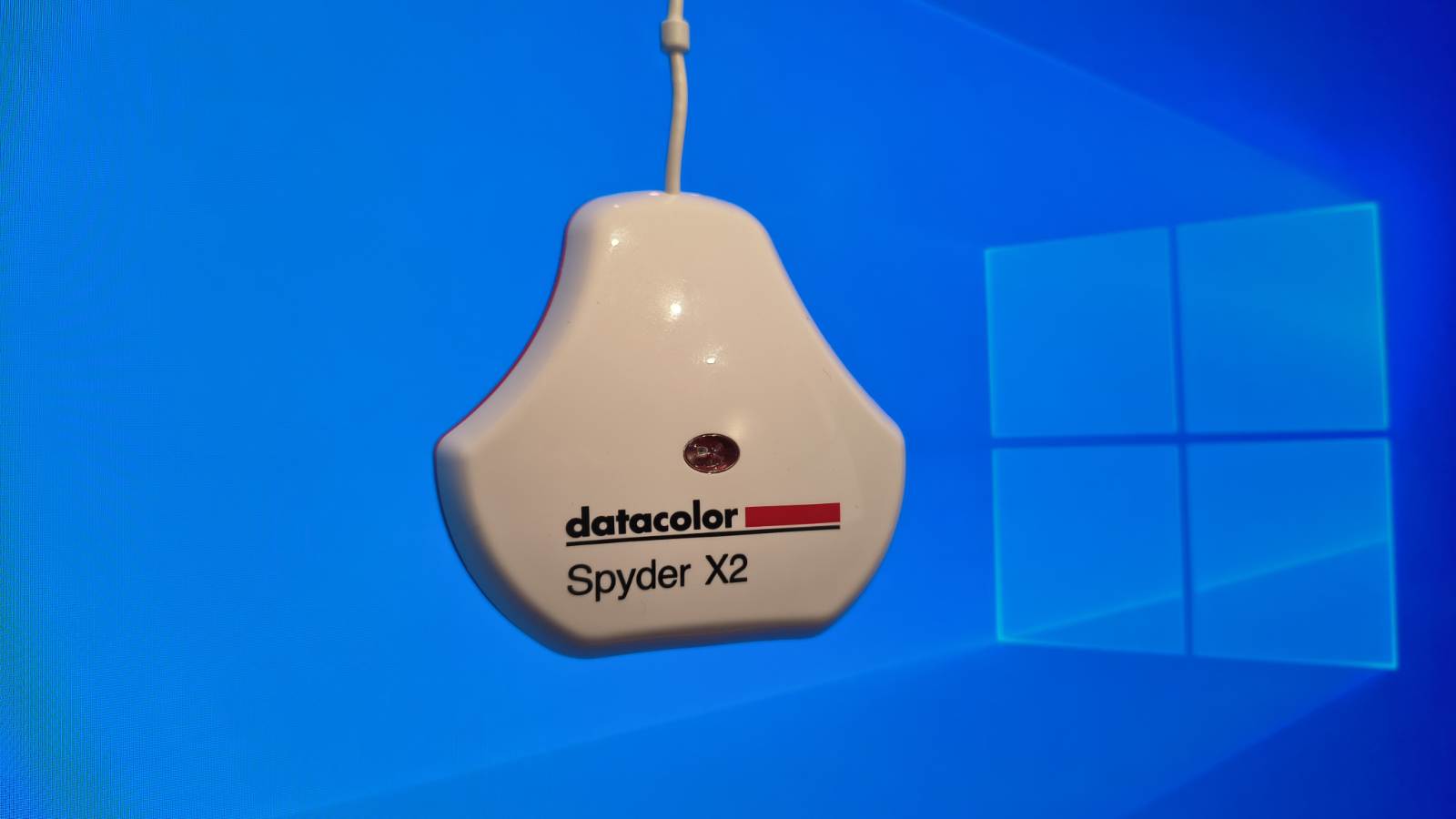
One issue I need to make readers aware of is that this monitor doesn’t come with an excess of documentation. And, when I initially tried to test it using my Datacolor Spyder Pro calibrator, I found that all the optional modes were locked from modification.
While InnoCN didn’t mention this in the paperwork, I eventually discovered that when HDR mode is active on this display, you cannot adjust brightness, contrast, or select any other specific mode. Once HDR is deactivated, it’s fully customisable again.
What’s important to understand is that the primary limitation of OLED (Organic Light-Emitting Diode) technology in terms of lifespan is the gradual and uneven degradation of the organic materials used to output light.
Unlike LCDs, which use a separate backlight, OLED pixels are self-emissive; each pixel generates its own light and wears out individually based on how much it is used. In OLED, this eventually causes pixels to wear out, which can cause retained images to burn into the panel and uneven wear, with blue pixels displaying more than red and green.
On paper, an OLED panel could last 10-20 years, but realistically, “real-world” usable life often ranges between 3 to 6 years for high-intensity use cases like computer monitors.
In an attempt to mitigate these issues and give this design the best chance of valuable use, the OSD contains a full spectrum of tricks and options to extend the lifespan of the panel.
These include pixel shifting, the dimming of static icons and the taskbar, boundary detection, and even a care mode. This level of detail is often missing on laptops with OLED displays, so it’s good to see that InnoCN included them here. Though some documentation to explain what all these features do would also be helpful.
The only other issue I have to report is that, for whatever reason, I couldn’t test the contrast ratio, which might have been due to the extreme nature of the contrast ramp on this display.
The quoted contrast is 1.5M:1, which is insane.
Overall, the performance of this OLED panel is the same level as I would expect from a branded monitor, and its only noticeable weakness is brightness. But, using typically around 65W, that lower brightness level does translate into a reduced power consumption.
InnoCN GA27S1Q: Final verdict
On specifications alone, the GA27S1Q makes a highly persuasive case. InnoCN has packaged a QD-OLED panel, a proper ergonomic stand, dual HDMI 2.1, and a 280Hz refresh rate at a price that sits noticeably below comparable offerings from established display brands. The 98% DCI-P3 colour coverage and factory Delta E less than 2 calibration suggest this should look excellent out of the box.
The practical caveats apply to the technology rather than to this specific panel. SDR brightness is modest by LCD standards, HDR True Black 400 is a step below the True Black 500 rating seen on some rivals, and there is no USB hub for peripherals. Those are known trade-offs with QD-OLED gaming monitors at this price level, and buyers who are aware of them going in will almost certainly find that the visual quality compensates for some of these issues.
For those looking at this display on the site and seeing the word ‘gaming’ and thinking this isn’t for business are missing the bigger picture, quite literally. This is almost the perfect display for creatives working with colour, as well as for anyone working in animation or game development.
I’m sure you can get exactly the same panel repackaged in black with a business brand logo on it, and pay at least twice the price for that. This is easily the best monitor I’ve experienced from InnoCN, and I’m excited to see what they do next.
InnoCN GA27S1Q: Report card
|
Value |
Cheap for this spec |
5 / 5 |
|
Design |
Nothing radical, but its missing a USB hub |
4 / 5 |
|
Performance |
Stunning colour gamut, contrast and refresh rate |
5 / 5 |
|
Total |
Easily worth what the maker is asking |
4.5 / 5 |
Should you buy a InnoCN GA27S1Q?
Buy it if…
Don’t buy if…
For more options, we’ve tested the best business monitors.
You must be logged in to post a comment Login