Tech
Inside macOS 26 Preview – how to get the most out of an unexpectely powerful free tool

Preview can do more than just show you a file in macOS, as it is especially handy for annotating images and editing PDFs. Here’s everything you need to know about Preview in macOS 26 Tahoe.

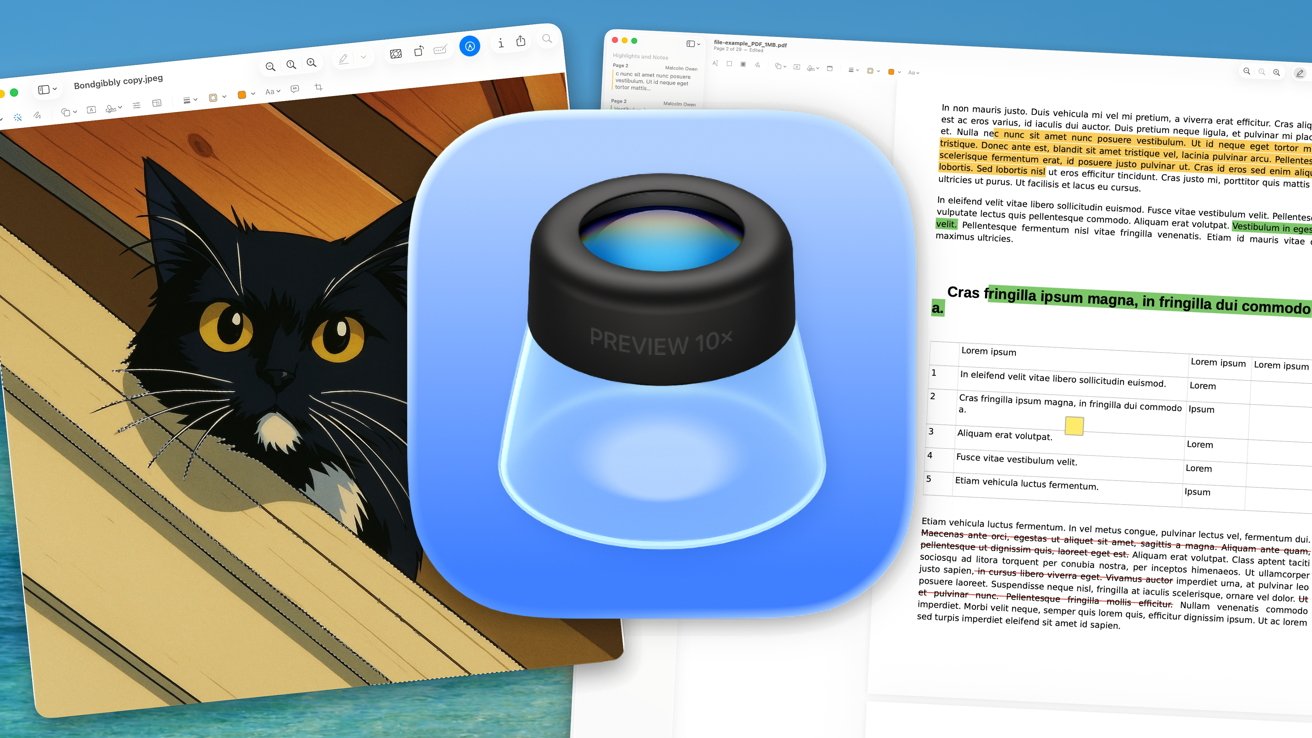
Preview in macOS 26 Tahoe
Preview is one of the long-standing apps on macOS, having been included with the operating system for decades. In 2025, Preview finally moved over to iOS 26 and iPadOS 26, with a version tailored for mobile devices.
It is also a severely underrated app, as it is chiefly used as a way to view images and PDFs on the Mac. It’s a lightweight viewer that saves you from needing to open other heavier applications, like Photoshop or Adobe Acrobat.
Continue Reading on AppleInsider | Discuss on our Forums