
Everyone remembers their first Mac. For me, it was a 2007 iMac (oh, how I miss the 24-inch model), and everything about macOS felt unique (and this was OS X Leopard, if memory serves).
Much has changed since then, of course. Continuity, Apple Silicon, iPhone mirroring, and more have all come to the platform in recent years, but macOS Tahoe feels like a sizeable update even alongside those predecessors, and now I’ve been using the operating system for a few months now, here are my favorite new features.
1. Liquid Glass
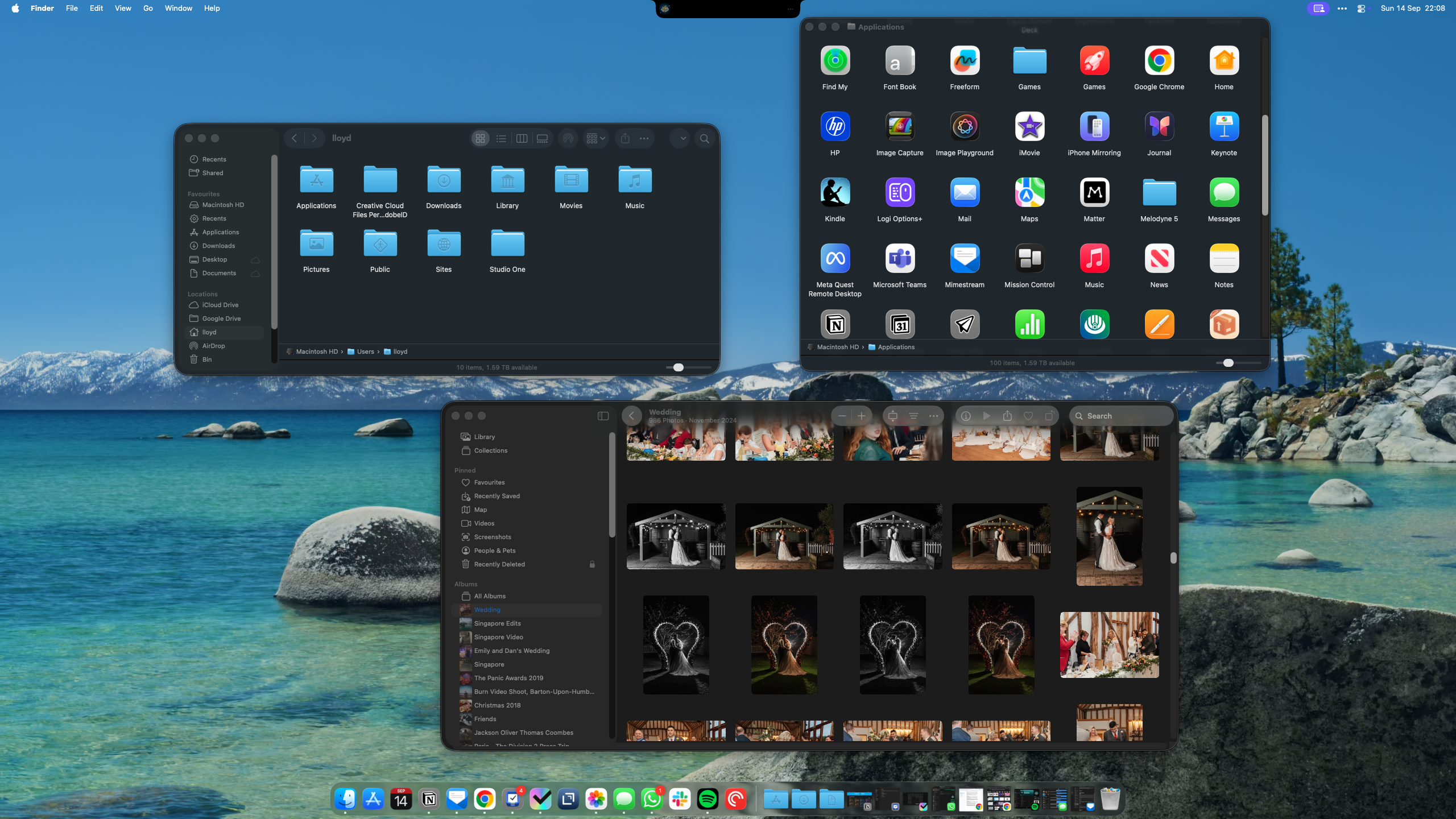

We have to start with the new look that’s not just for macOS, but all of the company’s major platforms.
Article continues below
Liquid Glass is rather striking, it must be said, and the option to tweak it to match your desktop image with icon tinting feels like a much more successful trick here than it is on iOS where things get a little cluttered.
There are some minor flies in the ointment at the moment (some apps haven’t updated their icons yet, for example, and I’m not overly convinced of the borders on Finder windows), but I appreciate Apple working to make a sweeping change that even touches iconic features like the Macintosh HD icon (no longer a mechanical drive, hooray!).
2. The Phone App
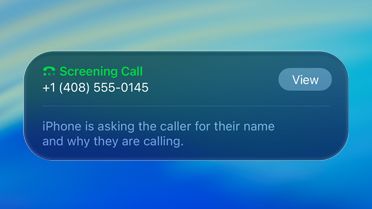

It feels like a small addition on the surface, but with the arrival of the Phone app on macOS, I think the gap between Apple’s platforms has been effectively closed and stitched together pretty comprehensively by Continuity.
Being able to make and receive calls, and listen to voicemails, might seem a situational feature, but if you’ve ever been in the middle of work, in the zone, and wearing AirPods only to have your phone start ringing, you’ll appreciate the new heads-up as to who it is.
That goes hand in hand with the call screening feature carried across from iOS 26, meaning you don’t even need to answer until you know exactly who’s on the line. Being able to use Hold Assist to know when you’re through to an agent while you’re working on, say, a listicle about the best macOS Tahoe features, even without using your phone, is very helpful, too.
3. Journal
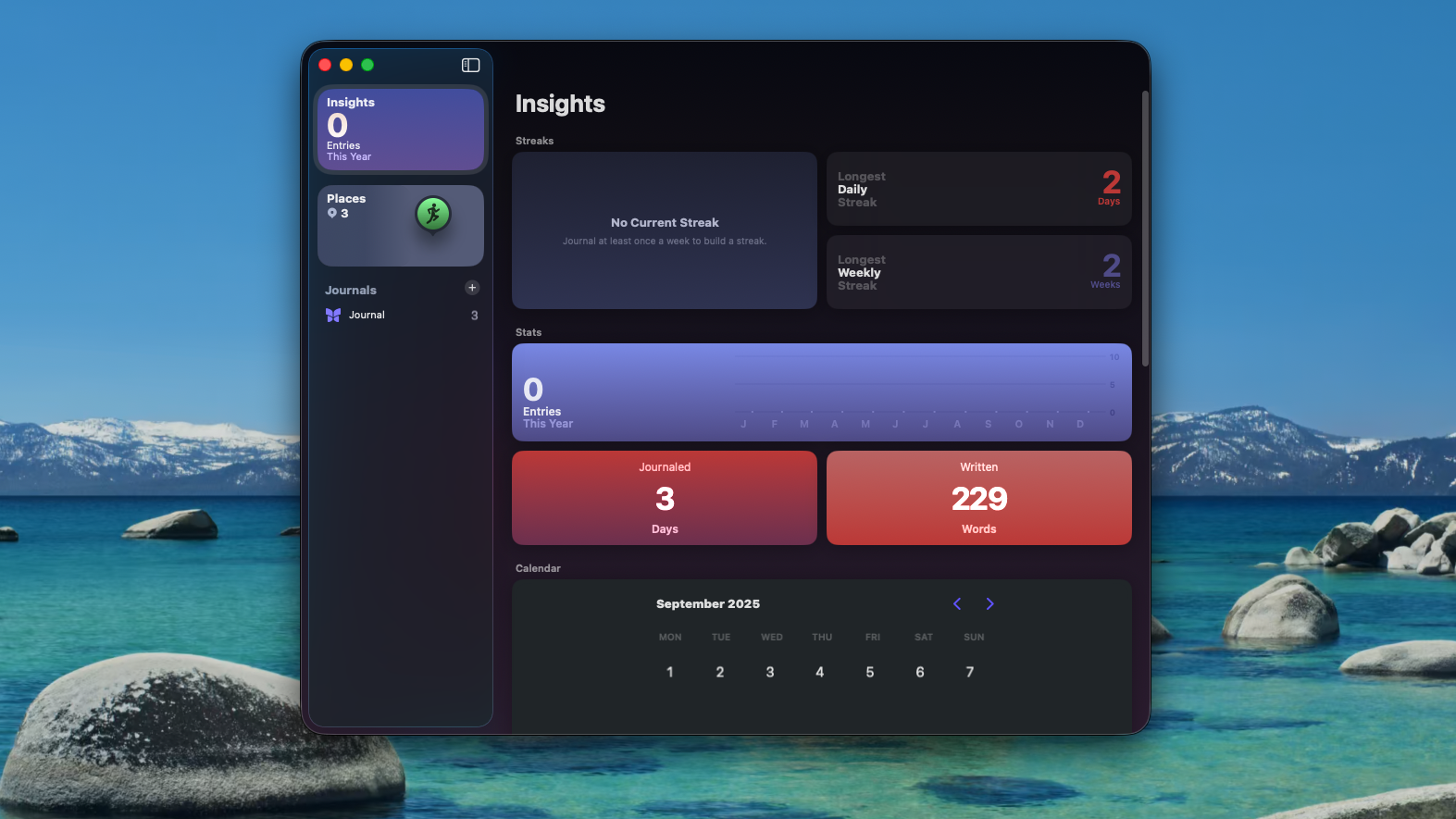

While some apps are the type I’ve opened once and then swiftly forgotten about (I’m looking at you, new Apple ‘Games’ app), Journal is something I know will be particularly useful.
It always felt odd that it was confined to the iPhone before, but as I explained earlier, I can see myself writing in there much more often on a platform attached to a keyboard.
The iCloud integration does half the work for you, filling in your workouts, places you’ve been, and adding photos, meaning you can just add as much (or as little) as you want with words.
4. Live Activities


I have a problem: I just love ordering coffee too much. It’s my biggest vice, and while having to order on my phone if I wanted to enjoy Live Activities was a small price to pay, Apple now has a first-world solution to my first-world problem: Live Activities on Mac.
Now, I can track my Uber Eats order in my Menu Bar while I get on with work, safe in the knowledge I won’t miss a notification when it arrives – even if my phone is elsewhere.
5. Spotlight
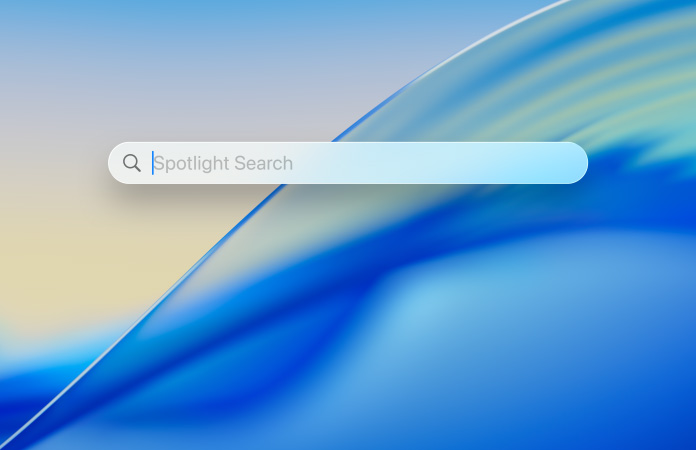

I may have buried the lede putting this last, but make no mistake: Spotlight is the most impressive part of macOS Tahoe.
As a big productivity enthusiast (I acknowledge how peculiar that designation is), being able to send a message, open an app, or even access menu bar items without taking my hands off my keyboard is something that’s very welcome.
I’ve long been a user of Alfred, and may yet revert to using it because I have my own workflows in there, but having it built into the OS will undoubtedly allow for much more experimentation.
Working hand-in-hand with Shortcuts, it’s not a foolproof automation launcher (I wish I could kick off a certain Spotify playlist when activating a ‘work mode’ macro), but it could help users get ‘under the hood’ in a way they never even considered before.
What are your favorite features of macOS Tahoe? Let us know in the comments below!
Follow TechRadar on Google News and add us as a preferred source to get our expert news, reviews, and opinion in your feeds. Make sure to click the Follow button!
And of course, you can also follow TechRadar on YouTube and TikTok for news, reviews, unboxings in video form, and get regular updates from us on WhatsApp too.