
Keychron K8 Ultra 8K: One-minute review
The Keychron K8 Ultra 8K is a wireless mechanical keyboard with an impressive spec that hopes to compete with the more premium offerings in the space.
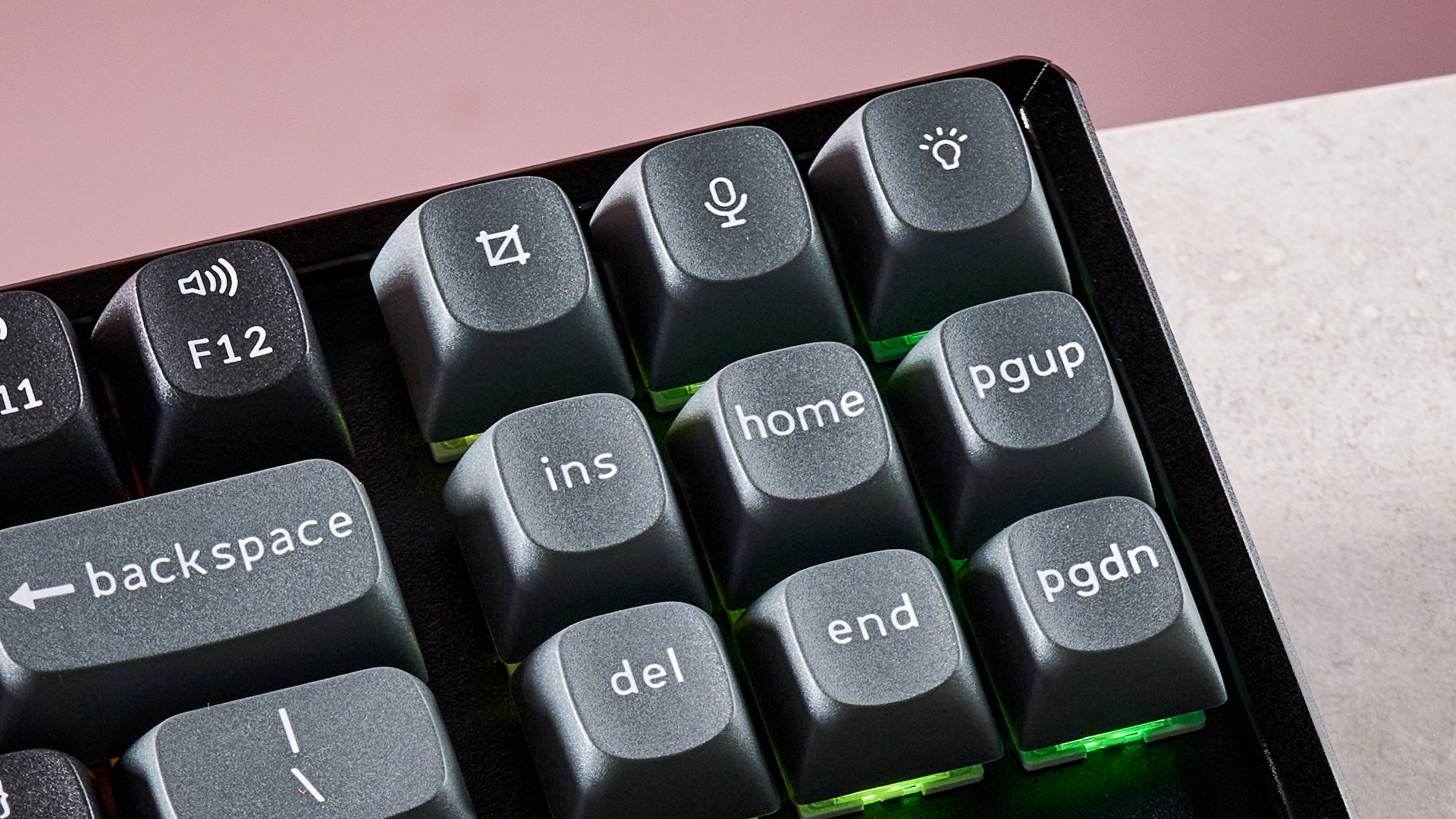
It exhibits the brand’s typical design language, with its sizable keycaps and retro looks. The whole unit is black, save for some grey and green keycaps. To liven things up, it features some bright backlighting with plenty of customization options, although the keycap legends aren’t transparent, so it doesn’t illuminate them. This makes them harder to see in dark environments, which somewhat defeats the backlight’s purpose.
The board base is very thick, which means you have to angle your wrists considerably to reach the tall keys. It’s in dire need of wrist support, which is an oversight since a lot of the best keyboards come with a rest. It’s also quite heavy, thanks to its metal construction. This does help to keep it planted, though, and it’s as solid as you would expect it to be.
Latest Videos FromTechRadar

To customize the inputs of the K8 Ultra 8K, you’ll have to use Keychron’s Web Launcher. Here you’ll find a reasonable selection of rebinding options, and there’s also a basic but functional SOCD function for altering key priority. It’s a relatively easy app to use, and despite being web-based, it’s quick and responsive; I didn’t encounter any disruptive loading times during my time with it.
In action, the K8 Ultra 8K performs well. The keys are sufficiently damped, although some clickiness remains, which can be a little harsh at times, but mostly they’re satisfying to use. They’re snappy and responsive, too, while being forgiving of accidental nudges. The indents and shape of the keycaps are comfortable and offer a secure hold.
However, the switches of my review unit didn’t have the smoothest of motions. The keys are also spaced quite far apart, which can make reaching certain inputs a stretch. What’s more, the aforementioned angle your wrists are forced to adopt can lead to strain after short periods. I had no issues with connecting the K8 Ultra 8K via 2.4GHz or Bluetooth, and switching between them was quick and easy.
The K8 Ultra 8K is a reasonable price when you consider all that it offers. There are certainly much dearer mechanical keyboards, such as the Razer BlackWidow V4 Pro 75%, but there are also cheaper ones, such as the MonsGeek FUN60 Ultra. However, the K8 Ultra 8K remains a solid choice if you like a substantial board — just pair it with a wrist rest.
Keychron K8 Ultra 8K review: Price & availability
- $119.99 (about £90 / AU$170)
- Available now in three switch types
- Good price for a wireless mechanical keyboard
The K8 Ultra 8K costs $119.99 (about £90 / AU$170) and is available now from Keychron’s website, with shipping rates varying according to region. It can be had with a choice of three switch types: Red, Brown, or Banana. It comes with a braided USB cable, several spare keycaps, and a keycap puller.
This is a good price for a wireless mechanical keyboard with hot-swappable switches. Similar models from bigger names can cost considerably more, such as the Razer BlackWidow V4 Pro 75%. However, the performance of that board is far superior, being perhaps the best mechanical keyboard I’ve ever tested. Its switches are a joy to press, while the companion software offers more customizations and tweaks.
If you’re after a more budget-friendly gaming keyboard, the MonsGeek FUN60 Ultra is hard to beat for value. It has a surprisingly high-quality design, while its analog switches feel almost as good as mechanical ones, with added actuation adjustments.
Keychron K8 Ultra 8K review: Specs
|
Layout |
TKL |
|
Switch |
Mechanical (Keychron Apex) |
|
Programmable keys |
Yes |
|
Dimensions |
14.1 x 5.1 x 1.2 inches (359 x 129 x 31mm) |
|
RGB or backlighting |
Yes (customizable) |
Keychron K8 Ultra 8K review: Design & features
- Retro look
- Solid, thick, and heavy
- Reasonable web app for customizations
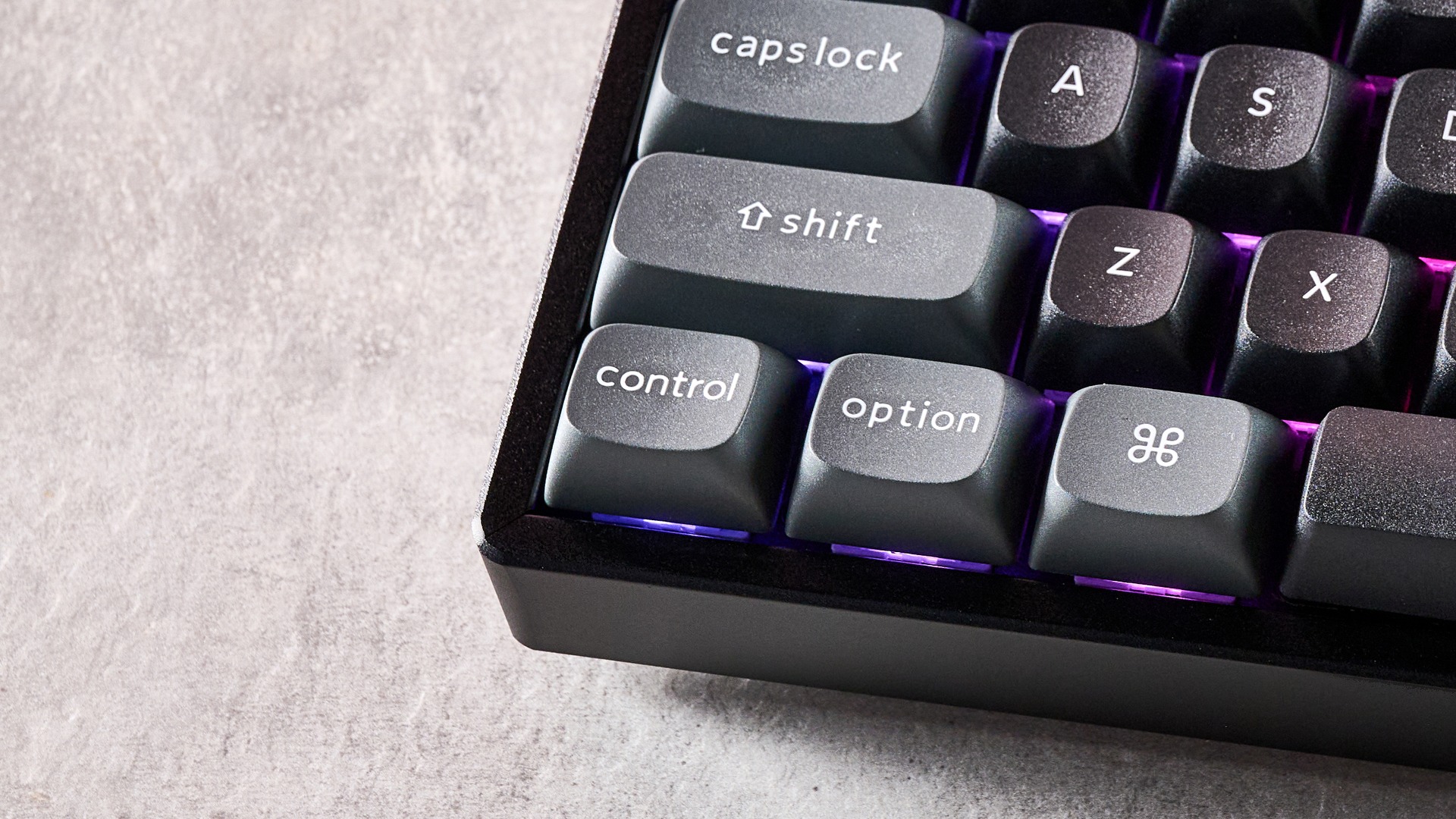
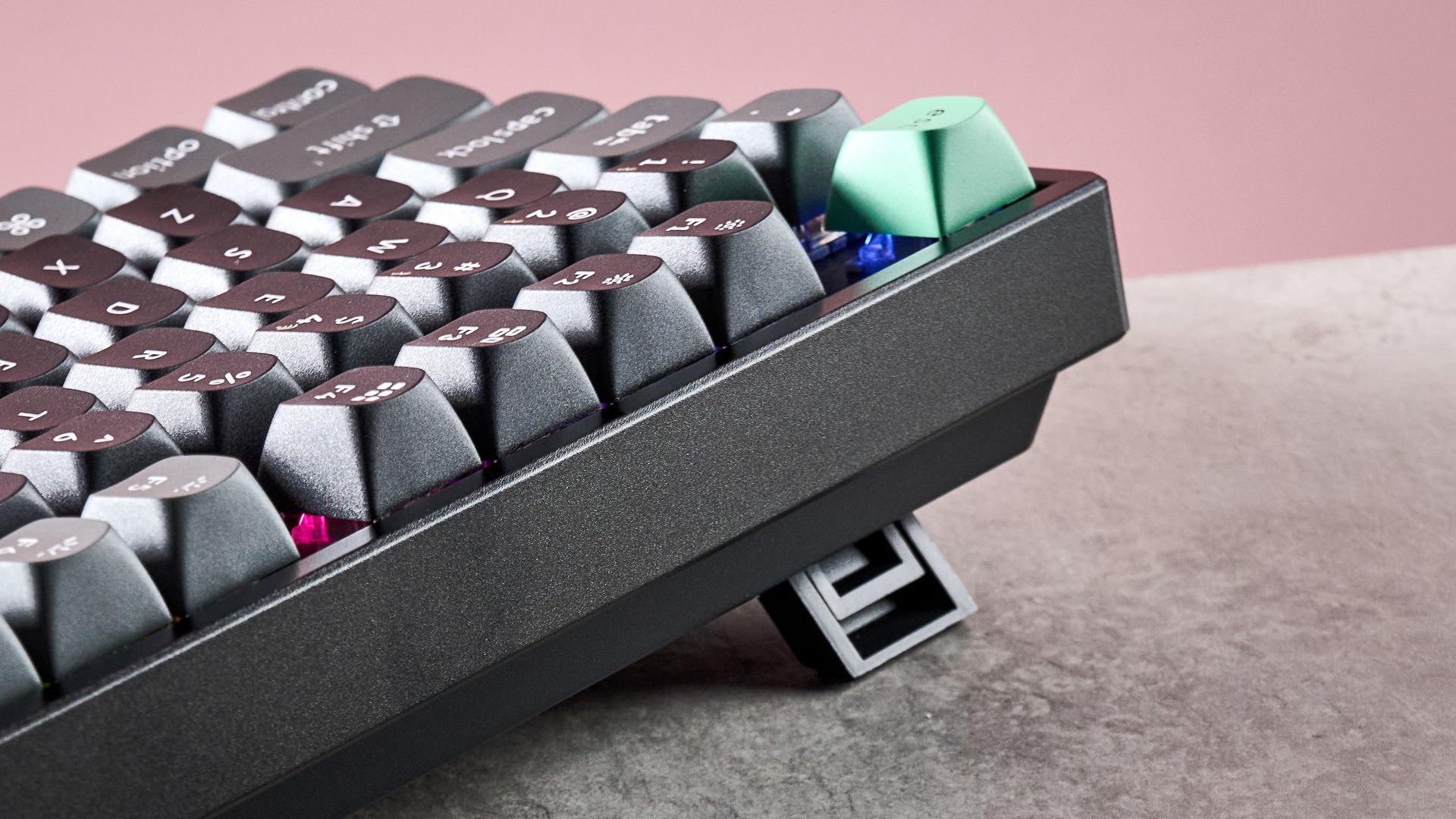
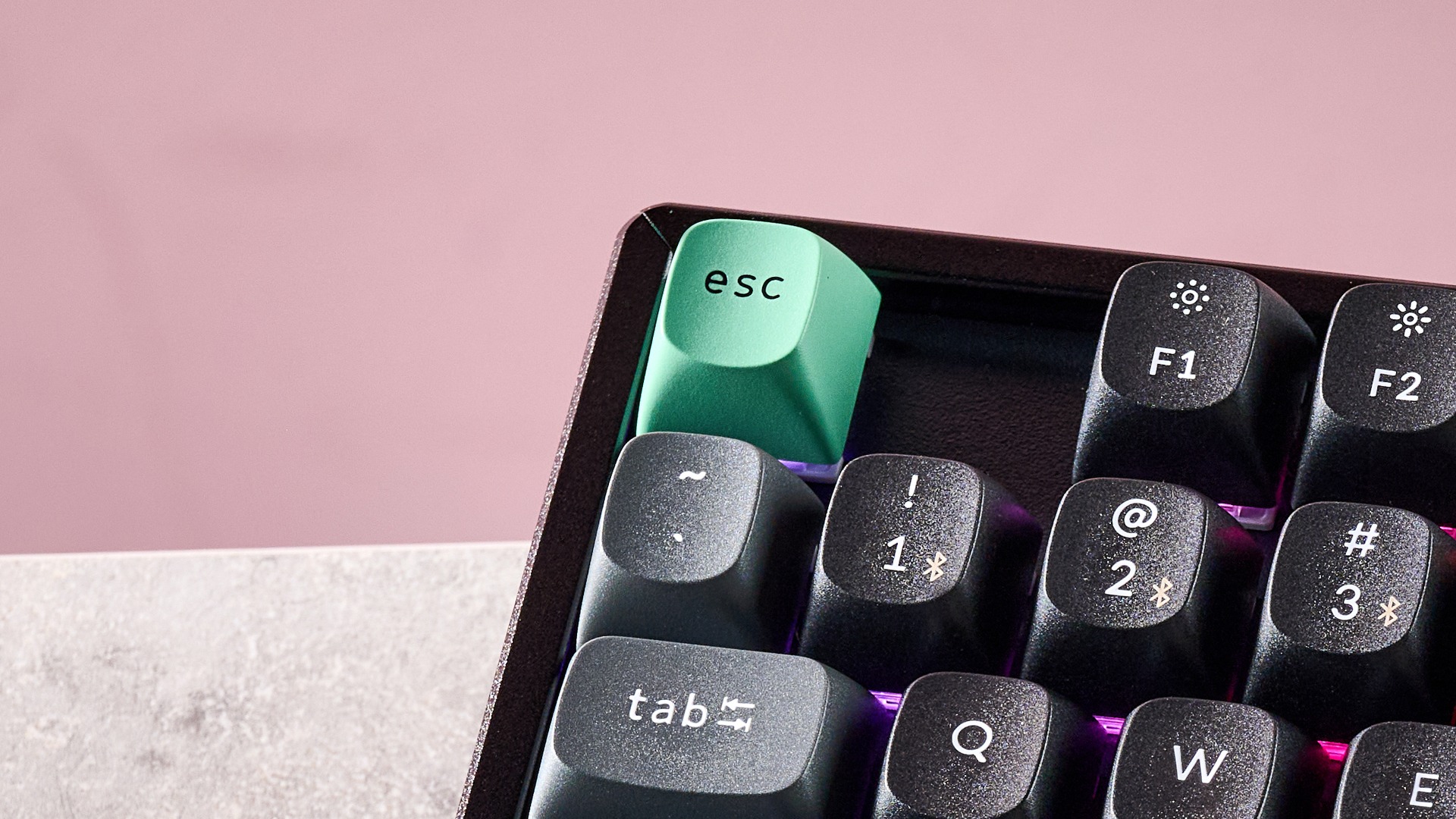
The K8 Ultra 8K adopts Keychron’s signature aesthetics, which is to say it has a thick base, tall keycaps, and a black colorway. However, there are a few grey peripheral keys, as well as a green Escape key, to add some contrast.
Allied to its thick chassis is a substantial weight. This helps the K8 Ultra 8K to stay planted, but makes it a chore to move around frequently. Build quality is also impressive, with its metal frame feeling as solid as you would expect it to feel, while the keycaps have only a hint of play.
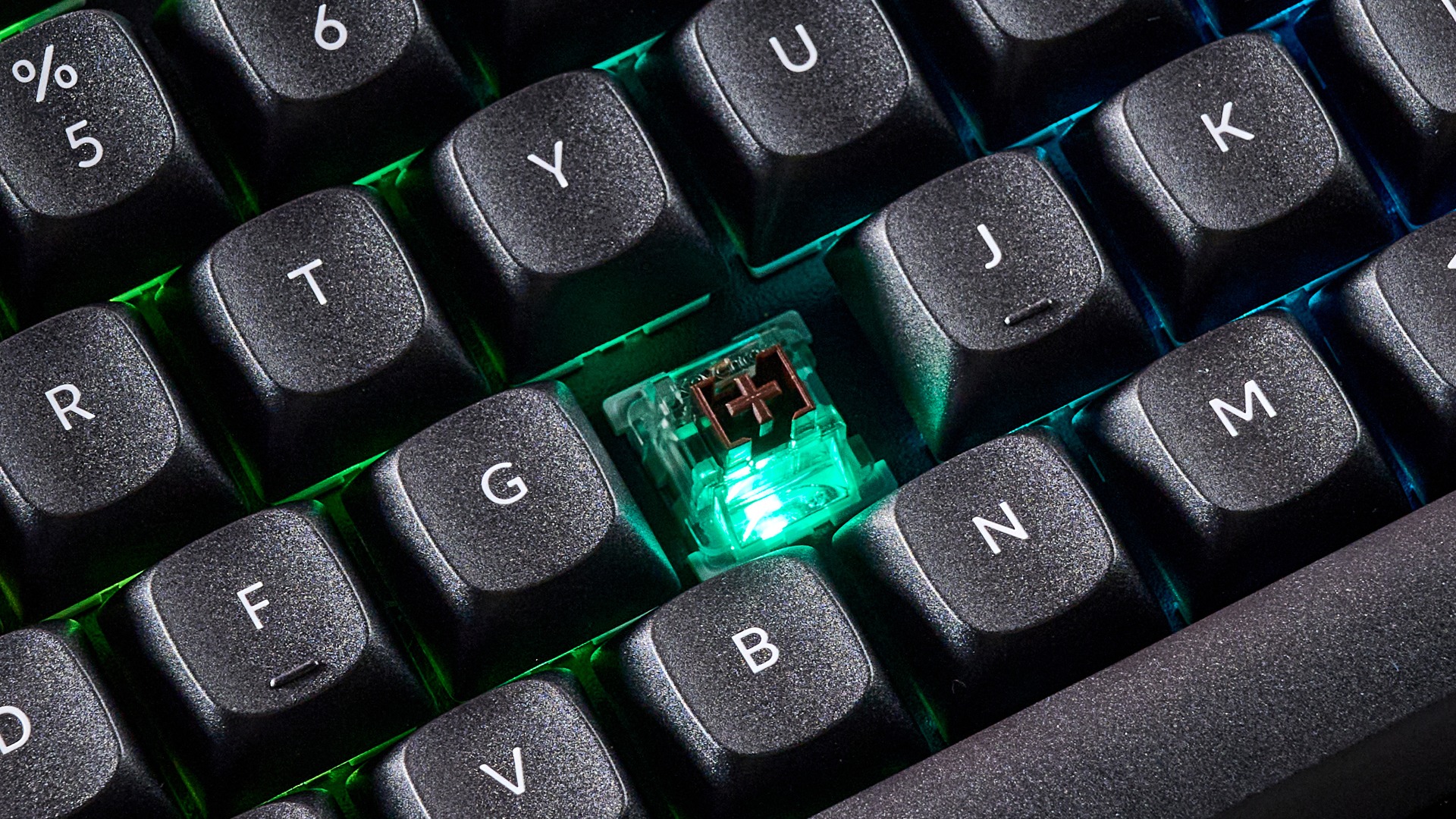
What’s disappointing about them, though, is their opaque symbols. This means the vivid RGB backlighting doesn’t get a chance to shine through them; in fact, it can actively obscure them in dark environments, which defeats at least part of the backlighting’s purpose. Fortunately, it still shines through the spaces between the keys, and there are plenty of customizable patterns for it.
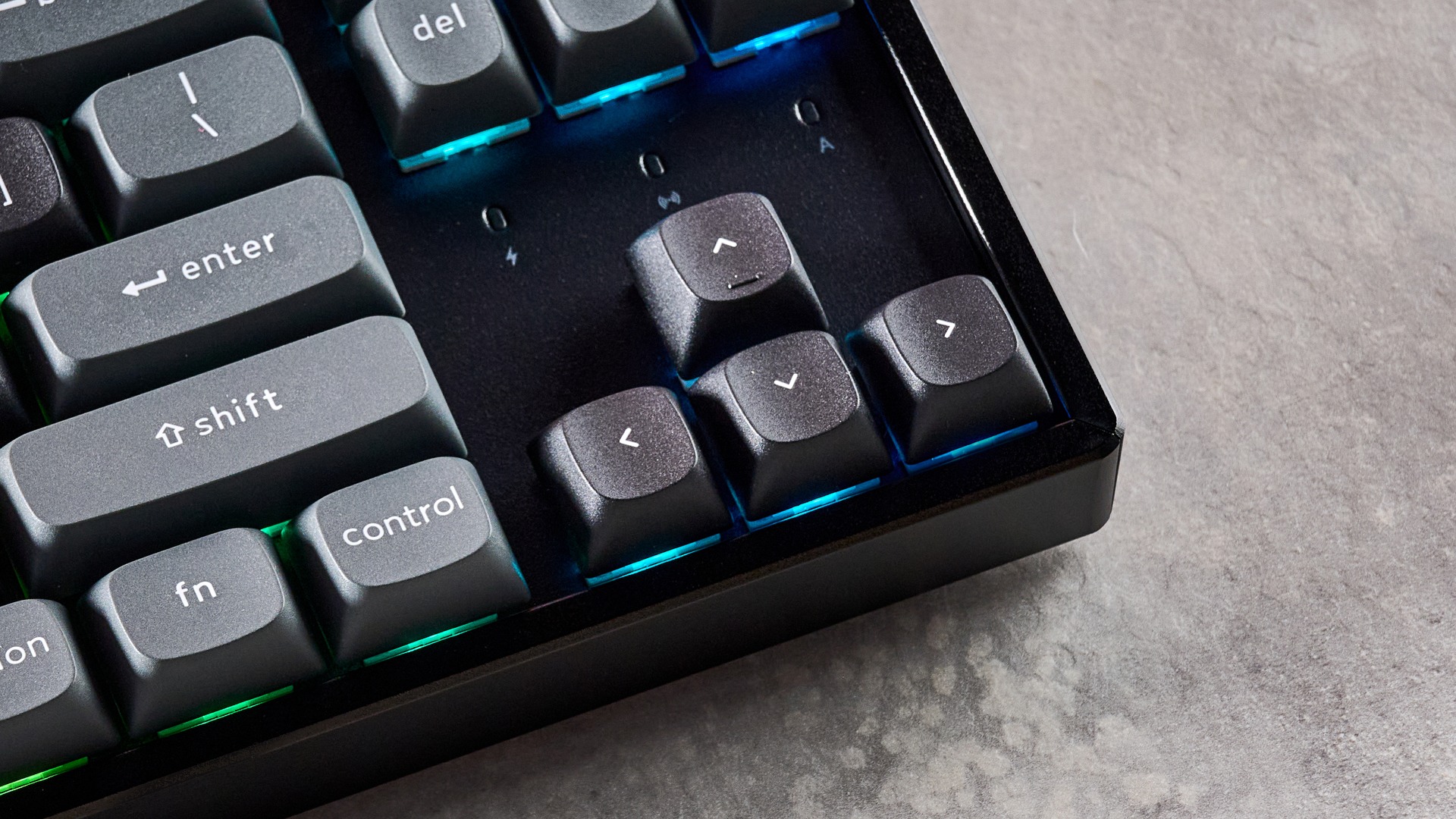
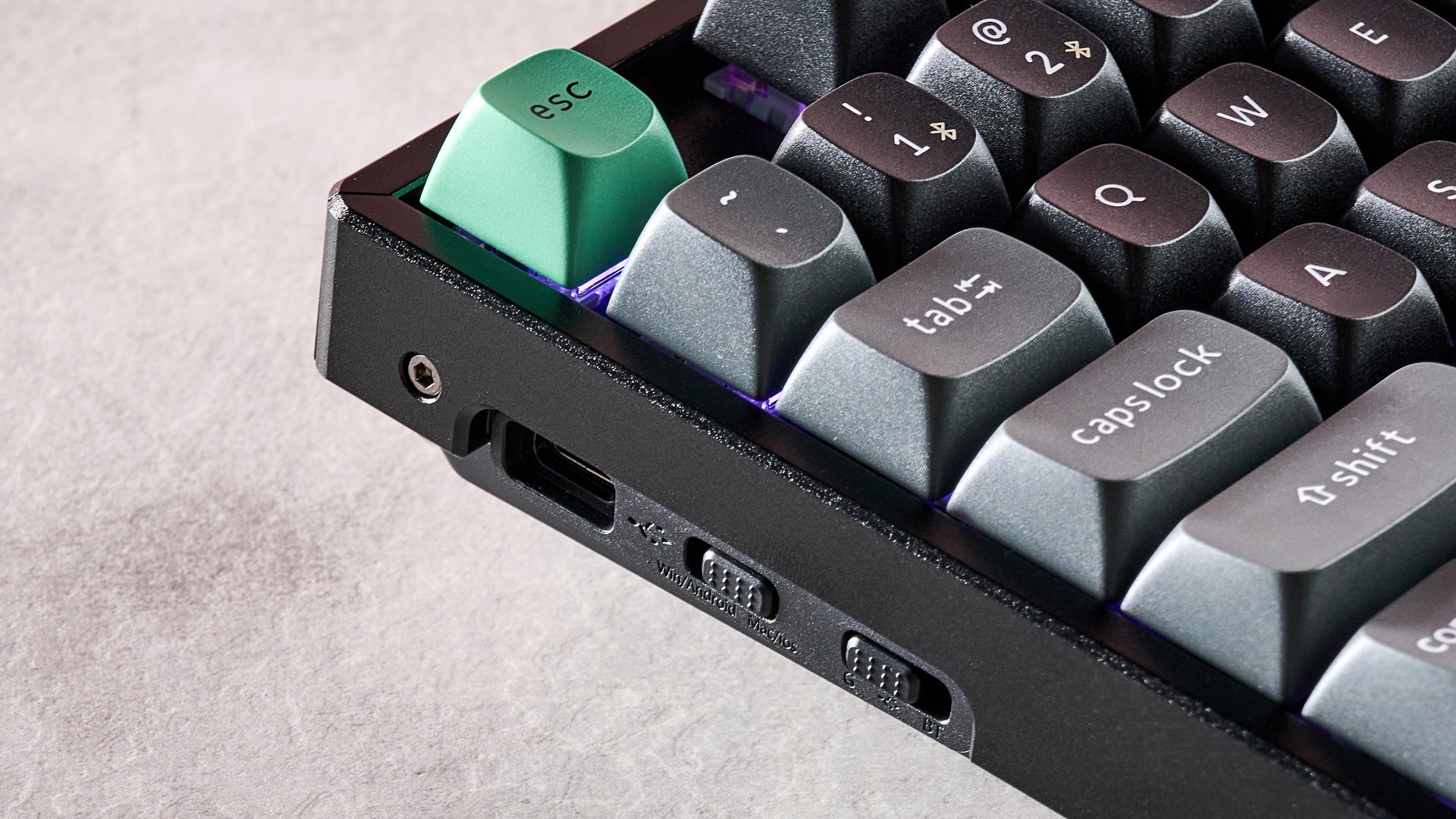
Like some other Keychron models, the K8 Ultra 8K’s USB port is located on the left side of the unit, rather than at the back. This is an interesting location and can help to reduce the cable interfering with deskspace, depending on your particular setup. The included cable’s jack protrudes slightly from the side, but since it’s L-shaped, it’s actually quite discreet. This shape also helps the cable to naturally follow a path less intrusive to deskspace.
Keychron doesn’t offer a downloadable app for the K8 Ultra 8K; instead, you’ll have to use the Keychron Web Launcher via a browser. Quite often, such web apps can be slow and awkward, with frequent loading times and connectivity issues. However, I found Keychron’s fast and easy to use.
What’s more, it offers a reasonable amount of customization. Besides standard key assignments, there are quite a few shortcuts for various system commands and media controls. There’s also a SOCD feature with three different modes, as well as a section for altering the bounce (more commonly referred to as debounce) times of key presses and resets, with sliders for each ranging from 10ms to 50ms, with single millisecond increments selectable.
Keychron K8 Ultra 8K review: Performance
- Tactile and damped switches
- Snappy yet forgiving
- Uncomfortable thickness
True to its mechanical nature, the K8 Ultra 8K is quite a satisfying board to use. The Brown Tactile switches in my review unit were sufficiently damped, though there was some clickiness to them. For the most part I liked this aspect, although hard presses can feel a little harsh. Worse is the roughness of their motion as they travel, which doesn’t feel particularly pleasant. Fortunately, this doesn’t completely sap the joy out of presses, and it didn’t affect my performance in any significant way.
The switches are also quite snappy, requiring only a light touch to actuate. Better yet, they’re forgiving at the same time: whenever I accidentally grazed a key I didn’t intend to hit, often it wouldn’t register. This combination makes it ideal for fast typing.
The keycaps themselves are comfortable, thanks to their ergonomic indents, which also provide security. This comfort extends to the space bar, which I could easily hit flush when in the WASD position. That’s not something I can say about every space bar I’ve experienced.
Less comfortable, however, is the wide spacing of the keys. I often welcome this aspect, but I found it too great on the K8 Ultra 8K. Reaching certain keys was a stretch, especially when touch typing, or when trying to reach certain peripheral keys such as R and T when gaming in the WASD position.
The aforementioned thickness of the chassis also creates issues. Combined with the tall keycaps, this means you have to angle your wrists to a large degree, and what’s more I frequently caught my fingers on the edges of keys as I glided around them when typing. I’m not sure I’ve come across a keyboard in more desperate need of wrist support.
On the issue of connectivity, I had no qualms with the K8 Ultra 8K. It connected to my Windows PCs with ease via both Bluetooth and the 2.4GHz dongle. Hot-switching between these devices was also quick and easy, merely requiring the flick of switch on the side of the unit.
Should I buy the Keychron K8 Ultra 8K?
Scorecard
|
Attributes |
Notes |
Rating |
|
Value |
The K8 Ultra 8K is keenly priced for a hot-swappable wireless mechanical keyboard with an 8K polling rate. |
4.5 / 5 |
|
Design and features |
Thick, heavy, and solidly made. The web app is functional, but the opaque keycaps are a misstep. |
4 / 5 |
|
Performance |
The Brown switches in my review unit weren’t the smoothest, but they still performed well. You really need to use this board with a wrist rest to make it comfortable. |
3.5 / 5 |
|
Overall |
The K8 Ultra 8K is well-priced for a wireless mechanical keyboard. Its performance isn’t as smooth as I would’ve liked, and you really need to use it with a wrist rest, but it’s still one to consider given its customizable hardware. |
4 / 5 |
Buy it if…
Don’t buy it if…
Keychron K8 Ultra 8K review: Also consider
How I tested the Keychron K8 Ultra 8K
- Tested for a few days
- Used for a variety of tasks
- Plentiful keyboard experience
I tested the K8 Ultra 8K for a few days, during which time I used it for gaming, working, and general browsing.
One of the games I played was Counter-Strike 2, as it serves as the ideal test for peripherals, since it demands fast and precise inputs.
I’ve been using gaming keyboards for years, and reviewed a great number of them, including other Keychron models as well as those from well-known brands like Razer, SteelSeries, and Corsair.
You must be logged in to post a comment Login