Tech
Microsoft Excel can now put multiple values in a single cell

Microsoft is changing one of Excel’s most familiar rules: a cell no longer has to contain just one value. The company has introduced lists, arrays in cells and nested arrays, giving users new ways to keep multiple pieces of information together without turning them into a single block of text.
The features are currently rolling out as previews to Excel for Windows and Mac Beta Channels. Microsoft says the behaviour may change before general availability and recommends against using the features in important workbooks at this stage.
Excel lists make multiple values easier to manage
The simplest part of the update is the new Lists feature. Instead of putting several values into separate cells or combining them into ordinary comma-separated text, users can store multiple individual values inside one cell.
For example, a project could have several owners listed in a single cell, while a survey response could contain multiple appointment times. With lists, Excel keeps those entries separate internally, allowing users to filter individual values and use them in calculations.

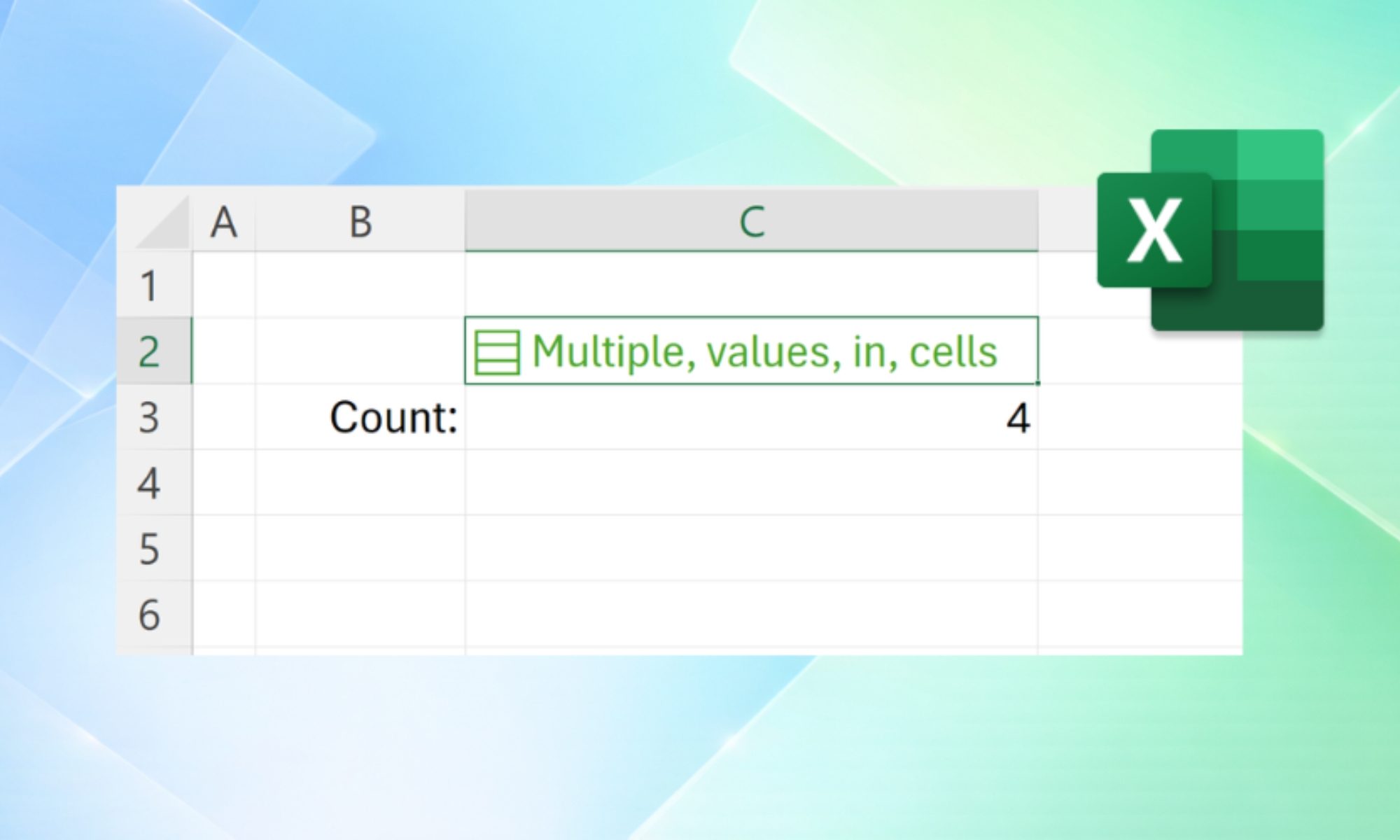
Creating a list involves selecting Insert > List or pressing Ctrl+J, then entering or pasting items separated by commas or semicolons, depending on regional settings. Users can later edit individual entries by double-clicking the cell or pressing F2.
The feature also changes how filtering works. Instead of treating a comma-separated cell as one large piece of text, Excel can filter by individual items. Referencing a list can also return all its values, allowing them to spill into separate cells when needed.
That could make spreadsheets containing project assignments, survey responses or other multi-value data considerably easier to organise.
Arrays bring a much bigger change to spreadsheets
Microsoft is also introducing arrays directly inside cells, including nested arrays. Arrays can now exist as values or formula results inside a single cell and can have different sizes and shapes. Users can also wrap spilling formula results in braces to keep the entire result inside one cell.
Nested arrays take this further by allowing arrays to exist inside other arrays. Microsoft says formulas that previously returned truncated results or a #CALC! error in some array-of-array situations can now return the complete nested result.
To work with these structures, Excel is gaining four new functions: FLATTEN, HAS, HASANY and HASALL. FLATTEN can remove levels of nesting, while the HAS functions can check whether a particular value, some specified values or all specified values appear within an array.

For power users, the change could open up new spreadsheet designs. Microsoft demonstrates a run tracker where different numbers of kilometre splits can be stored in the same row while statistics are calculated alongside them.
There are still limitations. Conditional formatting, data validation, charts, PivotTables, Power Query and Find & Replace do not yet fully support list and array values. The features currently require specific Beta Channel builds, and nested-array calculations require Compatibility Version 3.
For now, Microsoft is treating this as a preview rather than a finished Excel feature. But if the rollout goes smoothly, the humble spreadsheet cell is about to become considerably more capable.
Related coverage:
What is Copilot? Everything you need to know about Microsoft’s AI assistant
How to use ChatGPT to write Excel formulas
Windows 11 tips and tricks: 10 hidden settings you need to try
You must be logged in to post a comment Login