Tech
Ocarina of Time Finds a New Home on iOS and iPadOS After Years of Community Work and One Long AI Session

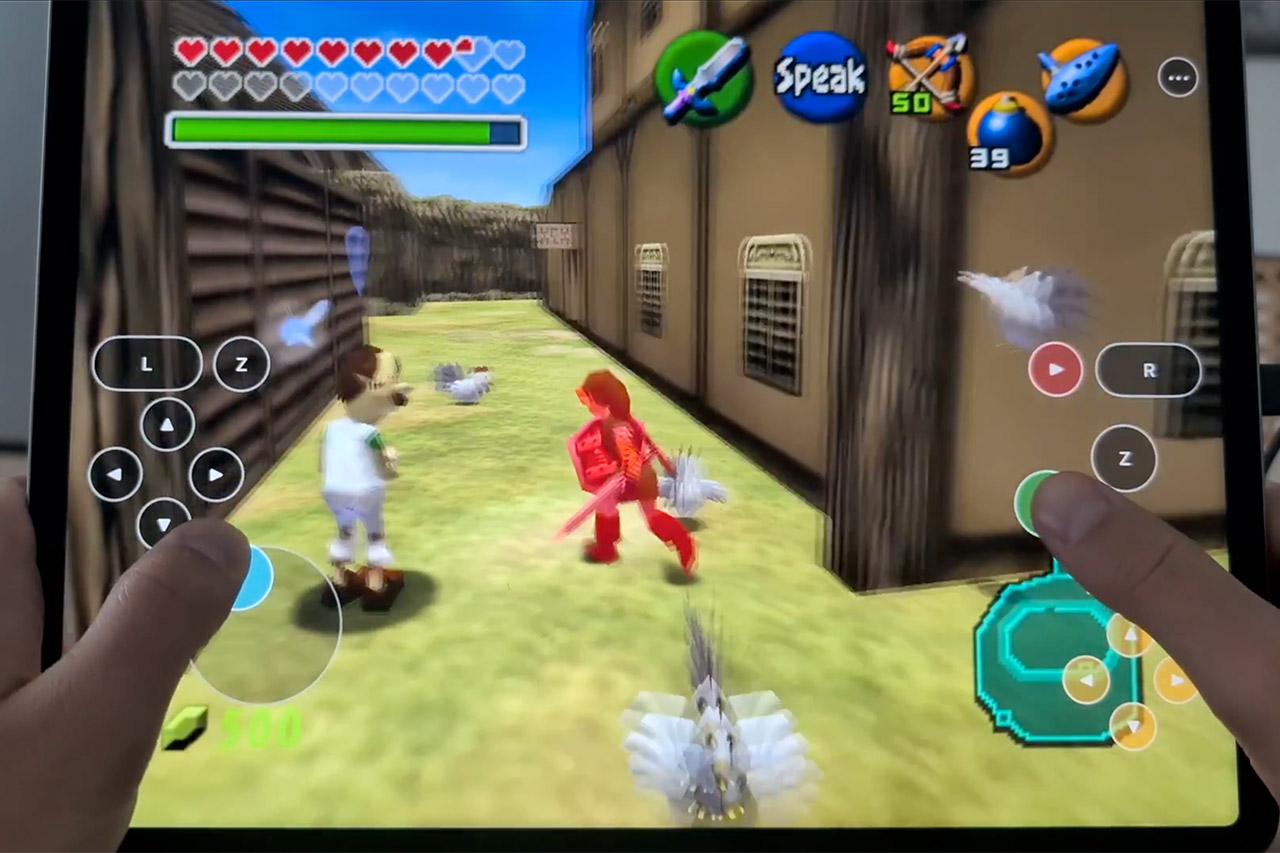
The Legend of Zelda: Ocarina of Time, a 1998 Nintendo 64 adventure, is now available as a native app for iPhones and iPads. Full screen resolution, sixty frames per second, widescreen perspective, usable touch overlays, Bluetooth controllers that simply work, plus keyboard and mouse capabilities for good measure. There is no blurry 240p image, no stuttering twenty-frame limit from the original hardware, and no remote streaming via PC. The game has been recreated and is now running on the device itself.

Ocarina of Time, running natively on iOS and iPadOS for the first time.
Not an emulator. Ship of Harkinian has run on Windows, Linux, macOS, Switch, Wii U, and Android. Never iOS. Now it runs on iPad, with iPhone in the build too.
The game was decompiled to C and rebuilt as a… pic.twitter.com/7J62JwGRHq
— Kahris (@chrissotraidis) July 27, 2026
Kahris, also known as Chrissotraidis, reused existing parts to make HarkinianPad. The Harbour Masters laid the basis for the entire project with the Ship of Harkinian, a long-term open-source effort. The Harkinian team has successfully turned the fully decompiled C code from Ocarina of Time into clean native code that will run on Windows, Linux, macOS, Switch, Wii U, and Android. That was a massive task in and of itself, and the zeldaret crew and the Harbour Masters completed all of the reverse engineering and engine tweaking long before Kahris got involved. Now, Kahris did not go and re-decompile anything from scratch. No, he took the existing Ship of Harkinian codebase and made it compatible with iOS and iPadOS for the first time.


LEGO The Legend of Zelda: Ocarina of Time – The Final Battle – Building Set for Adults, Ages…
- GAMER COLLECTIBLE MODEL KIT – Adults ages 18 and up can share their love of video games with the LEGO The Legend of Zelda: Ocarina of Time – The…
- LEGO CASTLE RUINS BUILDING SET – This detailed gaming collectible features a ruined castle area, Link, Zelda and Ganondorf minifigures, and 2 more…
- FEATURES AND FUNCTIONS – Recreate the final battle scene with movable rubble, a button to raise Ganondorf from the ruins, the hidden Megaton Hammer…
That wasn’t a simple recompile task, though, because the game required a completely new platform layer that understood the app lifecycle on iOS, what to do with file access, graphics, and input, and so on. So Kahris performed some research to determine the requirements, and then he created a single prompt for Codex 5.6 Sol. That tool went off and did all the heavy lifting for him, sorting the build system for ARM64, linking everything together, ensuring the app didn’t get killed when iOS suspends and resumes, hooking up Metal for rendering, getting UIKit where it needed to be, adding Files-app support so users can simply drop in their own ROM, setting up native controller paths, and implementing a touch control system that works in landscape.
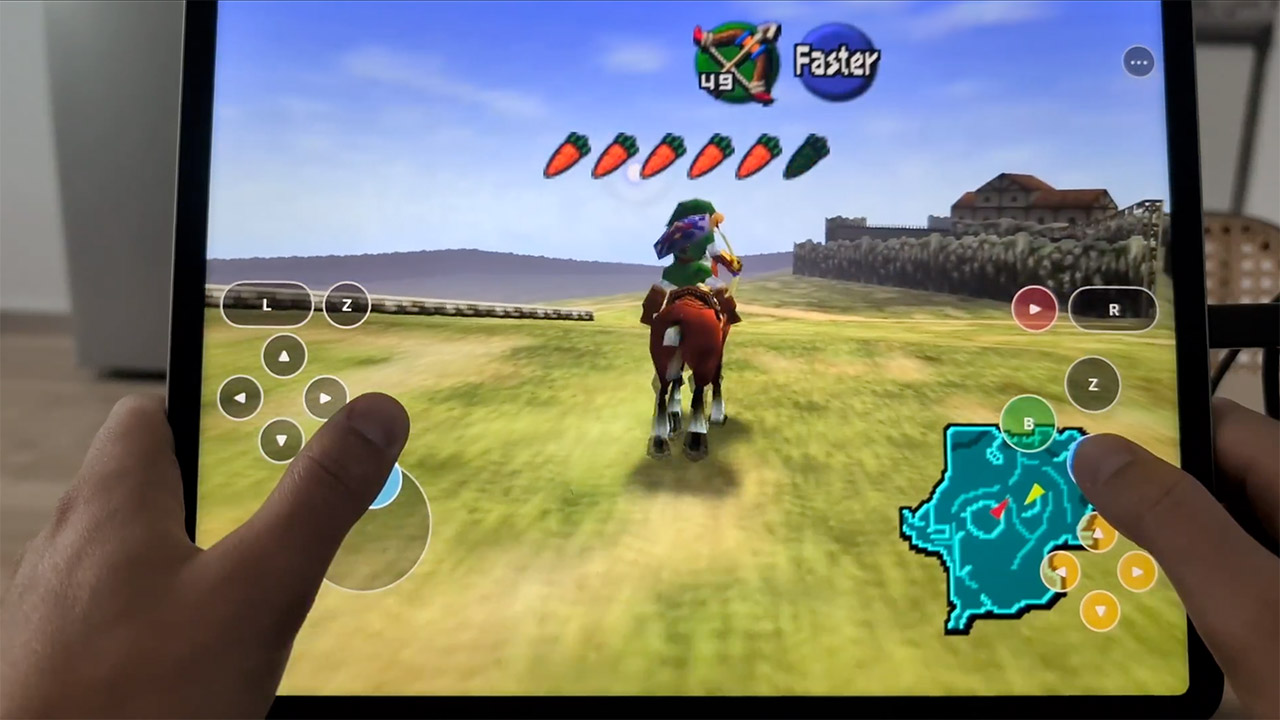
The end result is now available on GitHub as an open-source project. Now, the repo itself has no game data or ROMs, as those must be added manually by the user. To get the app running, people must first build or install the IPA, sign it for their device, run it once to create a folder in the Files app, copy in a valid Ocarina of Time ROM, then allow the app to do its thing. After that, the game starts up, saves are working, audio is playing via the speakers, controllers are pairing over Bluetooth, and you still have access to all of the touch controls and menu options.

Performance appears to be smooth because we’re dealing with pure C code that is running directly on Apple silicon and drawing using Metal. So, on an iPad, the image fills the screen at its native resolution and maintains a steady sixty frames. The same build works on the iPhone, and to my surprise, widescreen support works quite well without stretching or letterboxing in an odd fashion.
You must be logged in to post a comment Login