Tech
One Color Per Layer Is Quietly Rewriting Multi-Color 3D Prints, Cutting Printing Time in Half

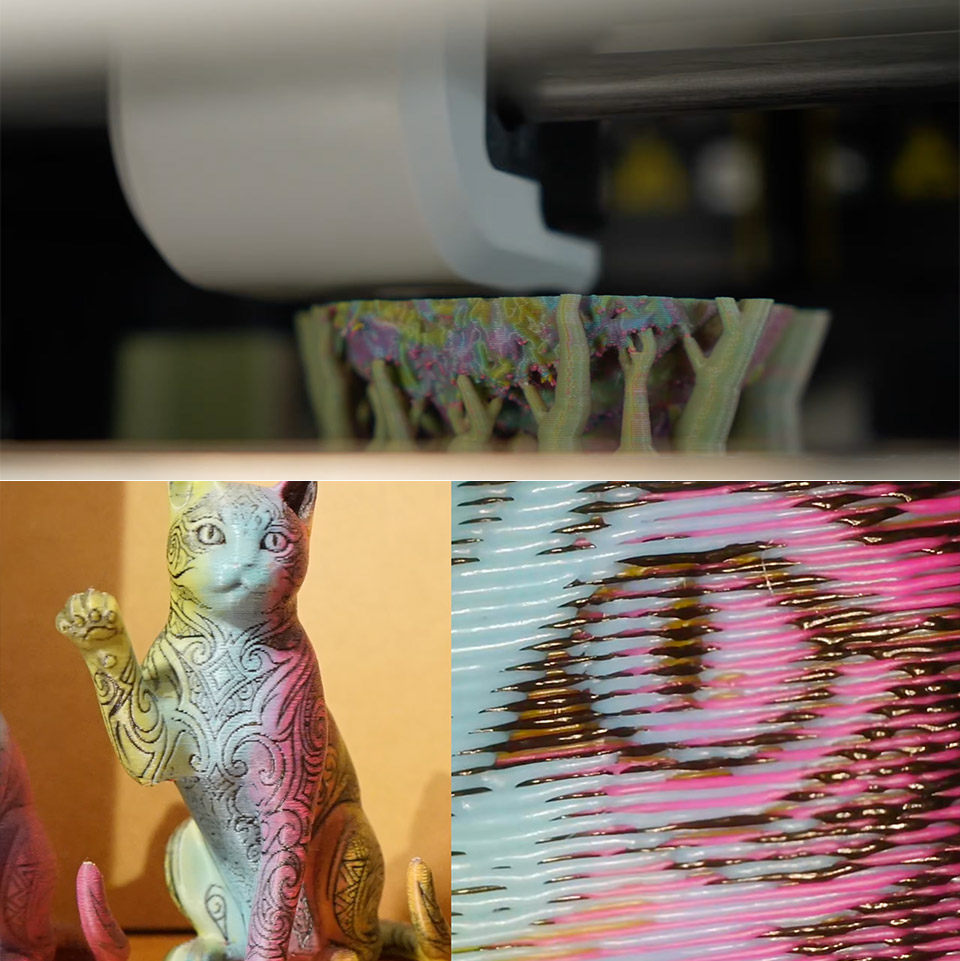
Multi-color filament printing has always carried a heavy tax. Every time a printer switches filaments mid-layer it pauses, pulls the old plastic back, primes the new one, and often dumps a blob of mixed waste into a purge tower. On complex painted models those swaps can number in the thousands. Print times stretch into days and entire spools disappear into the scrap bin.


YGK3D has just demonstrated a completely new method of printing that can significantly reduce costs. Sentient Stardust, a developer, integrated the approach in issue into a modified version of the Orca Slicer software called OraSlicer-ImageMap. The key to it all is that this software simply applies one solid color to every layer. When you move from one layer to the next, the new color appears on top of the old one, rather than a slew of interrupted tool changes within the same layer.


FLASHFORGE Adventurer 5M 3D Printer with Fully Auto Leveling, Max 600mm/s High Speed Printing, 280°C…
- One-Click Automatic Printing: Experience hassle-free 3D printing with the Adventurer 5M Series. Enjoy automatic bed leveling for flawless first…
- 12X Ultra Fast Printing: Featuring a CoreXY structure with 600mm/s travel speed and 20000mm/s² acceleration, the AD5M maximizes efficiency, reduces…
- Smart and Efficient Design: Quick 3-second nozzle changes, a high-flow 32mm³/s nozzle, and fast 35-second warm-up to 200°C deliver stable high-speed…
How does it determine the color to show on the surface? It’s all down to clever geometry. The program just widens the extrusion on the current layer or moves the perimeter route a fraction of a millimeter to the right. This leaves a small amount of plastic hanging over the edge, which ultimately slides down far enough to cover the layer beneath. The software determines which colour will dominate any given region of the model by altering how much each colour projects out from the layer behind it.
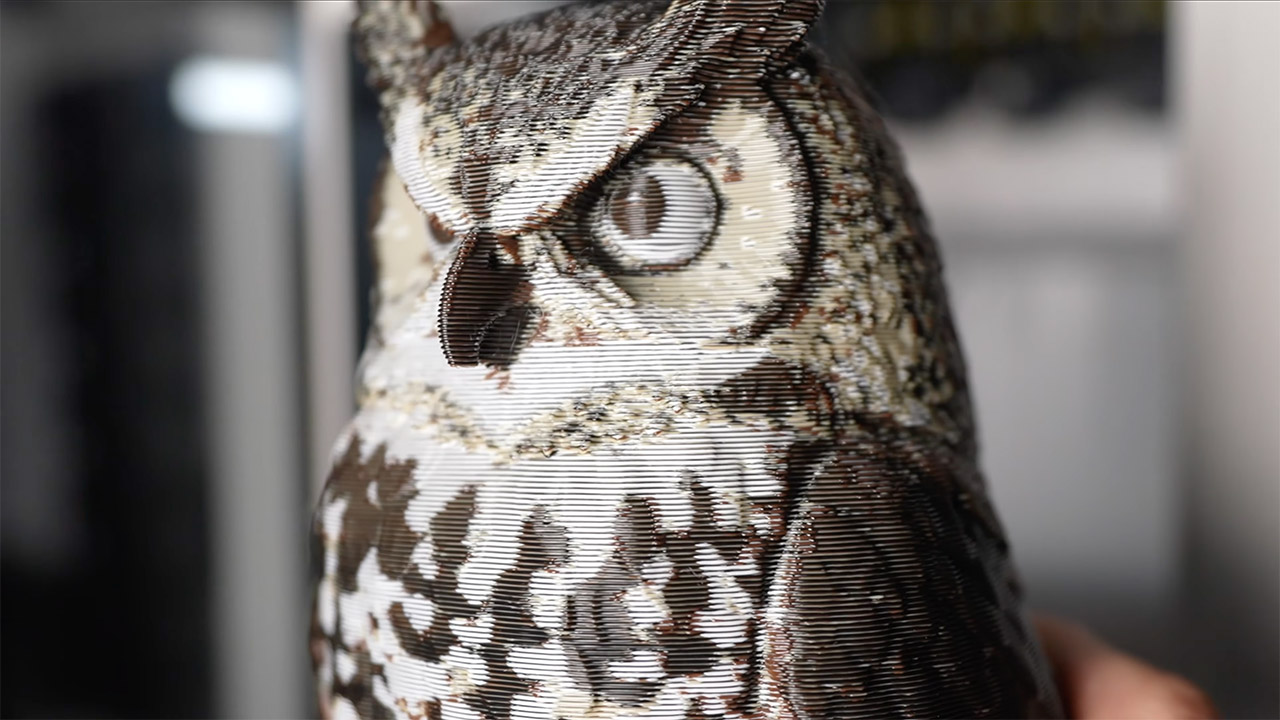
The same principle can be applied to many different colors, not just two or three. With cyan, magenta, yellow, and black loaded into the machine, the rotation of colors across successive layers produces these really nice, fine patterns, and because they are stacked vertically, just like full-spectrum dithering, those patterns optically blend into all kinds of intermediate shades. Gradients also appear much smoother because the colours simply sit side by side rather than competing for space.

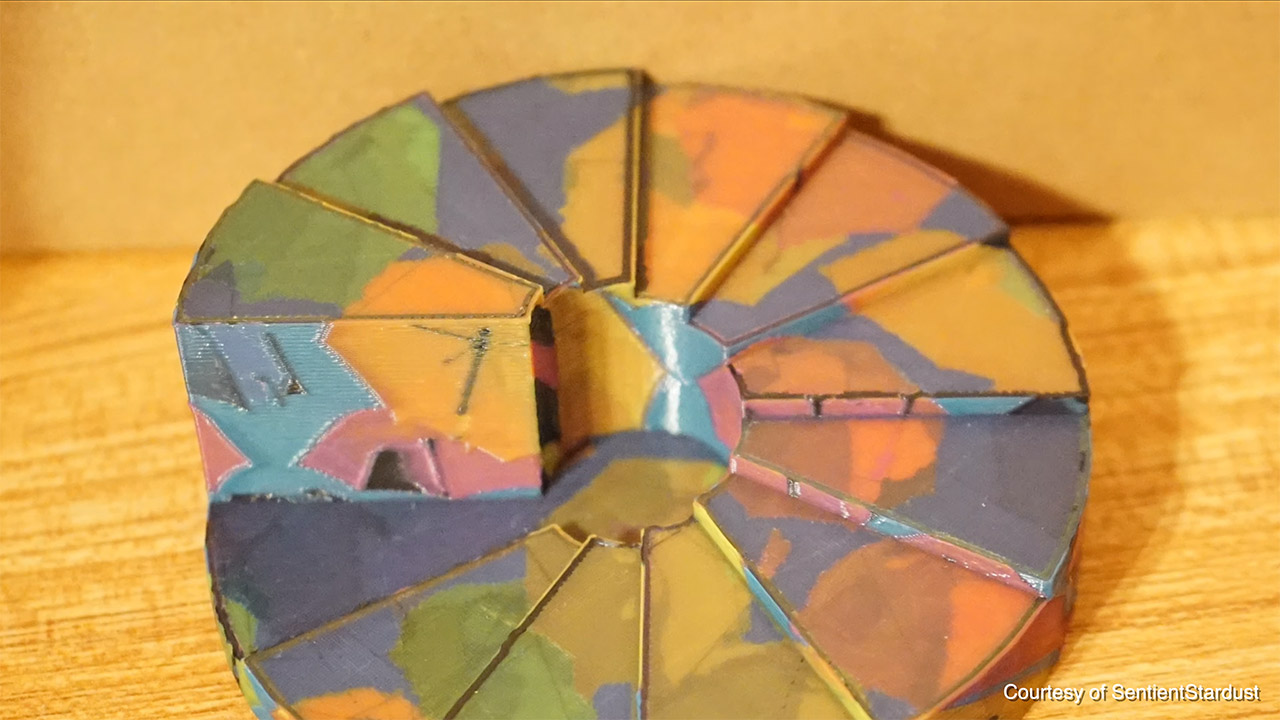
He had an owl model that used to take about 5 days and 4,000 tool changes, but with this new process, it took only 3 days and he had already decreased the amount of filament needed in half. The amount of garbage decreased from two kilograms to a few hundred grams. The software begins by taking an already painted 3MF file, converting the surface colors into a texture map, and then applying the overhang modulation automatically as the model is sliced.
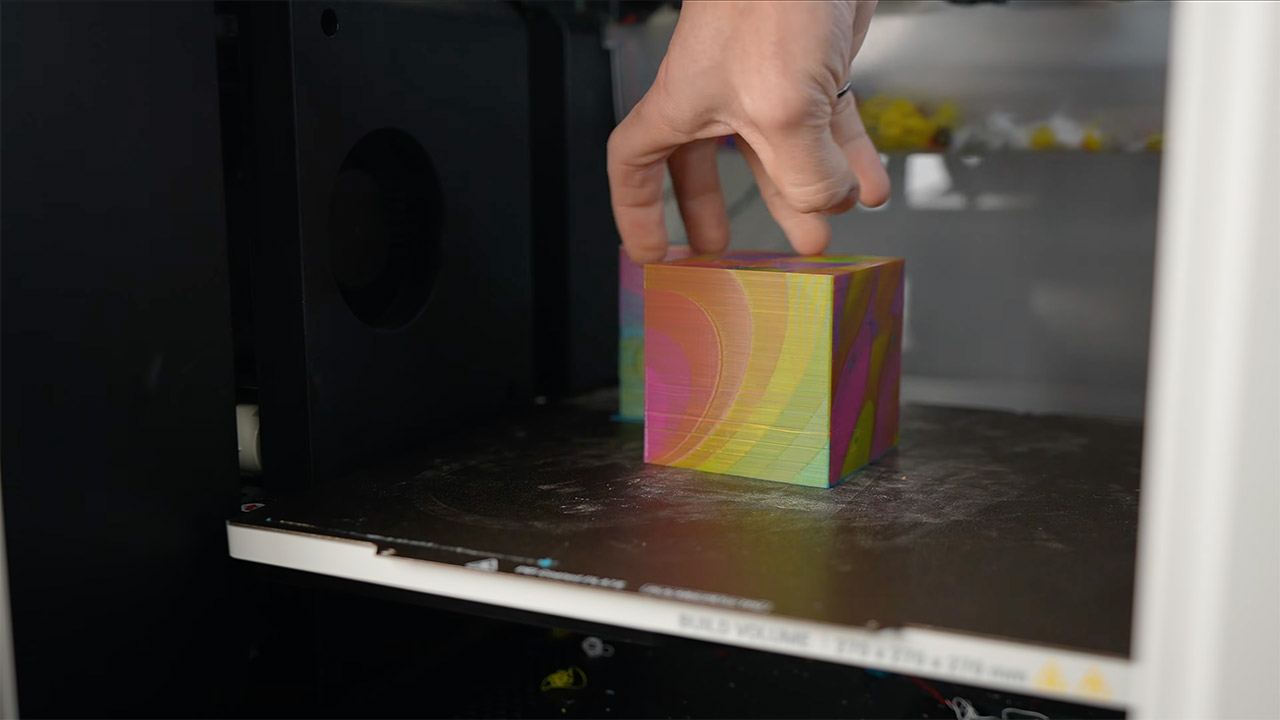
This idea comes from a 2018 research report on line-based half-toning for dual-extrusion printers. This early experiment demonstrated how controlled overhangs could disguise one filament behind another. Sentient Stardust has taken that concept and expanded on it, adding image-projection features and putting everything as a usable slicer fork that anyone can download and explore.
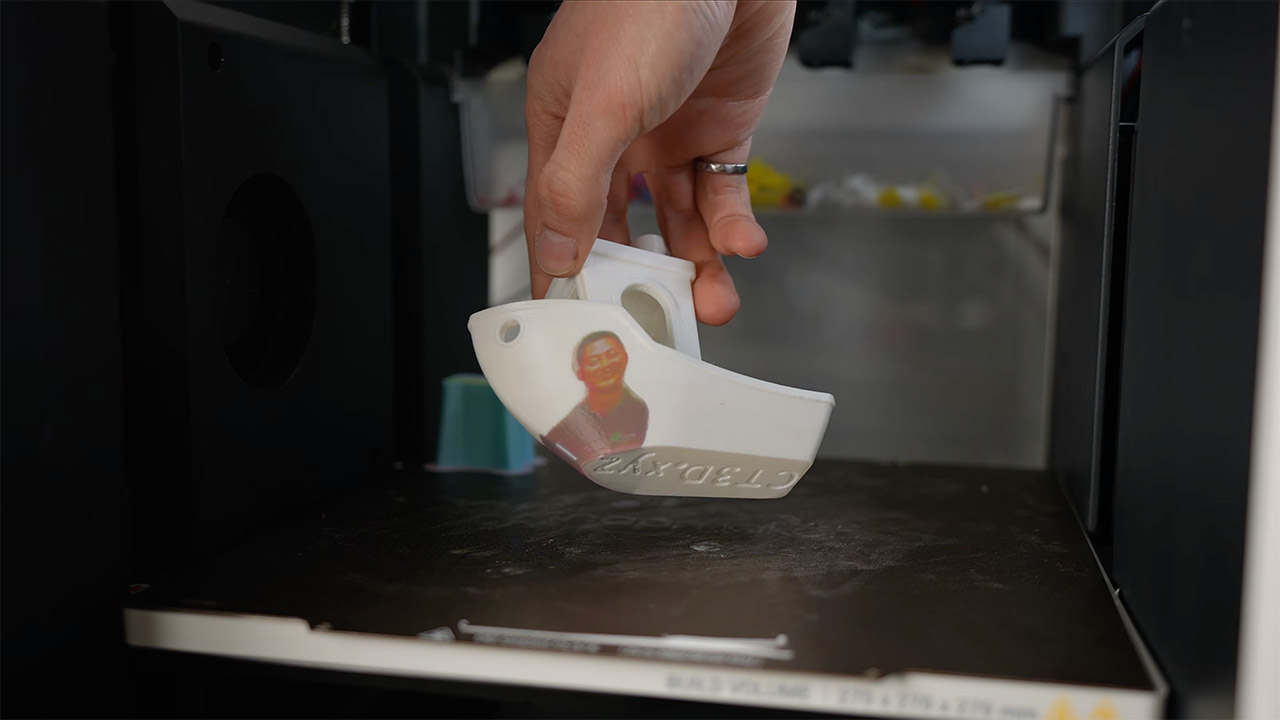
Of course, there are certain limits. With three colors on a 0.2mm layer height, the print can appear as if it was done on 0.6mm layer height. Steep walls also limit the software’s options, making the blending effect less effective. Models with very mild curves also limit the technique’s possibilities. However, for the majority of painted objects, the time and material savings outweigh any difference in surface appearance.
[Source]
You must be logged in to post a comment Login