Tech
PrimedGun Brings Complete VR Motion Controls to the Original Metroid Prime

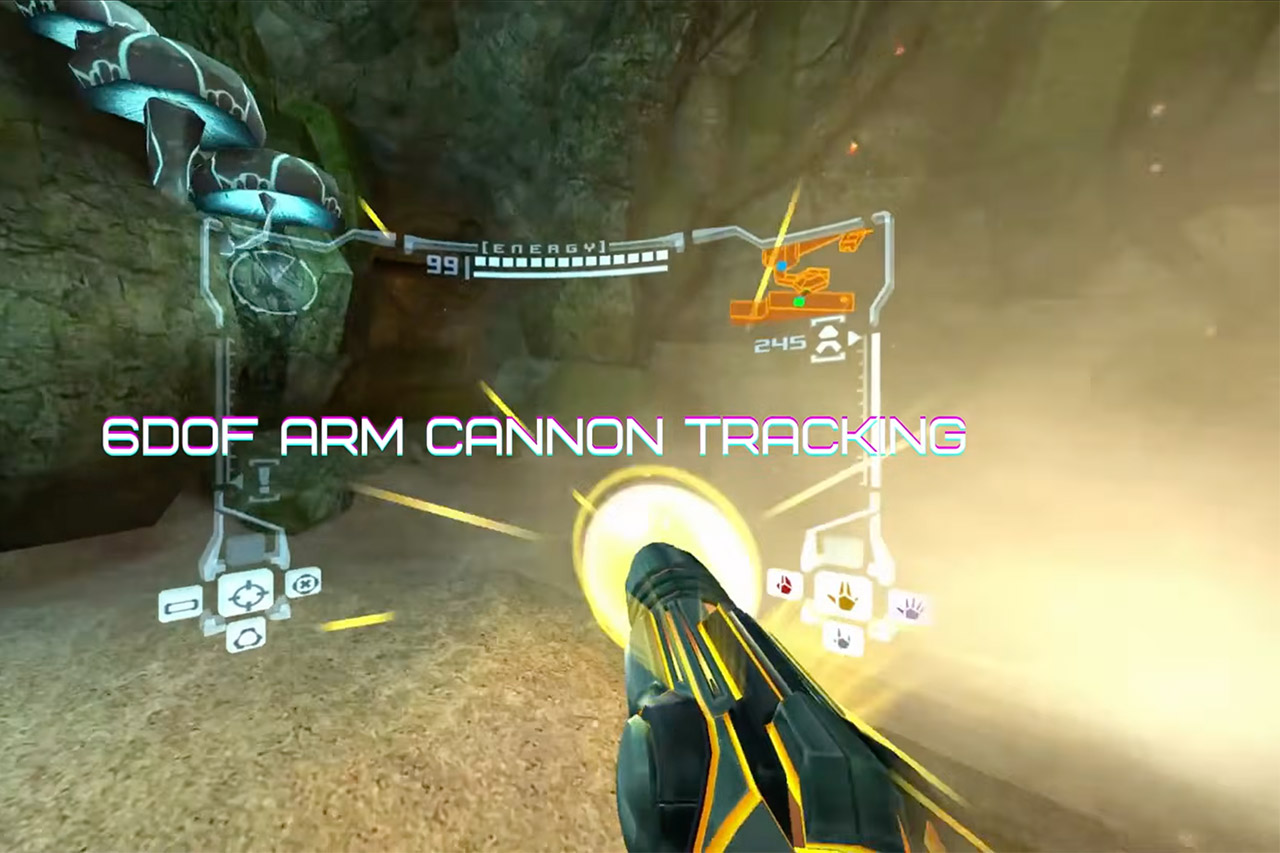
Metroid Prime arrived on the GameCube in 2002 with a first-person view that already set it apart from most games of its time. Players explored alien ruins and fought through creatures while guiding Samus through a living world. A new fan project now carries that perspective into virtual reality on PC with controls that respond to actual body movements.


Nobbie built PrimedGun from the ground up, using Dolphin ReduX as a foundation. His goal was to take the ancient NTSC version 1.0 of the GameCube game and apply some very modern tracking and input technology that feels right at home in a headset. As a result, you may now play the game from start to finish without affecting the basic gameplay.
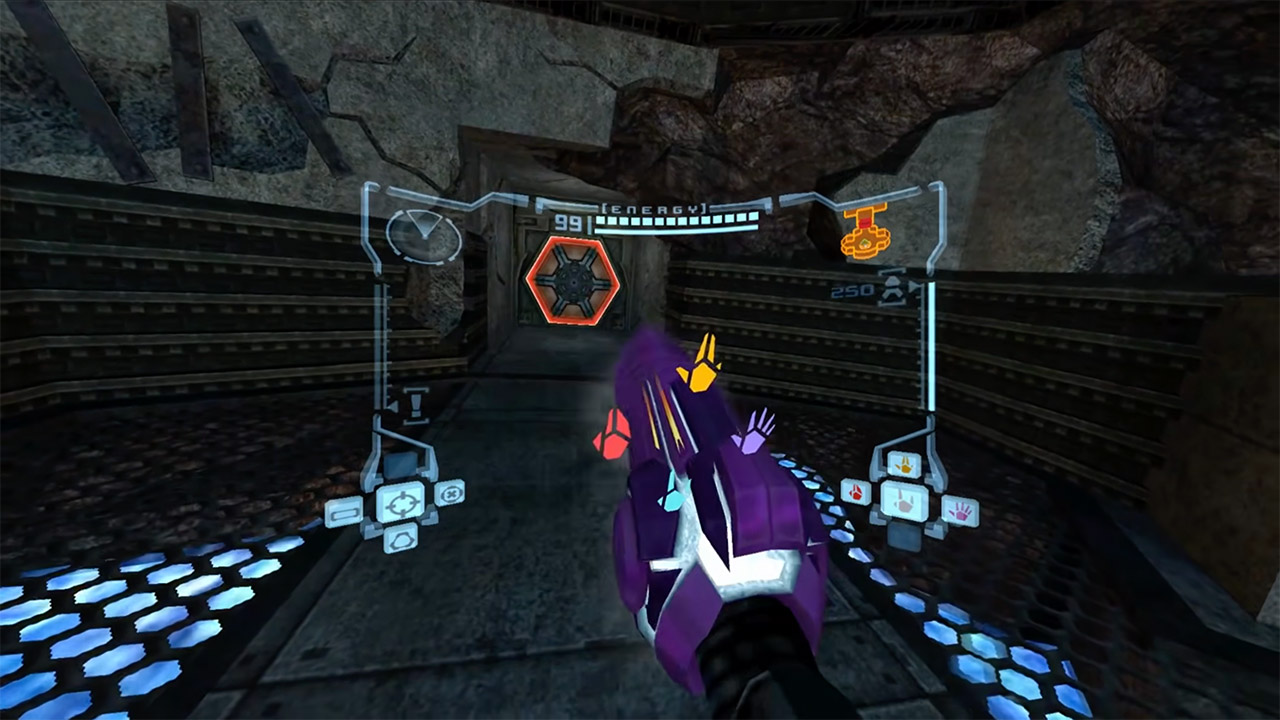
Arm cannon movements are intricately tied to the movement of your hand, so you’re not just moving a stick around; you’re leveraging your full arm to track targets. That is, shooting or scanning enemies necessitates actual movements with your body. The head tracking is equally effective, as you can move your head around to get a better view and use hand gestures to make selections or toggle menus.
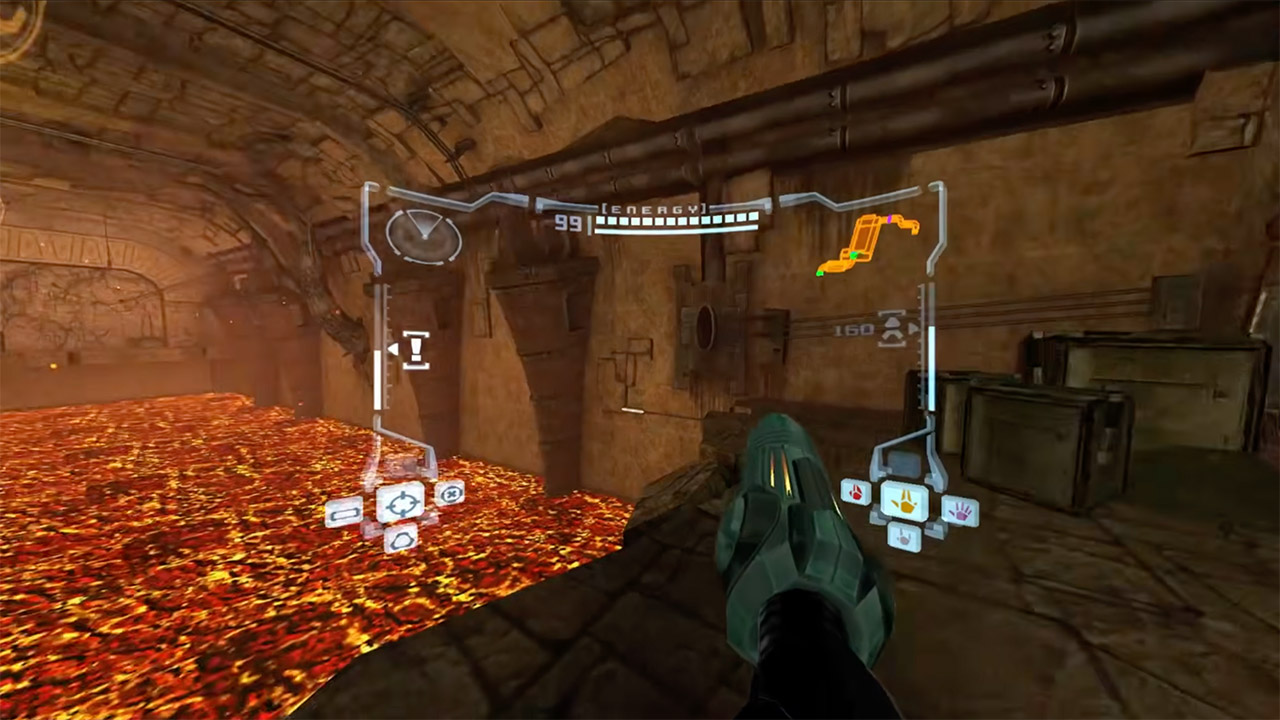
However, the gunplay really takes off when you can use your cannon to target enemies, much like in the real game, rather than relying on the camera or a lock-on system. The end result is that, while the fighting and traversal cycles are intact, they feel noticeably more responsive after a few hours.

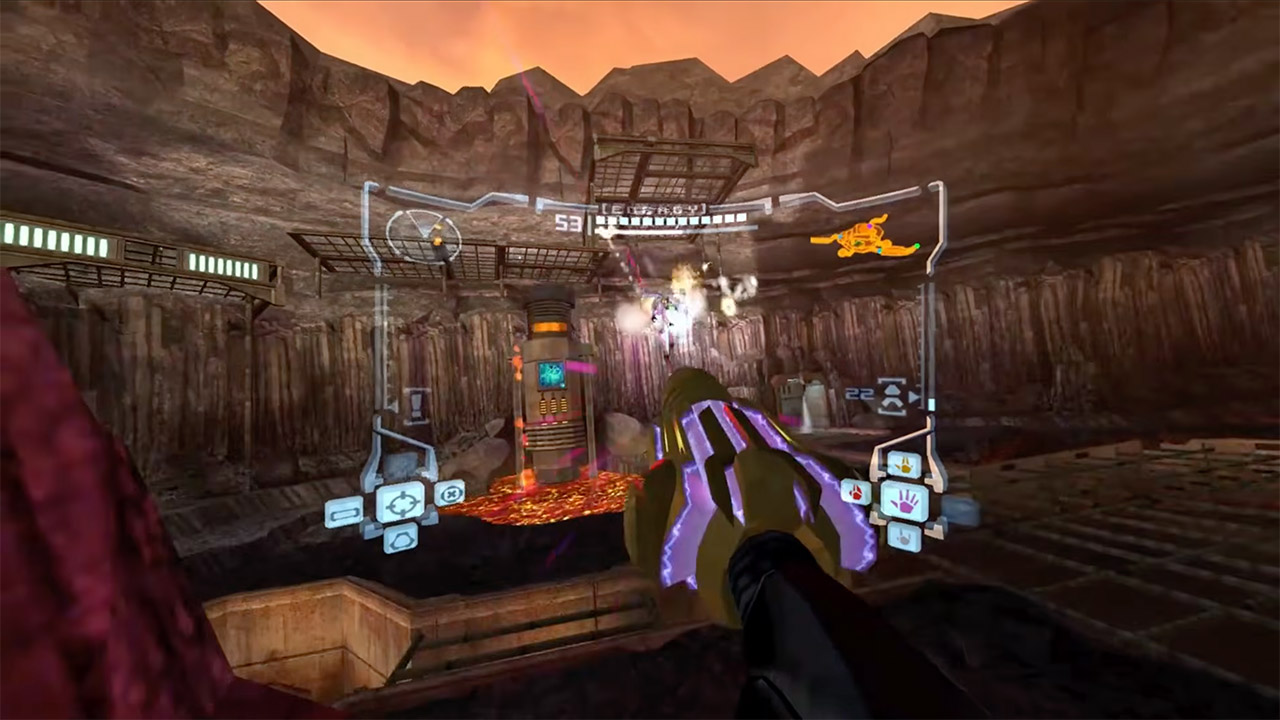
PrimedGun is all about making you and the game feel comfortable with each other right immediately. One click on the right stick adjusts the height, so all you have to do is stand there and let it do the work. Then there’s a menu where you can alter the cannon location and spin to get everything just right and play for longer periods of time without cramping. You may also change the texture of the cannon with a simple in-app tool that requires no additional software.
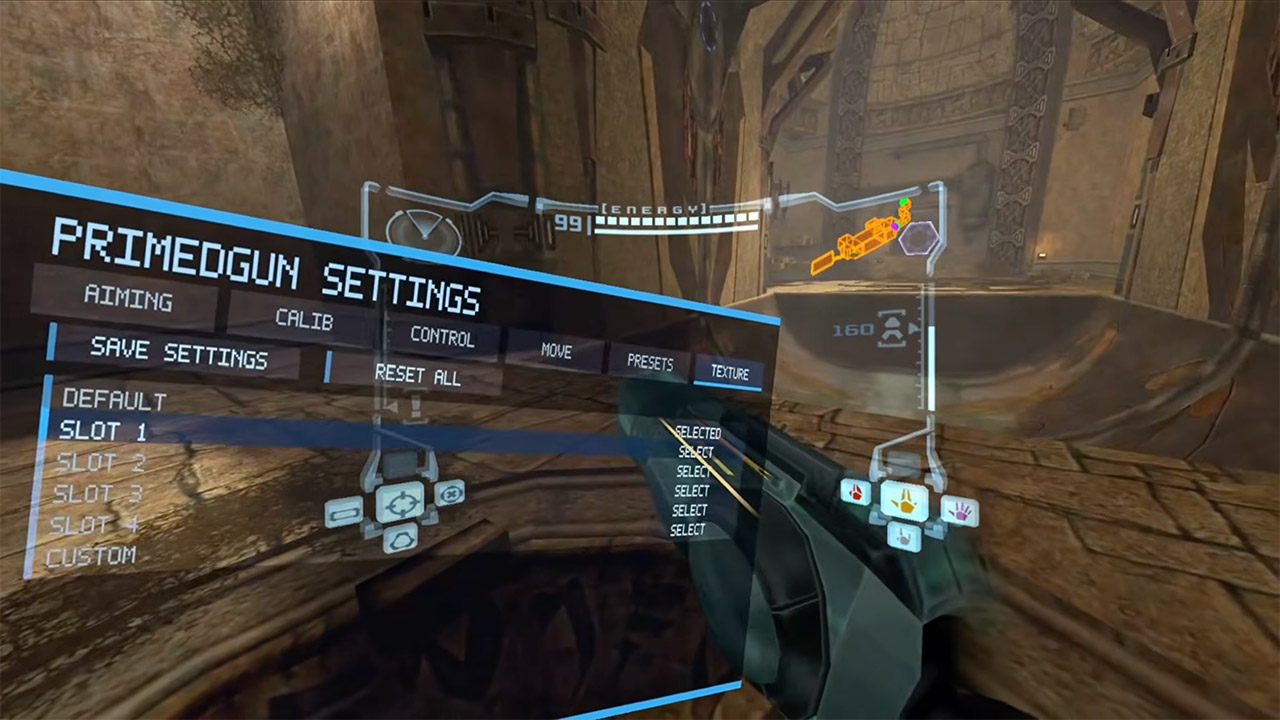
To play the game, you only need the original game file and a download from the GitHub releases. From there, simply open the program, select the NTSC version 1.0 ISO, and let it do its job. You can even copy save files from your previous memory card, and they will appear in the User folder. There is a layout option that allows you to customize the controls, and you can even disable auto setup if you want to create a custom profile.
To get everything functioning well, you’ll have to run your headset at 120 hertz, which makes a big difference. Having a strong connection from SteamVR or Virtual Desktop is the best choice, and if you have a Meta headset, it will also function, though the project notes state that you should probably use Steam if possible. To ensure smooth tracking, simply stay centered and look straight ahead during the calibration process, and then continue with the game.
[Source]
You must be logged in to post a comment Login