
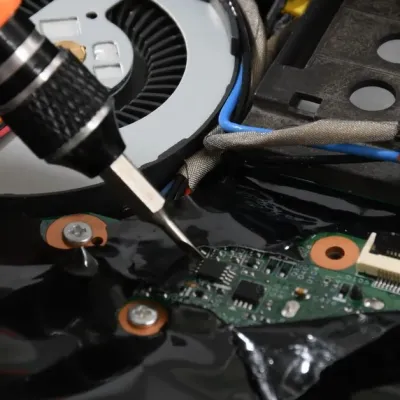
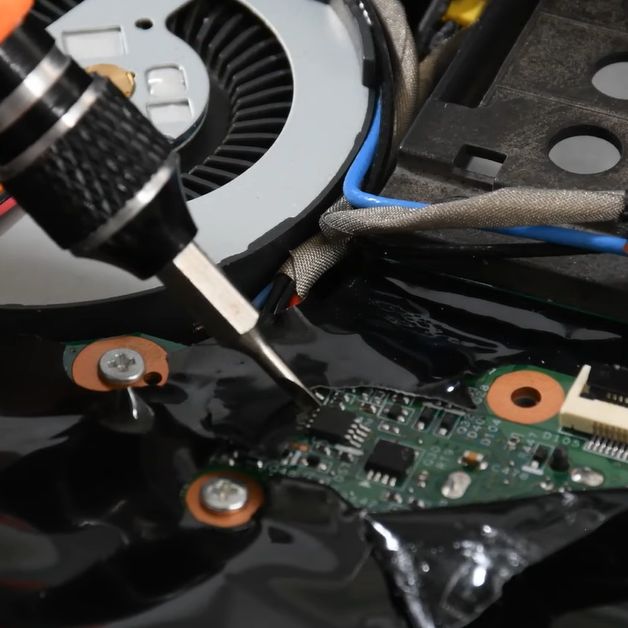
In the olden days, an administrator password on a BIOS was a mere annoyance, one quickly remedied by powering off the system and pulling its CMOS battery or moving a jumper around. These days, you’re more likely to find a separate EEPROM on the mainboard that preserves the password. This, too, is mostly just another annoyance, as [onionboots] knew. All it takes is shorting out this EEPROM at the right time to knock it offline, with the ‘right time’ turning out to be rather crucial.
While refurbishing this laptop for a customer, he thought it’d be easy: the guide he found said he just had to disassemble the laptop to gain access to this chip, then short out its reset pin at the right time to make it drop offline and keep it shorted. Important here is that you do not short it when you are still booting the system, or it won’t boot. This makes for some interesting prodding of tiny pins with a metal tool.
What baffled him was that although this method worked, and he could now disable the password, on the next boot, it would be enabled again. As it turns out, to actually save the new supervisor password status to the EEPROM, you should stop shorting its pin, else you cannot write to it. Although the guide said to keep shorting it, this was, in hindsight, a clear case of relying too much on instructions and less on an obvious deduction. Not like any of us are ever guilty of such an embarrassing glitch, natch.
At any rate, it was still infinitely faster than trying to crack such a password with a brute-force method, even if helped by an LLM.

You must be logged in to post a comment Login