Tech
That Old Smartphone Sitting In A Drawer Could Be A Disaster Waiting To Happen


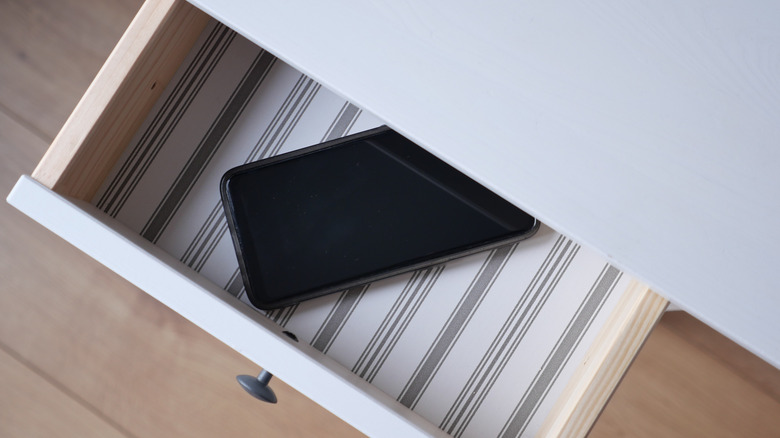
For many gadget enthusiasts, it’s a badge of honor to have a large collection of old tech, such as an assortment of old smartphones. Others may keep old phones around because they don’t know what else to do with them, or because they have important data that may be useful in the future. But if you’ve got a phone or two shoved into a drawer, out of sight and mind, you should probably be aware that they can pose risks both physical and digital.
For one, the lithium-ion batteries in them can degrade and become prone to spontaneous combustion over time. In the digital realm, old smartphones can be the virtual equivalent of an unlocked window, the perfect point of entry for malicious actors to breach the security of your private work and personal data.
That doesn’t mean you should never hold on to an old smartphone, even if disposing of old electronics by recycling or donating them is probably the better move. It does, however, mean that you should never chuck old phones in a drawer and forget about them. To lower those associated risks as much as possible, old smartphones should be properly stored and maintained. So, here’s a deeper look at what can go wrong when you keep an old phone around, and how you can reduce the chances of something going wrong.
Old lithium-ion smart phone batteries can be a ticking time bomb
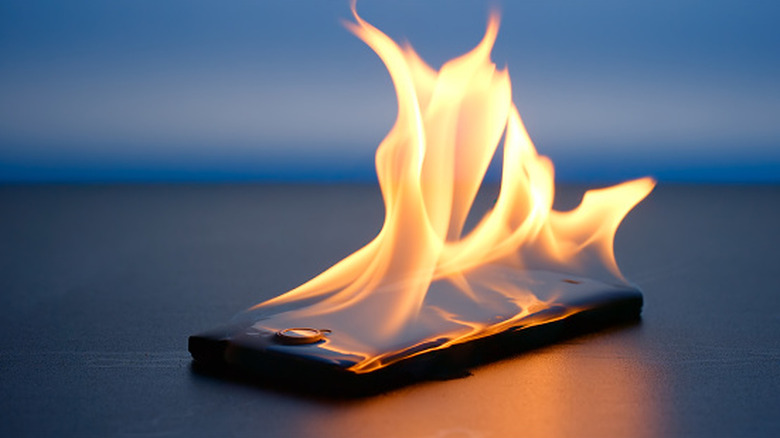
Old smartphones mean old smartphone batteries. These degrade over time, and when they do, they become volatile. In some cases, they can spontaneously catch fire and cause a minor explosion. This can cause injuries and start fires. Even new batteries aren’t entirely safe: In September 2024, for example, Boston 25 News reported a house burned down after a charging smartphone’s battery exploded and started a fire.
Incidents of that severity are rare, but minor catastrophes are more common. In 2022, popular tech YouTuber Arun Maini, who posts under the moniker Mrwhosetheboss and maintains a vast collection of old phones he’s reviewed over the years, reported that three Samsung phones from his smartphone menagerie had exploded during the record-breaking heat wave that afflicted the U.K. that summer. Maini claimed he had spoken to other popular tech creators, Austin Evans, Marques Brownlee, and Zack Nelson, all of whom had experienced the same issue at one time or another.
If you insist on keeping old phones around, you should store them in a cool, dry environment to minimize the risk of a battery-related incident. You should also charge the phone to around 50% every so often to help the battery stay healthy. If the phone has an easily removable battery, you should pop that battery out. Note that you should not dispose of lithium-ion batteries in your household trash. Many tech stores, such as Best Buy, have on-site battery disposals, and there are often battery recycling services you can search for in your area.
Old smartphones are an additional cybersecurity threat surface to manage
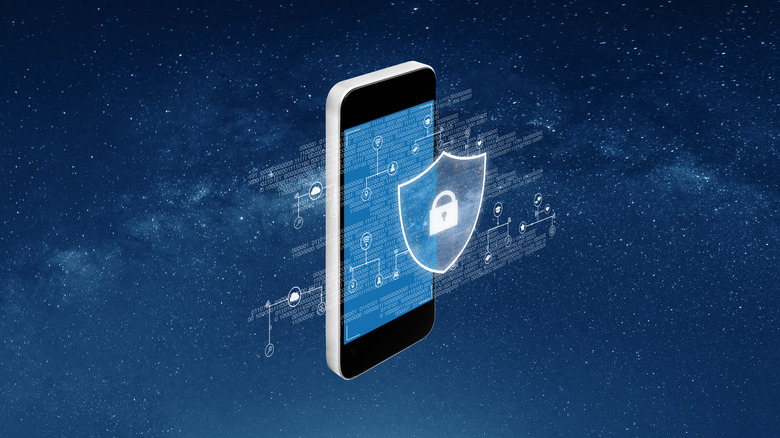
Your mileage may vary when it comes to old batteries, and many people hang onto old technology without incident. However, old phones also pose a tangible threat to your cybersecurity. All your old messages, photos, and app data remain on phones, even after you stop using them. Unless you factory reset a phone, it remains a treasure trove of personal data that cybercriminals would love to get their hands on. You’re keeping an unnecessary attack surface exposed, a major no-no in the cybersecurity world.
Making matters worse, phones eventually stop receiving security updates; when a phone is no longer updated, it becomes more vulnerable to attacks, and new exploits go unpatched. You may think you’re safe because the phone is turned off while it languishes in your drawer, but you should never entirely discount the risk of physical access. If, for instance, your home were to be robbed and the phone stolen, the robbers would have a much easier time gaining access to that old, insecure phone than they would to a new one.
At the very least, you should occasionally check for and install any updates for that phone while it remains in your possession. Once it stops getting updates, you should move any important data to another device or USB storage drive and perform a factory reset. You should also make sure that the old phone remains disconnected from your home network so that it cannot become an attack vector for the rest of your devices.
You must be logged in to post a comment Login