Tech
The Pixel 11 Pro XL takes incredible pictures, but takes too long to process them

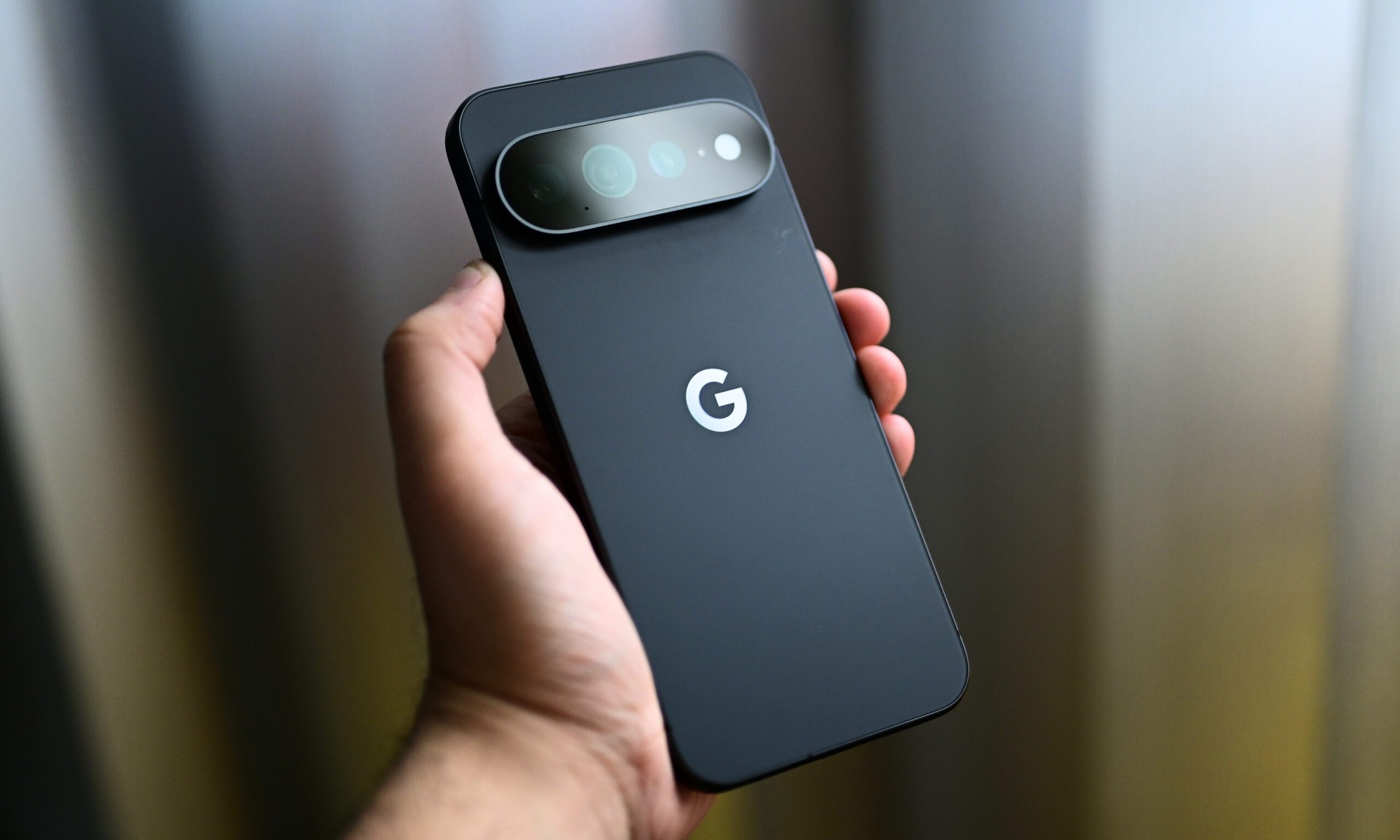
Over the last two weeks, I’ve captured more than 1,000 pictures with the Pixel 11 Pro XL. It’s undoubtedly one of the best camera smartphones available in the US right now, especially since the Chinese Ultra flagships aren’t officially sold here.
It doesn’t have a four-camera setup like the S26 Ultra, but the telephoto and ultrawide cameras feature bigger sensors this year, which add detail and clarity to pictures, especially those captured after sunset.

The wait is where things fall apart
I like the camera array on the Pixel 11 Pro XL, but there’s a reason why it didn’t score a perfect 10/10 in my review, something that annoys me to the core almost every time I point the Pixel at a scene and press the shutter button: it’s what comes after that. It doesn’t matter whether you’re capturing a picture at the default resolution (12MP) or increasing it to 50MP; the photos always take a few seconds to be ready.
As someone who likes to play around with a smartphone camera, capture back-to-back pictures of the same frame from multiple angles and zoom levels, and has a habit of viewing the pictures and deleting them on the spot, I found myself more annoyed with the Pixel 11 Pro XL than any other phone I’ve tested recently.
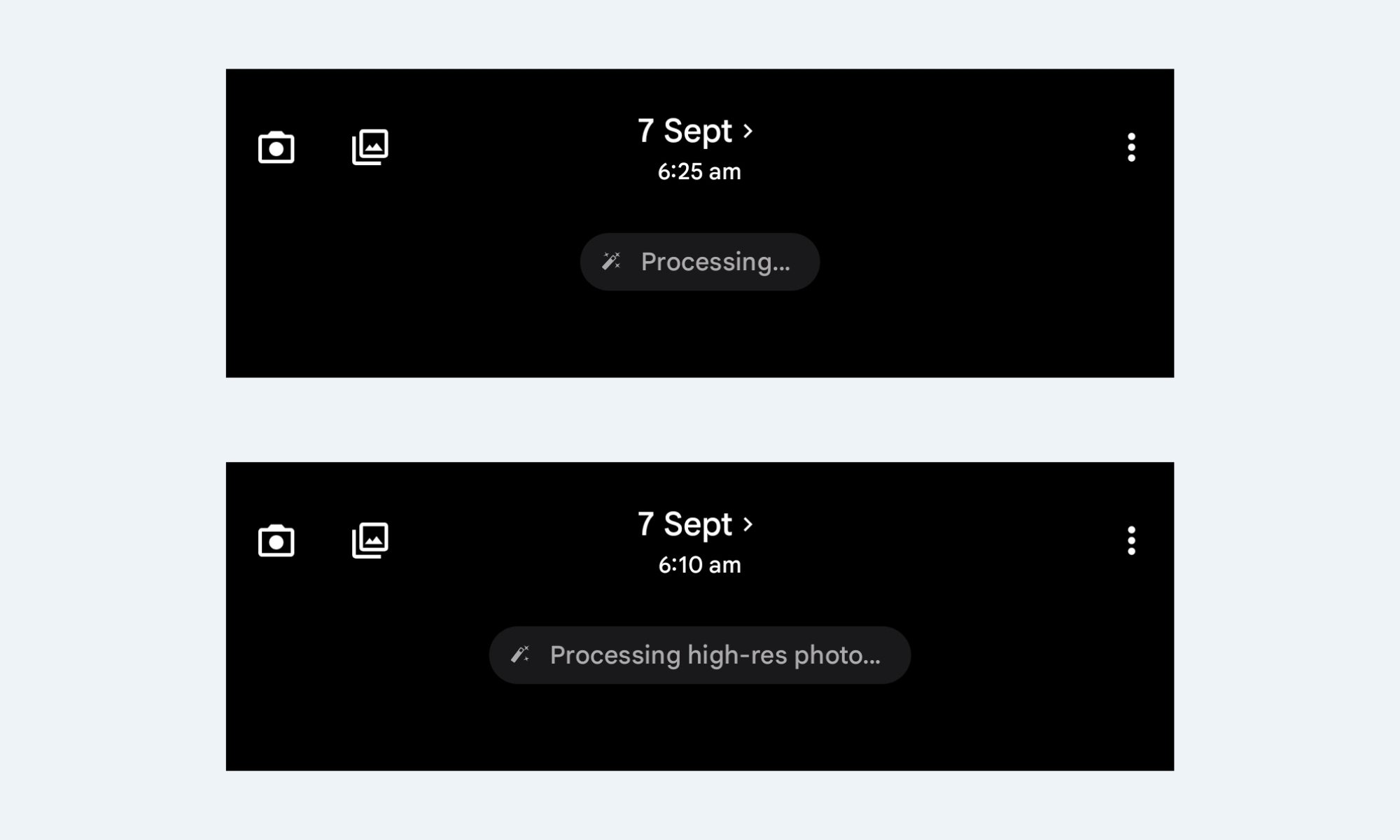

I noticed this very early on in the testing period, something that I’ve already mentioned in my review. At 12MP, the phone takes about a second or two to process a picture, stacking tone mapping, sharpening, and noise cleanup that give Pixel photos their signature look. And that’s sort of fine. Even my iPhone 17 takes a second or two to process pictures and add that extra bit of detail.
50MP mode is where it gets bad
However, when you set the resolution to 50MP, the real problem begins. The Pixel 11 Pro XL consistently takes around two seconds or more to process high-resolution pictures. In fact, I’ve seen the “Processing high-res photo…” message so many times that I didn’t even need to look up the exact phrasing while writing this.
This isn’t something that will bother you on the regular days, when you aren’t using the camera as much. If you don’t bother checking a picture on the spot, you’d probably never notice this as well. However, on days when you’re out with friends for the weekend, on vacation with family, or capturing dozens of pictures for a review, the gap between pressing the shutter and actually holding a shareable photo is quite apparent.
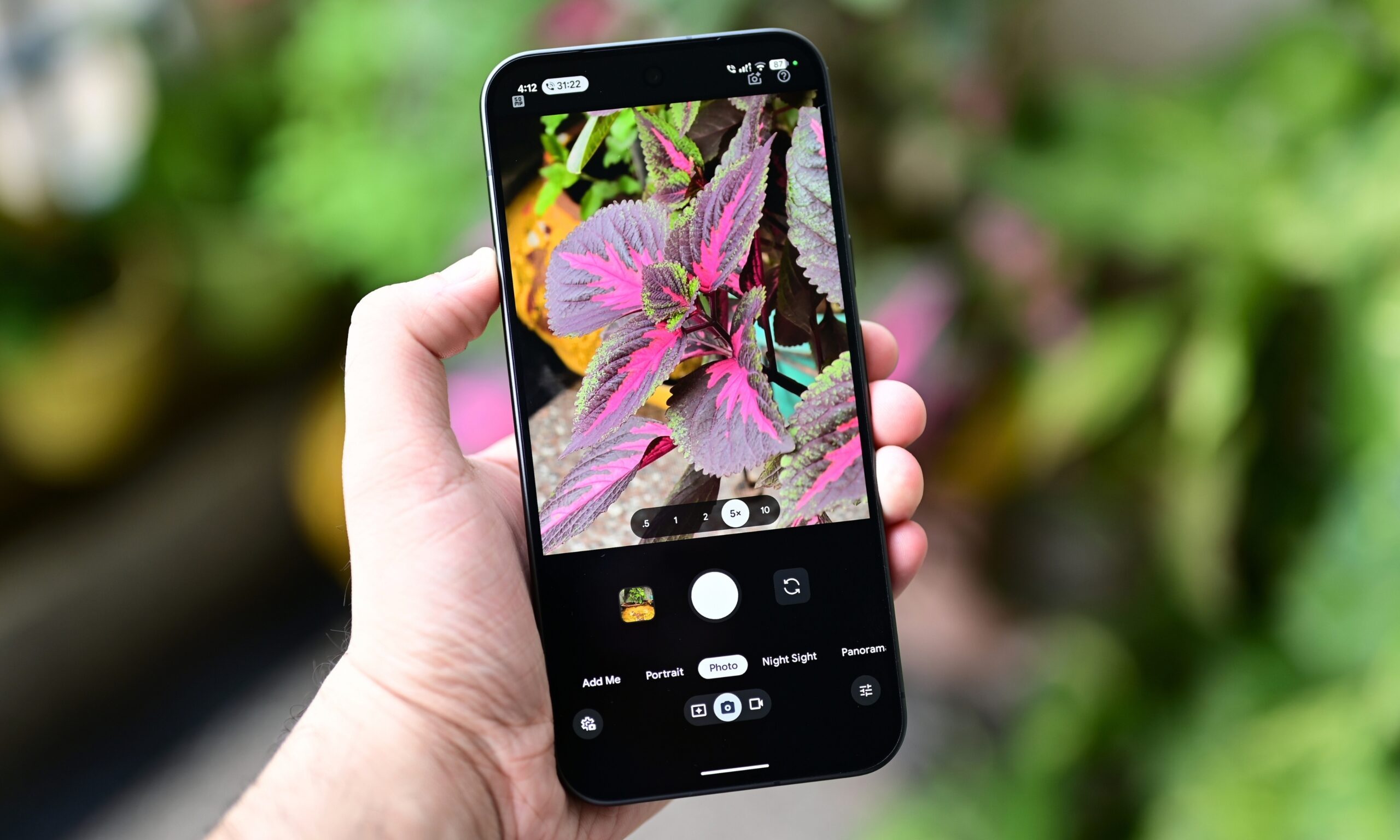
Now, don’t get me wrong. The shutter speed is quite good, and so is the overall camera performance. But it doesn’t really matter whether I’m using the primary camera, any other lens in the array, a regular or a portrait picture, for that matter; the lag shows up consistently. Try capturing a couple of 50MP pictures in a row and previewing them, and you’ll see what I mean.
The phone really looks like it’s buckling under the weight of multiple high-resolution pictures at once, taking around three to four seconds before I can see one.
So, who’s actually to blame?
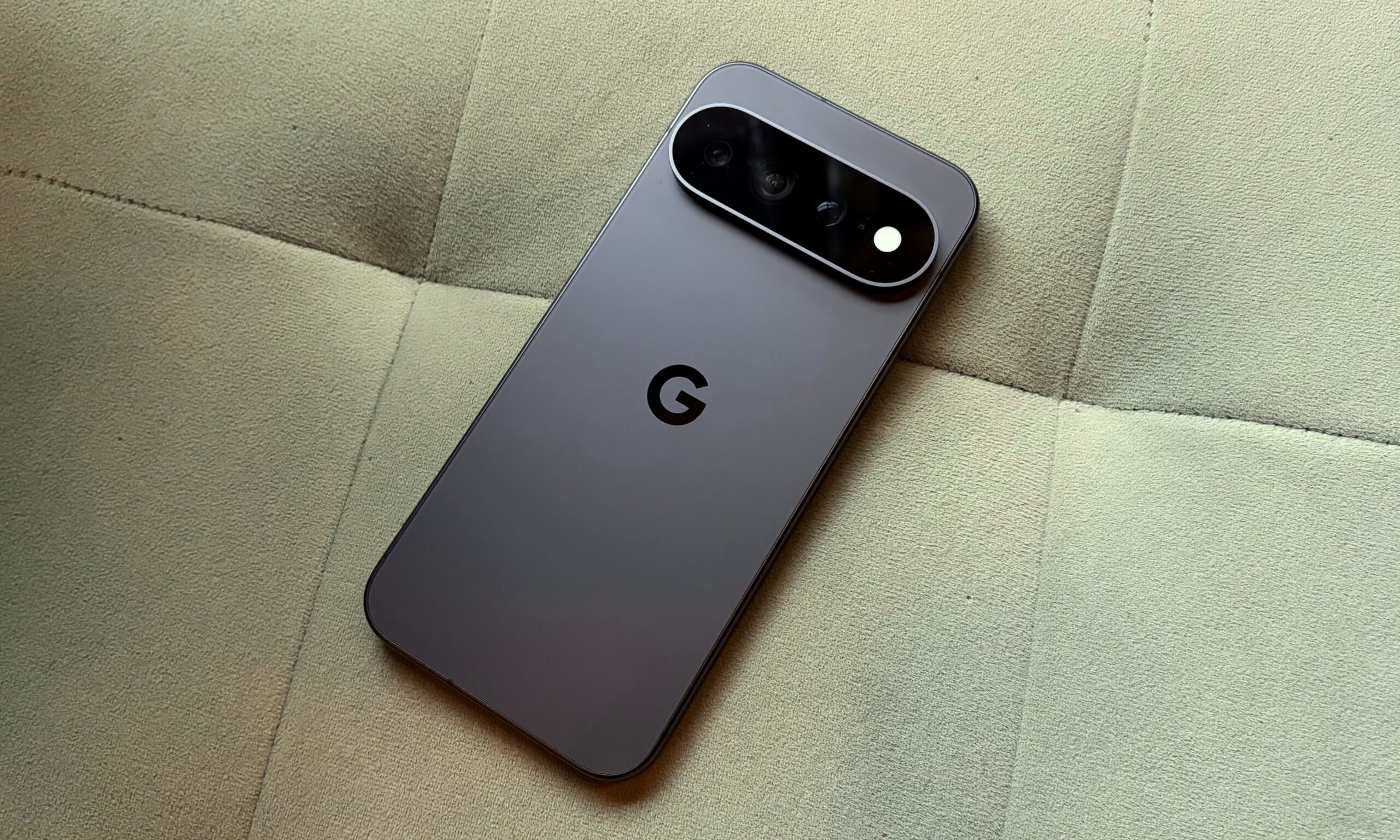
It’s not like other phones don’t take time to process pictures, but it’s not as apparent or consistent as it is on the Pixel. Given that the processing time isn’t as noticeable and annoying on flagships with more powerful chipsets, I’d point to the Tensor G6’s modest peak performance well before I’d point to Google’s computational photography pipeline.
Setting aside the Tensor G5-relative performance gains, it doesn’t feel reasonable to wait more than a few seconds for my pictures to surface, especially given the phone’s premium asking price. At $1,299 (for the base variant with 12GB of RAM and 256GB of storage), I’d like my photos to show up with a little more urgency, not saunter in four to five seconds after I capture them.
I’m looking forward to Google fixing this, because waiting for pictures really undermines the exceptional Pixel camera experience.
You must be logged in to post a comment Login