Tech
What’s The Difference Between These Samsung Watches?

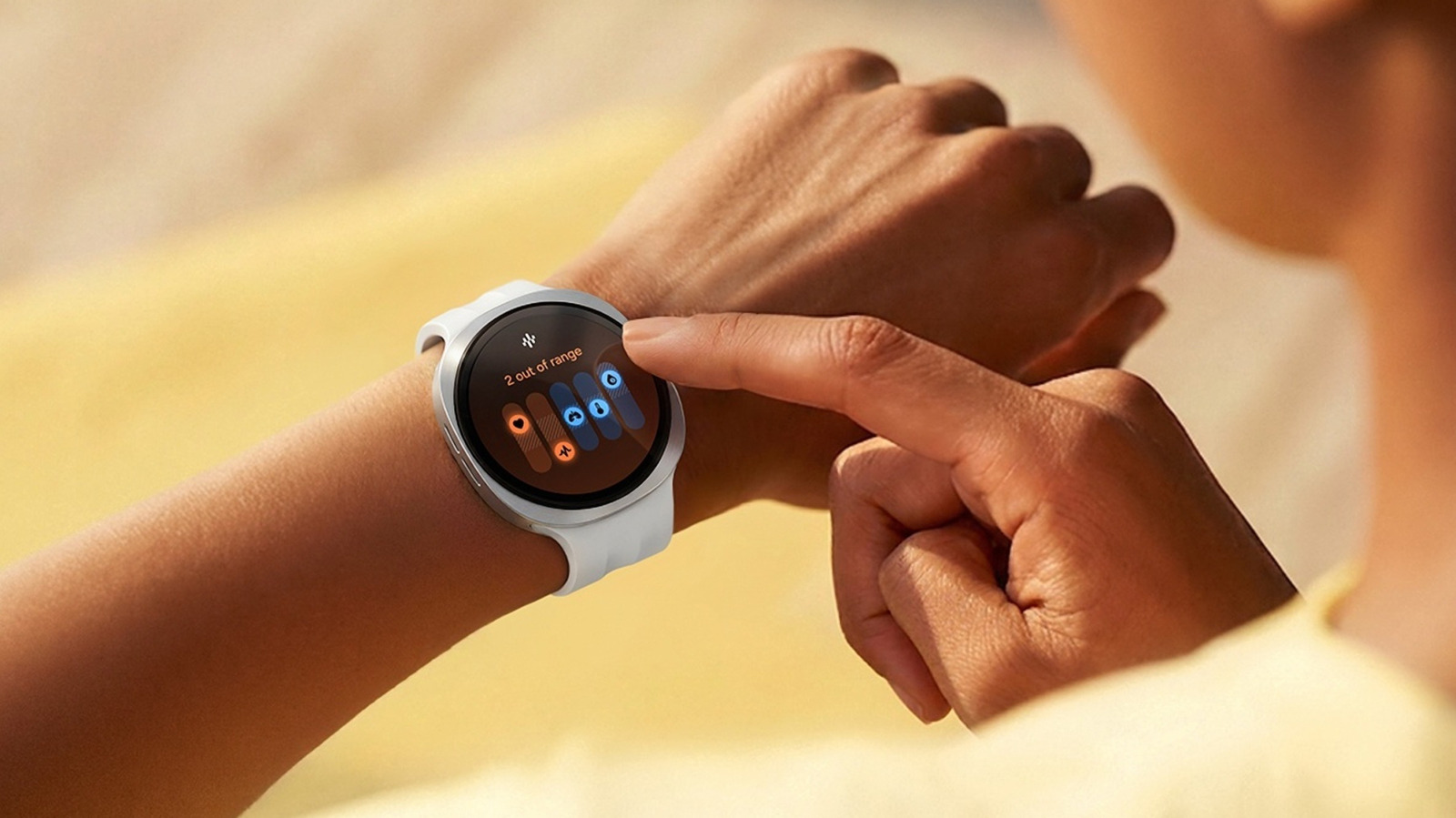

Anyone weighing up Samsung’s 2026 smartwatch options — Galaxy Watch Ultra 2 and Galaxy Watch 9 — would have to pick one over the other mostly based on price, since the former costs nearly twice as much as the latter. But if money’s not a problem, then the question shifts to whether the Ultra 2 is worth the extra cash. While there are some key differences, both share more or less the same foundation, like being powered by Qualcomm’s Snapdragon Wear Elite processor. They also use the same BioActive sensor package, allowing health tracking to work identically on either watch.
As for differences, the first thing you’d notice is also what would make or break your decision. The Galaxy Watch Ultra 2 — the predecessor to the Galaxy Watch Ultra — comes in just one size, 47mm, landing on your wrist at 61.5 grams. Meanwhile, the 40mm Galaxy Watch 9 weighs roughly half of that, coming in at 31.5 grams. Even the larger 44mm version tips the scales at just 34 grams. You’d certainly feel the difference on your wrist, and even more so if it’s skinny. This can be a real drawback considering wearing something around the clock is exactly how these watches collect health data.
However, with that additional weight, you get fancier materials. While both watches have the same sapphire crystal over the screen, the Ultra 2 uses a grade 4 titanium frame and a ceramic-and-sapphire back. The Watch 9 sticks with aluminum and some plastic. Water resistance on a Galaxy Watch gets measured in atmospheres, and Samsung rates the Watch 9 at 5ATM, while the Ultra 2 doubles that to 10ATM.
Beyond the immediate differences
Additionally, the Ultra 2 has a third button that the Watch 9 lacks. It’s this orange Quick Button you can map to whatever you want. Holding it down for five seconds triggers a safety feature, too – an 86-decibel siren, which Samsung says carries up to 180 meters.
However, perhaps the biggest selling point of the Ultra 2 is the battery. The company quotes up to 60 hours with the always-on display running. That said, one of the tips to maximize battery life on a Galaxy Watch is to switch off the AOD. GSMArena and Wareable did that and were able to push the battery to over four days. Strangely, however, the reviews found the Galaxy Watch 9 delivering less than promised. Samsung claims up to 30 hours with AOD on, but several outlets, including GSMArena and PCMag, achieved far less than that, sometimes not even getting a full day out of it.
The other differentiating factor is display brightness. The Ultra 2 supposedly peaks at 5,000 nits against 3,000 for the Watch 9. That said, Samsung, in a footnote, quietly explains that’s for a localized peak under bright light. The Ultra 2 also doubles storage to 64GB against the Watch 9’s 32GB.
Other useful features present on the Ultra 2 but not on the Watch 9 include Trail Run, which reads live elevation, how deep into a climb you are, and your total ascent. That 10ATM rating also comes in handy underwater, since the Ultra 2 is likewise capable of logging depth and water temperature.
You must be logged in to post a comment Login