Tech
Why You Should Think Twice Before Buying That High-End Wi-Fi 7 Router


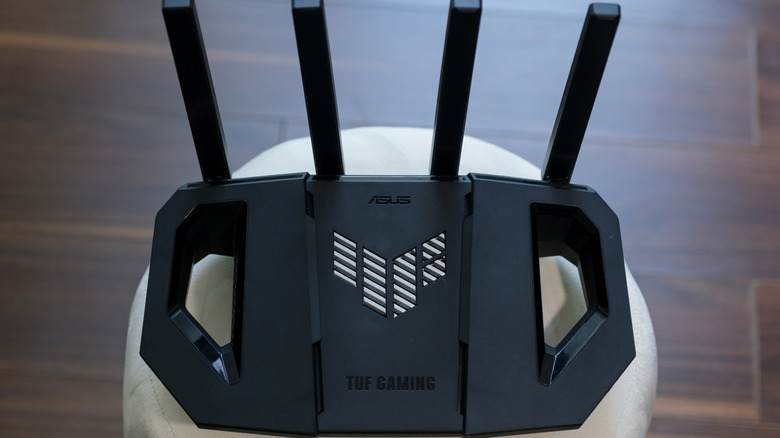
Since arriving on shelves in 2023, Wi-Fi 7 routers have enticed consumers with promises of lightning-fast internet access and other benefits. However, while Wi-Fi 7 delivers on many of its selling points, that doesn’t necessarily mean you need to spend extra money on a premium Wi-Fi 7 router. Even if you decide to buy one of these routers, a mid-range model is often all you need for most households. That said, you may not even be able to take advantage of the benefits Wi-Fi 7 offers just yet.
It’s true that Wi-Fi 7 routers are an upgrade over their previous iterations. Although results vary based on numerous factors, they can offer throughput speeds up to about three times faster than their Wi-Fi 6 equivalents. Tests also reveal that Wi-Fi 7 routers tend to beat routers of previous generations when it comes to maintaining signal strength. CNET‘s testing reveals that the 15 Wi-Fi routers in its lab averaged 515 Mbps at 50 feet across all three bands, outperforming the Wi-Fi 6 routers by a significant margin, as those averaged 383 Mbps. The 6GHz band plays a big part here, though that band isn’t new to Wi-Fi 7.
Those benefits are all real, so if you’re considering upgrading to a Wi-Fi 7 router, that makes sense. You just need to make sure you’re not breaking the bank when doing so, as premium models aren’t worth it for most people.
Things to consider when buying a Wi-Fi 7 router
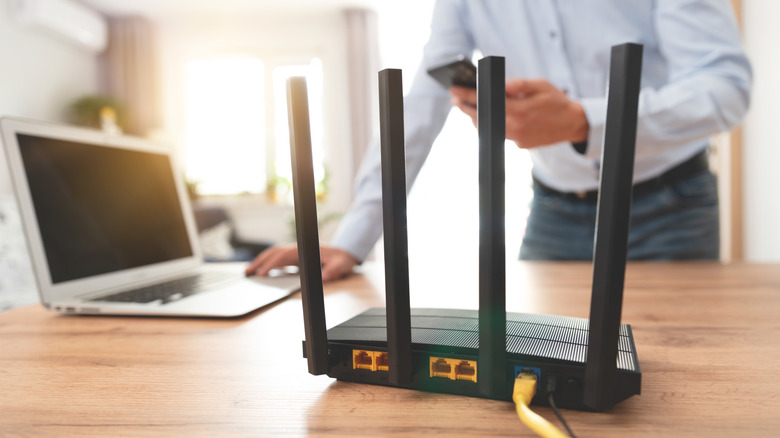
First, it’s worth noting that not all devices support Wi-Fi 7. That doesn’t mean a device that doesn’t support the technology won’t be able to connect to the internet via a Wi-Fi 7 router, but it does mean that it may be unable to take full advantage of the tech.
This factor alone shouldn’t make or break your decision to get a Wi-Fi 7 router. Even if your current devices don’t fully support the technology, newer, upgraded ones likely will. However, if you’re hoping for instant improvements across every piece of tech you own, that’s probably not going to happen.
Not all Wi-Fi 7 routers are created equal. Some Wi-Fi 7 routers are tri-band, while others are only dual-band, which means they don’t offer the fastest 6GHz option. Tests have shown that only the tri-band models are the better buy, as they’re the ones that offer a true performance uplift.
Lastly, be aware that your internet plan is most likely the ceiling, no matter how capable the router. The Federal Communications Commission (FCC) tested the advertised download speed across several ISPs, and the weighted average came out to 467 Mbps. You might not need a router that exceeds what your plan offers. On top of that, the 6 GHz band that Wi-Fi 7 offers may be fast if you’re near the router, but since it can’t penetrate walls and other obstacles as well as other frequencies, it might not properly serve your household.
You might not need the expensive Wi-Fi 7 router

Ultimately, a Wi-Fi 7 router isn’t necessary for everyone, and the same is true about premium models. You should assess your needs if you’re not sure whether making the upgrade is worthwhile. If you live in a household where the Wi-Fi connection needs to support multiple devices, gaming, video calls, large file downloads, etc., you’re the target consumer for this technology. If your Wi-Fi needs are fairly standard, you can probably wait to make the switch.
If you do decide to go ahead with buying a Wi-Fi 7 router, it’s still important to understand that you might not need to spend hundreds of dollars on a high-end model. You’re likely in the market for one of these routers because speed is a priority. Fortunately, tests indicate that you can find Wi-Fi 7 routers that deliver on this front for around $200 or less. Similarly, rankings of Wi-Fi 7 routers on websites like RTINGS indicate that, while the top-performing models may technically be the premium ones, the mid-range units tend to be more than good enough for the average household.
If you’re still unsure whether Wi-Fi 7 is right for you, you might want to do more research into the features that differentiate Wi-Fi 7 from Wi-Fi 6 before making a decision. It may also be necessary to learn about how to upgrade your devices so they’re more compatible with Wi-Fi 7.
You must be logged in to post a comment Login