Tech
YouTube Premium Users Should Consider Cutting This Subscription ASAP


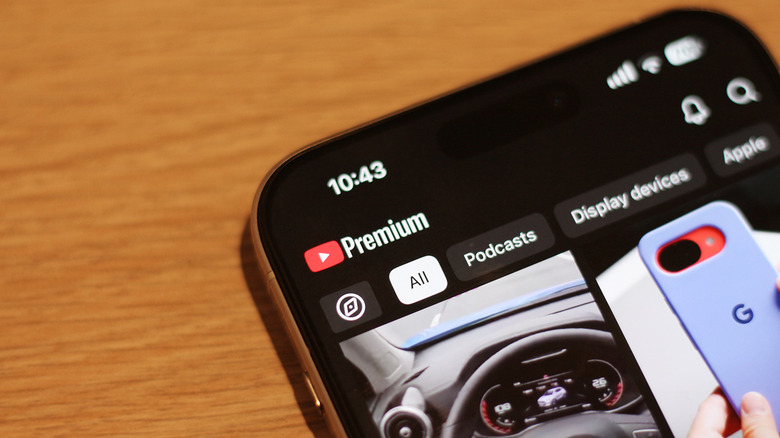
You will struggle to find a catalog of videos more diverse than YouTube’s. Whether you’re looking for a quick comedy sketch or an hour-long video essay about true crime, you’re a search and a tap away. Unlike major movie streaming platforms like Netflix and Disney+, YouTube lets you watch nearly every video on the platform for free. Over the years, however, the video-watching experience on YouTube for those on its free tier has become increasingly difficult to enjoy thanks to the sheer number of ads it makes you sit through.
YouTube Premium has therefore become almost essential for those who turn to the platform for entertainment. There are several things worth knowing before subscribing to YouTube Premium, including that the individual plan costs $16 a month at the time of writing. You can theoretically enjoy it for less if you sign up for the family plan priced at $27 a month and find enough family members in your household (up to five others) to split the cost with. Easily the subscription’s biggest perk is its ad-free video-watching experience, but there are other YouTube Premium features that make the monthly fee easier to justify, like background watching, picture-in-picture for music content, and offline downloads.
A major benefit that’s easy to overlook when signing up for YouTube Premium is that it also includes a full subscription to YouTube Music — a service that costs $12 per month on its own. If you’re also paying for Spotify, Apple Music, or Tidal, perhaps it’s time to consider cutting that subscription and giving YouTube Music a shot instead.
Here’s what YouTube Music offers
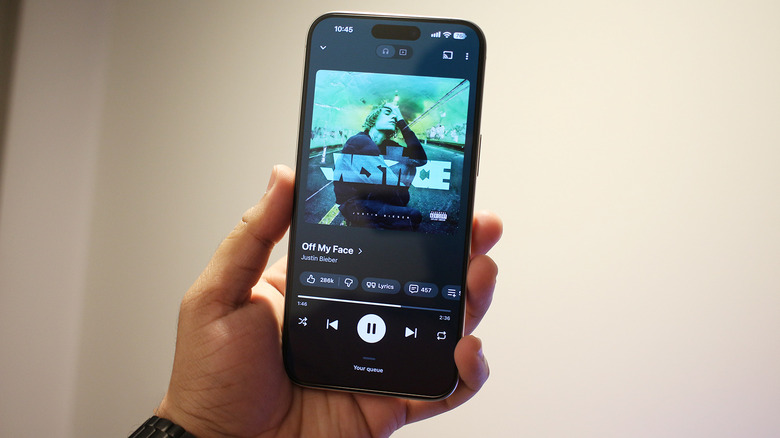
With over 100 million songs, YouTube Music is one of the largest music streaming services around, rivaling the likes of Spotify and Apple Music. Unlike the latter, though, you can use YouTube Music with a free account, albeit with occasional advertisements and without support for playback when the screen is off. However, if you already have a YouTube Premium subscription, you get access to the real deal. YouTube Music is available on Android and iOS as an app you can download and on the web so you can access it on any device with a browser. What the platform has got going for it is its tight integration with YouTube, allowing for a seamless video-watching experience if and when you decide to switch to the video version of a song.
YouTube Music has a “Speed Dial” section front and center that lets you jump back into songs or playlists you’ve been listening to recently. There’s a “Samples” tab that acts as a scrollable discovery feed for music, too. Since it’s well integrated with YouTube, you can see how many likes a song has and can even read comments people have left. Like other music apps, you can manage your queue, add a track to a playlist, or download it for offline listening. There’s a sleep timer tucked away as well. A cool feature YouTube Music has is the ability to search for songs by humming their tunes.
How does YouTube Music fare against the competition?
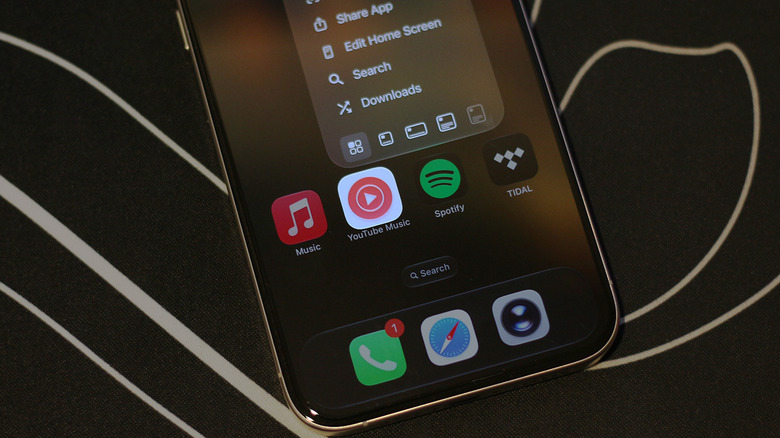
Assuming you’re paying for another music streaming service like Spotify, switching to YouTube Music if you already have a YouTube Premium subscription is an easy way to save on your monthly subscription bill. It’s got basically the same catalog of songs as other music streaming platforms in addition to the usual set of features like synced lyrics, offline downloads, and a really good discovery algorithm. However, there is a major criticism YouTube Music regularly faces — audio quality.
In a world where most music providers like Apple Music and Tidal keep touting support for Hi-Res Lossless audio and listening experiences like Dolby Atmos, track quality on YouTube Music is capped at 256kbps with either AAC or Opus codecs. In fact, this isn’t even the default option it offers out of the box. To get the highest-quality audio out of YouTube Music, you’ll have to manually select the “Always High” option under the audio quality settings.
In comparison, Spotify lets you switch to lossless audio at up to 24-bit/44.1kHz in the FLAC audio format. Apple Music and Tidal go even further than CD quality. While audiophiles may be deterred by the lack of lossless audio or Dolby Atmos on YouTube Music, for casual listening, these drawbacks likely don’t matter much — especially if you’re using a pair of wireless headphones or earbuds anyway.
You must be logged in to post a comment Login