Business
Payroll Software Philippines: Complete Guide For Businesses
Managing employee salaries can become increasingly complicated as a business grows. What starts as a simple spreadsheet can eventually involve hundreds of employees, overtime, allowances, deductions, government contributions, withholding taxes, loans, bonuses, 13th month pay, and detailed payroll reports.
This is where payroll software in the Philippines can make a significant difference.


A modern payroll system can automate many of the repetitive tasks involved in payroll processing while helping businesses maintain more accurate employee records and payroll calculations. Instead of manually calculating salaries and deductions every payday, companies can use payroll management software to streamline the process and reduce the possibility of human error.
For small businesses, growing companies, and large organizations, investing in an automated payroll system in the Philippines can potentially save time, improve efficiency, and give HR and accounting teams better control over payroll operations.
What Is Payroll Software?
Payroll software is a computer-based system designed to help businesses calculate employee compensation, deductions, taxes, government contributions, and other payroll-related information.
Instead of maintaining payroll information across multiple spreadsheets and documents, businesses can keep employee records and payroll data in a centralized system.
Depending on the software, a payroll system may handle:
- Employee information
- Basic salary and wage rates
- Daily time records
- Overtime
- Night differential
- Holiday pay
- Leave deductions
- Allowances
- Bonuses
- 13th month pay
- SSS contributions
- PhilHealth contributions
- Pag-IBIG contributions
- Withholding tax
- Employee loans
- Salary deductions
- Payslips
- Payroll reports
- Year-end payroll information
The exact features vary between providers, so businesses should carefully evaluate whether a payroll application supports the requirements of their industry and workforce.
Why Do Philippine Businesses Need Payroll Software?
Payroll is one of the most important administrative functions of any company. Employees expect to receive the correct salary on time, while employers need to properly calculate and remit required deductions and contributions.
Manual payroll processing can become difficult when a company has a growing workforce.
For example, a business with 10 employees may be able to manage payroll using spreadsheets. However, a company with 100, 500, or 1,000 employees may need a more structured payroll management system.
A payroll system can help automate repetitive calculations and provide a centralized source of payroll information.
This can be particularly useful for companies with employees working different schedules, multiple branches, different salary rates, overtime, commissions, and various types of allowances.
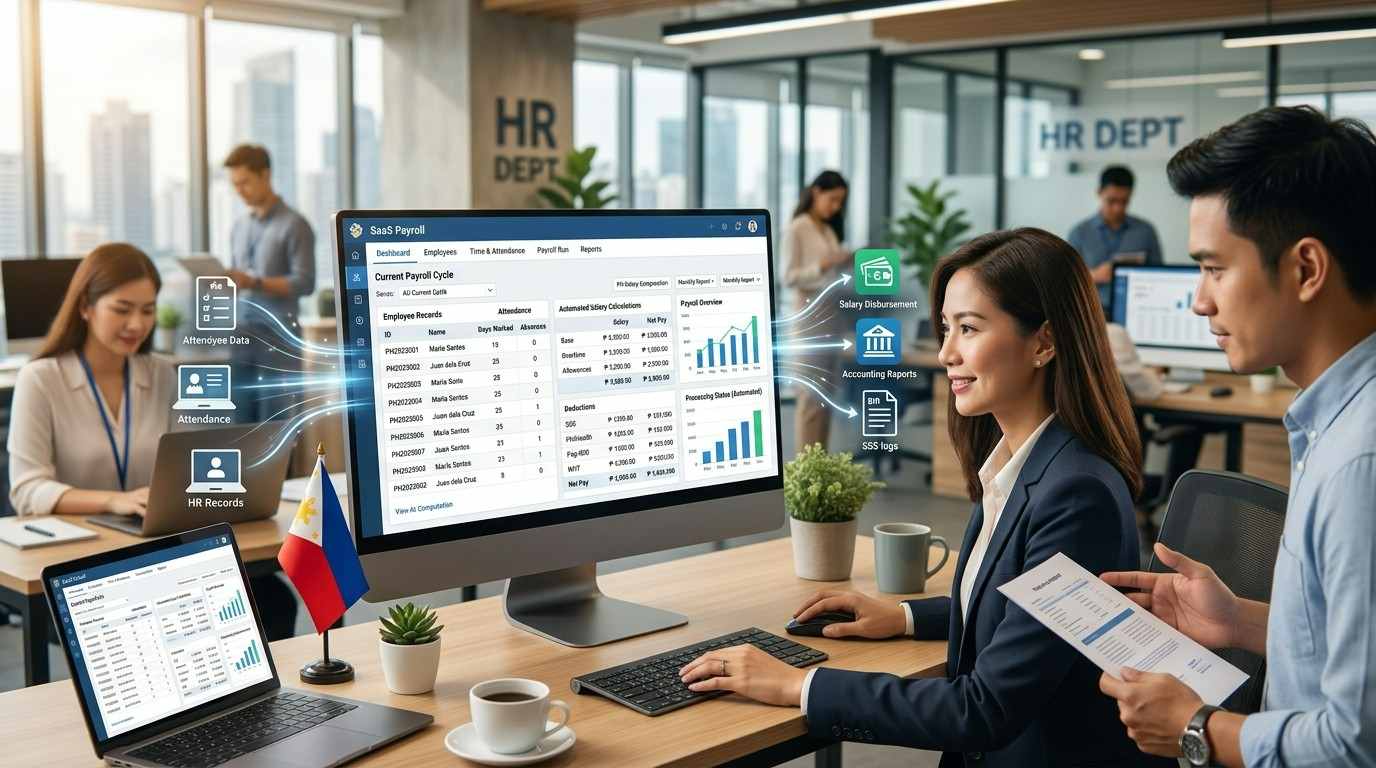
Key Features to Look for in Payroll Software Philippines
Not all payroll systems are created equally. Before purchasing payroll software, businesses should identify the features they actually need.
1. Automated Salary Computation
One of the most important features is automated salary calculation.
The system should be capable of calculating employee compensation based on the company’s payroll schedule and compensation structure.
Depending on the business, this may include monthly salaries, semi-monthly payroll, daily wages, hourly rates, overtime, allowances, commissions, bonuses, and other compensation.
2. Government Contributions
Payroll software for Philippine businesses should support the country’s mandatory employee and employer contributions.
This commonly includes SSS, PhilHealth, and Pag-IBIG deductions and contributions.
For example, the SSS contribution schedule has undergone changes in recent years. The SSS states that the contribution rate increased to 15% effective January 1, 2025, with the maximum Monthly Salary Credit increased to ₱35,000.
This illustrates why businesses should choose payroll software that receives regular updates when government contribution rules change.
3. Withholding Tax Calculation
Another important feature is employee withholding tax computation.
Payroll software can help calculate the appropriate withholding tax based on employee compensation and applicable tax rules.
The Bureau of Internal Revenue provides official information and forms relating to withholding tax on compensation. BIR Form 1601-C, for example, is used for reporting withholding tax on compensation.
Automating these calculations can reduce the amount of manual work required from payroll and accounting personnel.
4. Employee Self-Service
Modern HR payroll software may also include an employee self-service portal.
Instead of asking HR for every payroll-related document, employees may be able to access information such as:
- Electronic payslips
- Leave balances
- Attendance records
- Payroll history
- Tax documents
- Employee information
- Company announcements
This can reduce administrative workload while giving employees faster access to their information.
5. Timekeeping and Attendance Integration
Payroll becomes much easier when the payroll system can receive attendance information directly from a timekeeping system.
Instead of manually entering employee attendance, HR personnel can import or synchronize time records.
This can help calculate regular working hours, tardiness, undertime, overtime, absences, and other attendance-related payroll adjustments.
6. Payroll Reports
A good payroll management system should provide comprehensive reports.
Common payroll reports include:
- Payroll register
- Employee payroll summary
- Salary reports
- Deduction reports
- Government contribution reports
- Tax reports
- Department payroll reports
- Branch payroll reports
- Overtime reports
- Leave reports
- Payroll journals
These reports can also be useful for accounting, budgeting, auditing, and management decision-making.
Cloud-Based Payroll Software vs. Desktop Payroll Software
Businesses looking for payroll software in the Philippines will typically encounter both cloud-based and traditional desktop systems.
Cloud Payroll Software
Cloud-based payroll software stores the application and data on remote servers and can generally be accessed through an internet connection.
One advantage is accessibility. Authorized users may be able to access payroll information from different locations without installing the complete application on every computer.
Cloud software can also be attractive to companies with remote HR teams, multiple branches, or employees working from different locations.
However, businesses should evaluate the provider’s security measures, backup policies, user permissions, data protection practices, and service availability before subscribing.
Desktop Payroll Software
Traditional payroll applications are installed directly on company computers or servers.
This approach can provide businesses with greater control over their internal infrastructure and may be suitable for organizations with established IT departments.
However, companies may need to manage their own backups, server infrastructure, software updates, security, and technical maintenance.
Payroll Software and Philippine Government Compliance
Payroll processing in the Philippines involves more than simply calculating an employee’s salary.
Employers need to consider applicable labor, tax, and government contribution requirements.
For example, employers are responsible for properly handling SSS contributions. The SSS states that employers must use the applicable contribution schedule and provides electronic facilities for contribution reporting and payment.
Payroll software can make compliance-related calculations more manageable, but businesses should not assume that software automatically guarantees compliance.
Government rules can change. Contribution schedules, tax regulations, reporting requirements, and other policies may be updated over time.
Therefore, companies should select payroll software with a reliable update process and should regularly verify important payroll rules against official government sources.
Benefits of Using Payroll Software for Small Businesses
Payroll software is not only for large corporations.
Small and medium-sized businesses can also benefit from payroll automation.
Save Time
Automated calculations can significantly reduce the amount of time spent preparing payroll manually.
Instead of repeatedly entering formulas into spreadsheets, HR personnel can process payroll using predefined rules and employee information.
Reduce Human Errors
Manual payroll processing can result in incorrect formulas, duplicate entries, missing deductions, or incorrect employee information.
While payroll software cannot eliminate every possible mistake, automation can reduce many errors associated with repetitive manual calculations.
Improve Payroll Security
Payroll information is highly sensitive because it contains employee compensation and personal information.
Businesses should therefore consider software that provides user access controls, passwords, audit logs, backups, and appropriate security measures.
Improve Employee Experience
Employees want accurate and timely salary payments.
Providing electronic payslips and self-service access can also make it easier for employees to review their compensation and payroll history.
How Much Does Payroll Software Cost in the Philippines?
The cost of payroll software in the Philippines can vary significantly depending on the provider, number of employees, features, deployment model, and level of support.
Some providers offer subscription-based pricing, while others may charge an annual license or implementation fee.
Businesses should consider the total cost of ownership rather than simply comparing the advertised monthly subscription.
Potential costs may include:
- Monthly or annual software subscription
- Implementation fees
- Employee or user fees
- Customization
- Payroll migration
- Training
- Technical support
- Integration with accounting software
- Timekeeping integration
- Additional modules
A cheaper payroll application may not necessarily be the best option if it lacks essential features or requires significant manual work.
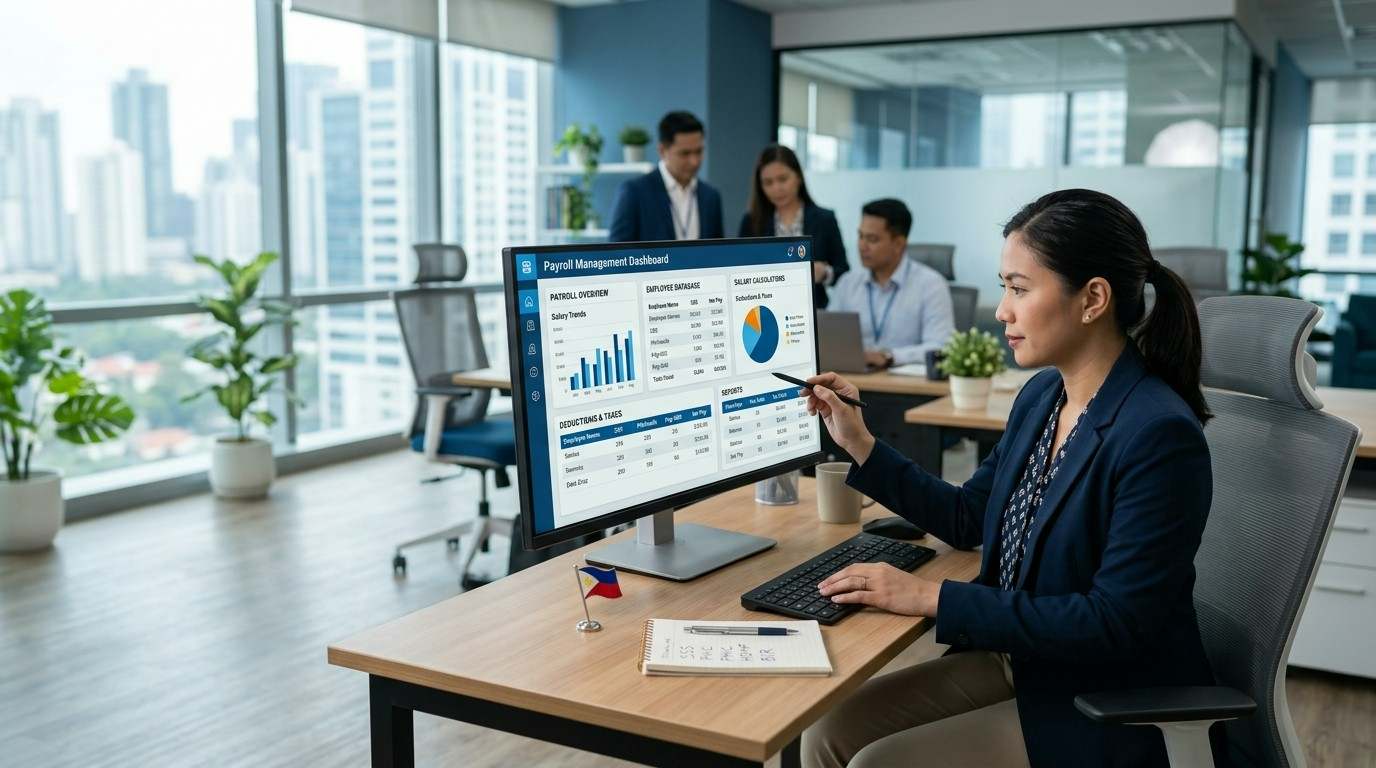
Payroll Software vs. Payroll Outsourcing
Some companies consider payroll outsourcing instead of purchasing payroll software.
With payroll outsourcing, an external payroll service provider handles some or most payroll-related processes on behalf of the company.
This can be attractive to businesses without dedicated HR or payroll personnel.
Payroll software, on the other hand, gives the company greater control over its internal payroll operations.
The right choice depends on the organization’s size, internal resources, budget, technical capabilities, and preference for control.
Some businesses may even use a combination of payroll software and external accounting or payroll services.
How to Choose the Best Payroll Software in the Philippines
Choosing payroll software should not be based solely on price.
Before signing a contract, businesses should evaluate the following:
- Number of employees: Make sure the system can support your current workforce and future growth.
- Payroll frequency: Check whether it supports your required payroll schedule.
- Government compliance: Verify that the software supports applicable Philippine payroll requirements.
- Accounting integration: Determine whether payroll can integrate with your accounting system.
- Timekeeping integration: Check whether attendance data can be imported automatically.
- Security: Review access controls, encryption, backups, and audit capabilities.
- Reports: Make sure the system provides the reports required by HR, accounting, and management.
- Support: Choose a provider with responsive technical and customer support.
- Updates: Ask how the provider handles changes to tax and government contribution rules.
- Scalability: Choose software that can grow with your business.
Payroll Software for Multi-Branch Businesses
Companies operating multiple branches have additional payroll challenges.
Employees may have different schedules, managers, departments, locations, and cost centers.
A centralized payroll system can help management consolidate payroll information while still allowing reports to be separated by branch or department.
This can be especially useful for retail stores, restaurants, hotels, construction companies, logistics businesses, and other organizations with employees distributed across multiple locations.
Payroll Software Integration With Accounting and HR Systems
The real value of payroll automation can increase when payroll software is connected to other business systems.
For example, an integrated business management platform could connect:
- Human Resources
- Payroll
- Timekeeping
- Accounting
- Employee Self-Service
- Expense Management
- Banking or salary disbursement
Integration can reduce duplicate data entry and make information easier to manage across departments.
For larger organizations, payroll integration can also help create a more centralized source of employee and financial information.
Common Payroll Problems That Software Can Help Solve
Businesses frequently encounter payroll problems caused by manual processes.
Some common examples include:
- Incorrect salary calculations
- Late payroll processing
- Incorrect overtime calculations
- Missing deductions
- Incorrect government contributions
- Duplicate employee records
- Lost payroll spreadsheets
- Difficulty tracking payroll history
- Limited payroll reports
- Manual encoding of attendance data
- Difficulty managing multiple branches
A properly implemented payroll system can help standardize these processes and make payroll easier to manage.
Is Payroll Software Worth It?
For many businesses, payroll software can be a worthwhile investment when the time and risks associated with manual payroll processing become significant.
The return on investment is not limited to the number of hours saved by the HR department.
Businesses should also consider the potential value of fewer payroll errors, faster reporting, better employee service, improved data security, and easier compliance management.
For a growing company, payroll automation can also provide a foundation for a broader HR management system.
Choosing the Right Payroll Solution for Your Business
Payroll software in the Philippines can help businesses modernize one of their most important administrative processes.
From salary calculations and employee deductions to government contributions, tax reporting, payslips, and payroll reports, automation can reduce repetitive work and provide HR and accounting teams with better control over payroll operations.
However, choosing the right payroll system requires careful evaluation.
Businesses should consider their number of employees, payroll requirements, industry, budget, security needs, government compliance requirements, accounting software, and future growth.
For small businesses, a simple cloud payroll application may be enough. Larger companies may benefit from an integrated HR and payroll software platform connected to timekeeping, accounting, employee self-service, and other business systems.
Most importantly, businesses should regularly verify payroll rules and government requirements against official sources because regulations and contribution schedules can change.
With the right technology and processes in place, payroll can move from a time-consuming administrative task into a more efficient, secure, and manageable business operation.
Frequently Asked Questions About Payroll Software Philippines
What is the best payroll software in the Philippines?
The best payroll software depends on the size and requirements of the business. Companies should compare features such as Philippine tax and government contribution support, employee self-service, attendance integration, accounting integration, reporting, security, pricing, and customer support.
Is payroll software suitable for small businesses?
Yes. Small businesses can benefit from payroll software because it can automate salary calculations, deductions, payslips, and payroll reports without requiring extensive manual spreadsheet work.
Does payroll software calculate SSS, PhilHealth, and Pag-IBIG?
Many Philippine payroll systems provide support for mandatory government contributions. However, businesses should confirm the specific version and current schedules supported by the software before purchasing or relying on it for payroll processing.
Can payroll software calculate withholding tax?
Many payroll applications include withholding tax computation. However, businesses should verify that the software is updated according to current BIR rules and applicable tax regulations.
Should I use cloud-based payroll software?
Cloud payroll software can be useful for businesses that need remote access, centralized data, automatic updates, or support for multiple locations. However, companies should evaluate security, backups, user permissions, internet requirements, and the provider’s reliability before choosing a cloud solution.
Can payroll software integrate with accounting software?
Many modern payroll systems offer accounting integrations or payroll journal exports. Integration can reduce duplicate data entry and make it easier to transfer payroll information to the accounting department.


Business News Philippines was launched in October 2015 as a portal for readers to learn more about operating a business in the Philippines.
You must be logged in to post a comment Login