








The Minecraft Bedrock 26.10 update is out now, and it introduces the much-awaited Tiny Takeover game drop. The build adds overhauled baby mobs, golden dandelions, craftable name tags, and more. Additionally, it enhances the overall performance and addresses persistent issues to ensure a seamless gameplay experience.
Here’s how you can download the Minecraft Bedrock 26.10 update and get your hands on the adorable Tiny Takeover game drop.
Guide to download the Minecraft Bedrock 26.10 update on all compatible platforms
Xbox One and Series X|S consoles
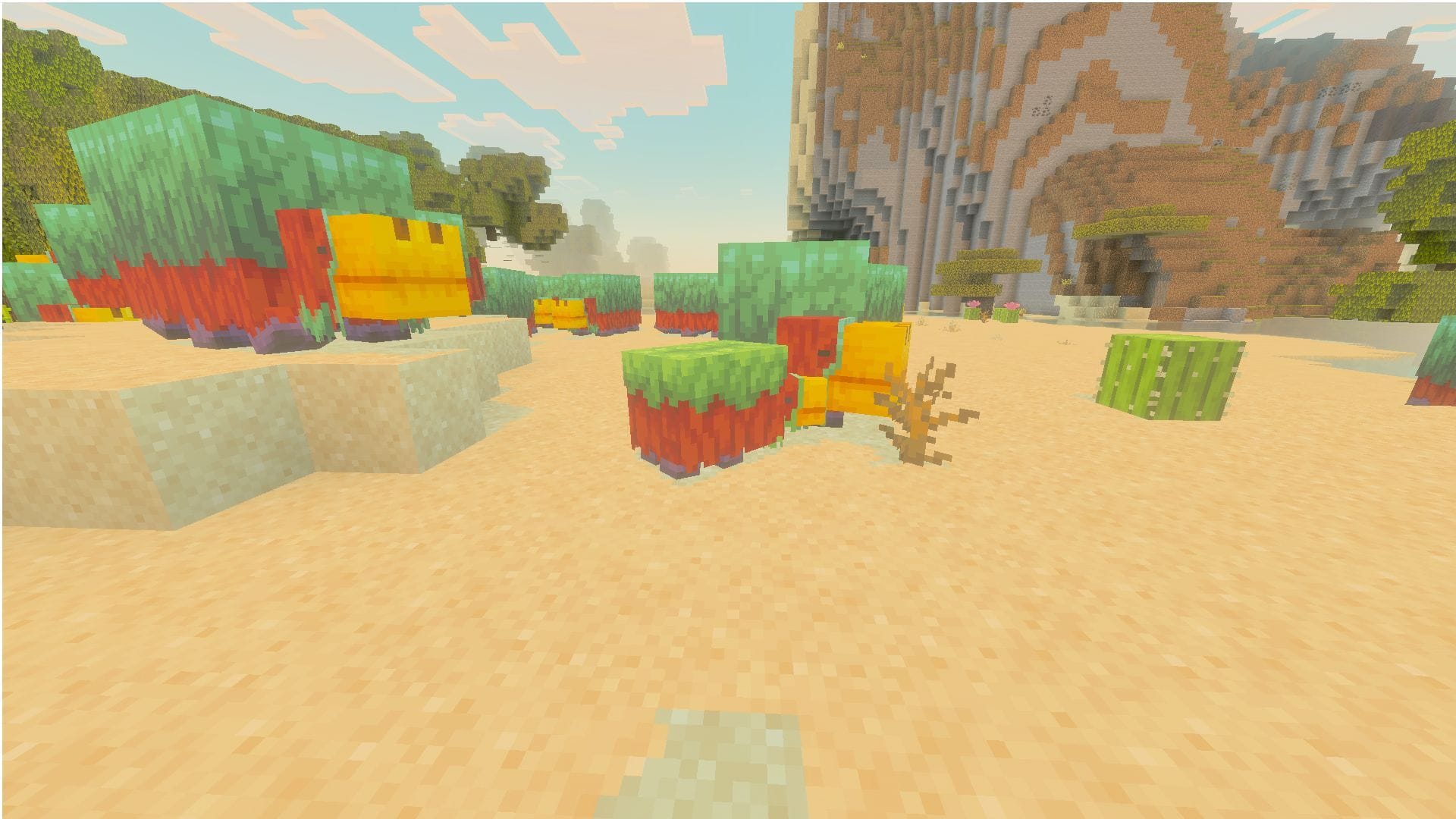
You can get your hands on the Minecraft Bedrock 26.10 update with an active internet connection on your device. Follow these steps to download the latest game drop:
- Make your way to the “My Games & Apps” section on your console’s library or the Recently Played tab.
- Choose Minecraft from the list of games and head to the Options button.
- Next, select “Manage Game & Add-Ons,” then choose “Updates.”
- Now, select it and wait for the required files to get downloaded.
The 26.10 Tiny Takeover update for Bedrock edition will be added to your download queue, and installation will begin immediately, provided you have an active internet connection. It is also recommended to make sure your console is not turned off and has a stable internet connection throughout to prevent corruption.
PlayStation 4 and 5
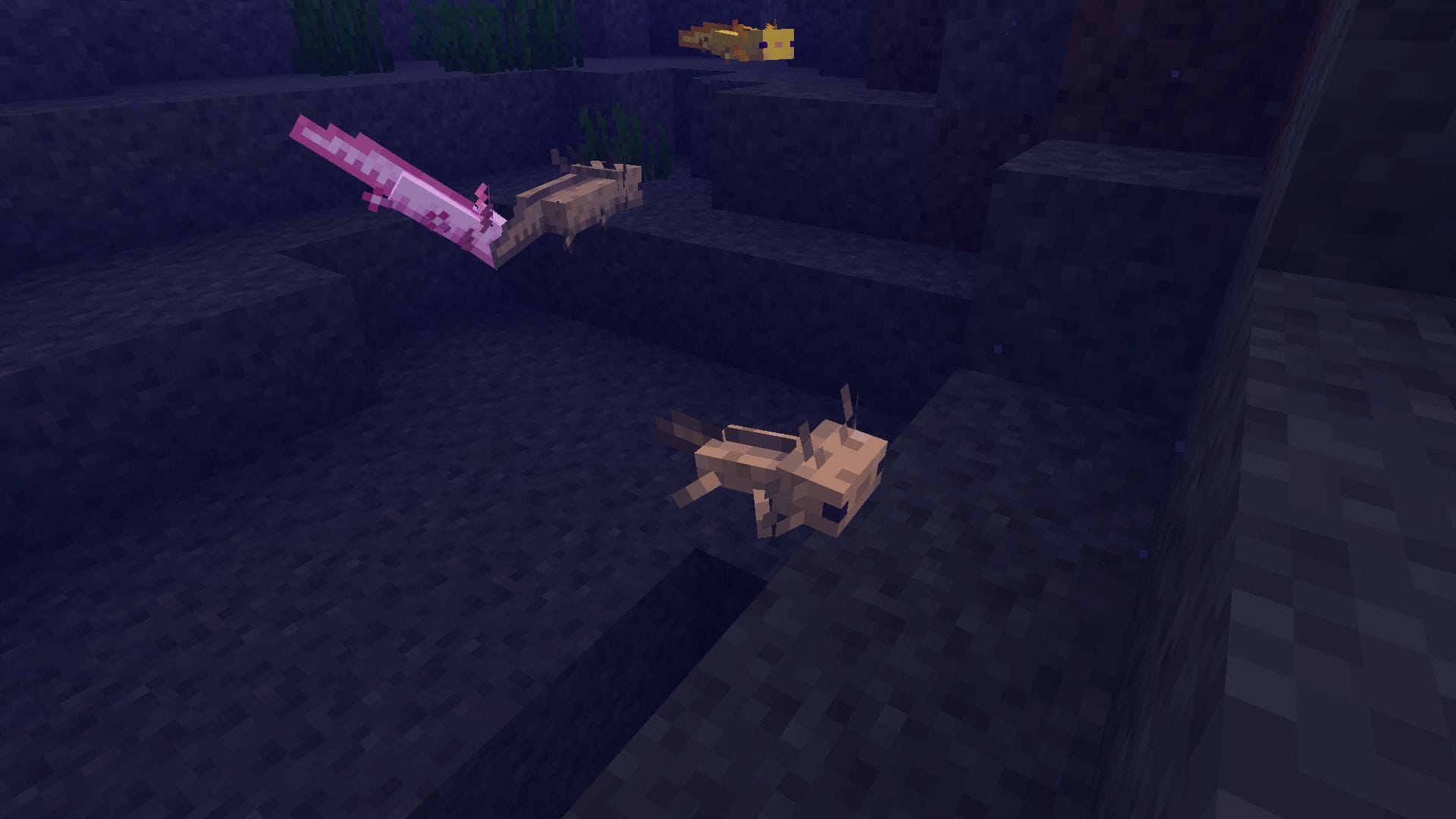
If you are yearning for the baby mobs on a PlayStation 4/5, you can download and install the latest Minecraft Bedrock 26.10 update and install this game drop with ease. All you need is an active internet connection and a copy of the game installed on your console.
Here’s how you can get the latest game drop and check out the baby mobs and golden dandelion:
- Navigate to the console’s homepage and locate Minecraft, or search for it in your library.
- Next, select the Options button on your controller and choose “Check for Updates.”
- Make sure that you are connected to the internet before adding the update to the download queue.
Once the Minecraft Bedrock 26.10 update is found, it will be added to the download queue. Wait for the required files and assets to get installed. Once done, launch the game with the latest game drop build applied.
Nintendo Switch and Switch 2
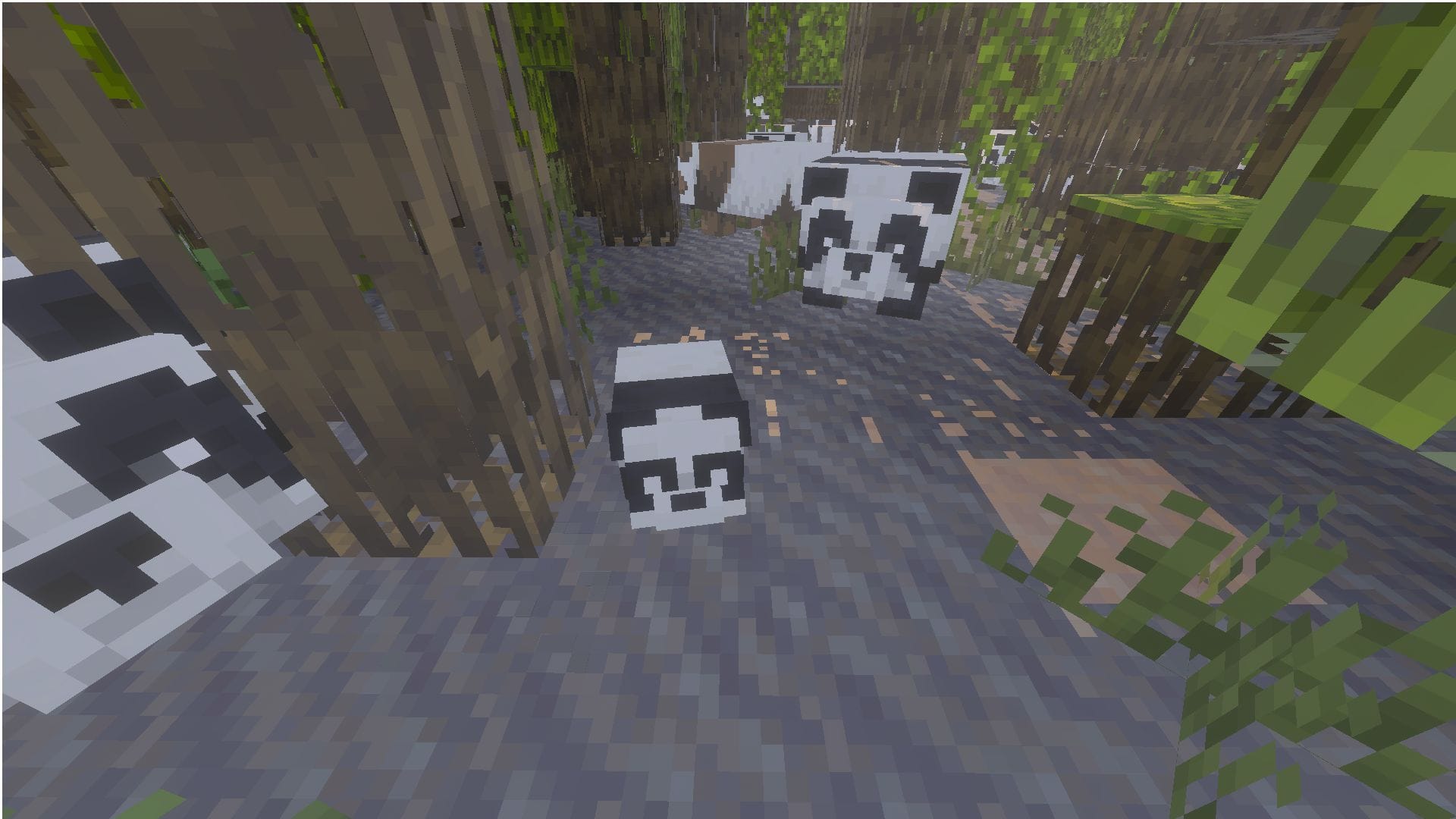
Just like the PlayStation and Xbox consoles, Nintendo users can also download the Minecraft Bedrock 26.10 update on their Switch/Switch 2 console and install the update seamlessly.
Here’s how you download the Minecraft Bedrock 26.10 update on your preferred Nintendo device:
- Launch Minecraft on your Switch/Switch 2.
- Once the title opens, you will receive a notification for a new game update on your screen. Tap or select the pop-up at the top and wait for it to take you to the Nintendo eShop.
- Now, select the Update button and add the game drop update to your device’s download queue.
However, if you missed the pop-up notification or wish to install the 26.10 Tiny Takeover game drop manually, follow these steps:
- Make your way to the dashboard and launch the game.
- Next, press either the + or the – button on your console/joycon.
- Once the Options window appears, select “Software Update” and choose “Via the Internet” to begin downloading the game drop update.
It is recommended to make sure your Switch/Switch 2 is connected to the internet and remains turned on during the installation process. This prevents file corruption or a failed download due to network issues. Once done, launch the game to enjoy the baby chicks and axolotls in the Tiny Takeover game drop.
Android/iOS mobile devices
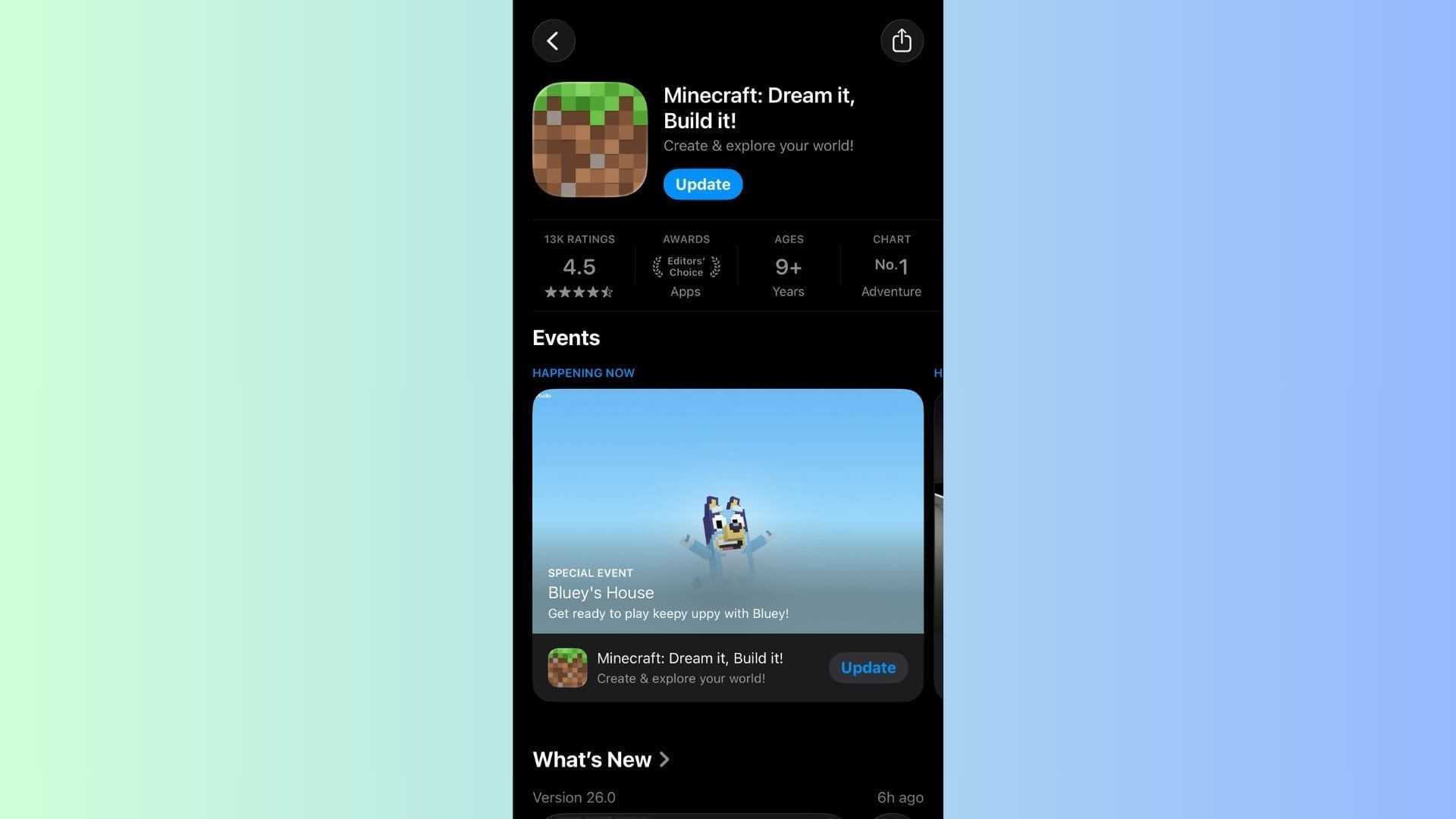
You can download and install the Minecraft Bedrock 26.10 update for Pocket Edition on all compatible Android and iOS mobile devices. It must be noted that most modern mobile devices will have automatic updates turned on to ensure games and applications are on the latest stable build.
However, if this feature is not enabled or you wish to download and install the Minecraft Bedrock 26.10 update manually, follow these steps:
- Look for Minecraft in the Google Play Store or the Apple App Store.
- Once the Minecraft application page opens, you will notice that the Open/Play button has been replaced by “Update”.
- Hit the Update button after ensuring you have an active internet connection.
- Now, wait for the required files and assets to get downloaded and installed.
It is recommended to ensure your mobile device is turned on and connected to the internet during the installation to prevent data corruption. Once done, you will be able to enjoy the Minecraft Bedrock 26.10 update and all its new features/changes.
Windows 10/11 PCs
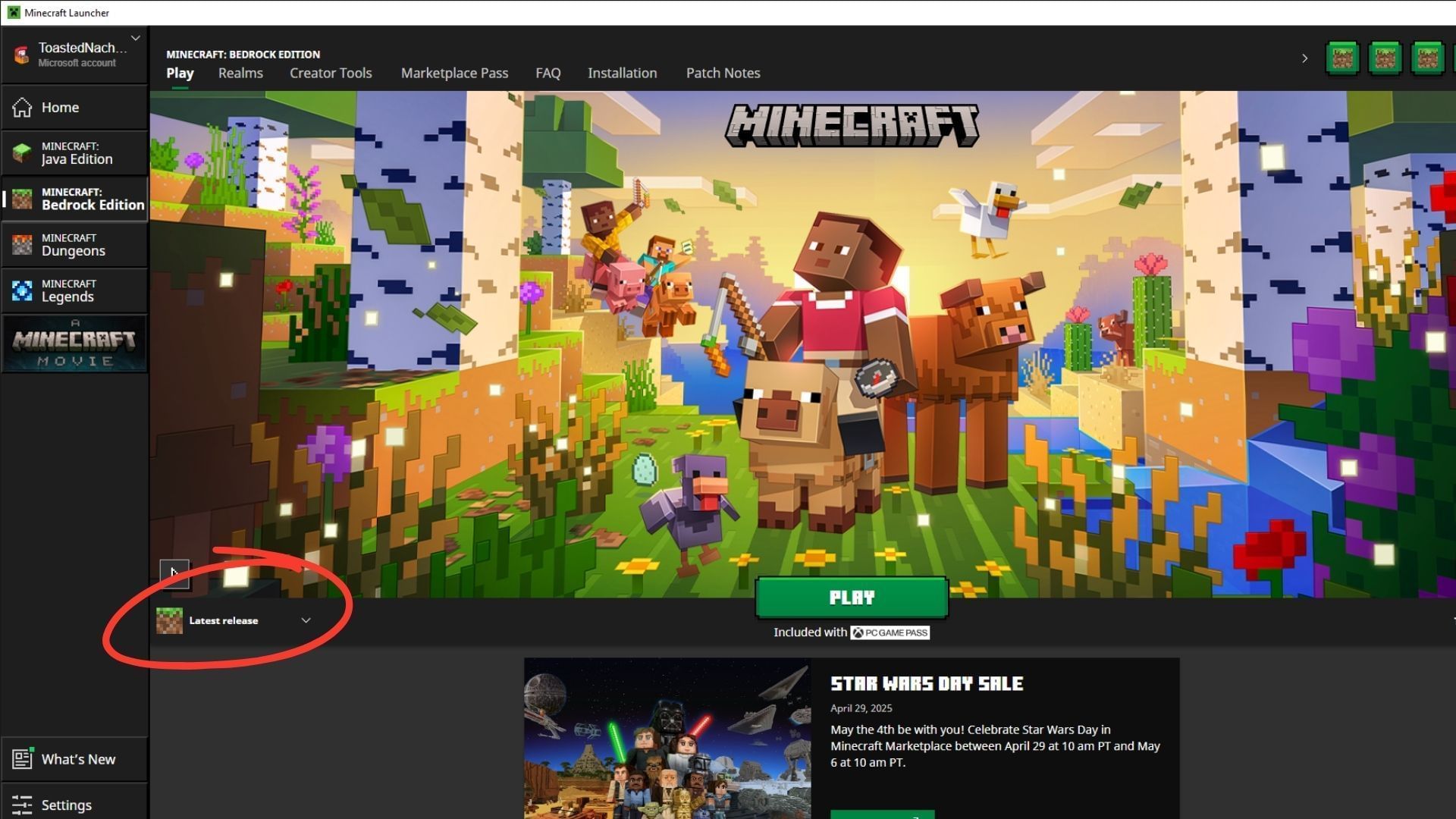
The Minecraft Bedrock 26.10 update for the Tiny Takeover game drop can be downloaded directly using the official game launcher. In recent years, the application has evolved into a central point of access for managing the base game and spin-offs. Apart from letting players access different titles and instances, it also offers a seamless way to update to the latest available build.
By default, the Minecraft launcher is set to check for updates, hotfixes, and patches every time the application is launched. If a newer build is found, the application will automatically download and install it before the game starts. This ensures you are always on the latest stable version.
However, you can download and install the Minecraft Bedrock 26.10 update on your Windows 10/11 PC manually as well:
- If this is your first time playing Minecraft, head over to the Mojang website or click this link. Go to the Download page and locate the launcher.
- Download the executable file and install it in your preferred file directory. Once the launcher is installed, sign in with your registered Microsoft account and get it ready for use.
- Next, open the launcher and select Minecraft: Bedrock Edition from the left sidebar.
- Make your way to the left side of the green Play button and go to the small drop-down tab.
- Next, open the drop-down menu and select “Latest Release” from the list of available options.
- Finally, click the green Play button and wait for the launcher to download the required files for the Minecraft 26.10 Tiny Takeover update.
It is recommended to ensure your device stays turned on and has a stable internet connection to prevent interruptions or file corruption. Once complete, hit the green Play button again to launch the Minecraft 26.10 update and enjoy the adorable baby mobs and the golden dandelions in the Tiny Takeover game drop.
Also read: Popular server Mineplex announces return under new ownership
Check out our other Minecraft articles:
Edited by Sayendra Basu

















































You must be logged in to post a comment Login